
SESSION
Server-side\nper-user state
Understand session vs cookie data, how they relate to login/auth, and how to use them as inputs in actions.
This tour builds a clear mental model for “stateful” inputs.
SESSION is server-side per-user data (who they are, what they can do). COOKIE is a small client-stored value sent with requests.
You’ll learn where to define these inputs and how to bind them safely in step Properties.
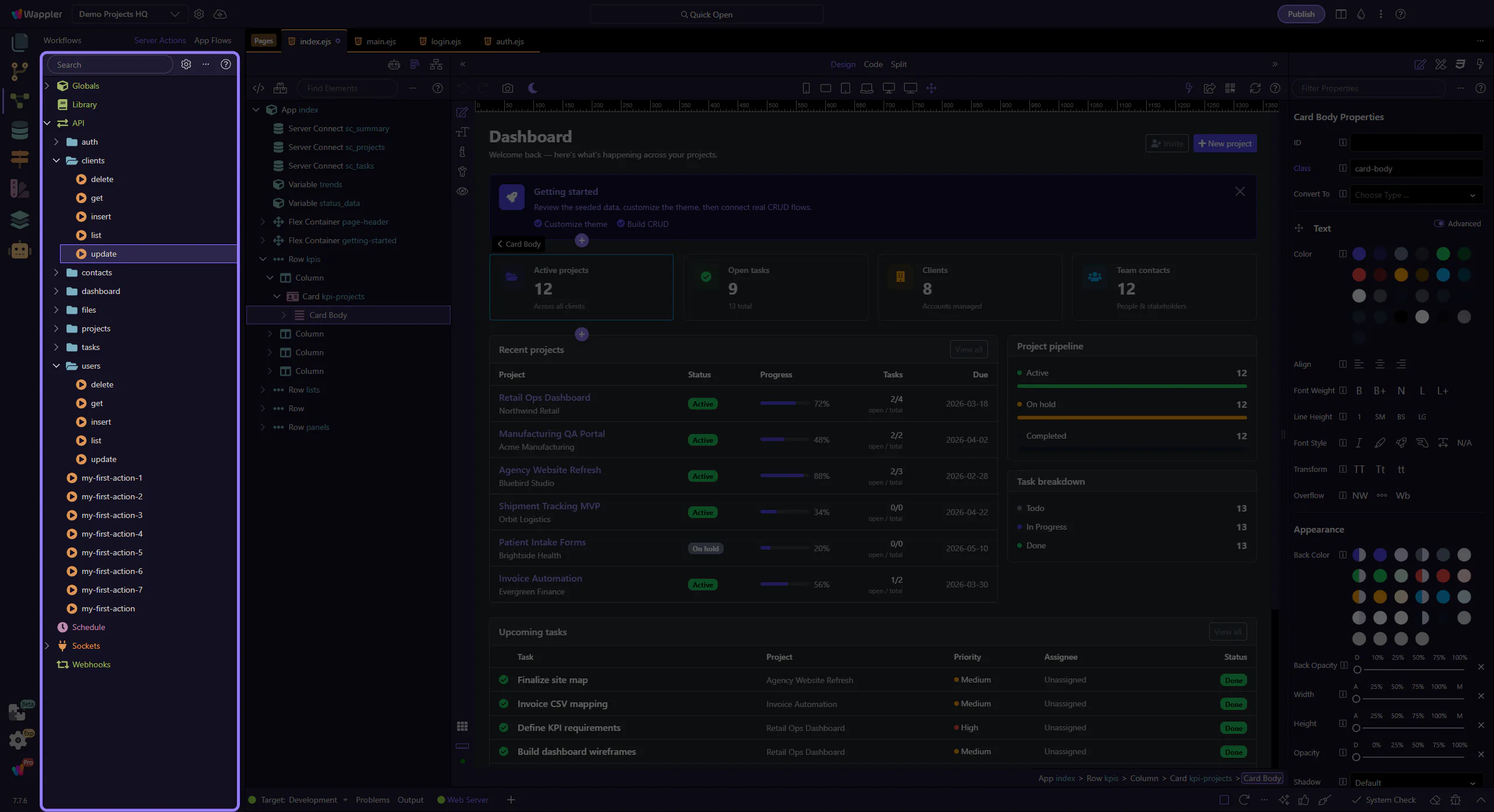
Loading the example action into the Server Connect editor.
If this is the first time, it can take a moment while the editor initializes.
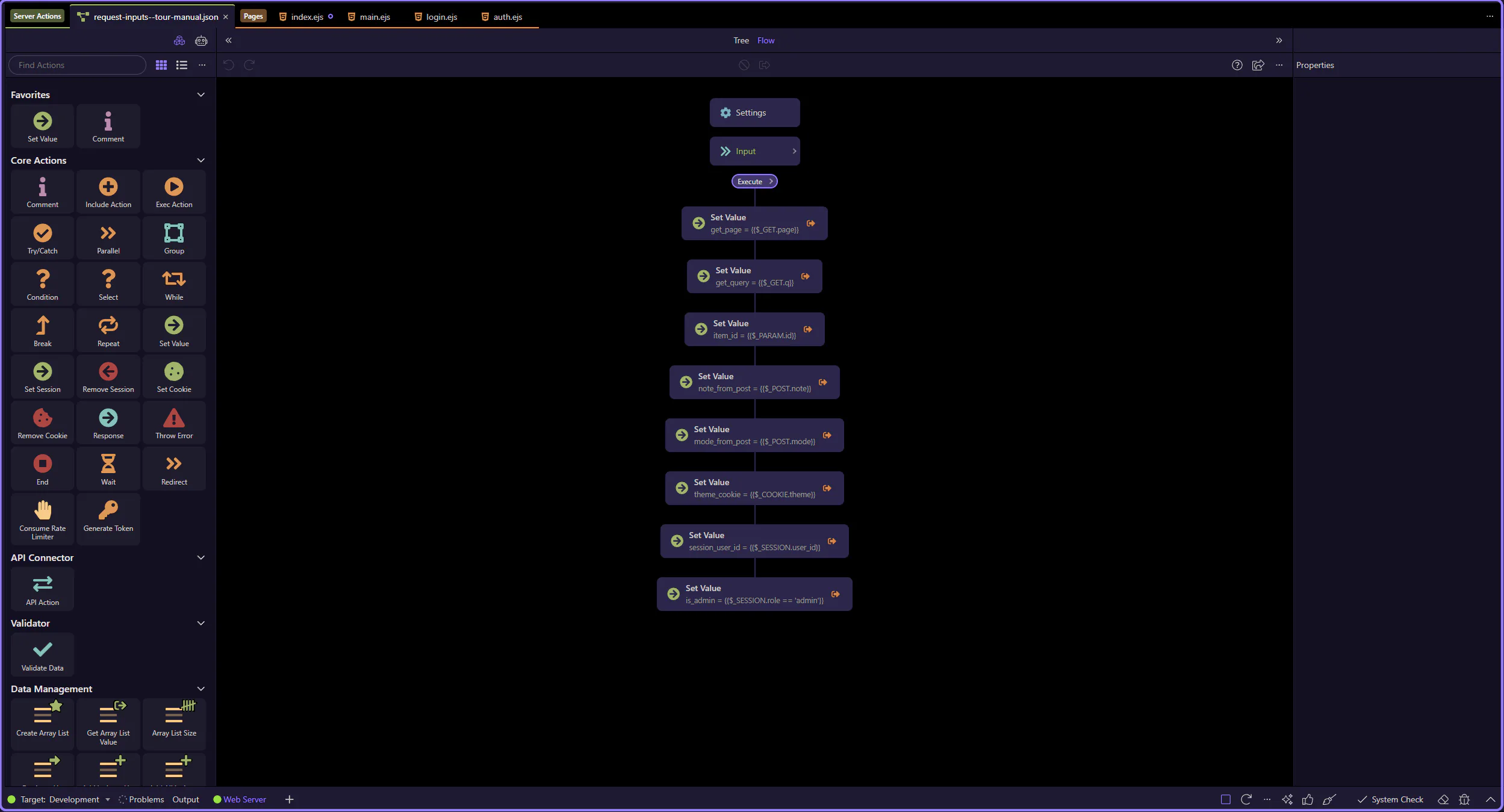
The sample action is now open in the dedicated editor, so the next steps can focus on the tree selection and the Properties panel it drives.
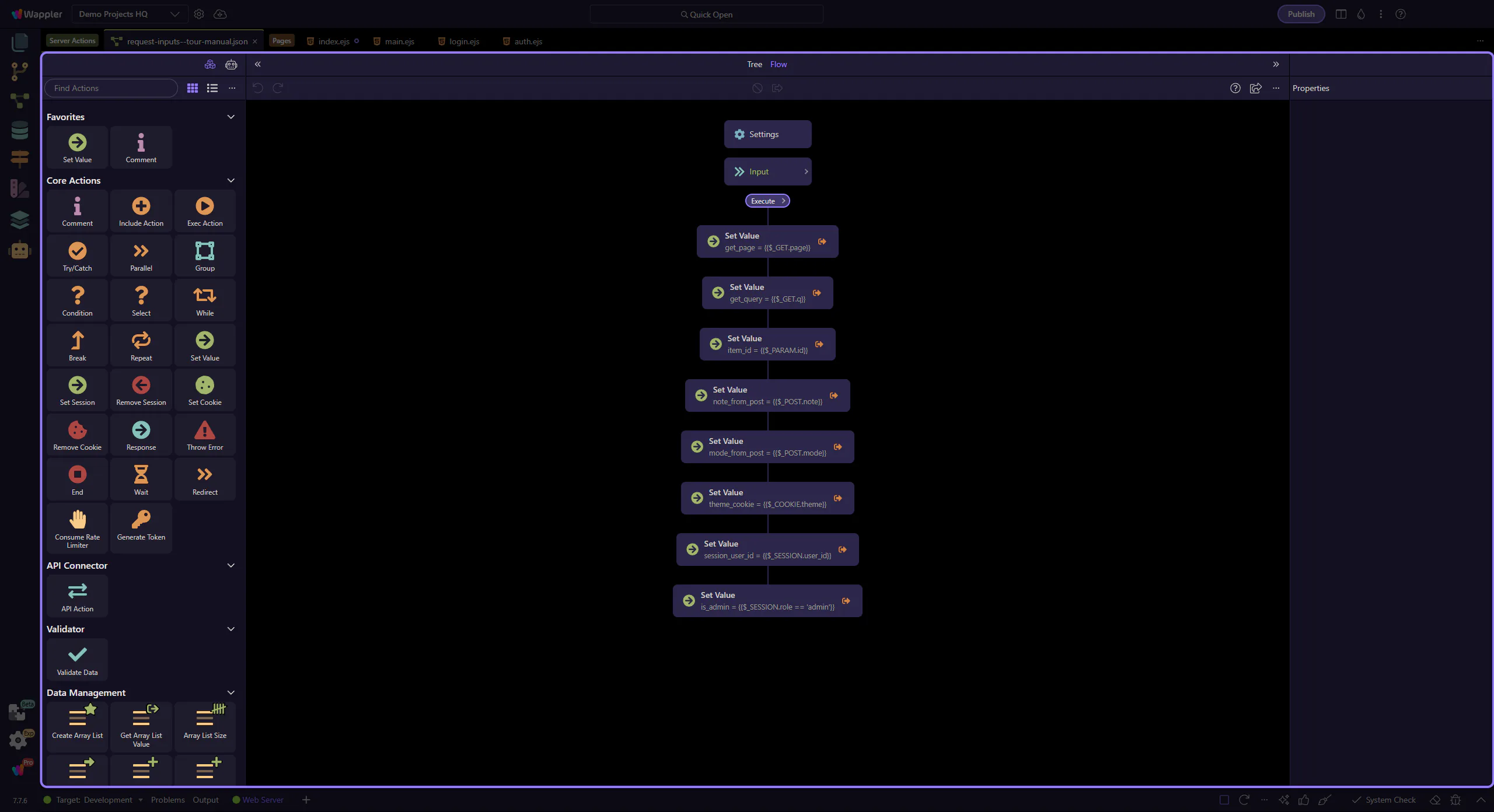
This sample action already includes SESSION and COOKIE-related steps in the workflow tree. Keep the tree selection in mind, because that is what populates the Properties panel on the right.
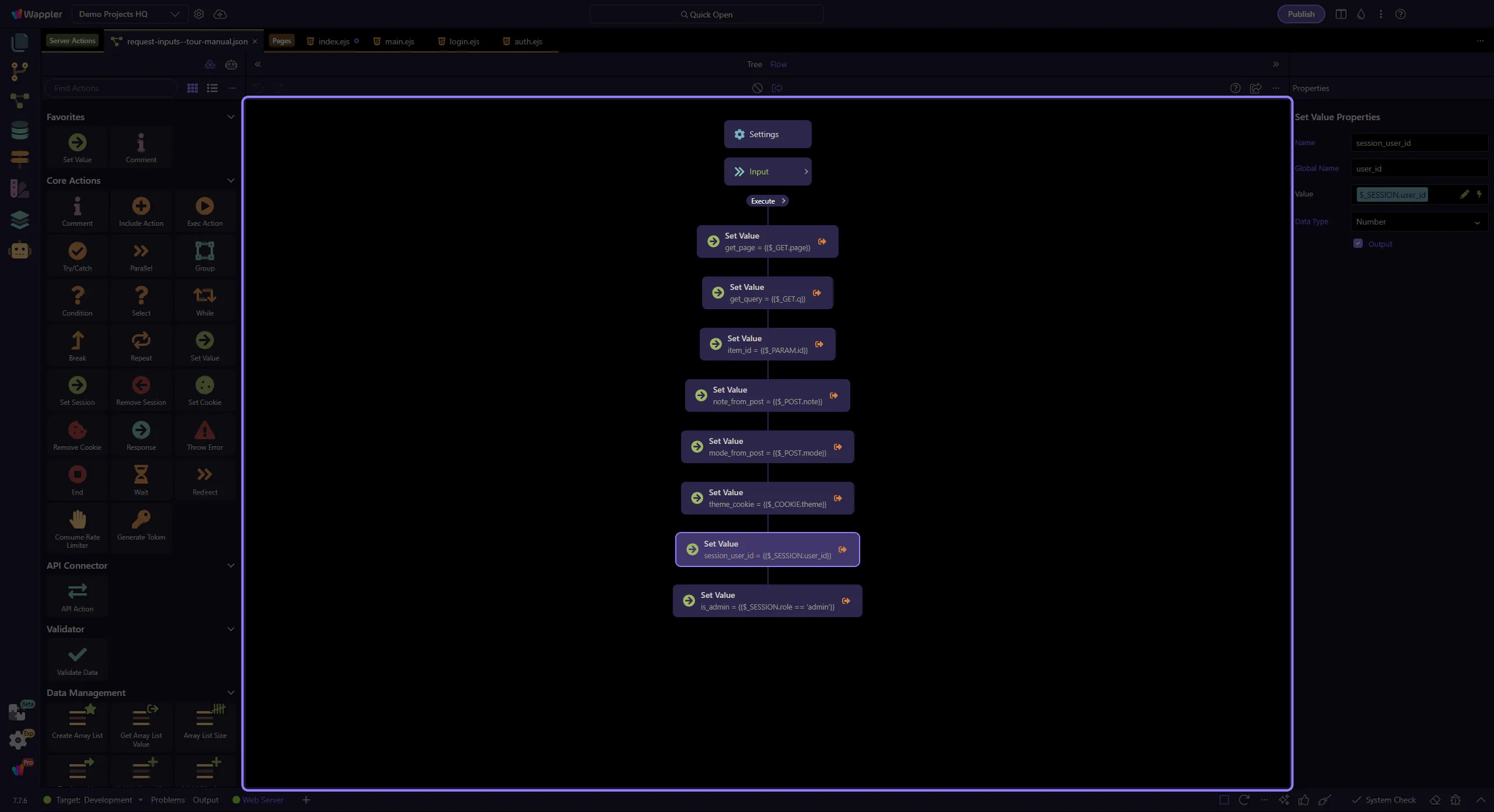
Both SESSION and COOKIE feel like “inputs”, but they behave very differently.
SESSION lives on the server (the browser typically only sends a session identifier). COOKIE lives in the browser and is sent as a request header.
Practical rule: trust SESSION more than COOKIE. Cookies can be missing, modified, or copied between browsers.
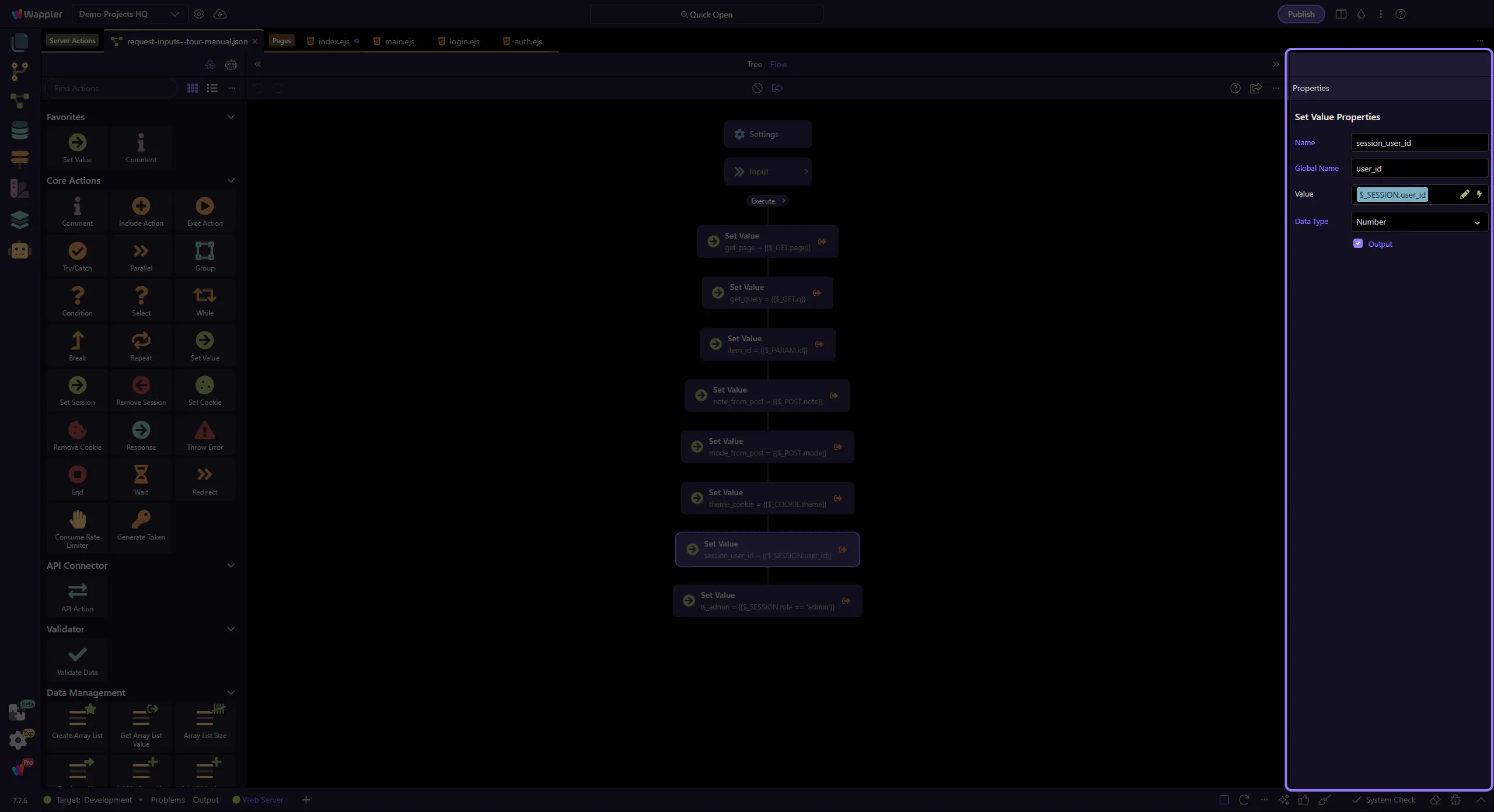
SESSION inputs are typically how your action knows who is calling it.
Example: $_SESSION.user_id often comes from your login/auth flow.
Once you have a user id, you can safely load the user record, apply permissions, and scope database queries.
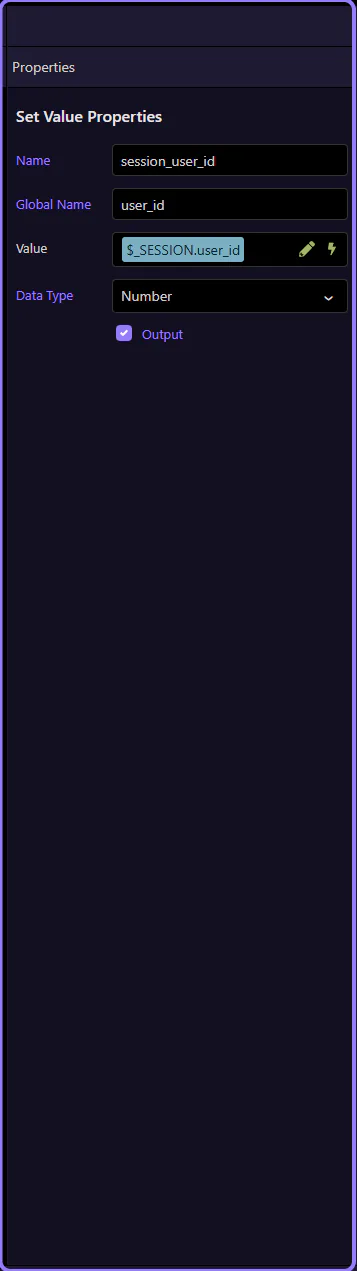
A common pattern is storing a simple role/permission in the session (or deriving it after login).
Here we compute is_admin from $_SESSION.role.
Tip: permissions should ultimately be enforced on the server (DB rules, authorization steps), not only in the UI.
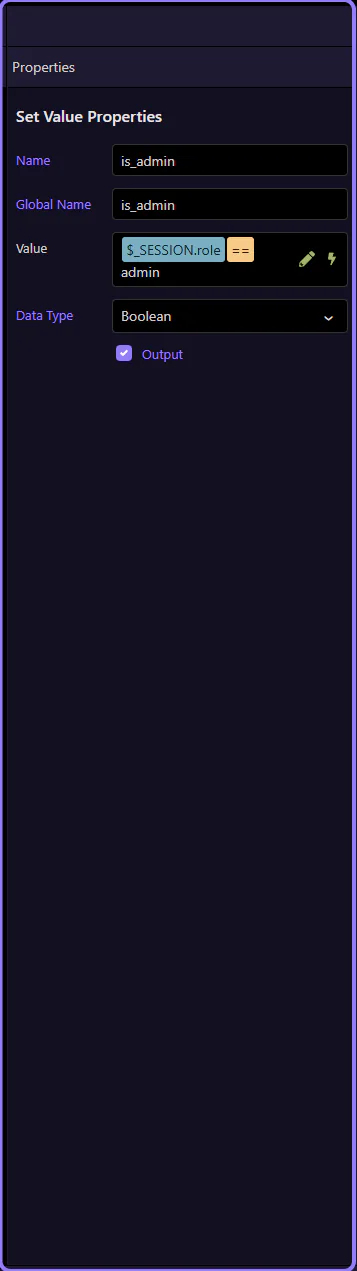
Cookies are good for small preference-like values.
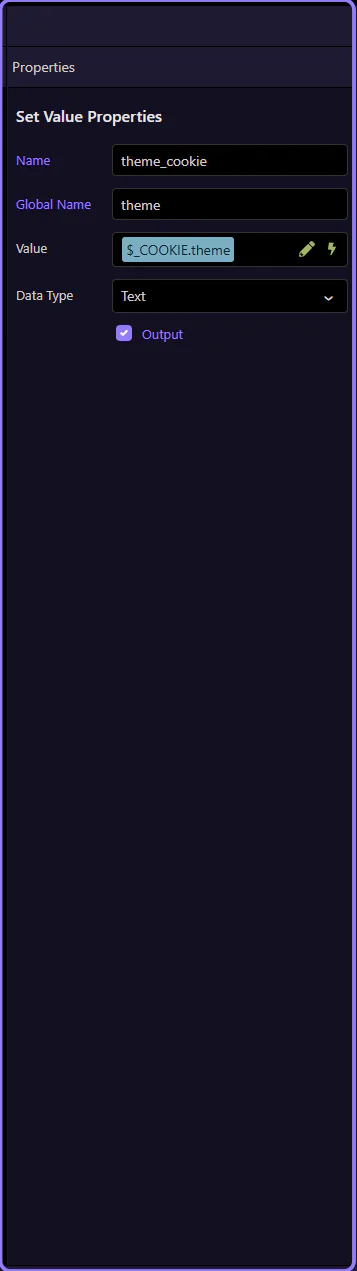
Example: $_COOKIE.theme (dark/light) can control UI theming or return different CSS.
Important: treat cookies as untrusted input. Validate allowed values, and keep permissions in SESSION or the database.
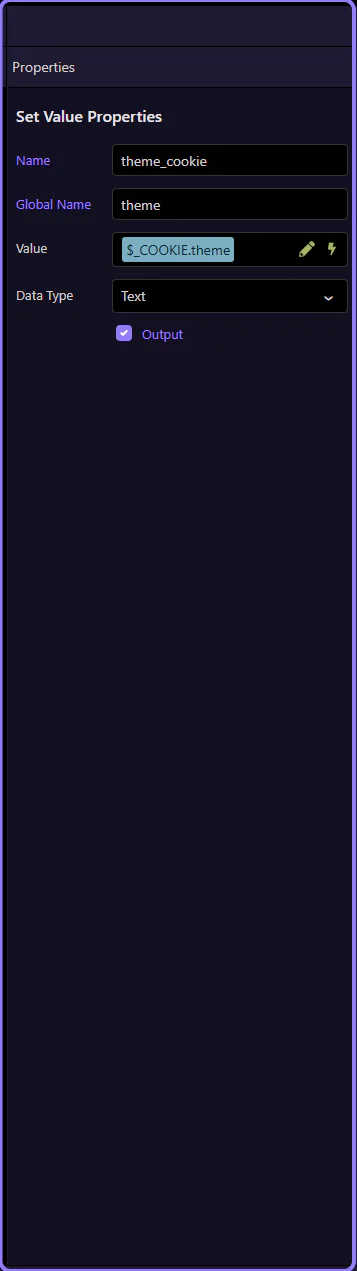
To add these inputs:
user_id, role, theme)Then you can bind them anywhere using $_SESSION.* and $_COOKIE.*.
You now know what session and cookie inputs are, and when to use each.
Pick a next tour based on what you want to build next.
SESSION is trusted server-side per-user state (identity/role). COOKIE is client-provided values (prefs/tokens) that must be validated.
Use inputs + rules to keep the rest of your workflow predictable.
Continue with other input sources, or go back to the editor hub.