
GET (query)
`?page=2` `&q=hello`
Understand URL inputs in Server Connect: query string ($_GET) and path params ($_PARAM), plus how to test them reliably.
This tour builds a clear mental model for URL-based inputs.
Query string (GET): ?page=2&q=hello (after the ?).
Path params ($_PARAM): /api/items/42 (in the URL path).
You’ll learn where to define these inputs in the action, and how to bind them in step Properties.
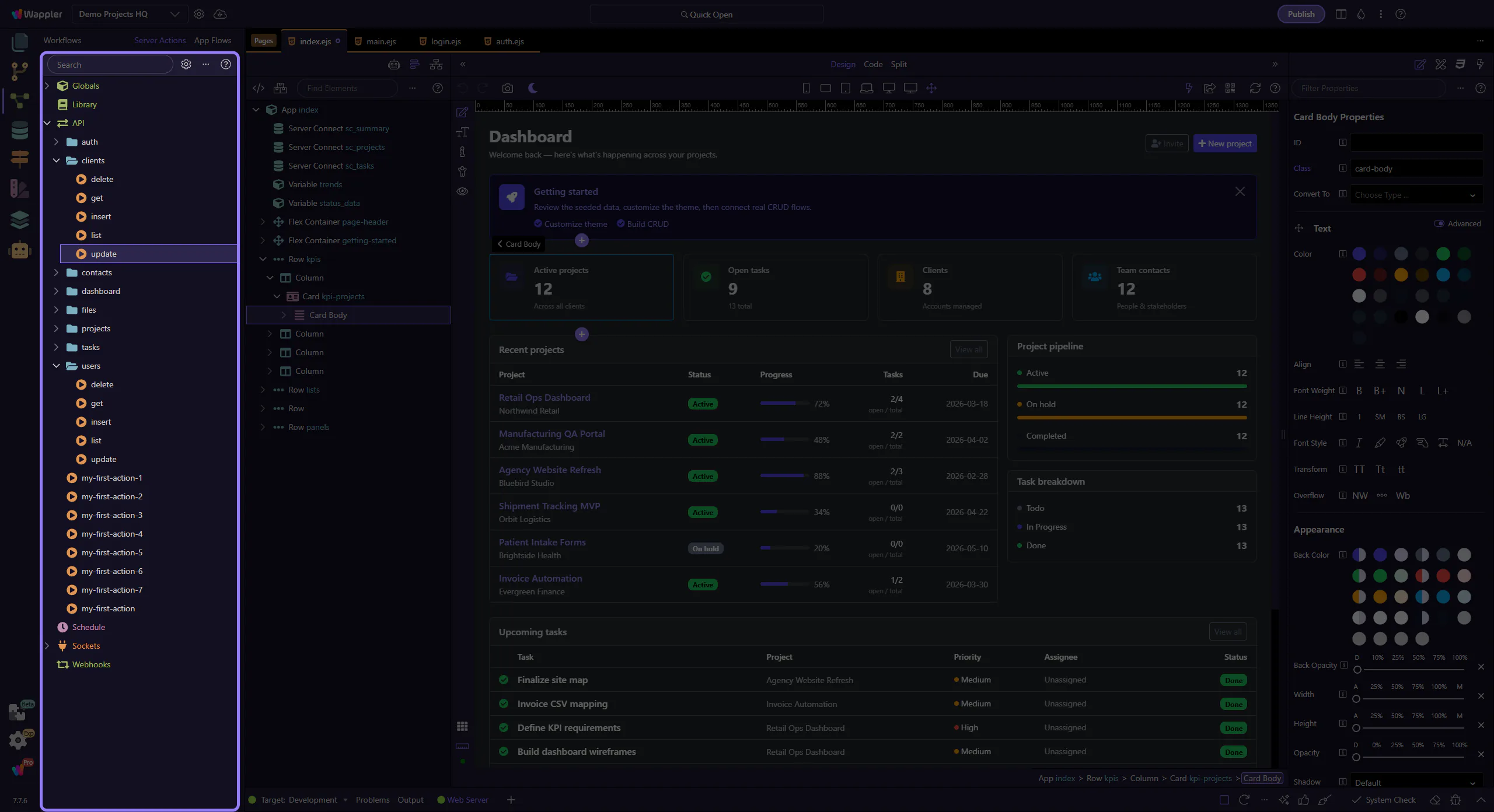
This tour uses the real clients/get.json action from Demo Projects HQ. It already defines $_GET.id as a typed input and uses it in the query step, so the Properties panel shows meaningful values instead of an empty placeholder.
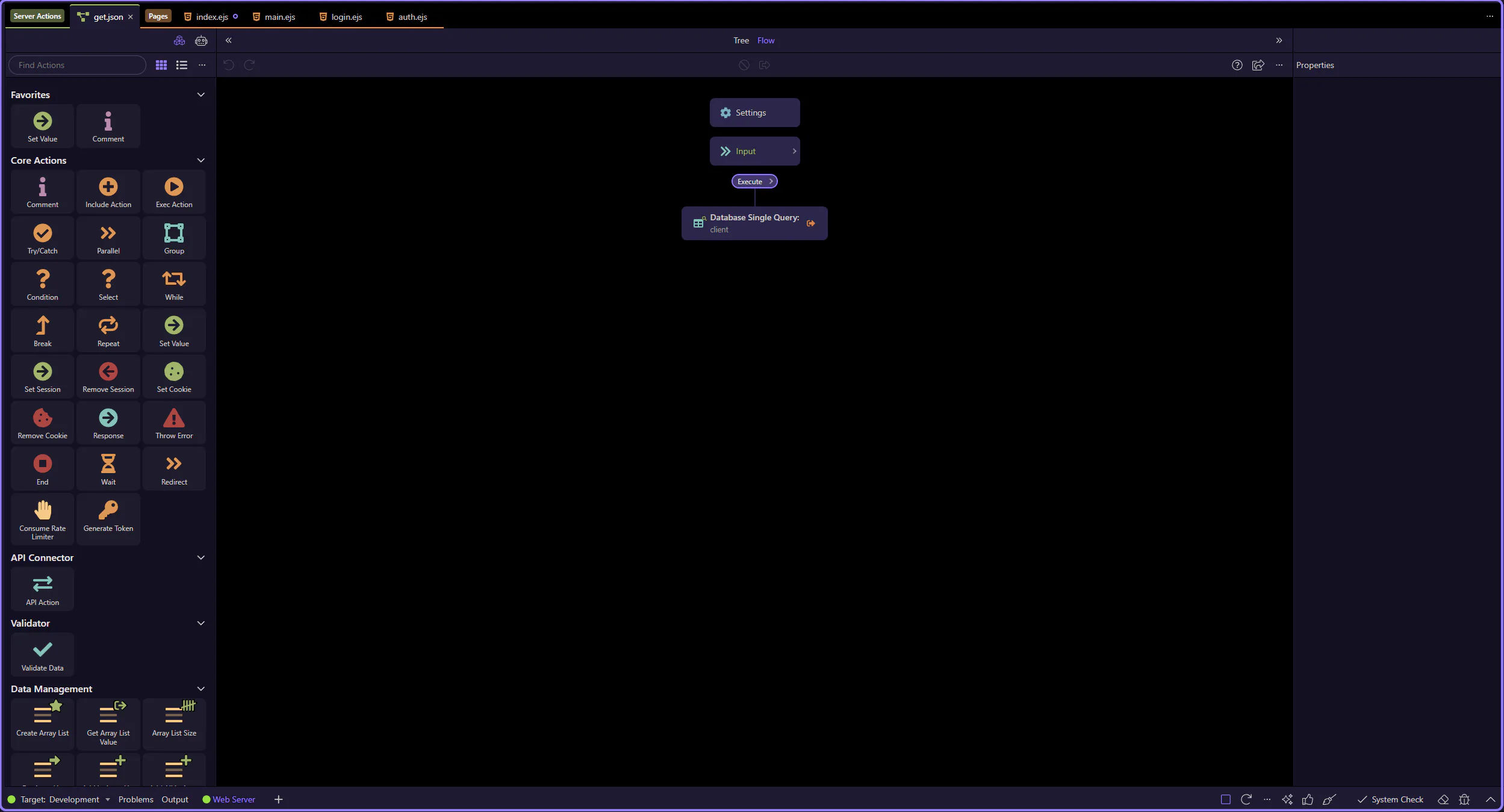
The sample action is now open in the dedicated editor, so the next steps can focus on the workflow tree and the selected query step.
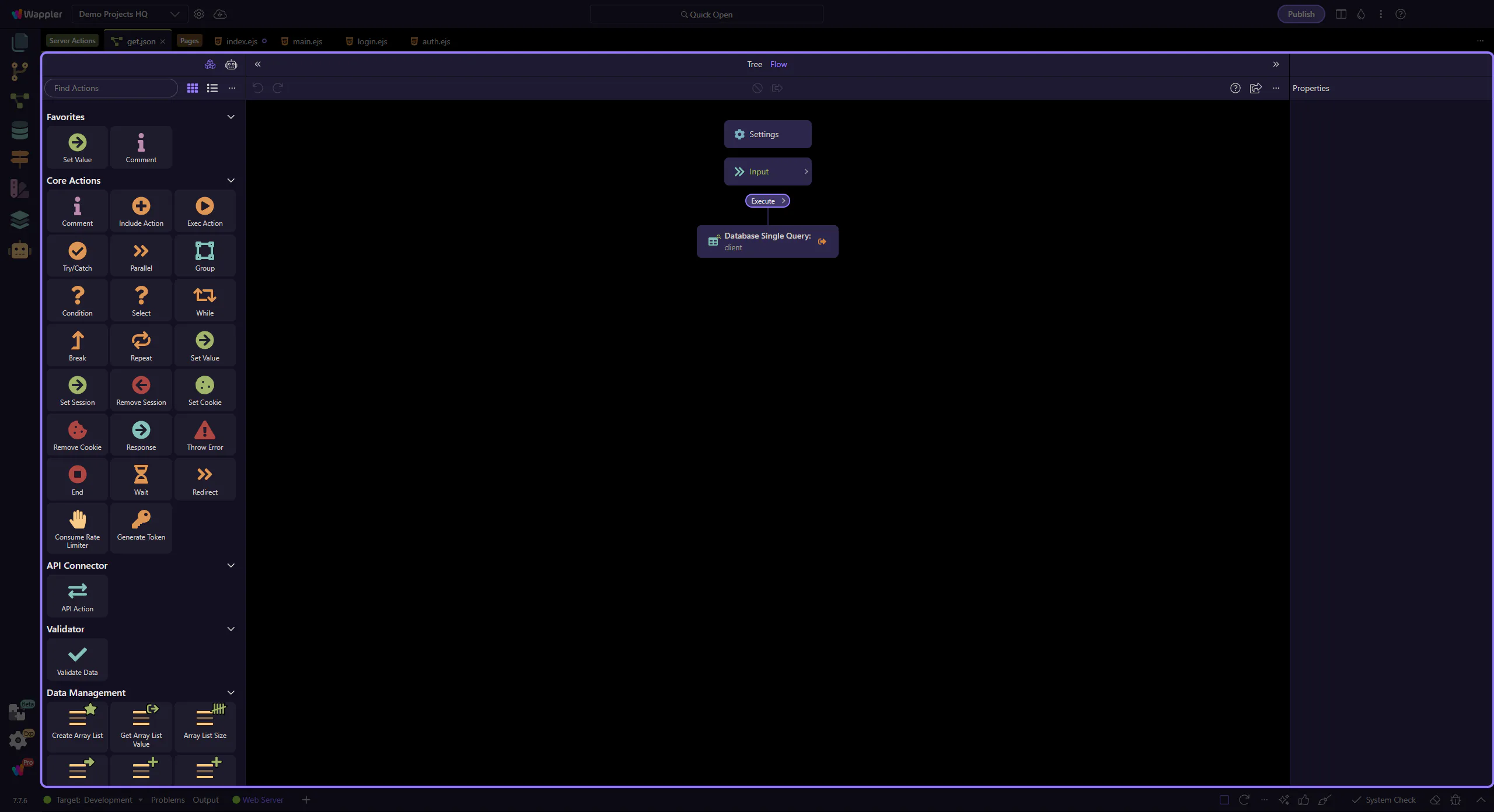
In a Server Connect Action, inputs are defined under Inputs.
This is where you add named, typed parameters for each source (GET / POST / PARAM / SESSION / COOKIE). Defining inputs up front lets you:
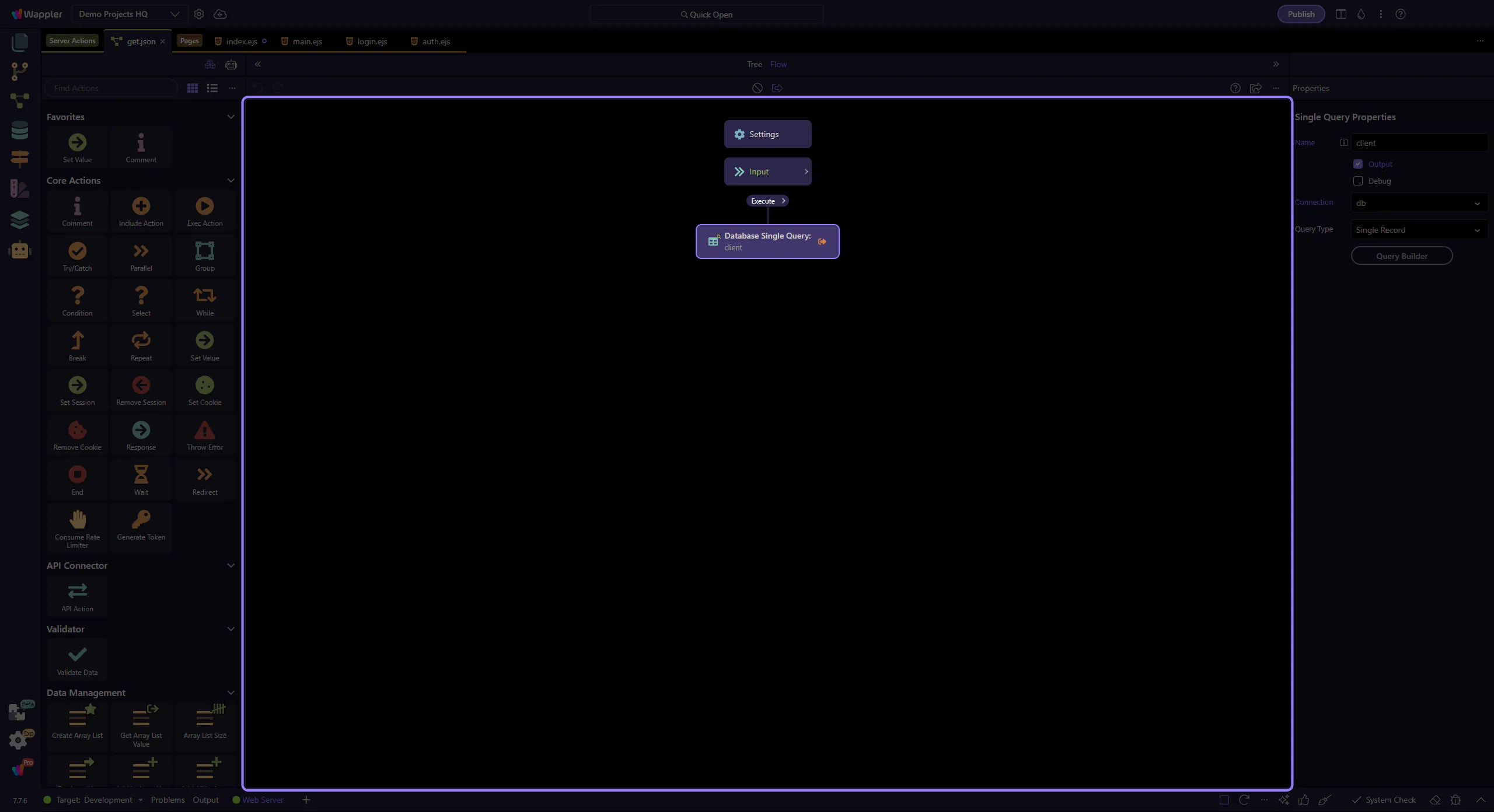
This real action defines $_GET.id under Inputs. In Demo Projects HQ it is typed as a number and validated as required before the query runs.
That makes the API contract explicit: the action expects an id, and the rest of the flow can rely on it.
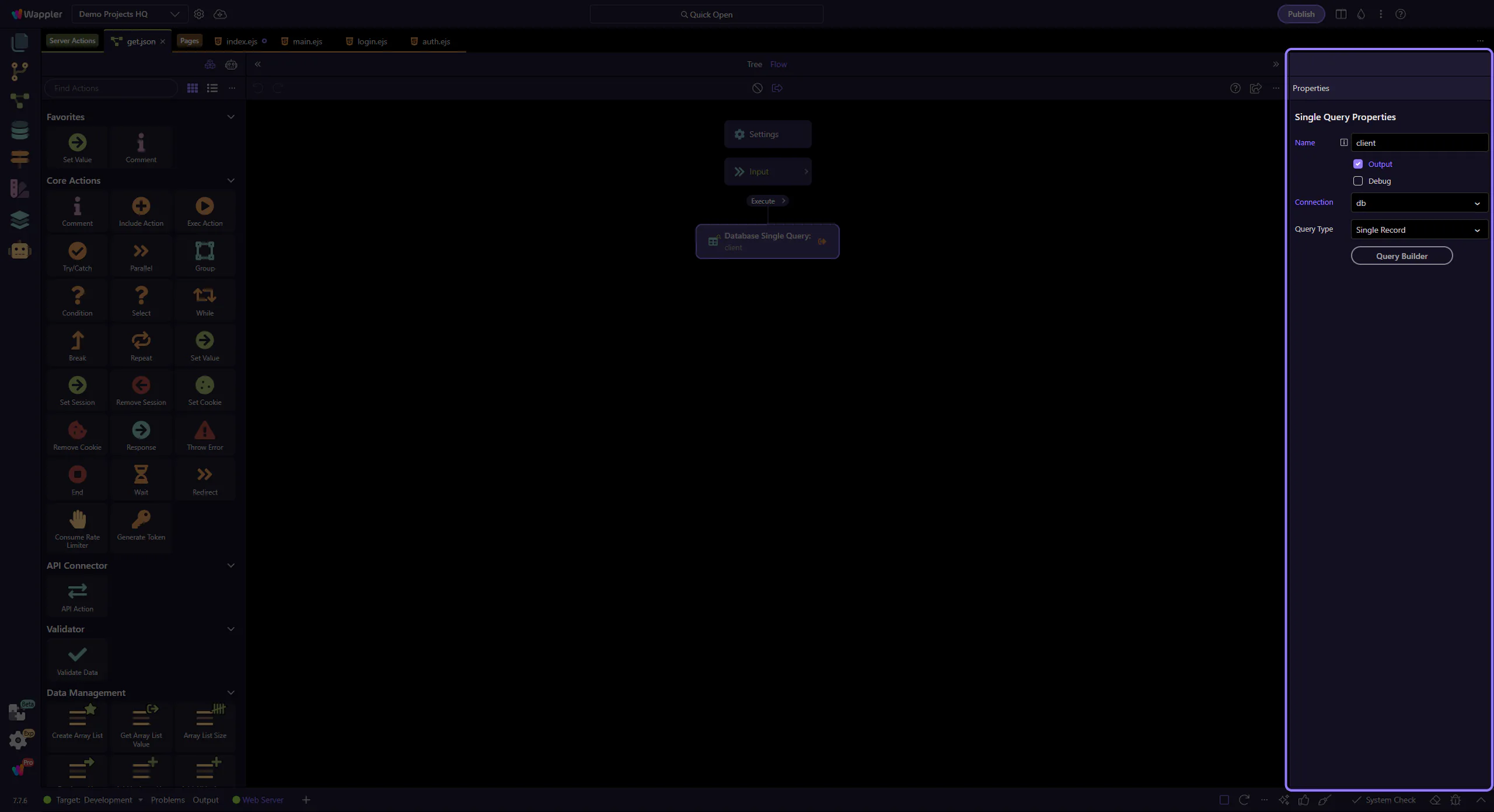
The client query step uses the validated input directly in its WHERE rule: {{$_GET.id}}.
This is the pattern to teach in tours: define the input under Inputs, then show a real step consuming it in Properties.
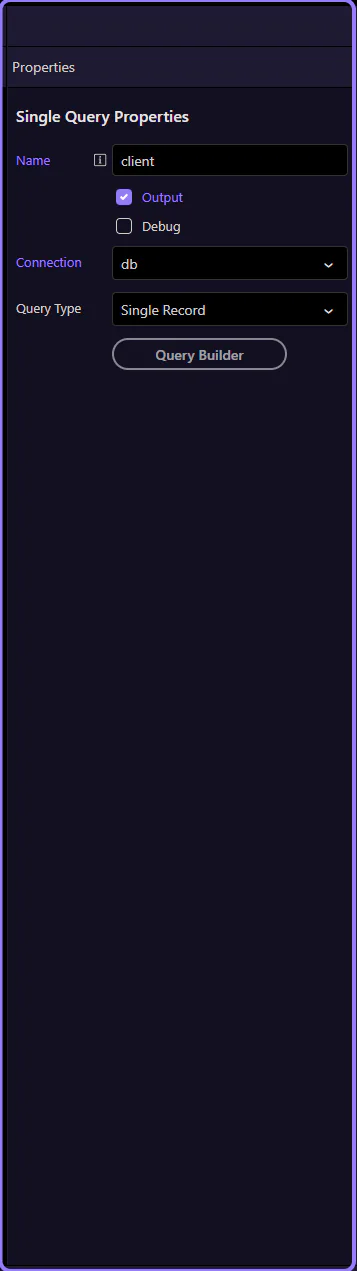
This example is intentionally focused on a real $_GET.id input because it shows the full teaching path clearly: input definition, type, validation, and then a real step binding to it.
Use the same pattern for route params: define them under Inputs, type them, then bind them in the consuming step.
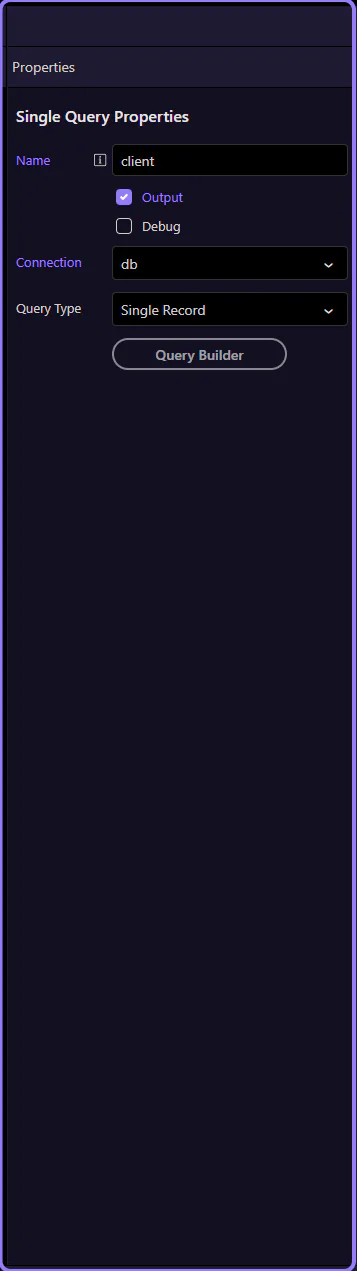
You now know where URL-based inputs come from and how to bind them.
Pick a next tour based on what you want to handle next.
GET is the query string (optional filters). PARAM is the URL path params (resource identity).
Keep inputs typed and validated so the rest of the workflow stays predictable.
Continue with the next input sources: POST body (forms/JSON), then Session/Cookie for logged-in context.