
Skip to content

Server Connect Actions: Guided path

A short, linear learning path for Server Connect Actions (Workflows > Server Connect Actions).

Server Connect Actions: what you’re building

Section titled “Server Connect Actions: what you’re building”

Server Connect Actions are server-side workflows: inputs → steps → JSON output. Use them for secure work like data access, authentication, and reusable endpoints.

Runs on server
Secure by default
JSON output
Reusable building blocks
Edit modes
Manage list + dedicated editor
Use Workflows > Server Connect Actions to browse and organize your actions.
Open a Server Connect Action to edit it in the dedicated full editor tab.
This guided path starts with a simple endpoint and grows from there.

On Next, the tour tries to select the first available Server Connect Action automatically. You can still preselect a different action yourself. If this project has no actions yet, the tour stays here and points you to First Server Connect Action.
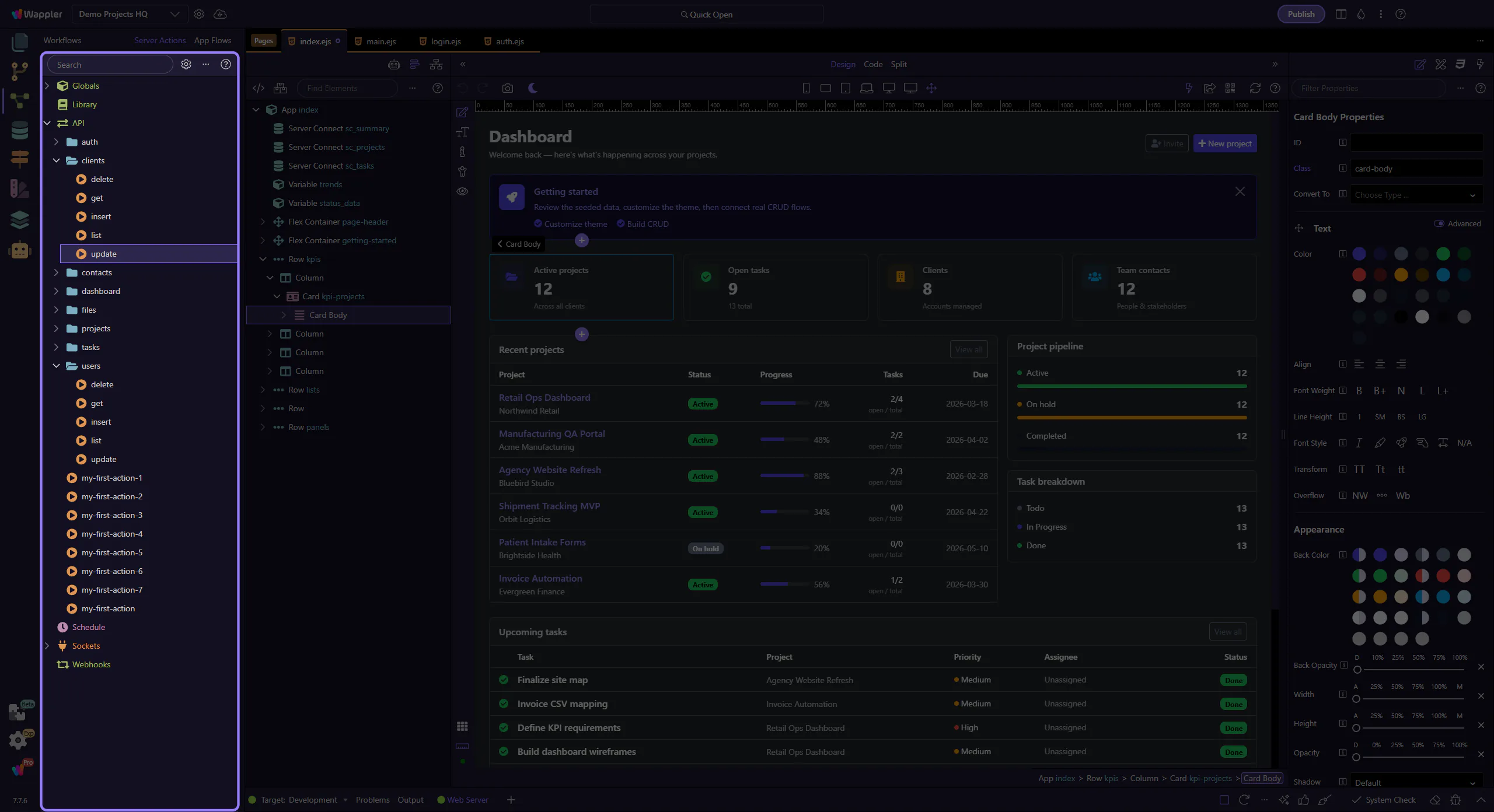
When a valid Server Connect Action already exists, the tour selects it automatically.
A different action can still be preselected manually before continuing.
If no actions exist yet, First Server Connect Action is the right next tour.

With a Server Connect Action selected, click Next to open it in the dedicated editor. If the selection is lost, the tour stays on this step and asks you to select or auto-select an action again.
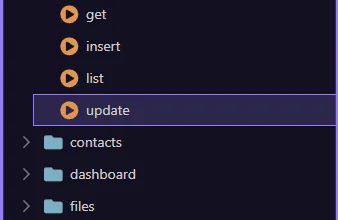
Use the selection from the previous step, or choose a different action in the tree.
Click Next to open that action in the dedicated editor tab.

Ready to build your first Server Connect Action?