
Demo walkthrough: Contact edit (update + delete)
Use the real contact edit page and its update/delete actions to connect restored form state, validated inputs, and the backend updater steps.
Introduction
Section titled “Introduction”The contact edit flow is a good counterpart to the App Connect restoration tour because it shows the backend contract behind that restored state. The page loads one contact, posts updates with relationship and boolean fields, and keeps delete separate so the destructive path stays explicit.
Frontend: one restored edit form plus one delete form
Section titled “Frontend: one restored edit form plus one delete form”The contact edit page makes the user-facing contract explicit before you inspect the actions. One form updates the contact and keeps the restored relationship, boolean, and tag state in view. A second form handles delete as a separate destructive path.
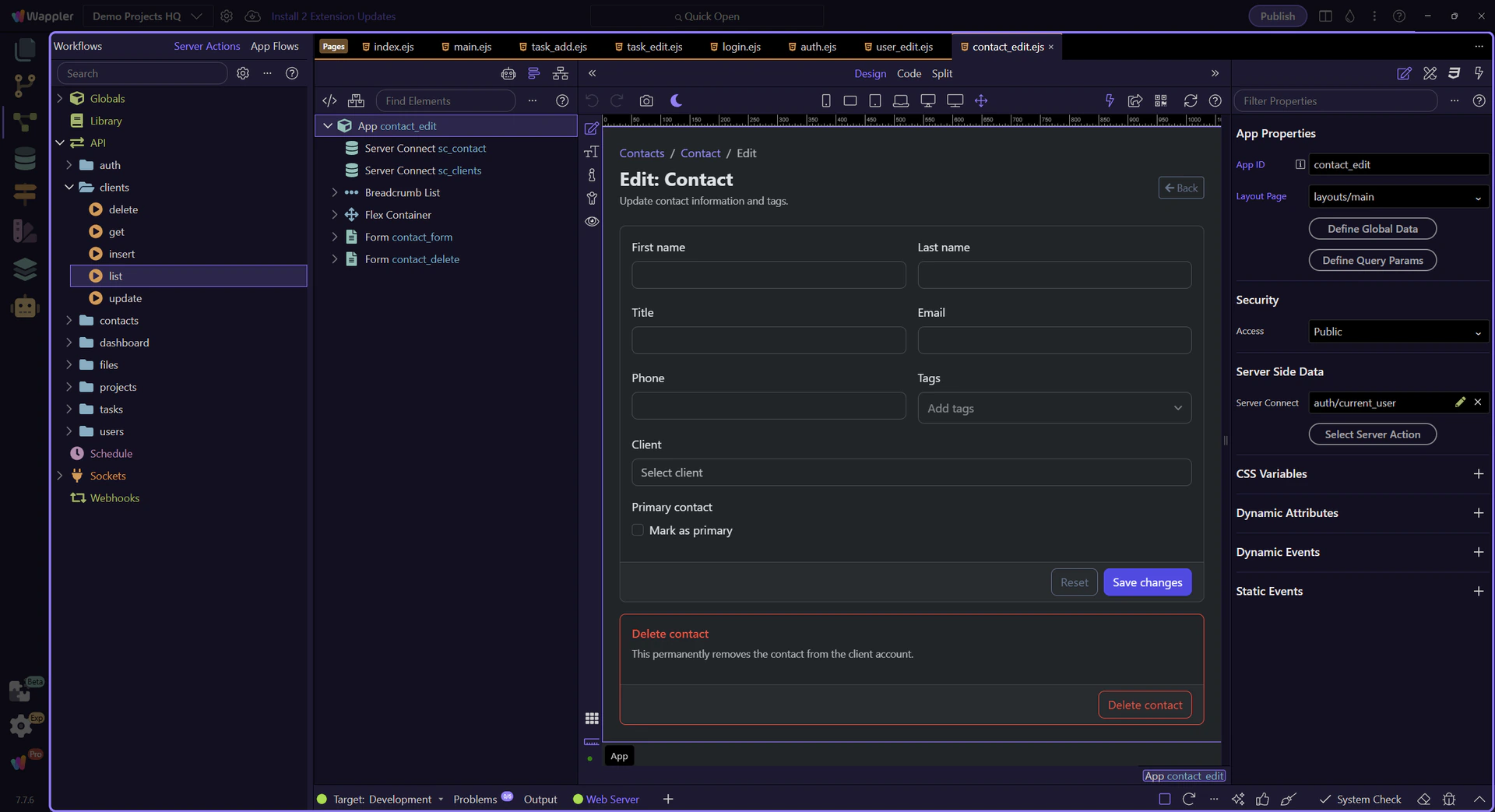
The contact edit page opens
Section titled “The contact edit page opens”Start on the real contact edit page so the restored field state and the two submit paths are visible in context. This page is where one existing contact becomes either an update request or a deliberate delete request.
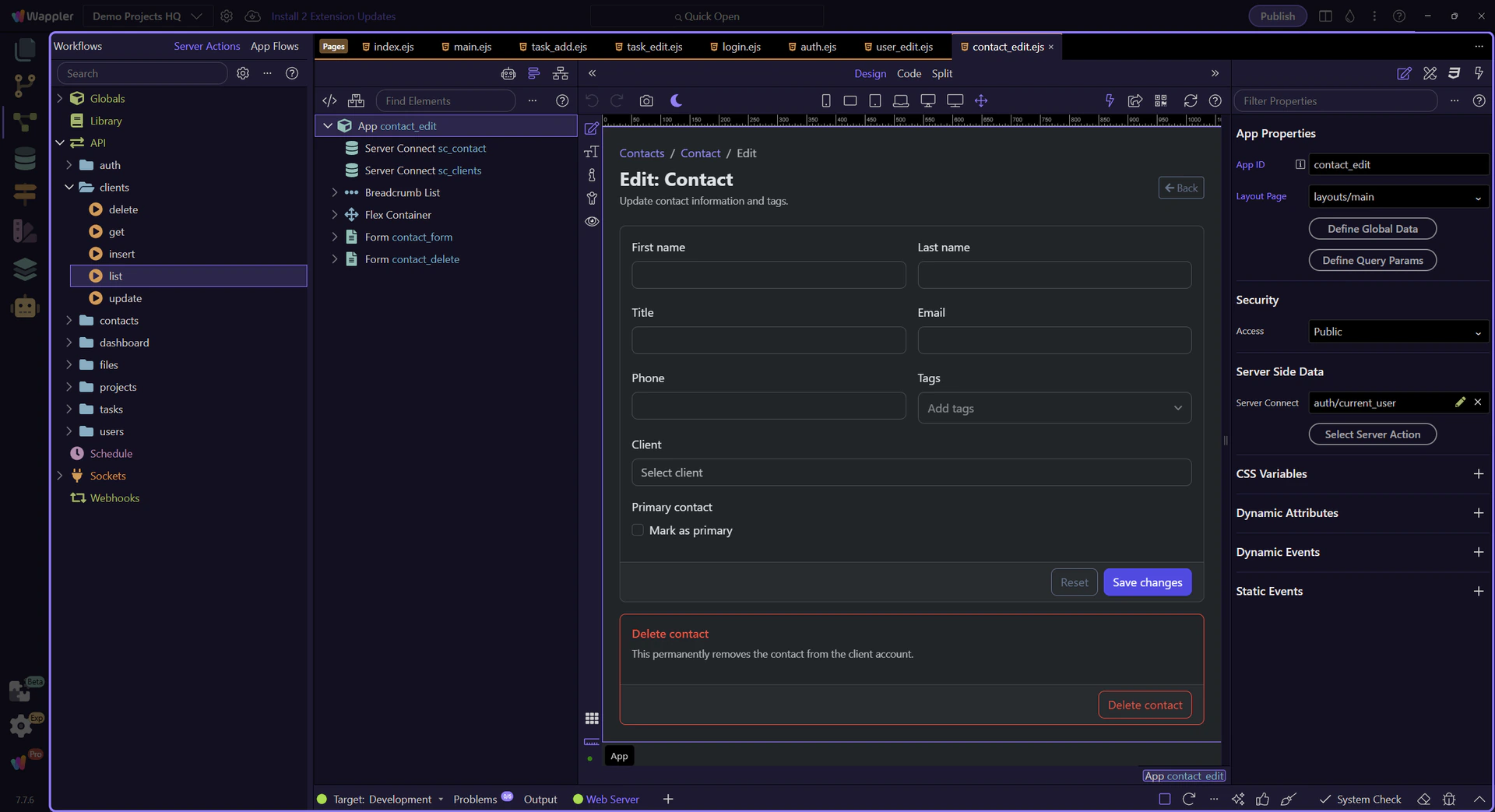
Design view is active for the contact edit page
Section titled “Design view is active for the contact edit page”Switch to Design view before selecting the update and delete forms so the next steps can inspect the live page structure instead of spending time on editor setup.
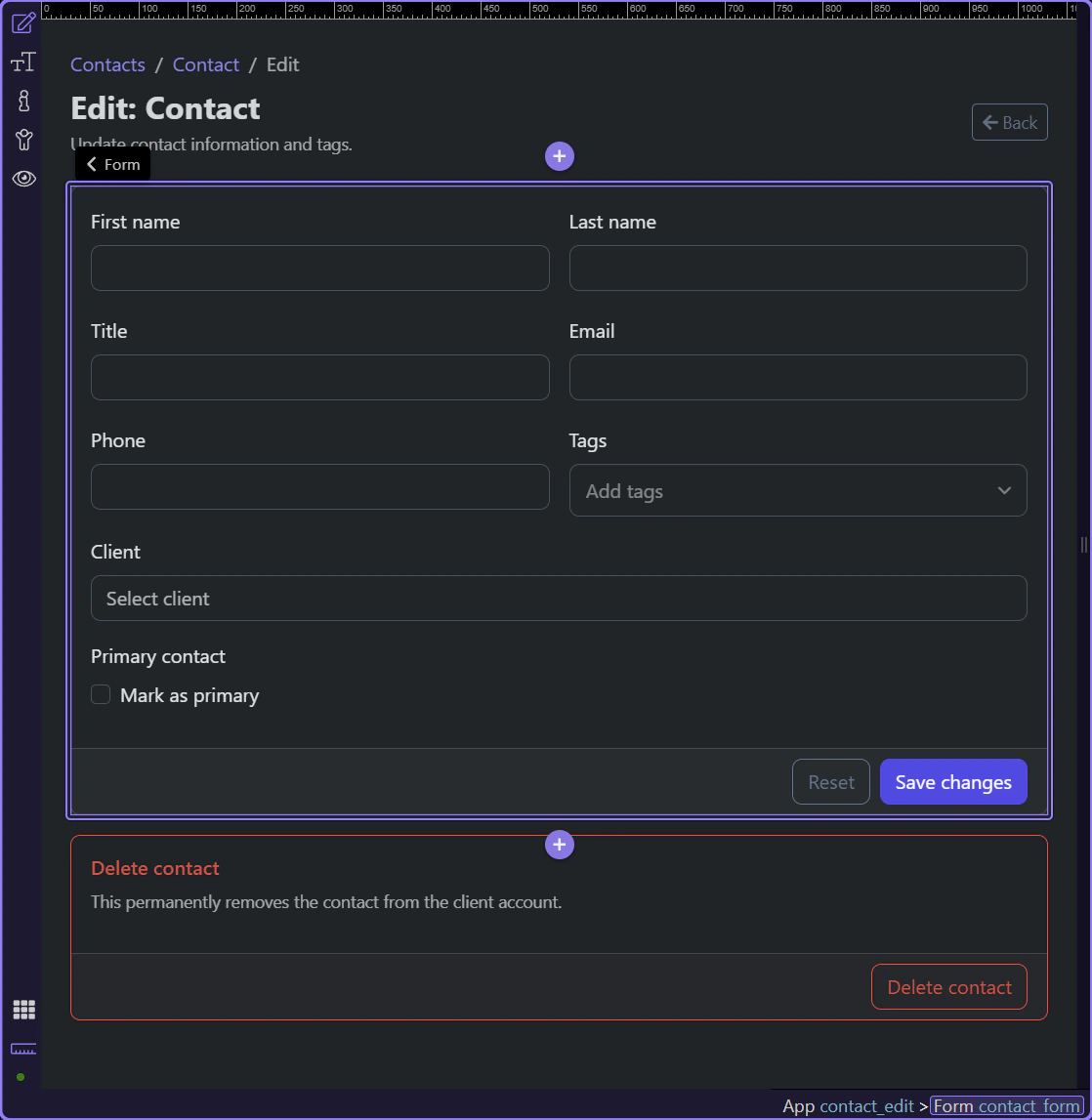
The update form owns the restored edit state
Section titled “The update form owns the restored edit state”#contact_form posts to /api/contacts/update, carries the hidden id plus the editable relationship, text, email, checkbox, and tags fields, and exposes success or failure back into the same card through contact_form.data and contact_form.lastError.
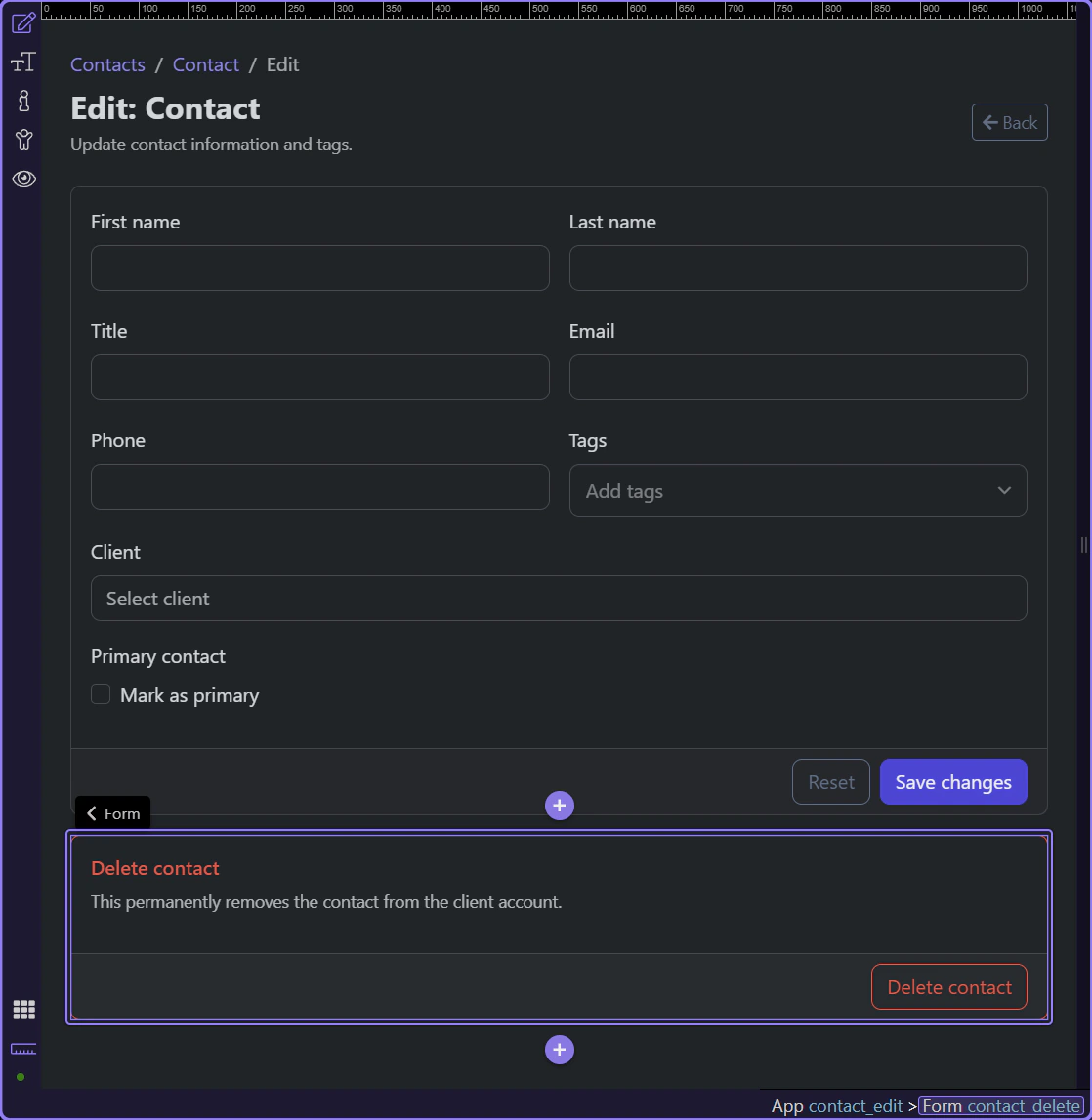
The delete form stays separate because the outcome is destructive
Section titled “The delete form stays separate because the outcome is destructive”#contact_delete is its own serverconnect form with its own success and error state. That keeps the destructive path explicit instead of burying delete inside the richer update form contract.
Backend: the update action
Section titled “Backend: the update action”Once the page contract is clear, the update action becomes easier to inspect. The action accepts the relationship, text, email, phone, boolean, and tag fields explicitly, then maps them into one dbupdater UPDATE step for the contact record.
The update action opens in the Server Connect editor
Section titled “The update action opens in the Server Connect editor”The real update action is now visible in the editor, so the page contract has turned into concrete server logic. This is where the restored client, checkbox, and tags fields become validated inputs plus one database update step.
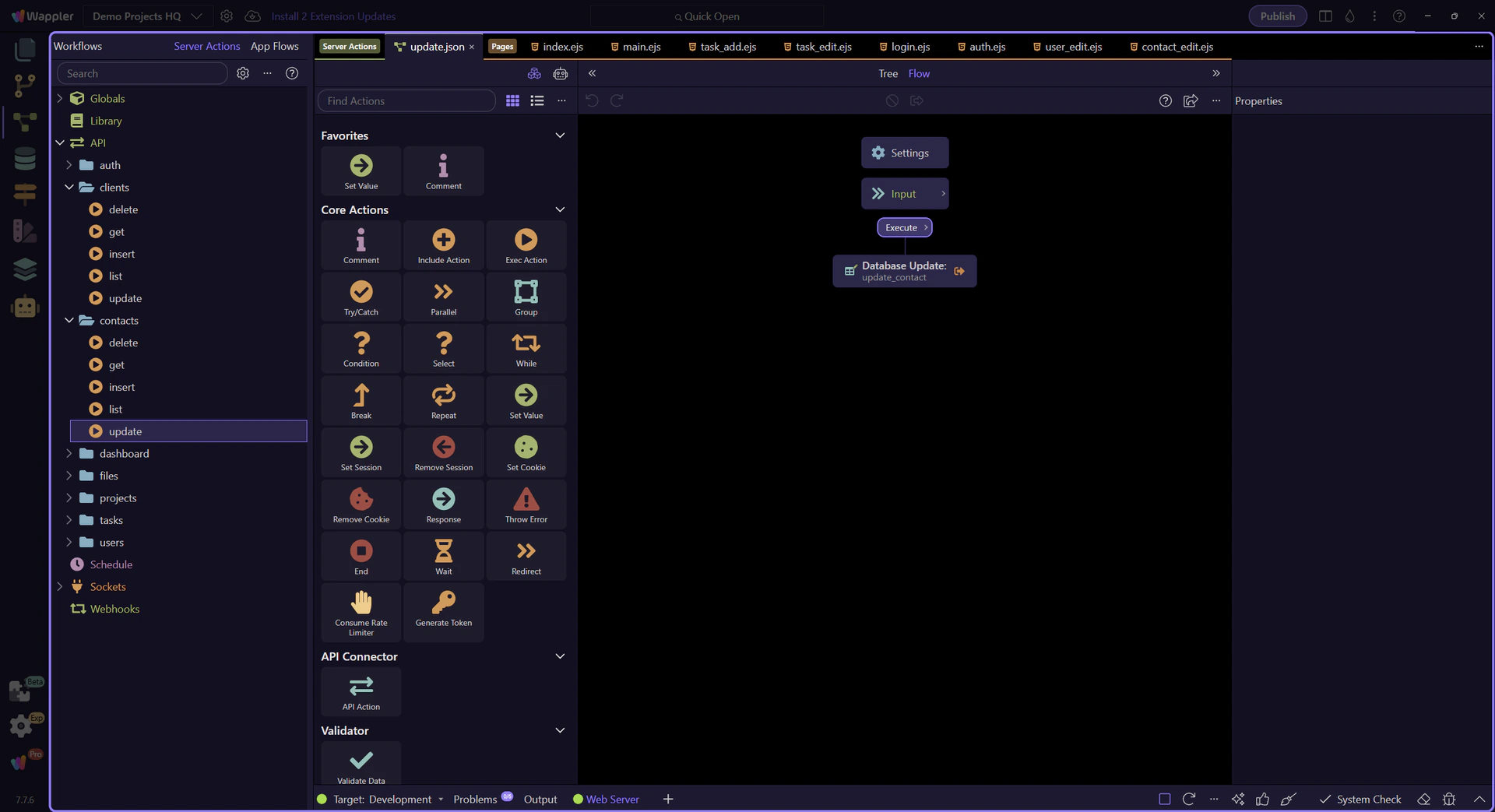
$_POST declares the editable relationship, boolean, and tag fields
Section titled “$_POST declares the editable relationship, boolean, and tag fields”At the top of the update action, $_POST defines the fields the backend will accept: id, client_id, first_name, last_name, title, email, phone, is_primary, and tags. That contract is what keeps the restored page state aligned with a validated backend shape.
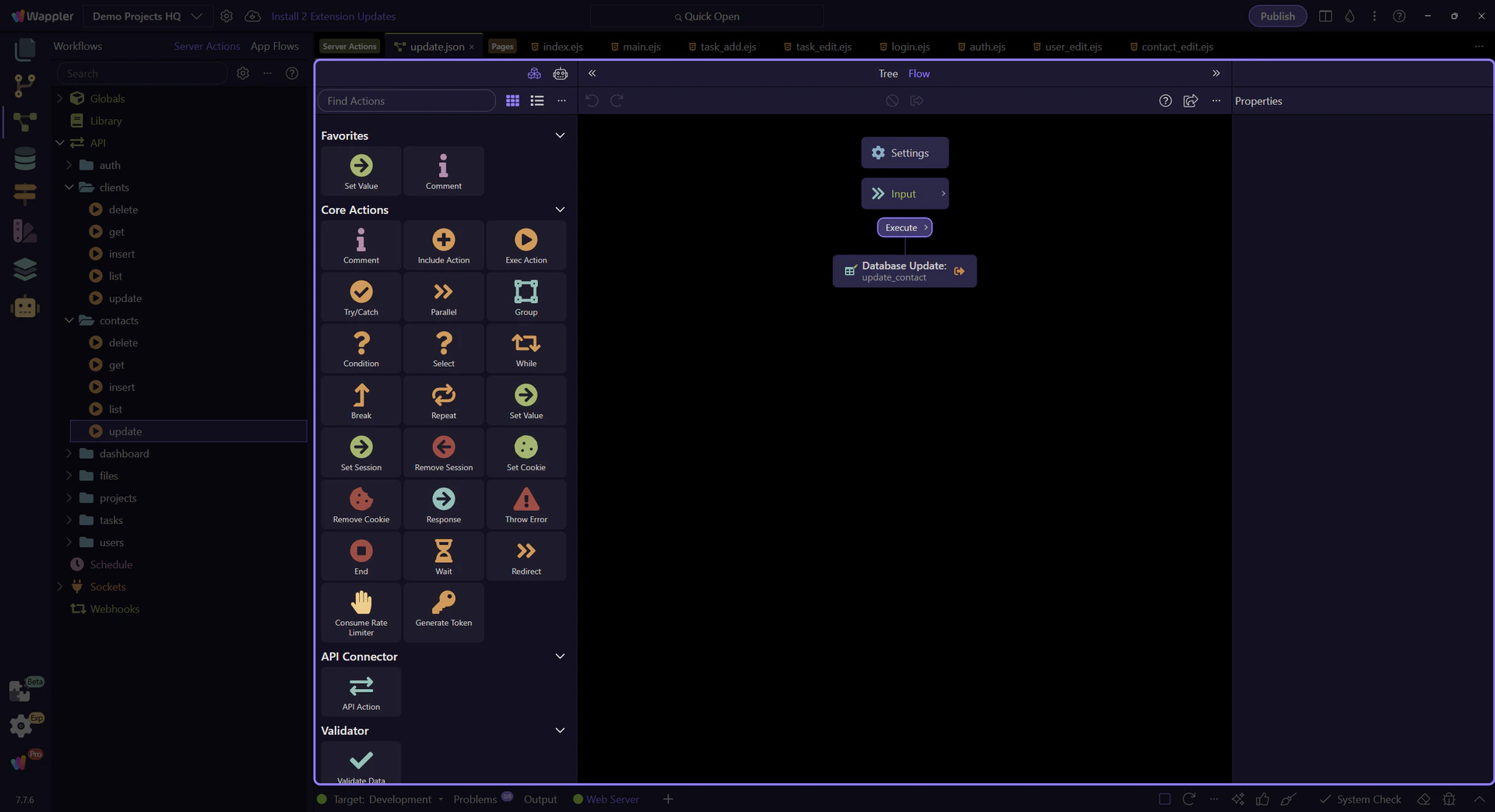
The update step maps the accepted fields into one record update
Section titled “The update step maps the accepted fields into one record update”update_contact is the step that turns the accepted form values into column updates on clients_contacts. Selecting it makes the updater configuration visible instead of leaving the workflow as a black box.
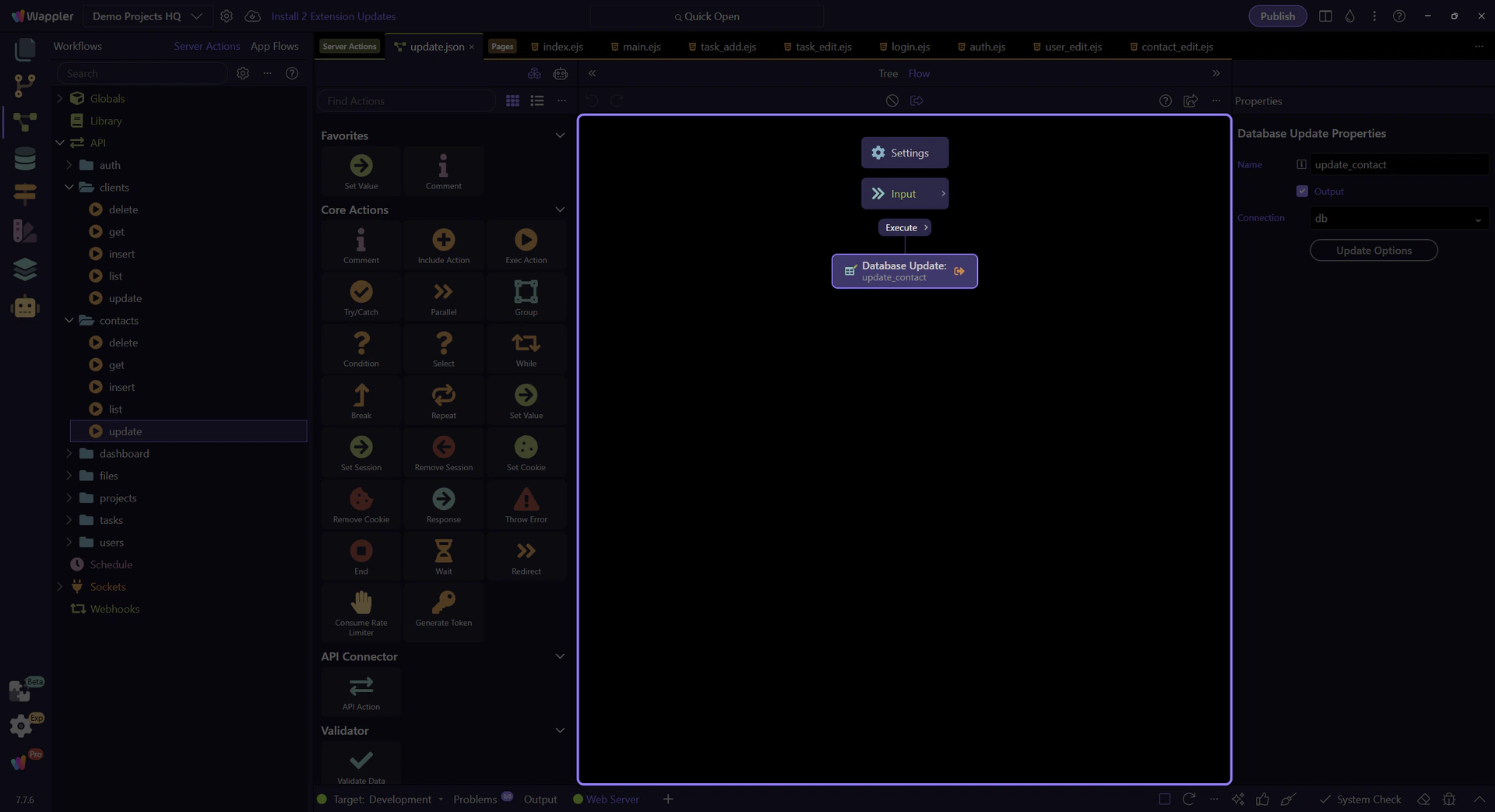
The updater settings show the exact contact fields being persisted
Section titled “The updater settings show the exact contact fields being persisted”The SQL control on update_contact is where the edit contract becomes concrete column assignments on clients_contacts, including client_id, is_primary, and tags. This keeps the full contact edit workflow readable because the persistence logic stays concentrated in one dbupdater step.

Backend: the delete action
Section titled “Backend: the delete action”The delete action is intentionally narrower than the update action. It accepts only the contact identifier, runs one dbupdater DELETE step, and hands control back to the dedicated delete form on the page.
The delete action opens in the Server Connect editor
Section titled “The delete action opens in the Server Connect editor”The real delete action is now visible in the editor. This workflow is deliberately smaller because the delete form has a narrower contract: identify one contact, delete it, and return control to the page so the destructive result can be shown clearly.
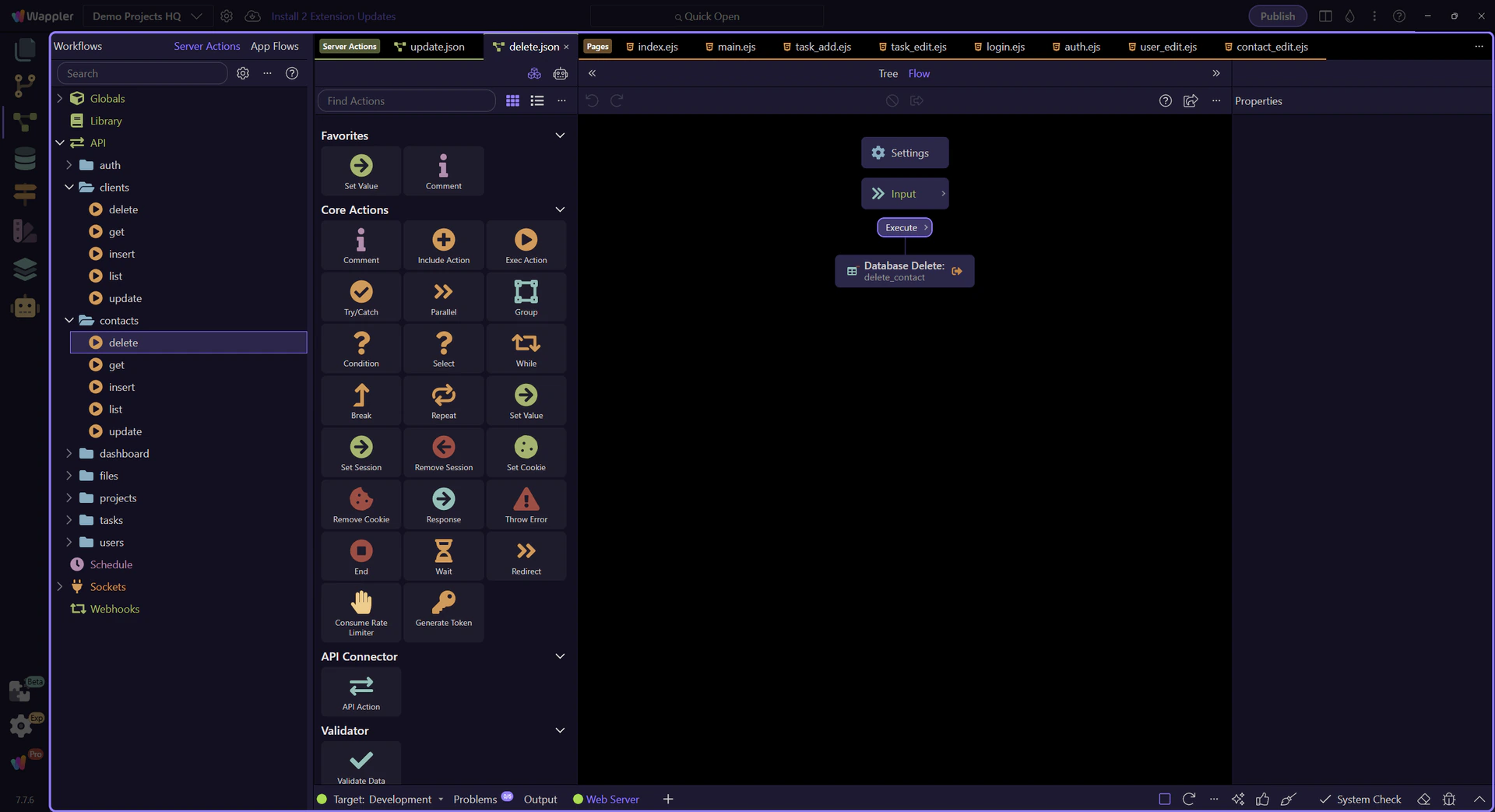
The delete action accepts only the contact identifier
Section titled “The delete action accepts only the contact identifier”Unlike the update action, the delete action needs just one required input: the contact id. That smaller contract is a useful reminder that actions should accept only the data they actually need for the operation.
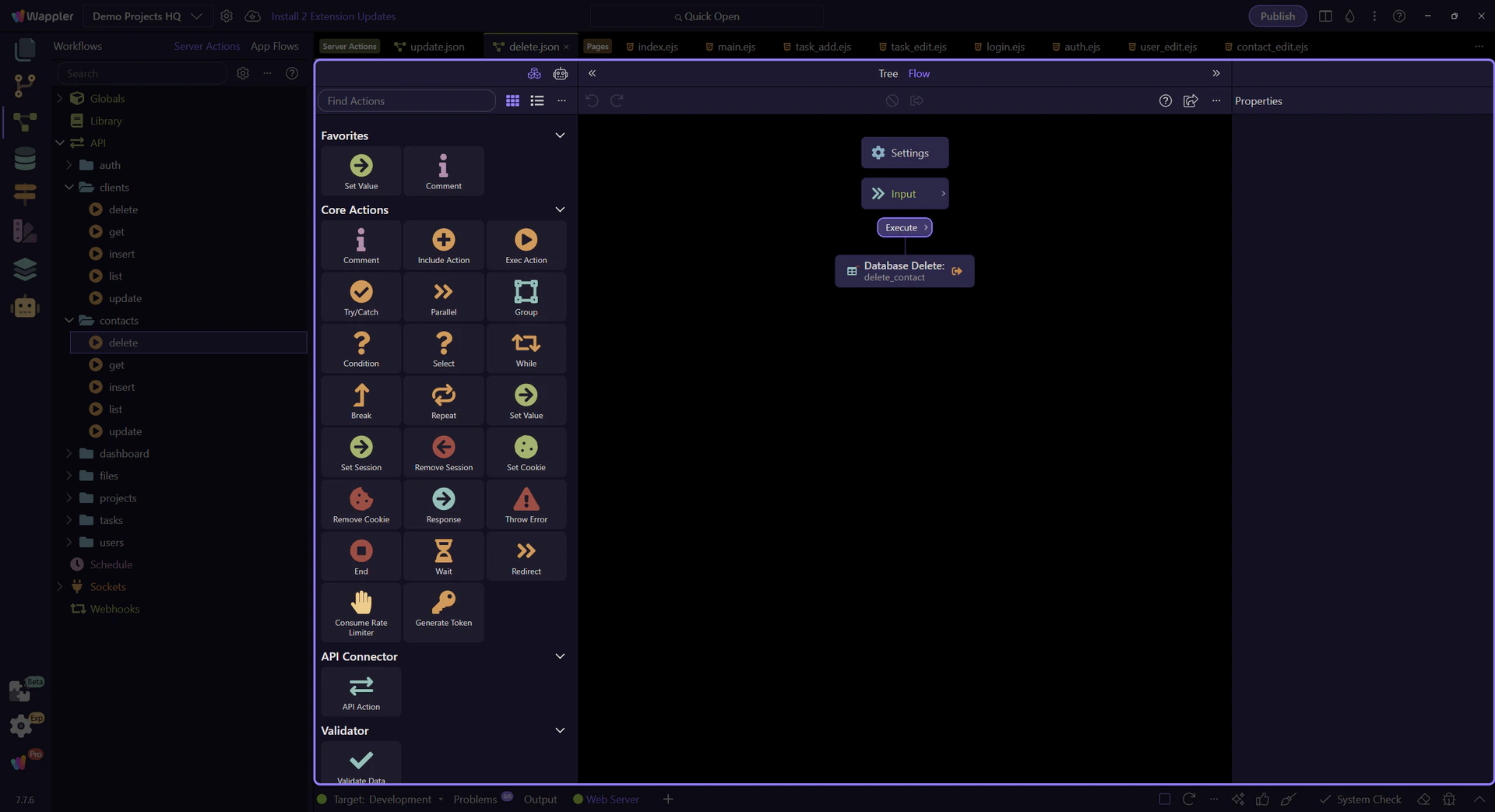
The delete step is selected in the workflow tree
Section titled “The delete step is selected in the workflow tree”delete_contact is the one step that performs the removal. Selecting it makes the delete-specific updater configuration visible and keeps the workflow easy to audit.
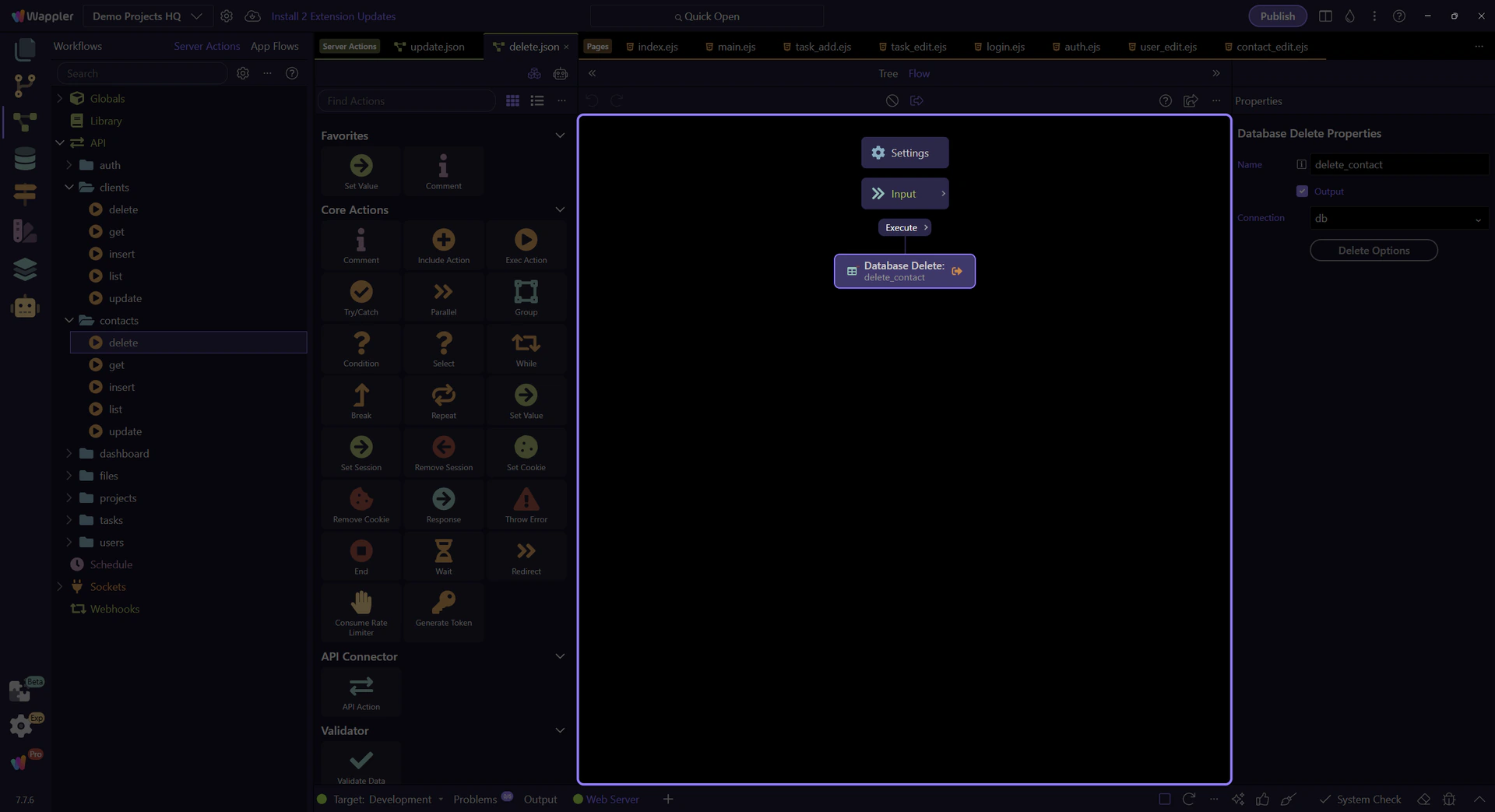
The delete step resolves to one DELETE query
Section titled “The delete step resolves to one DELETE query”The SQL control for delete_contact shows the delete action in its simplest useful form: one required id and one DELETE against clients_contacts. That makes it easy to compare with the more detailed update workflow you just inspected.

Conclusion
Section titled “Conclusion”The contact edit workflow stays readable because the page and actions divide responsibility clearly. The page keeps the restored relationship, boolean, and tag state visible, while the Server Connect actions own the validated update and delete operations behind that interface.