
Inputs
GET / POST Session
First Server Connect action: add steps, test the API response, and use it in a page or component.
Server Connect Actions are server-side workflows that return JSON. They’re your safe boundary to the database and private services.
IMPORTANT: If it must be secure, validate input, or touch the database: do it in Server Connect Actions (not in the browser).
Server Connect Actions live under the API group. Click Next to select it automatically.
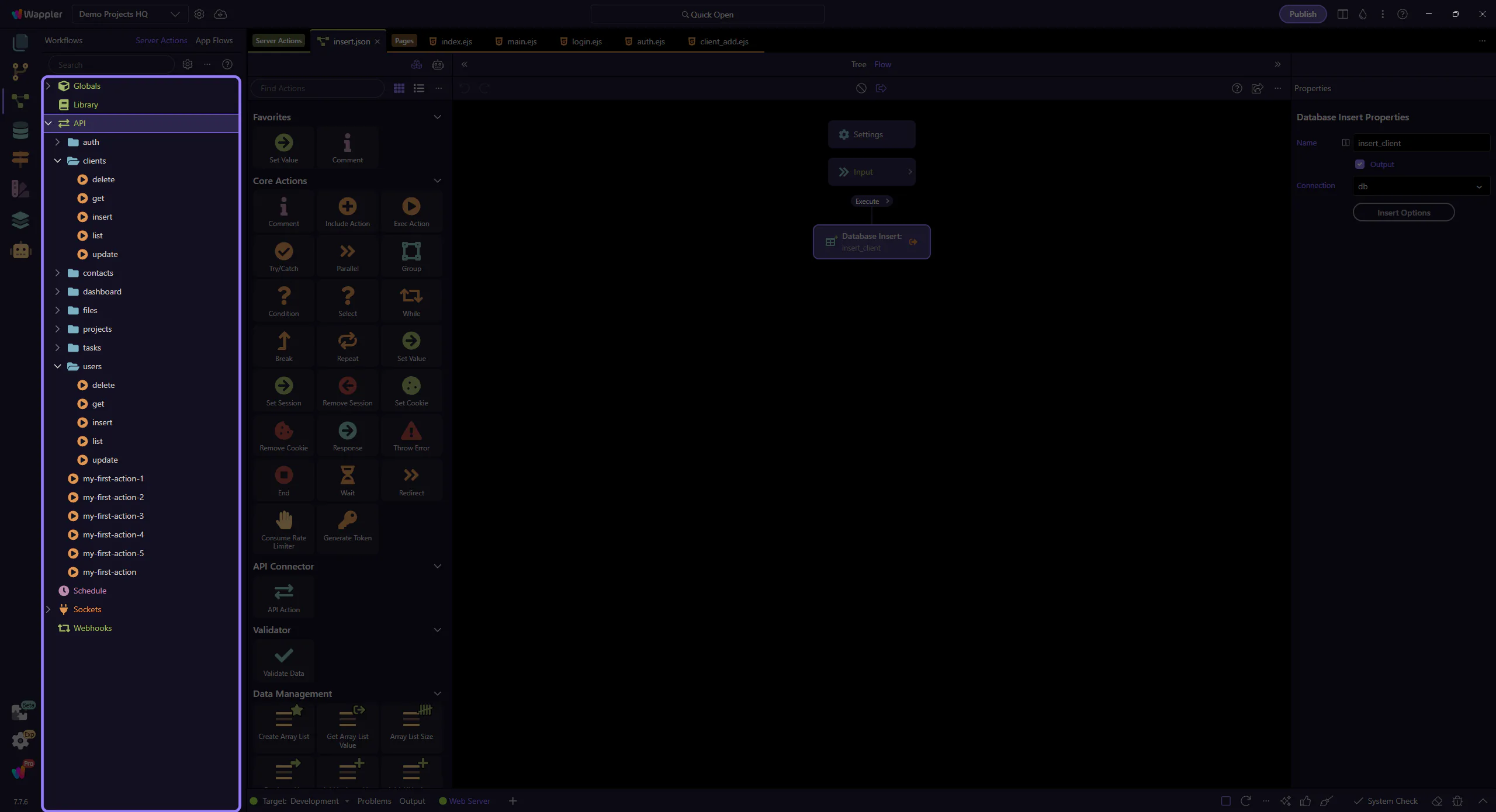
Next will add a new API Action under API. This step matters because Add + name API Action is part of Manager Serverconnectmanager Tree, and understanding that context makes the next action easier to repeat in your own project.
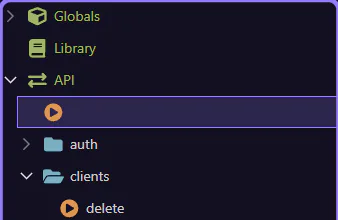
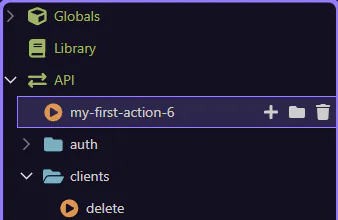
Next will rename the new action to a friendly starter name. This step matters because Name the new API Action is part of Manager Serverconnectmanager Tree, and understanding that context makes the next action easier to repeat in your own project.
The manager hands off to the dedicated Server Connect editor so the new action can be configured there.
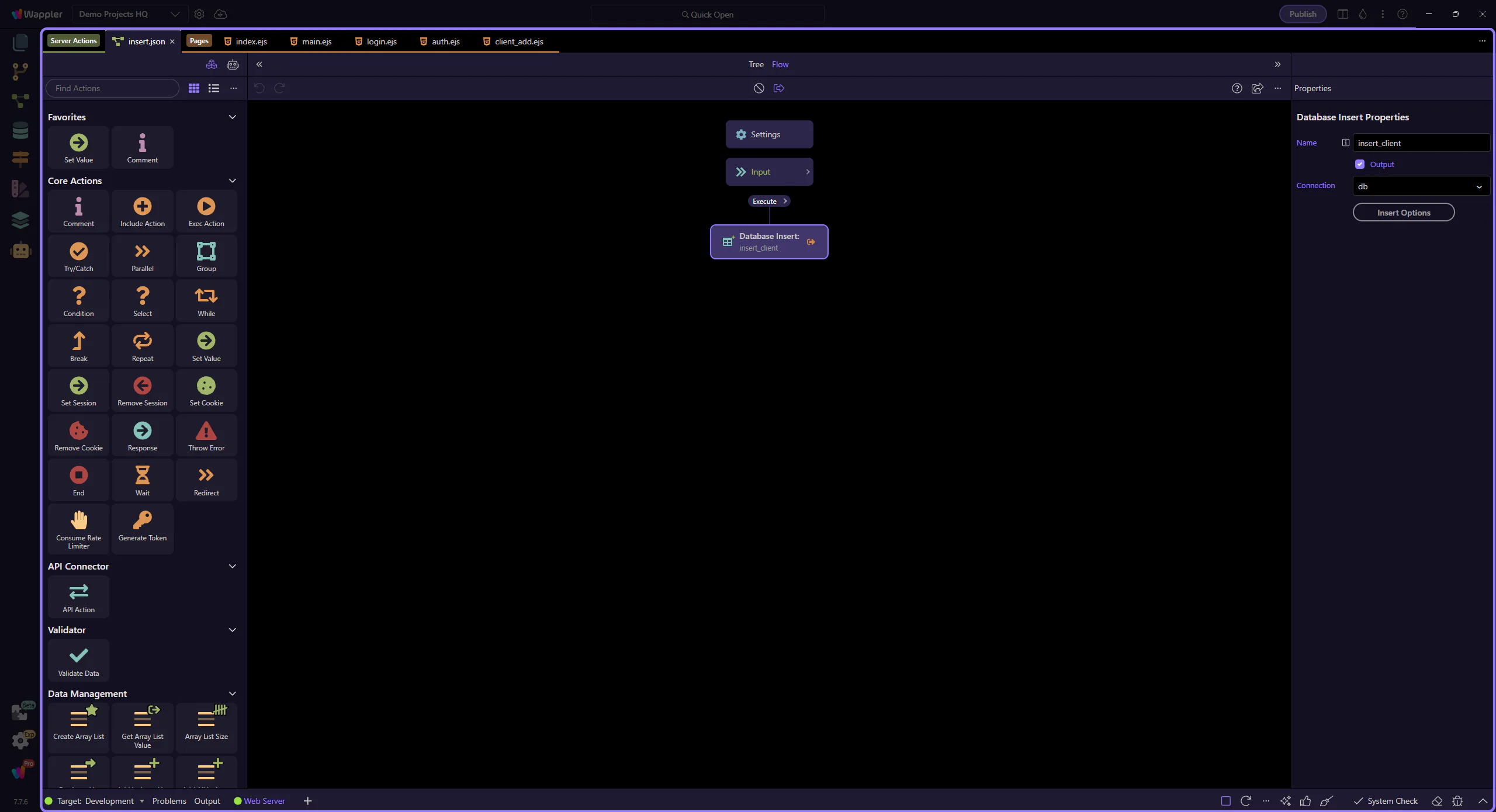
The new action is now open in the dedicated editor, so the next steps can focus on its inputs and workflow steps.
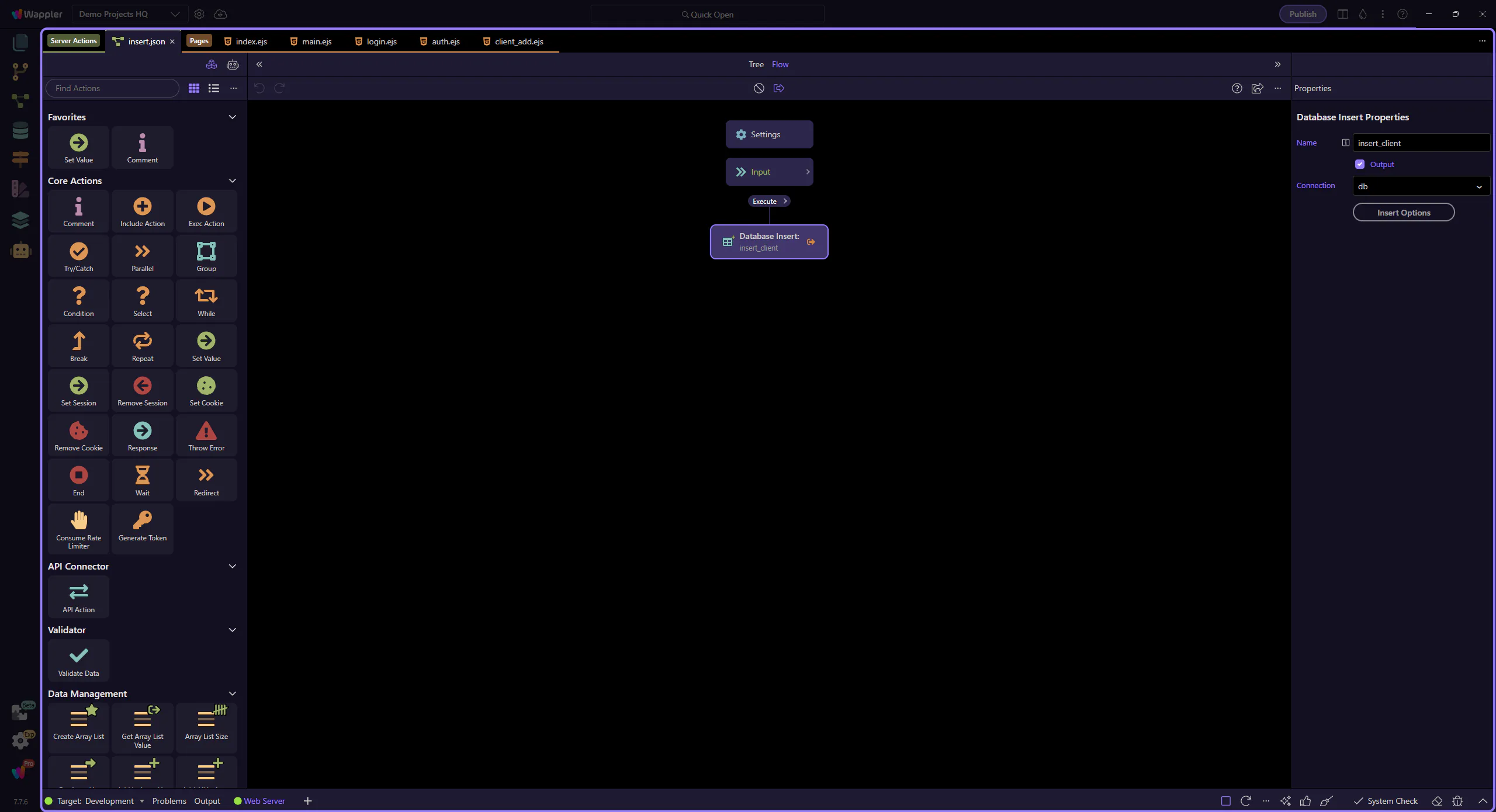
Start with the wider context in the Server Connect editor so the next control makes sense in the full workflow. In the next step, you will focus on Define Input Variables and see how it fits into this area.
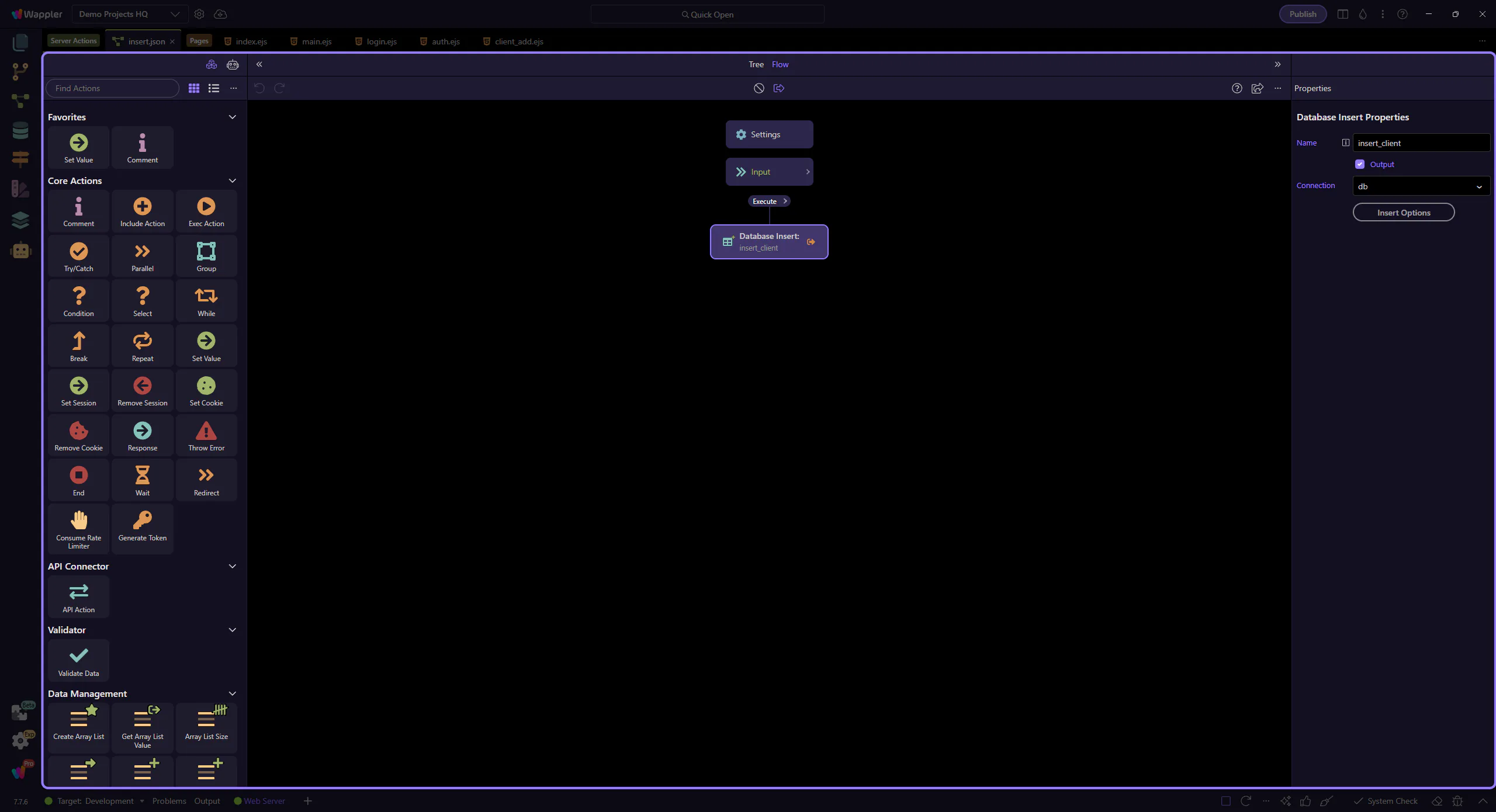
Define inputs under Globals (GET/POST/Route/Session). These become available as dynamic data when configuring steps.
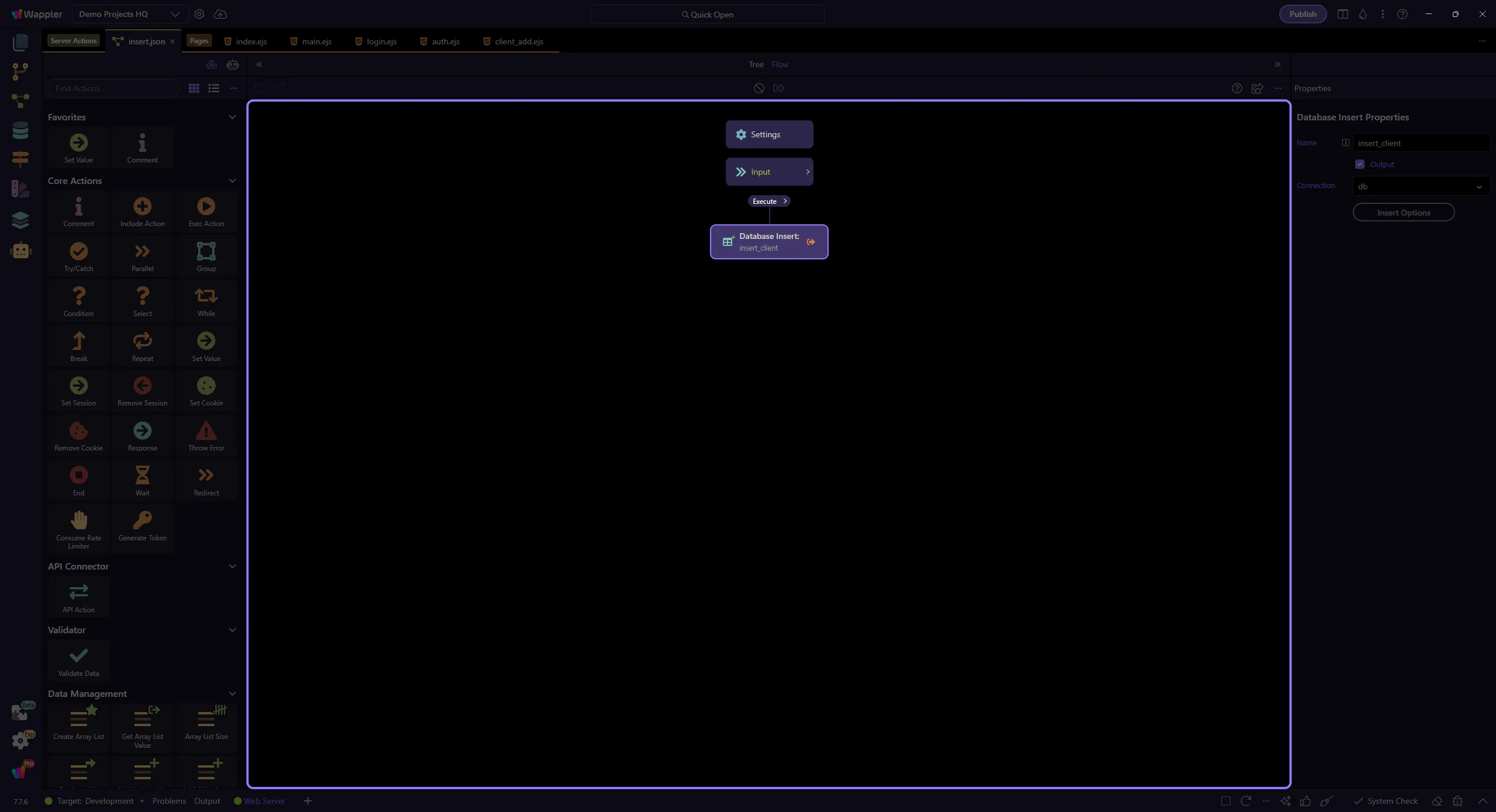
Add steps (DB Query, Insert/Update/Delete, Mailer, File Upload, etc.). Steps run top-to-bottom, so keep validation near the top.
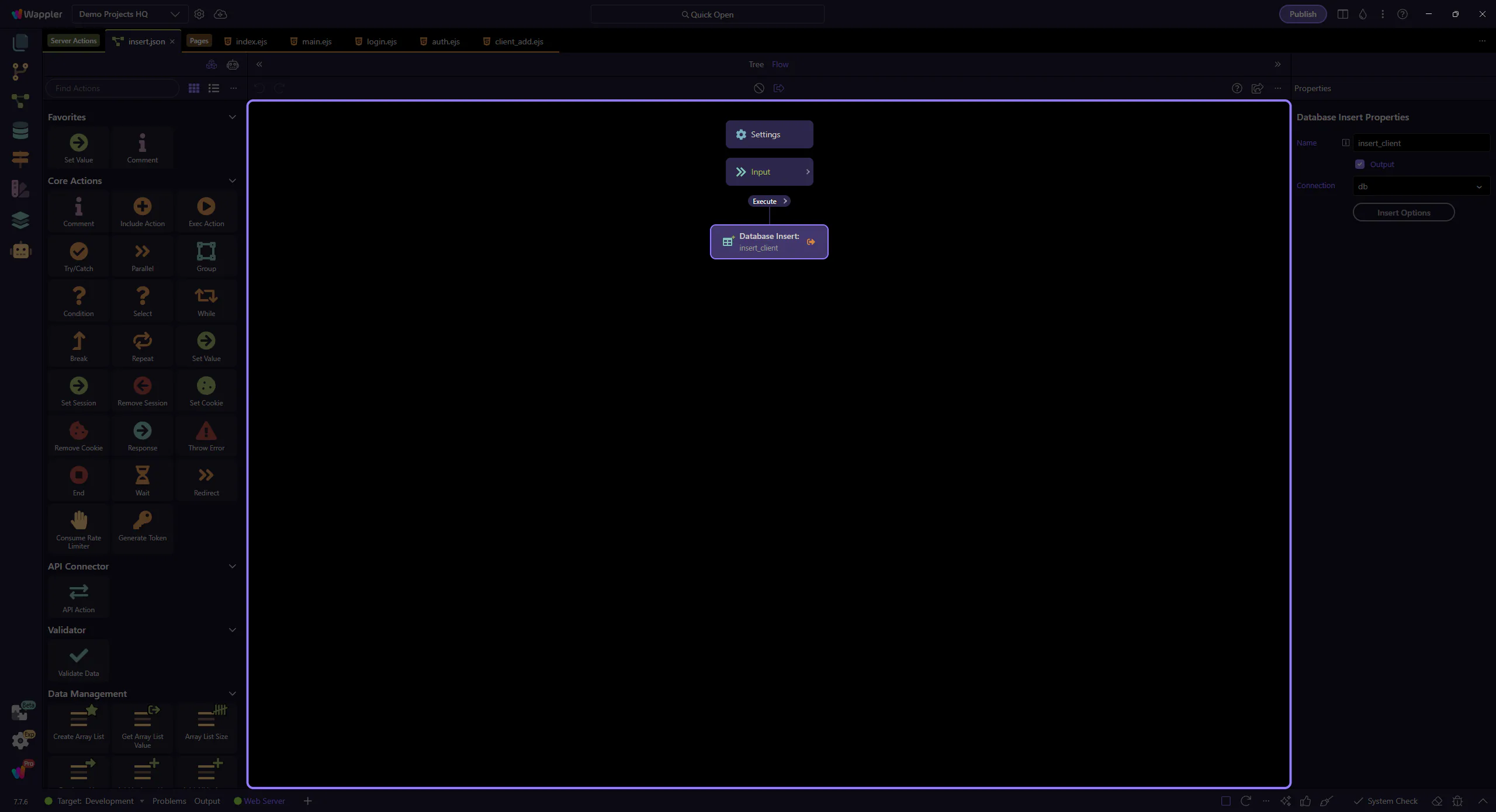
Global Settings is where you configure shared items like database connections and security providers for the project.
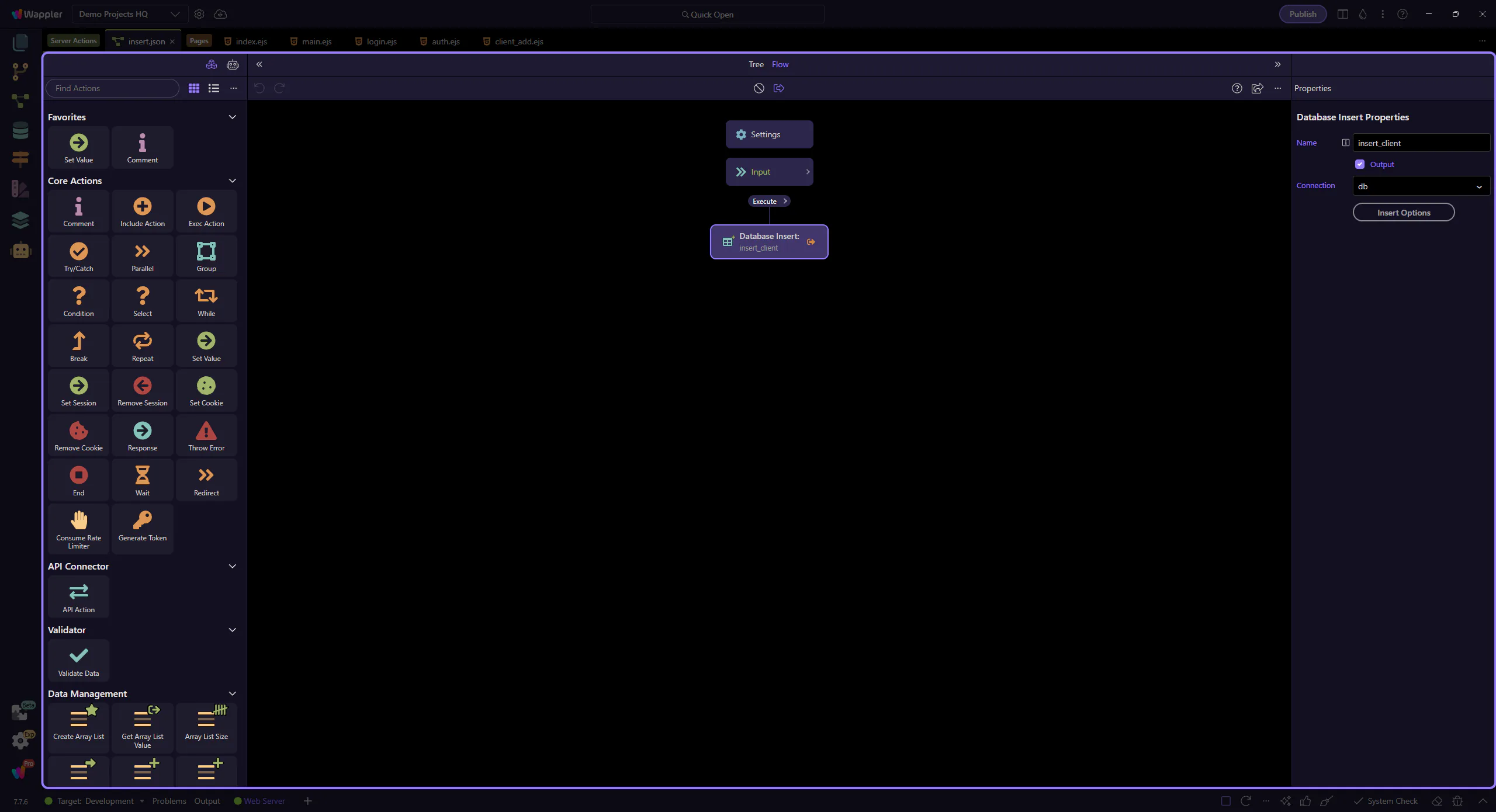
Run the action and inspect the JSON output. If something fails, work top-to-bottom: inputs → step config → step output.