
Assets Manager Overview
A quick orientation to Assets Manager so you can understand reusable assets, media handling, and the bridge between files and UI resources.
Assets Manager Overview
A quick orientation to Assets Manager so you can understand reusable assets, media handling, and the bridge between files and UI resources.
Use it to connect reusable assets with file organization, UI building, and publishing.
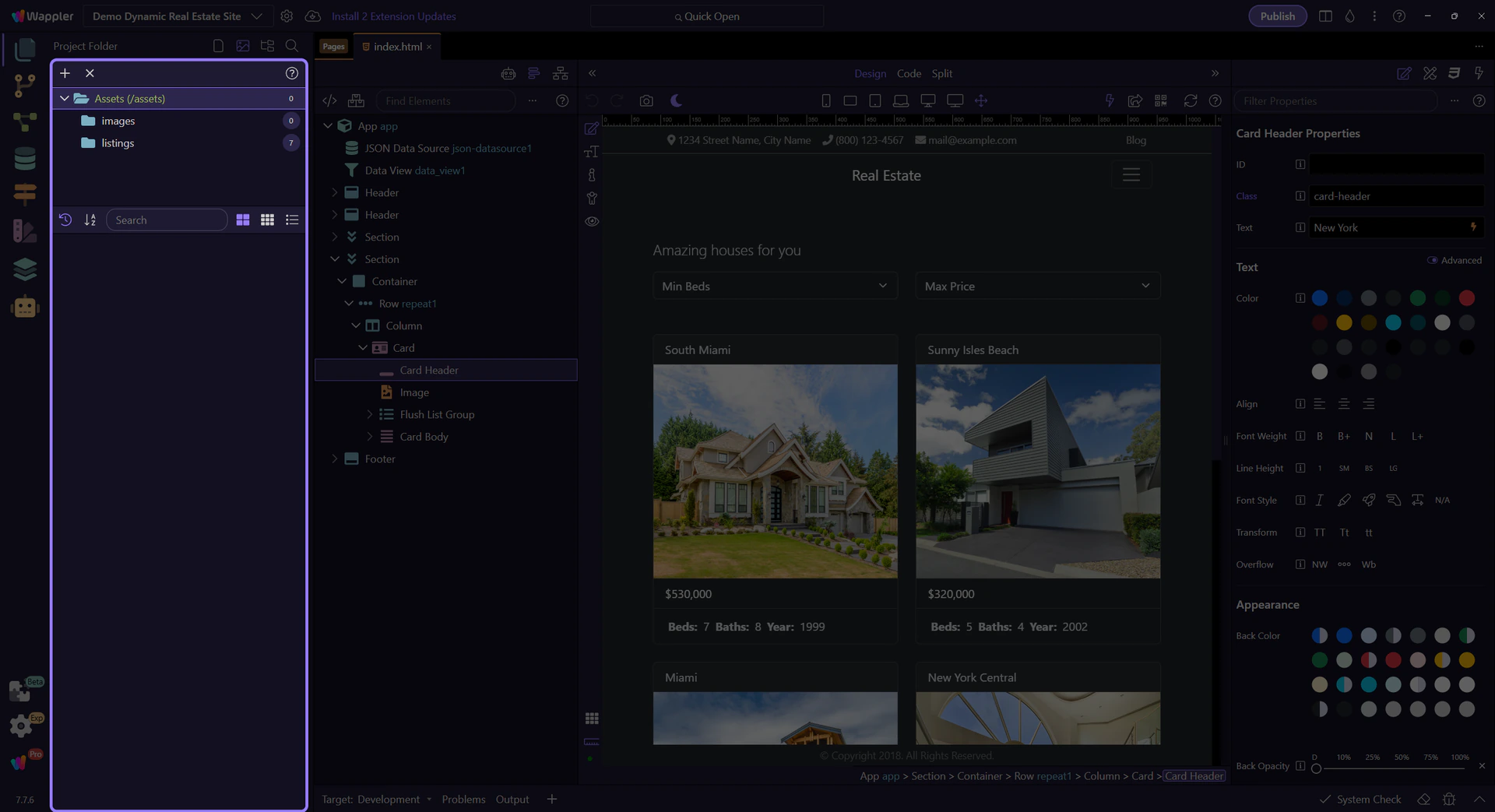
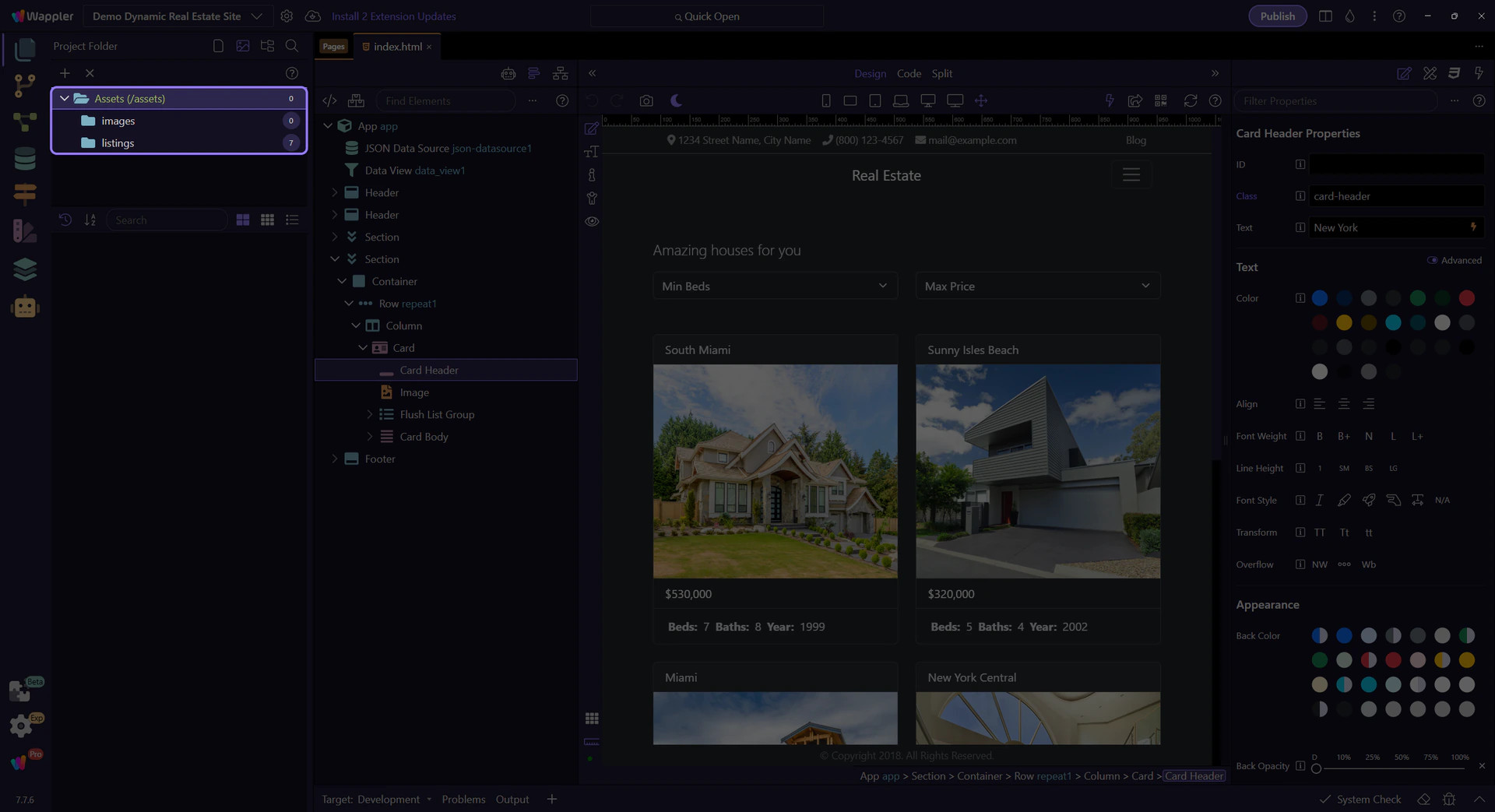
Assets tree overview
Section titled “Assets tree overview”The live Assets tree is the practical starting point. In Demo Dynamic Real Estate Site, it exposes the actual assets hierarchy behind the sample app, including the listing images used by the property cards.
Start here
File Management
Start here for file-oriented work in Wappler: project files, assets, upload workflows, and the handoff into publish-safe habits.
File Manager
Browse File Manager tours: quick overview, general usage, recipes, and reference.
Front-End Components
Start here for UI building in Wappler: Bootstrap components, forms, themes, and the editor surfaces used to shape frontend behavior.
Go to
Publish Manager
Browse Publish Manager tours: quick overview, general usage, recipes, and reference.
Hosting and Cloud Platforms
Start here for deployment-oriented thinking in Wappler: targets, environments, publish workflows, and the project settings that affect hosting.
Wappler Docs Index
Browse Wappler tours by topic and jump into areas like Why Wappler, Learning the Basics, and Wappler's UI.