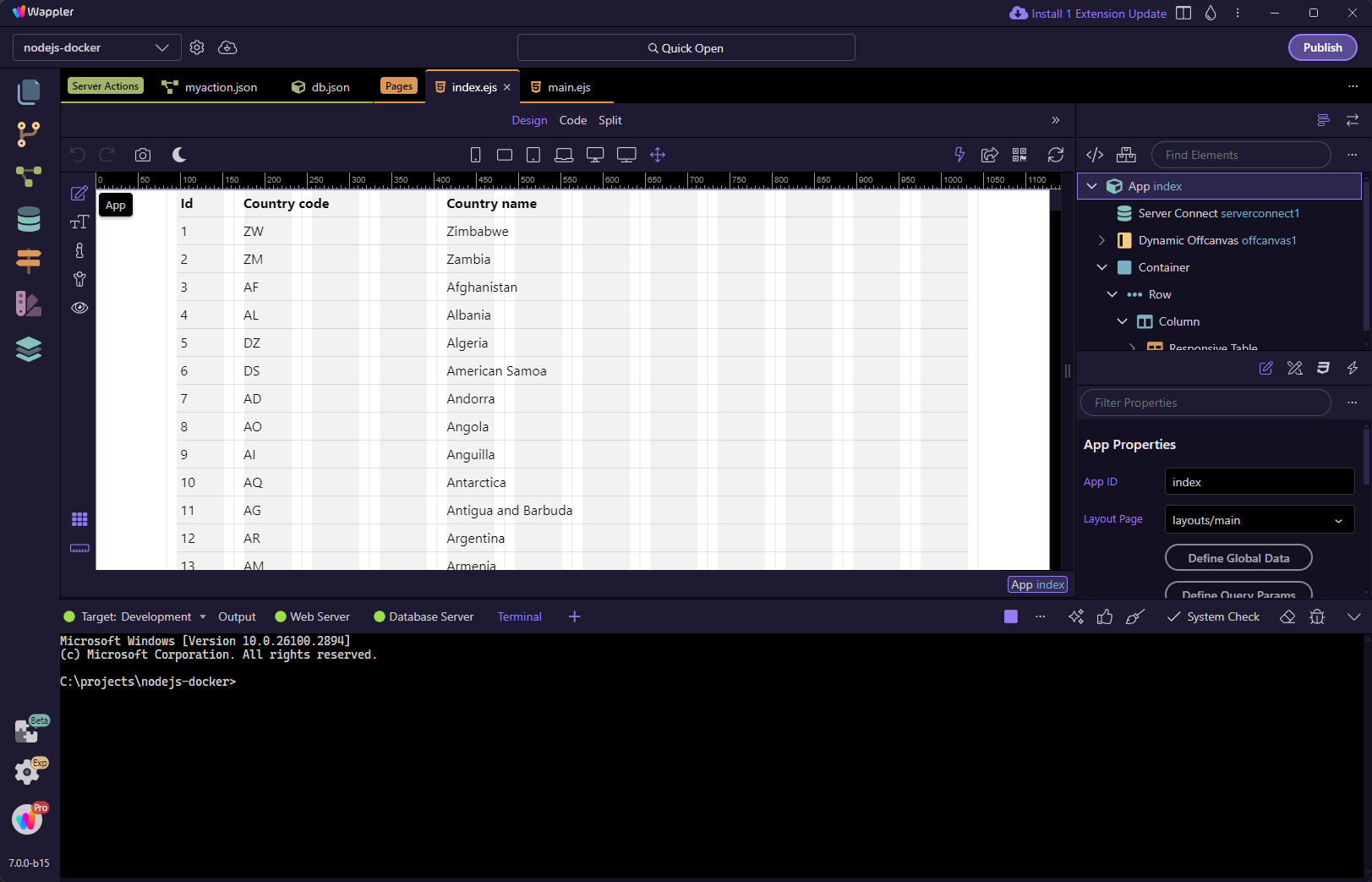
Debugging Made Easy: Understanding Web and Database Server Outputs
Intro You can easily explore the web and database server logs in Wappler using its built-in debugging tools. These tools let you view server responses and error
You can easily explore the web and database server logs in Wappler using its built-in debugging tools. These tools let you view server responses and errors in real time, making it simple to pinpoint and resolve issues.
Web and Database Server Console Panels
Section titled “Web and Database Server Console Panels”When you start a project you can find the Web and Database Server tabs automatically loaded in the bottom panel when you have a Web and a Database Server defined for your project/target:
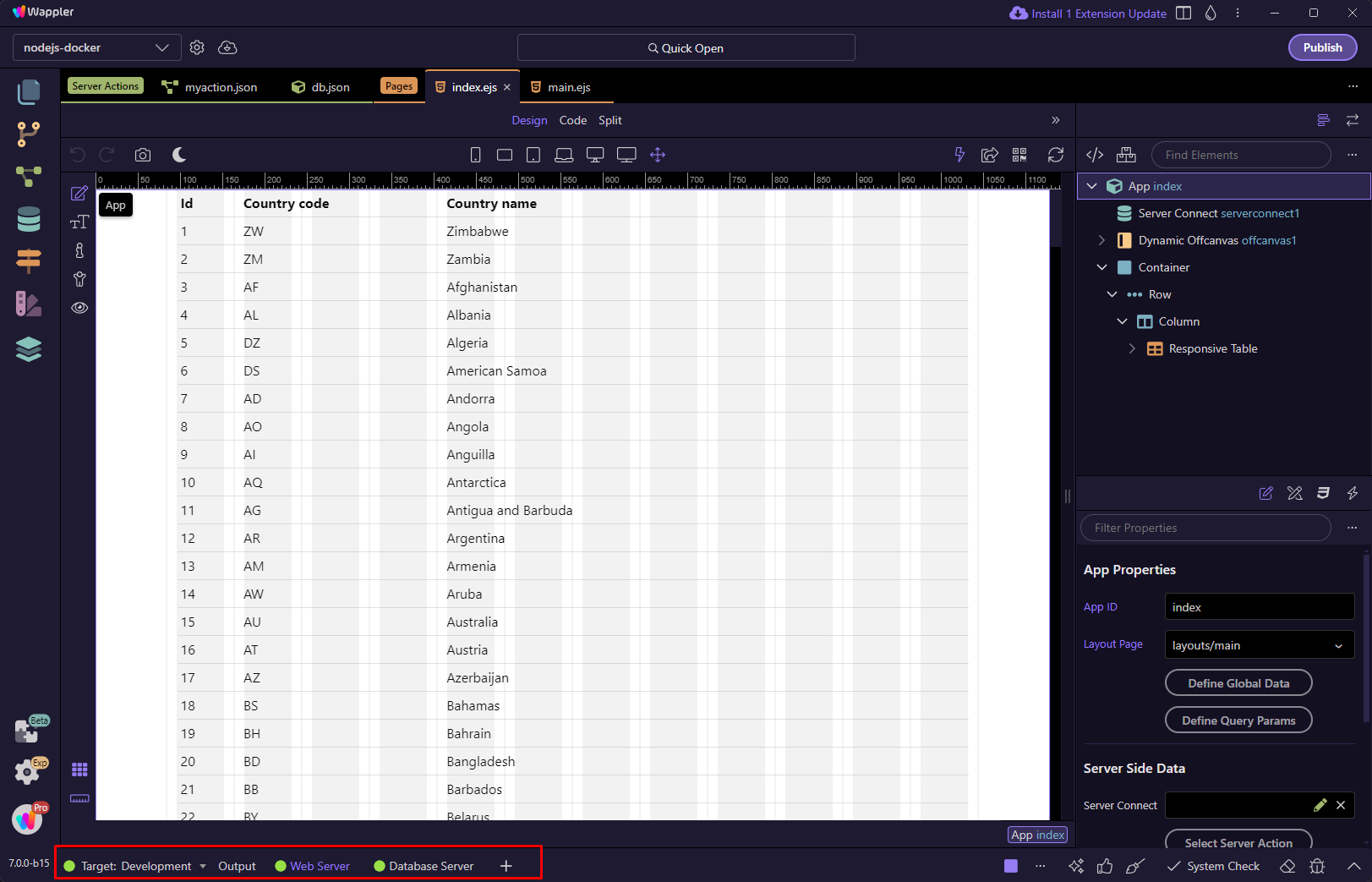
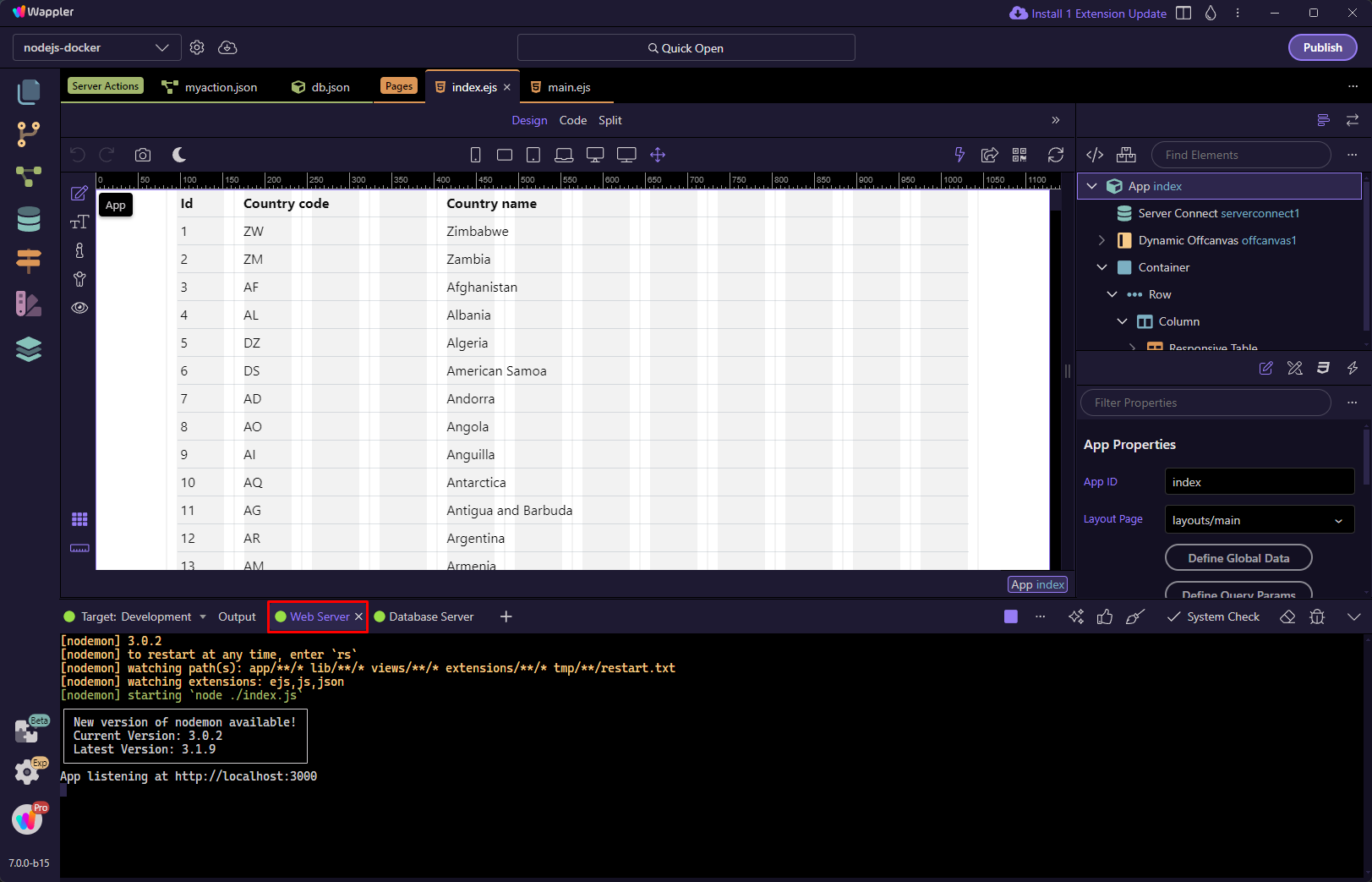
Clicking on any of the tabs you can explore the output.
Web Server:
Database Server:
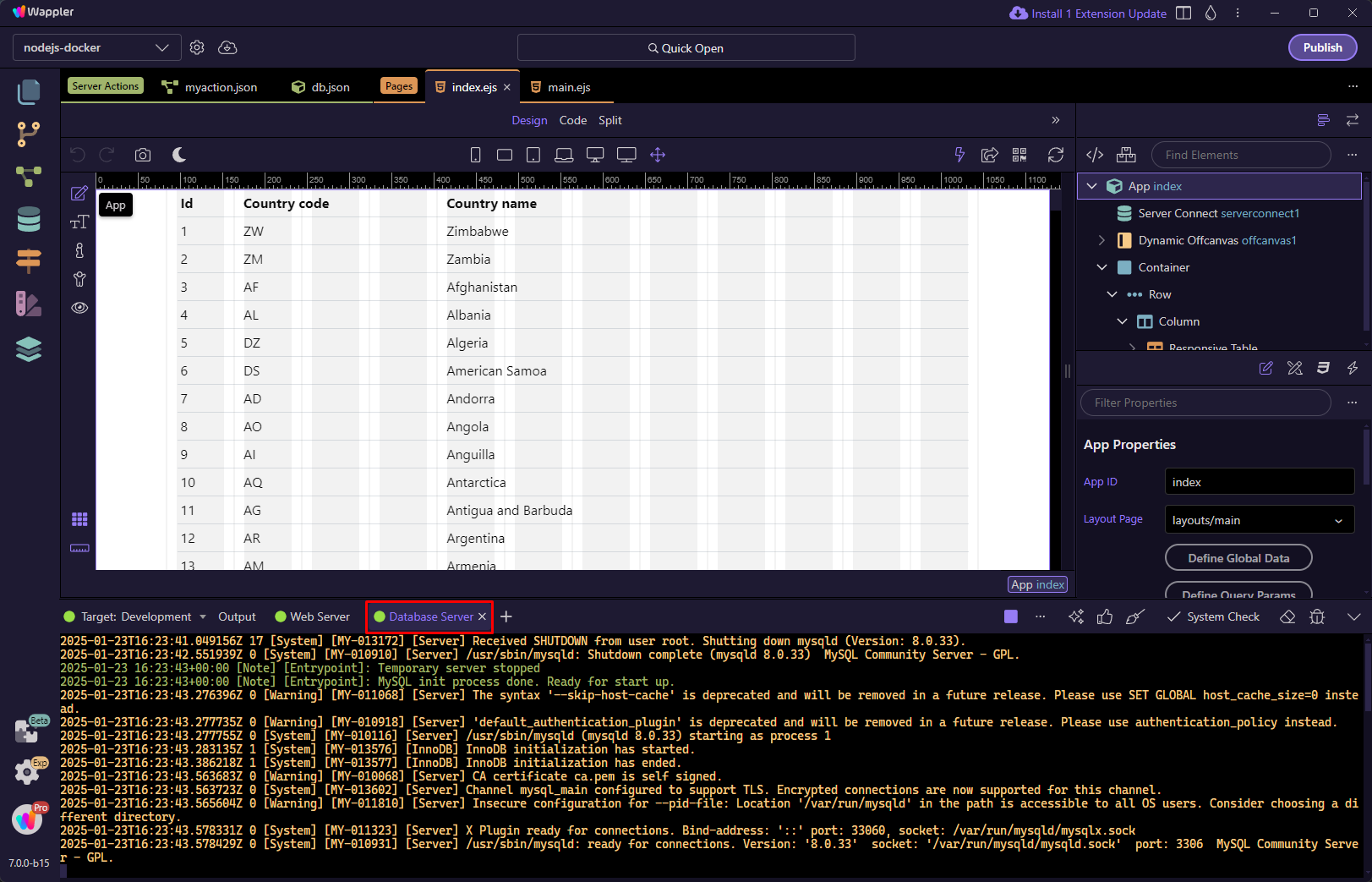
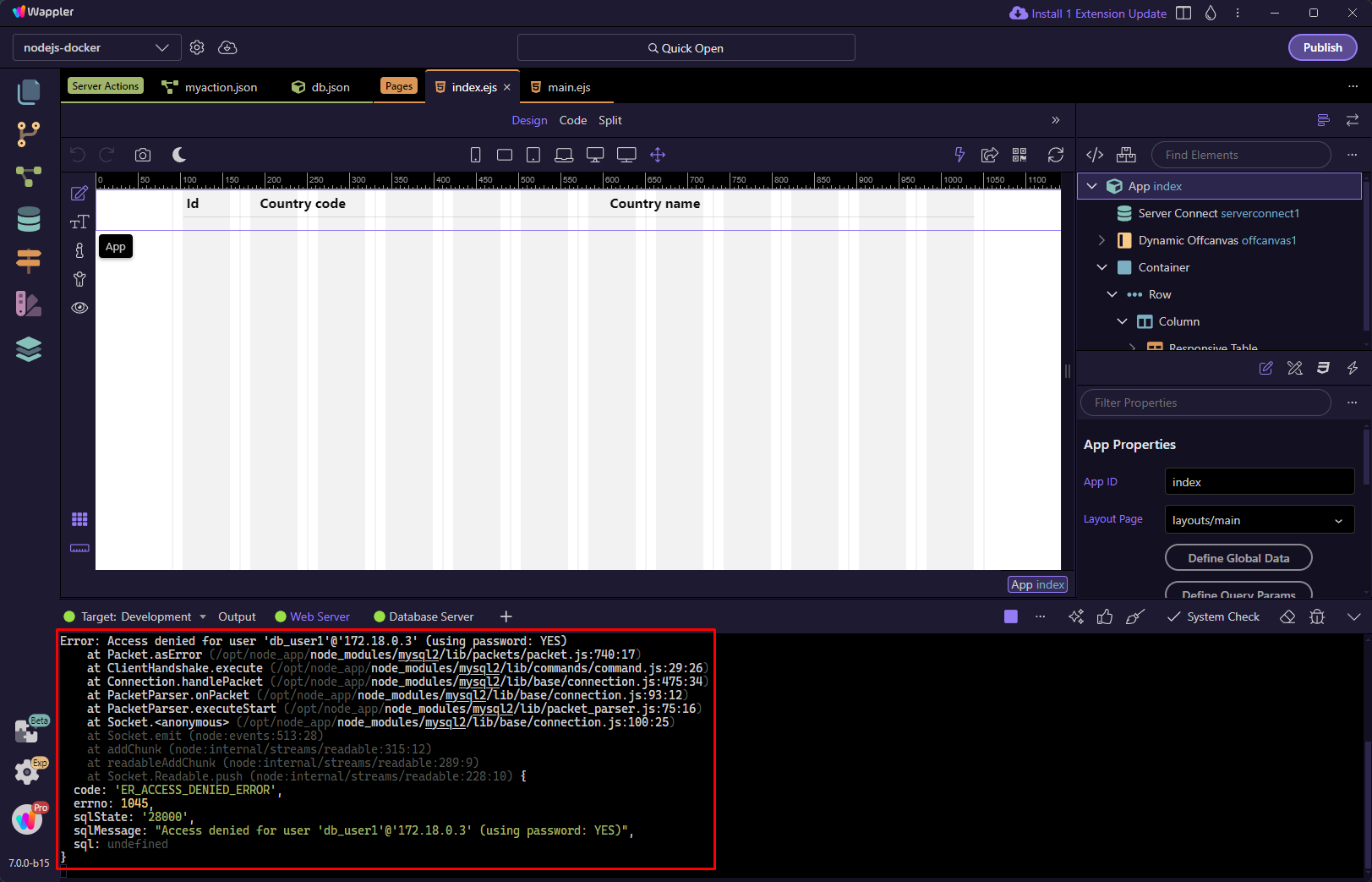
If there are any errors you can see them in the output:
Opening other Console Panels
Section titled “Opening other Console Panels”You can open other console panels by clicking the dropdown and selecting a panel to open:
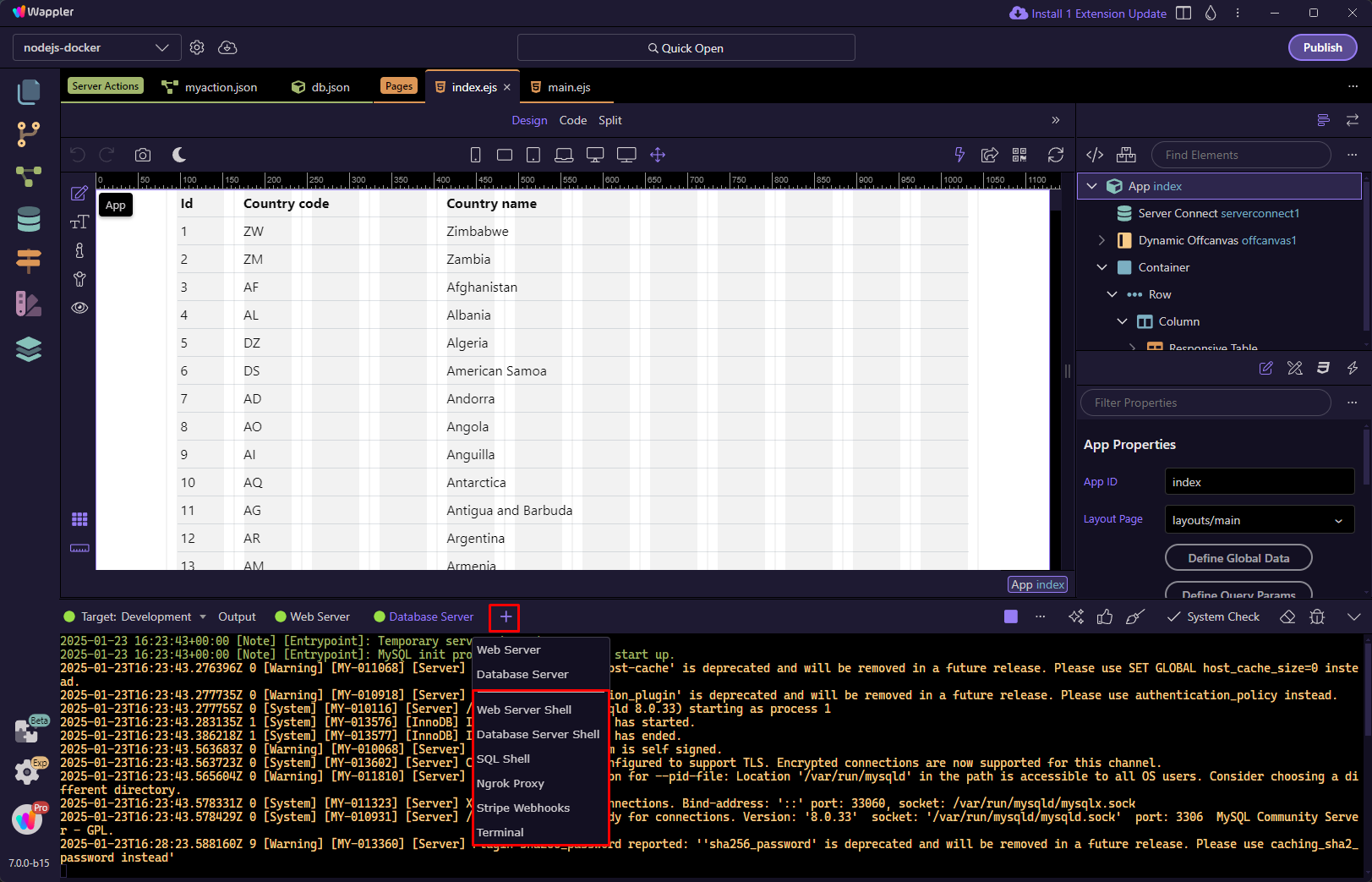
For example you can open the Terminal: