
Organizing Editor Tabs in Groups
Intro The new Tab Groups in Wappler are designed to streamline your workflow. With Tab Groups, your Server Actions , App Flows , and Pages are now automatically
The new Tab Groups in Wappler are designed to streamline your workflow. With Tab Groups, your Server Actions, App Flows, and Pages are now automatically organized into labeled groups. This ensures a cleaner, more intuitive workspace where related tabs are neatly categorized, making it easier to navigate and manage your projects efficiently.
Tab Groups Overview
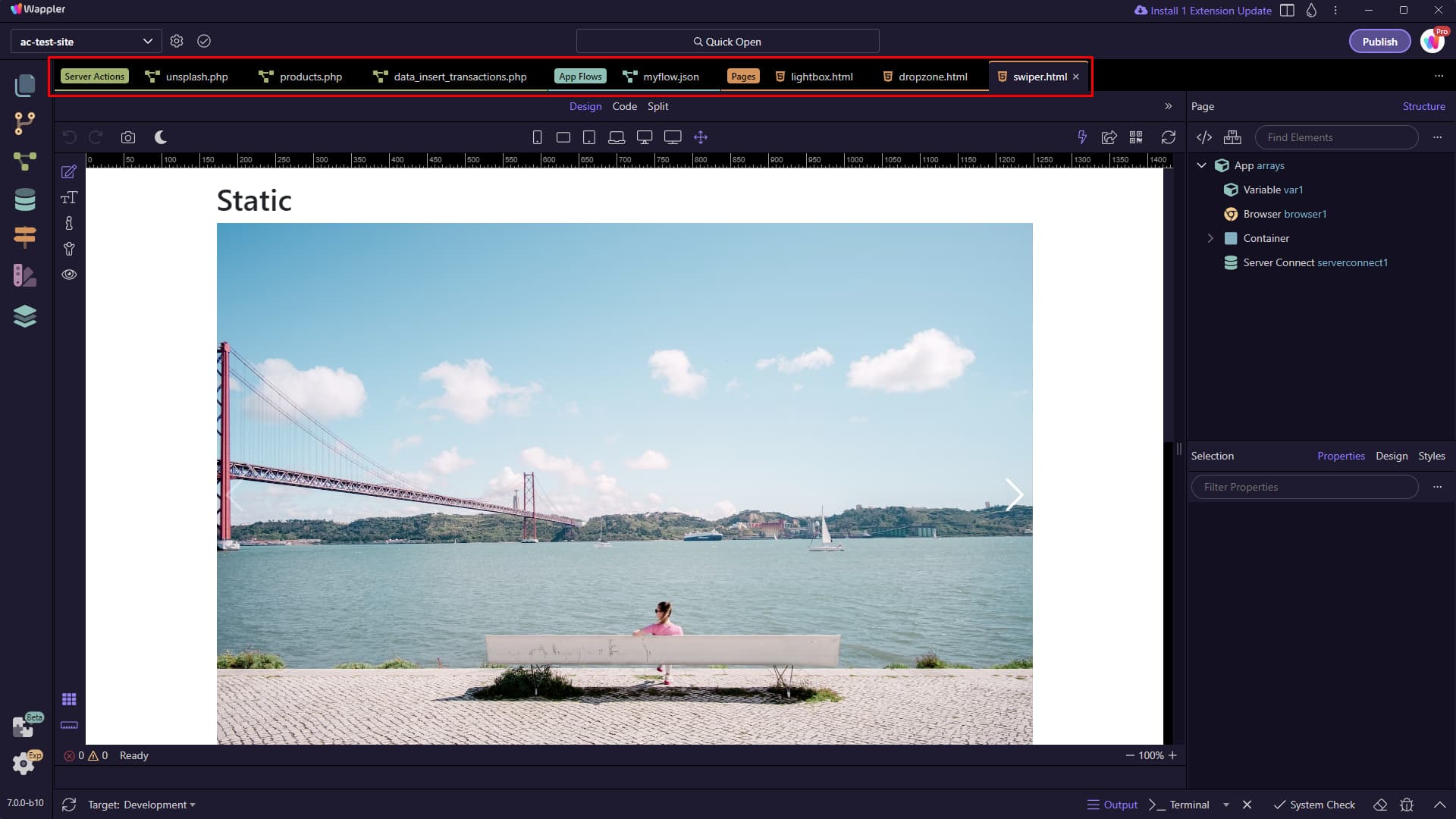
Section titled “Tab Groups Overview”Opening a Server Action, App Flow or a Page will automatically place it in the appropriate group:
Clicking on a tab group label will collapse the tab group:
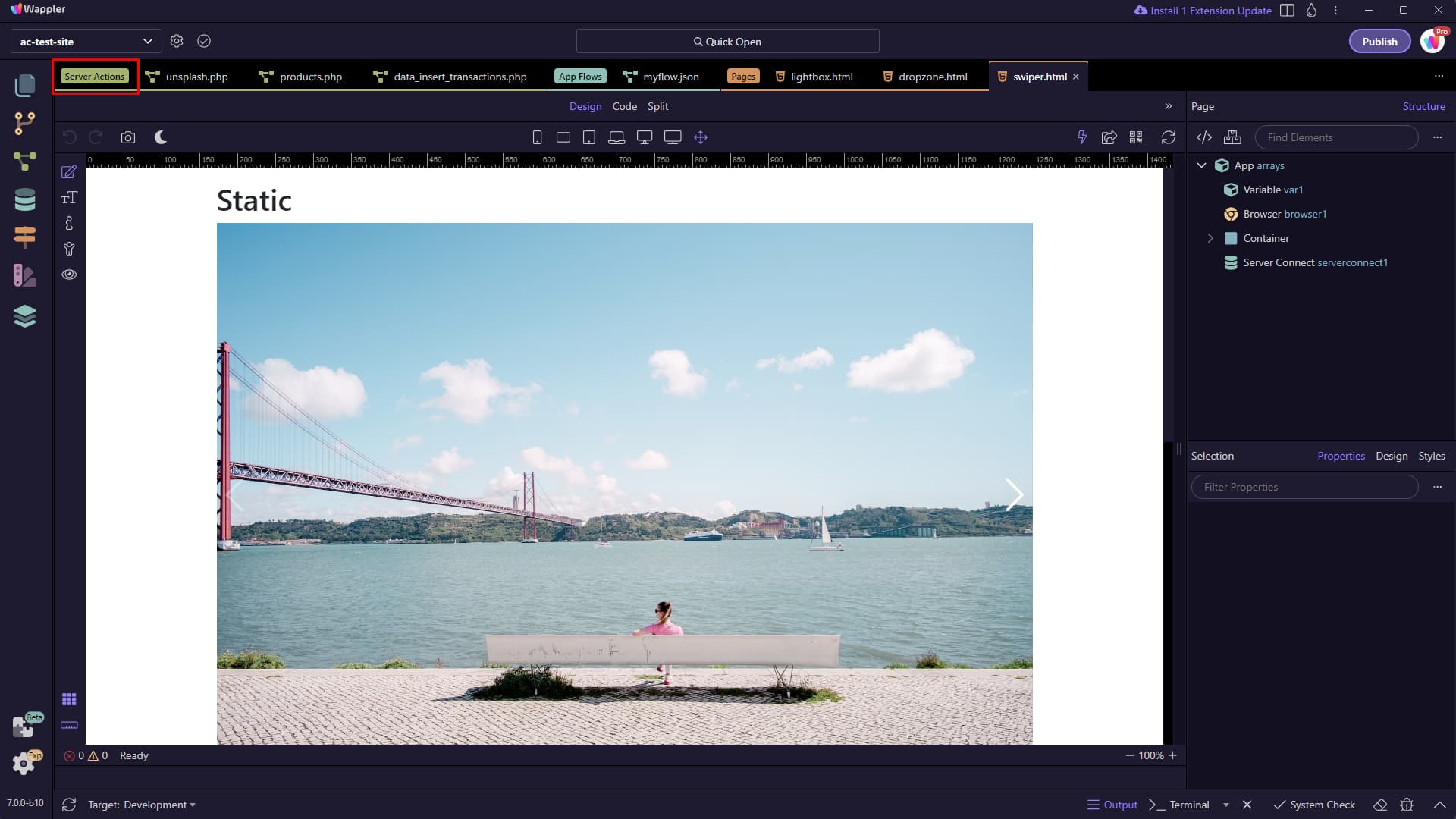
Collapsed tab groups display the number of tabs inside them. Clicking the collapsed tab group labels will open them:

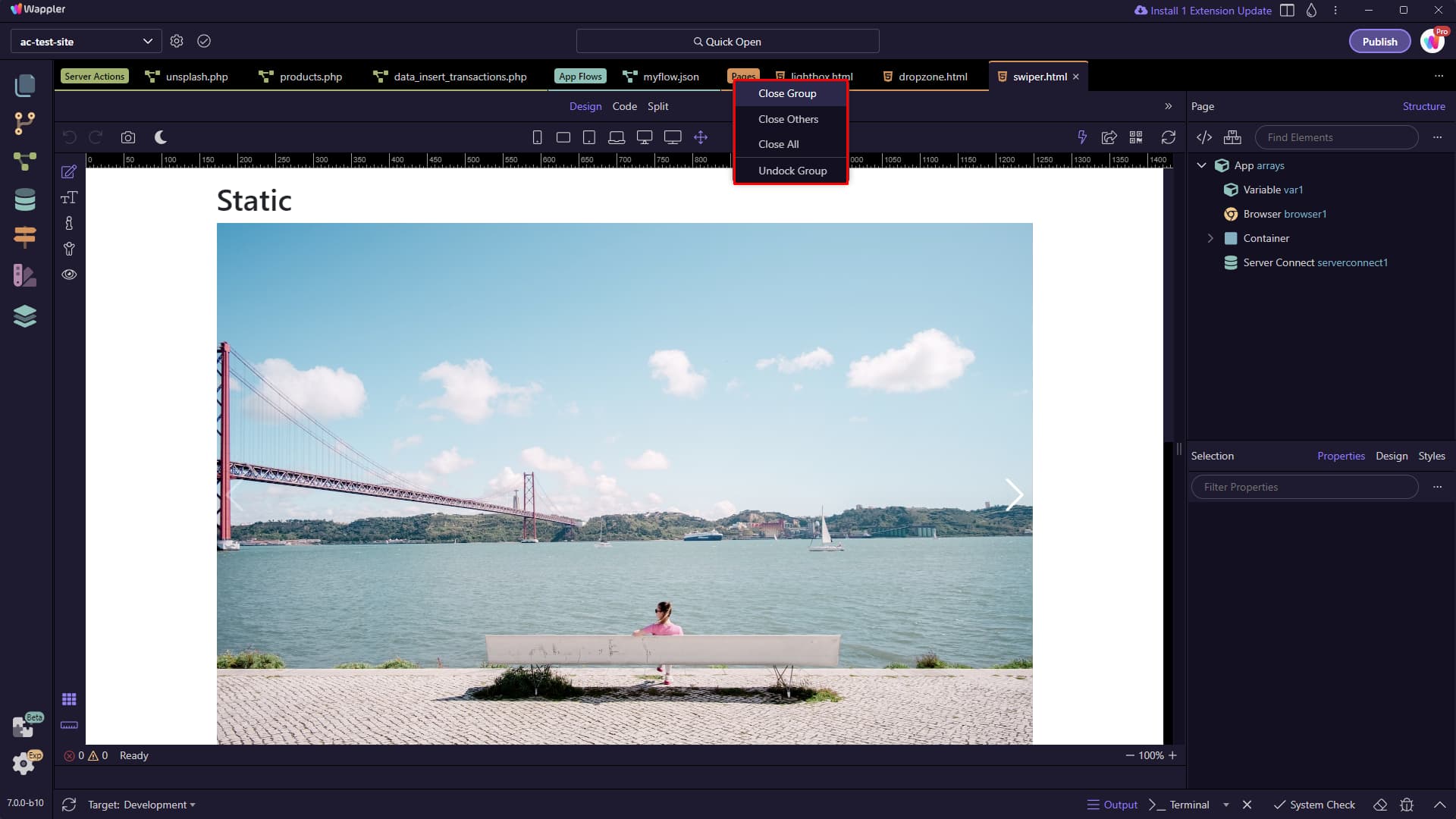
You can manage the tab groups - for example you can close all the tabs in the group by selecting Close Group or undock the whole tab group in a new Wappler window by selecting Undock Group:
Disabling Tab Groups
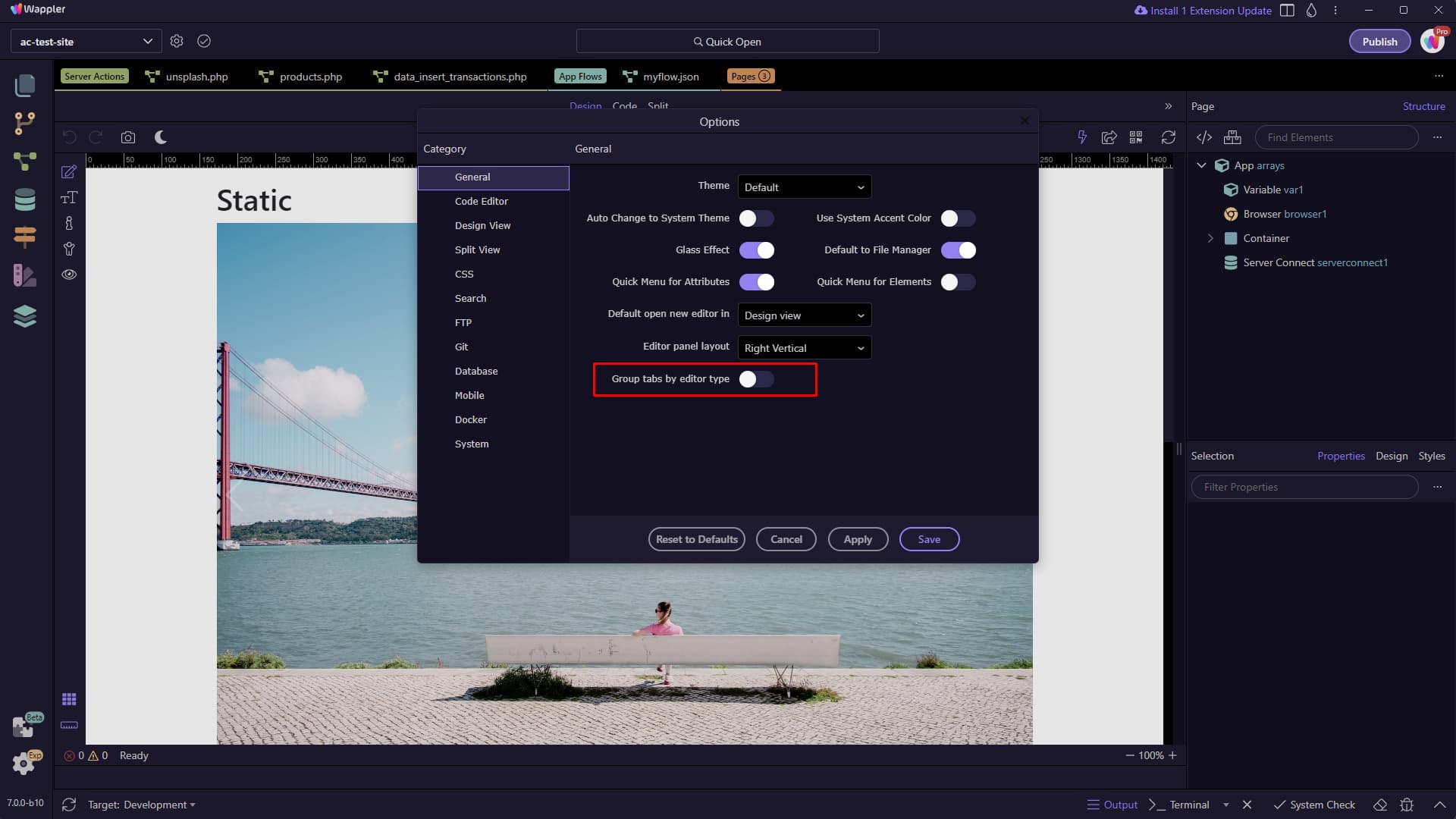
Section titled “Disabling Tab Groups”Tab grouping is enabled by default, but if you’re someone who prefers the 'chaos' of open tabs, you can easily disable this in Wappler Options. Simply turn off the 'Group Tabs by Editor Type' setting:
Please check this new feature and let us know what do you think.