Theme Manager (Bootstrap 5)
Explore Theme Manager (Bootstrap 5): Confirm Bootstrap 5 is selected and Preview and validate.
Theme Manager (Bootstrap 5)
When using Bootstrap 5, Theme Manager customizes the Bootstrap 5 theme variables and quickly compiles your updated theme. Make sure your project Design Framework is set to Bootstrap 5.
Orient yourself in top toolbar
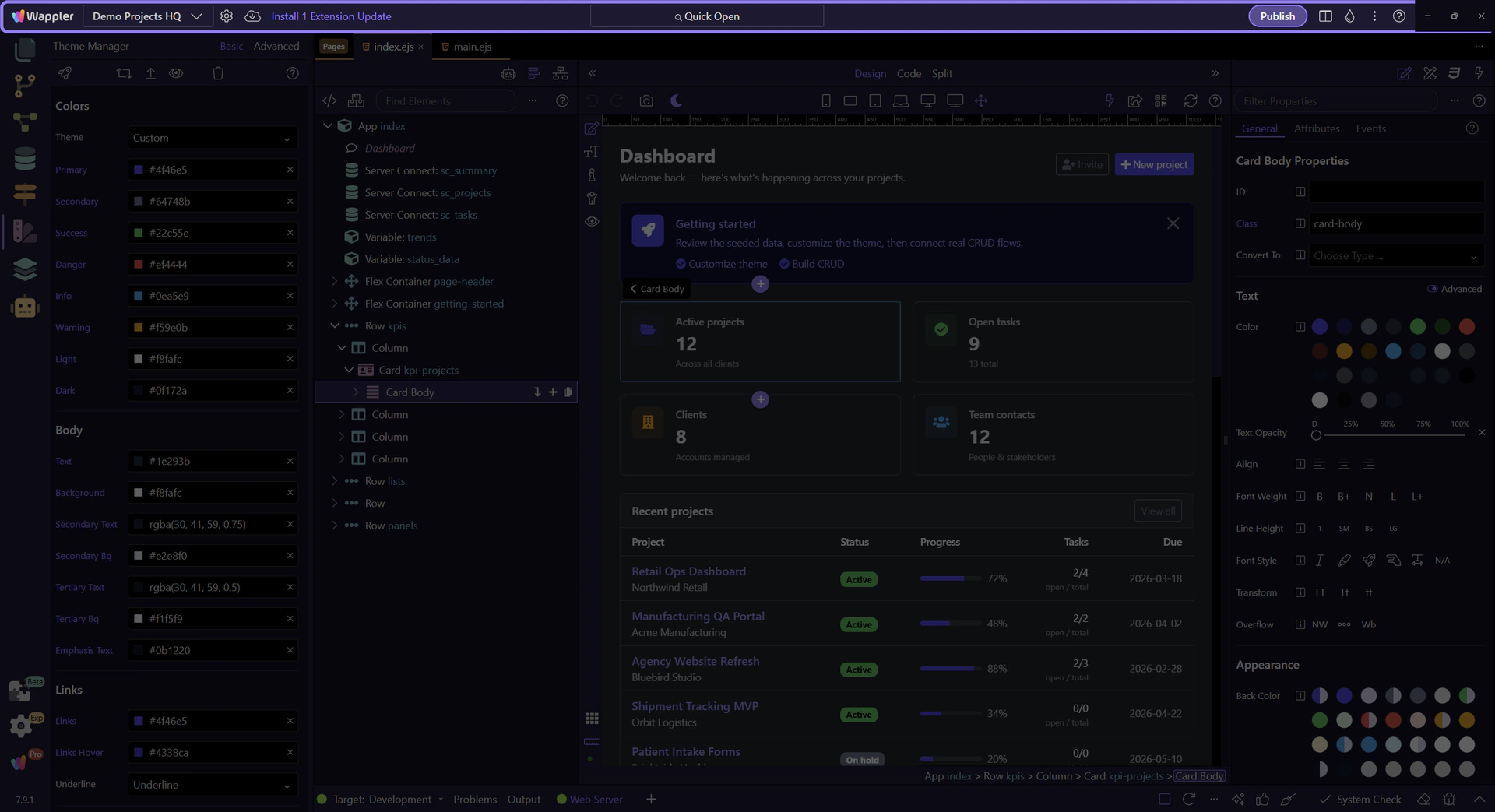
Start with the wider context in the top toolbar so the next control makes sense in the full workflow. In the next step, you will focus on Confirm Bootstrap 5 is selected and see how it fits into this area.
Confirm Bootstrap 5 is selected
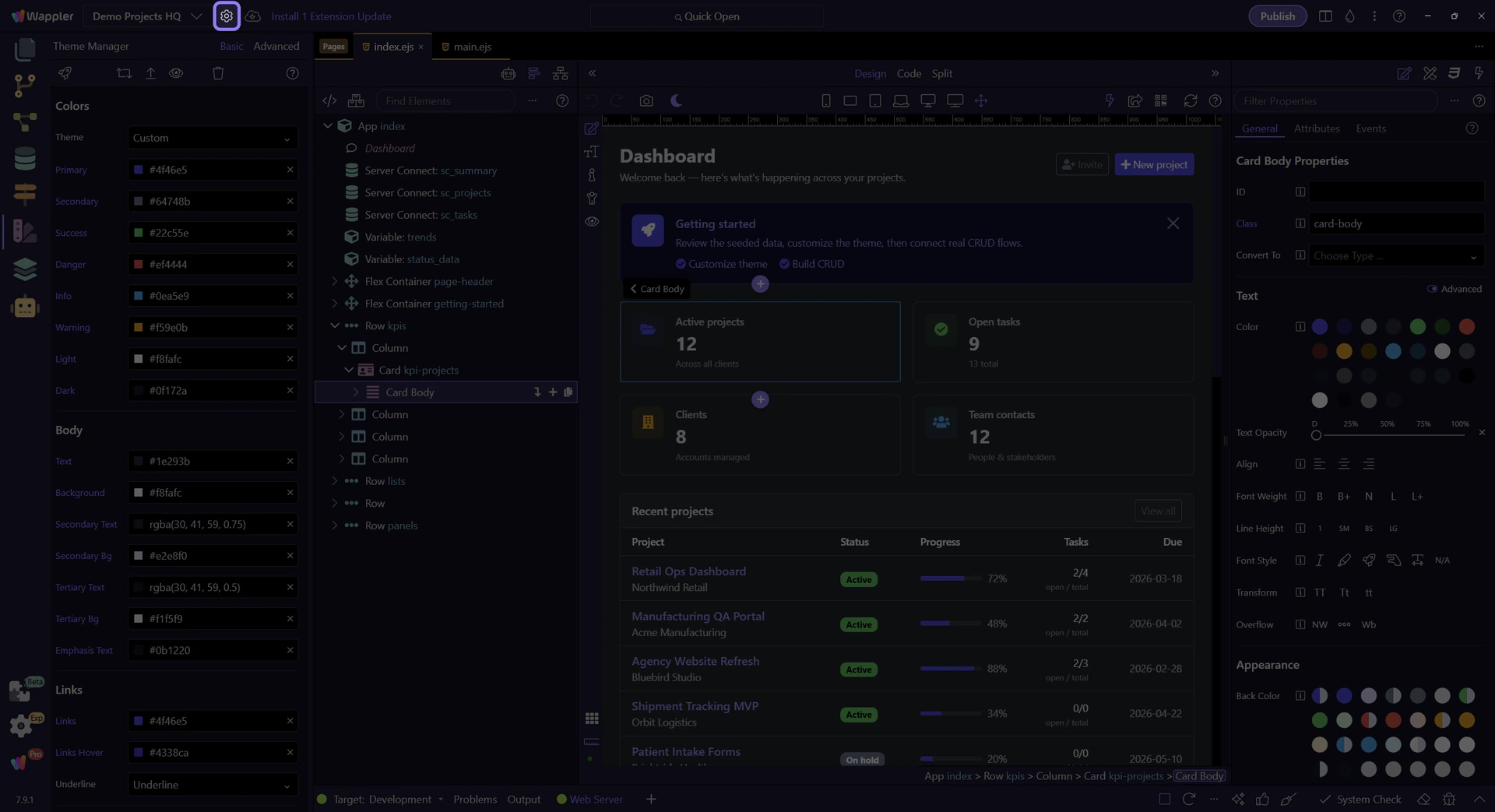
If the variables don’t match what you expect, double-check the Design Framework selection in Project Settings.
Orient yourself in Theme Manager
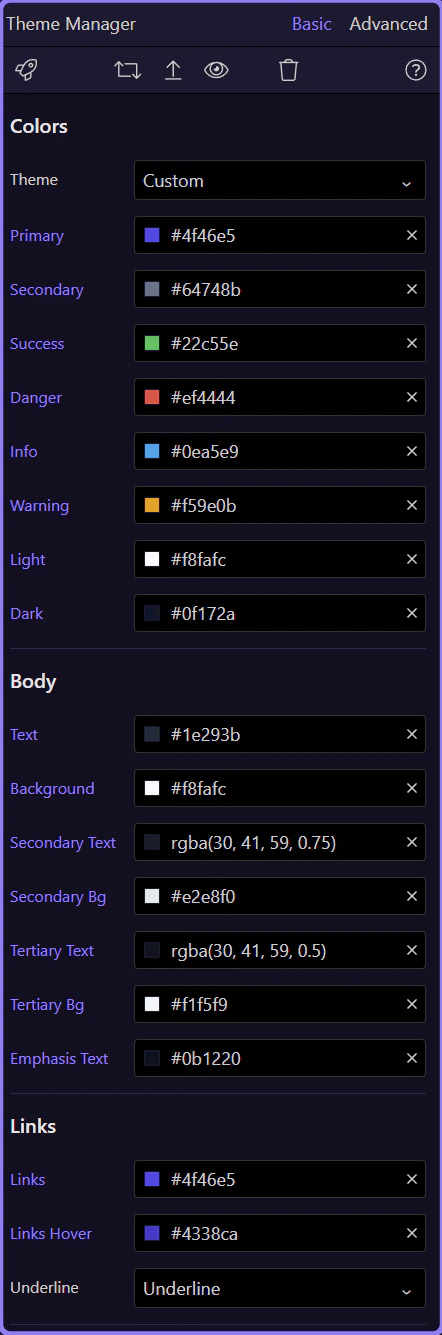
Start with the full Theme Manager panel so the actions area is easy to place in the overall workflow. In the next step, you will narrow in on the action buttons that include Preview.
Preview and validate
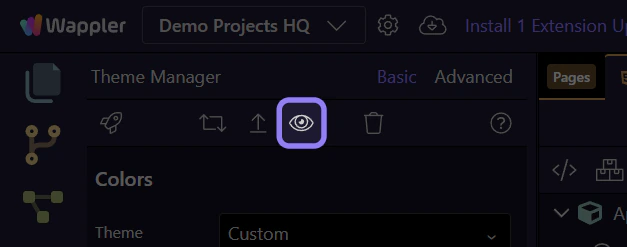
Use Theme Preview to validate how Bootstrap 5 utilities and component variants look with your updated palette and fonts.