
Working on Multiple Projects Simultaneously
Intro In the latest Wappler 7 Beta, you can now work on multiple projects at the same time by opening them in separate Wappler editor windows. This is perfect f
In the latest Wappler 7 Beta, you can now work on multiple projects at the same time by opening them in separate Wappler editor windows. This is perfect for scenarios like developing a mobile app alongside its data API project, letting you seamlessly switch between projects without interruptions. Experience greater flexibility and efficiency in your workflow with this powerful new feature!
Multi-Project Workflow
Section titled “Multi-Project Workflow”In our example we have a mobile project loaded in Wappler:
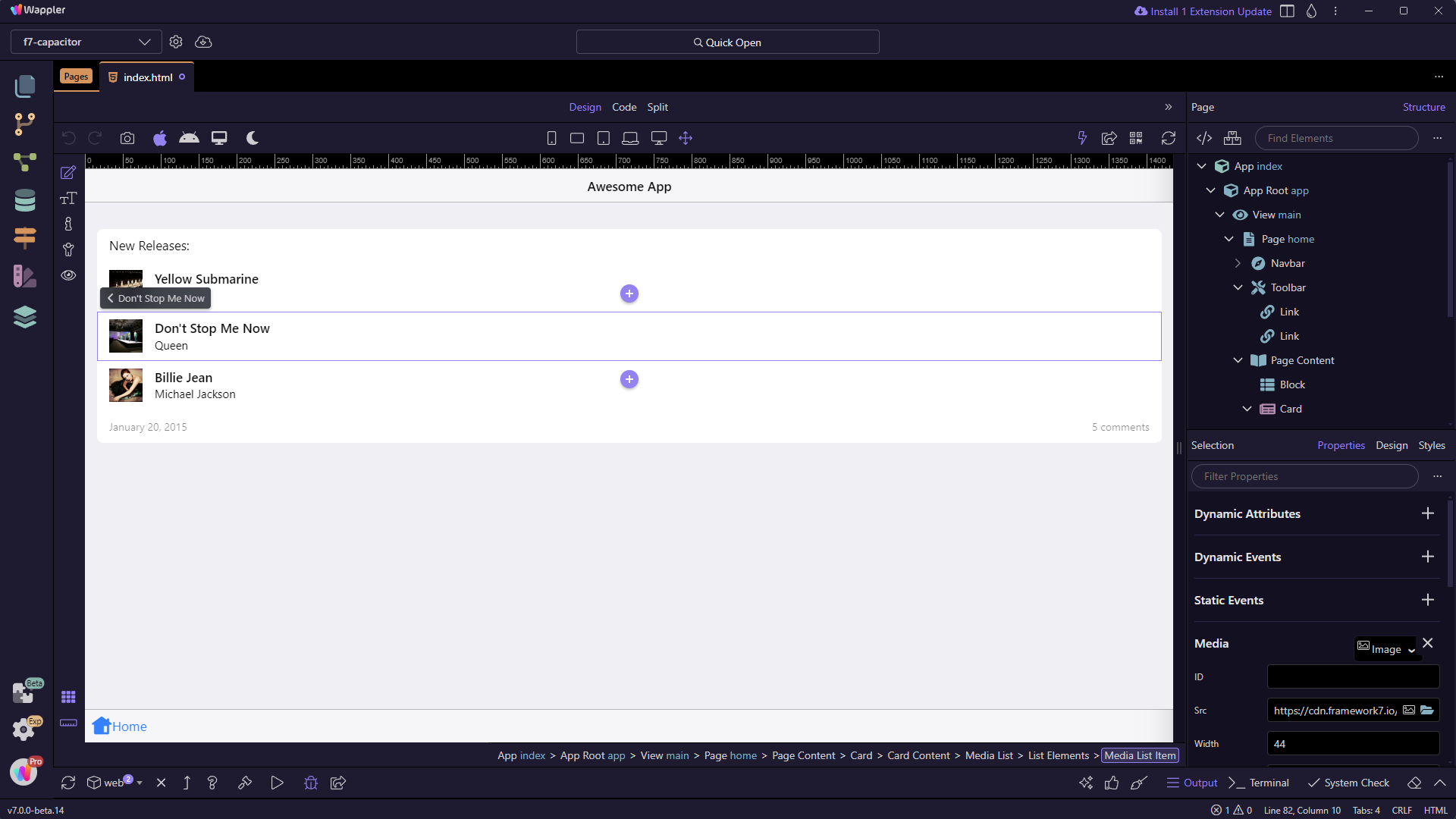
We want to open another project - the API project for our mobile app.
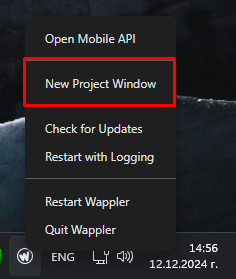
Right click the Wappler tray icon and select New Project Window:
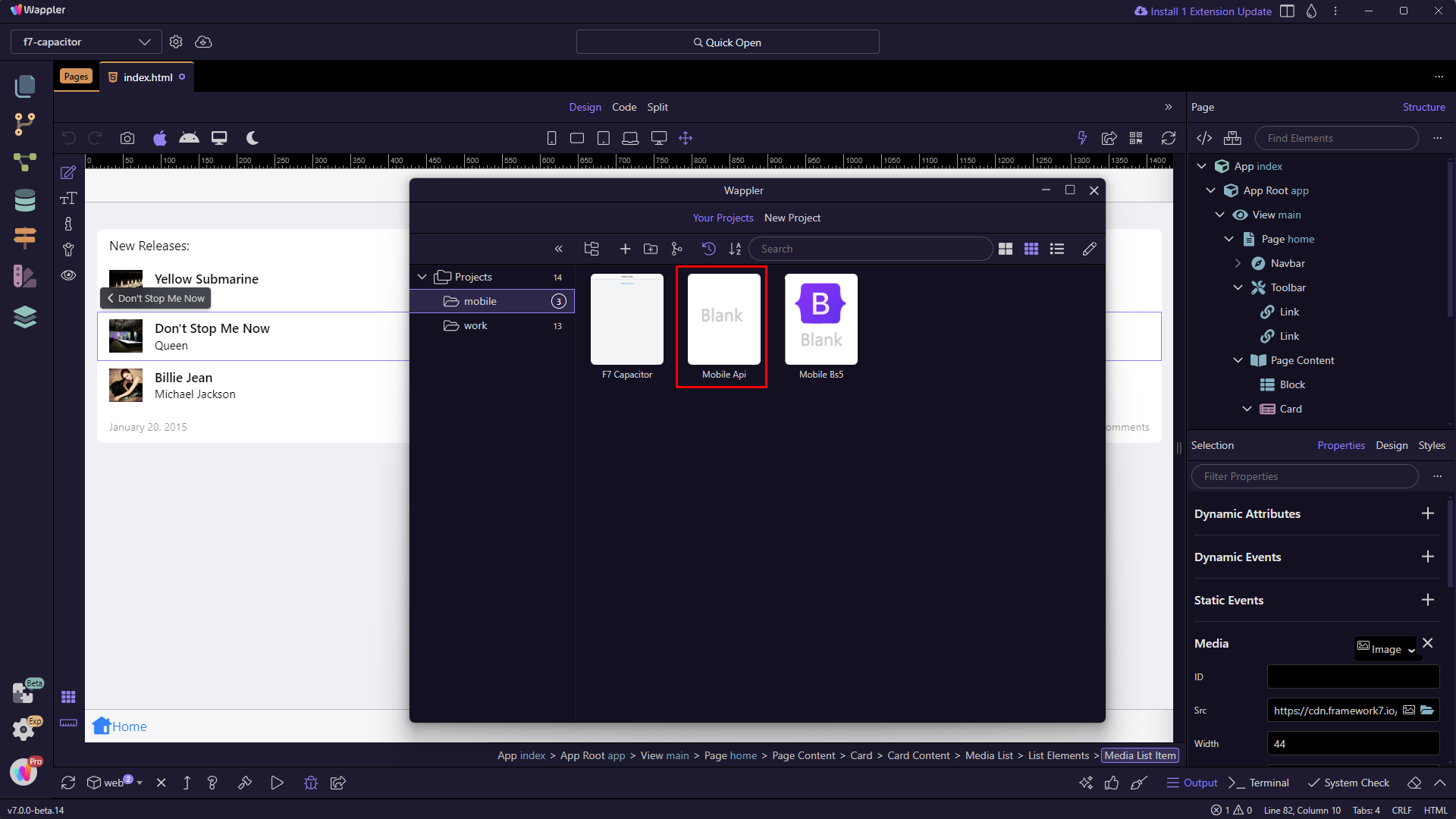
This will show the Projects dialog, where you can choose a project to open:
You can see the two project open side by side:

You can switch the project loaded in the second Wappler editor window or open additional projects simultaneously if needed. Note that opening multiple projects will consume more system resources, so use this feature wisely.
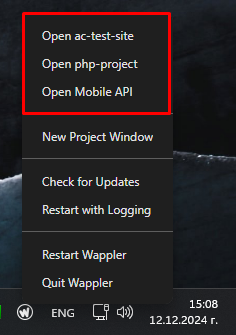
You can also see a list of the last 3 recent projects in the context menu. Clicking on any of them will open the project in a new Wappler editor window:
That's how easy it is to work on multiple projects simultaneously in Wappler. Please let us know what you think about this feature.