
Display-friendly
Format dates, currency, percentages, truncation.
Use App Connect formatters to transform values (date, currency, text, collections) using Wappler’s expression picker.
Formatters transform values for display and simple data manipulation, without changing the source data — applied visually via the expression picker.
A formatter is a method-like helper you chain in an App Connect expression (for example: text case, date formatting, currency). In Wappler you typically pick them from the expression picker.
Using formatters requires the formatter extension/component folder to be present (dmxFormatter). If you don’t see formatters in the picker, check your installed frameworks/extensions.
tip: In practice, Wappler project templates typically include the needed App Connect packages. Missing formatters often means a missing/disabled extension.
In Wappler, formatters are easiest to apply via the expression picker in any bindable field.
Look for fields with an expression/binding picker (Value fields, text bindings, filters, class bindings, etc.). That’s where you can apply formatters.
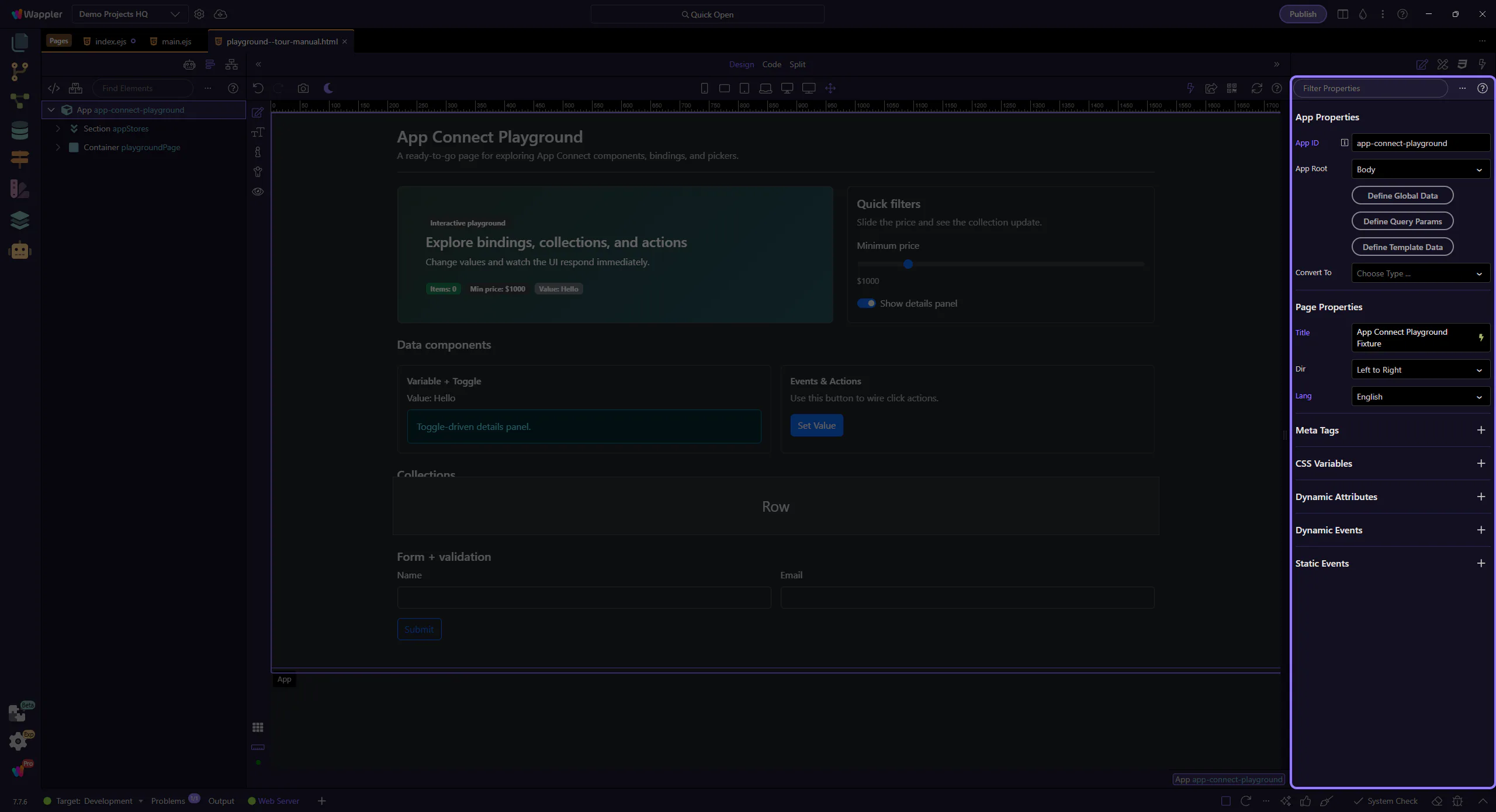
Use formatters to transform strings, numbers, dates, and collections right where you display them.
Avoid common mistakes and keep expressions readable.
Use the formatter names shown in the picker (lowercase/uppercase/titlecase, etc.) so you get valid results at runtime.
important: If something doesn’t appear in the picker, it’s usually not a valid formatter for that value. Prefer picking over typing.
If a value is a string but you need numeric/date formatting, convert first (toNumber/toDate), then format.
Formatters are great for display and small transforms, but avoid using collection filtering formatters as a replacement for real filtering and paging on large datasets.
warning: If you notice slow UI updates, move filtering out of the browser and into Server Connect or Data View.
Formatters help you keep data clean and UI readable — applied right where you display values.
Continue with validations or filtering.