
Update a database record
A complete update action: validate the record ID, map form values, filter the update and check the saved record.
Update one existing record using submitted values without changing other records.
Also called: update record, database update, edit record, save changes.
Before you begin
Section titled “Before you begin”- A working database connection and a record to edit.
- An edit form that submits the record ID and the fields to change. The tour inspects the Demo Projects HQ contact update action.
Define the record ID and editable fields
Section titled “Define the record ID and editable fields”Create the API action contacts/update for the edit form. Under Inputs → POST, define a required numeric id, plus the fields to update. In the contact example these include first_name, last_name and email. The input Names must match the form’s submitted field names.
Check who may update the record
Section titled “Check who may update the record”Apply the Security Provider and permission or ownership rule required by your application before the update. A submitted record ID identifies a row; it does not establish that the caller may edit it. The supplied contact action illustrates field mapping, so add your application’s authorization policy to real edit endpoints.
Add Database Update and choose the table
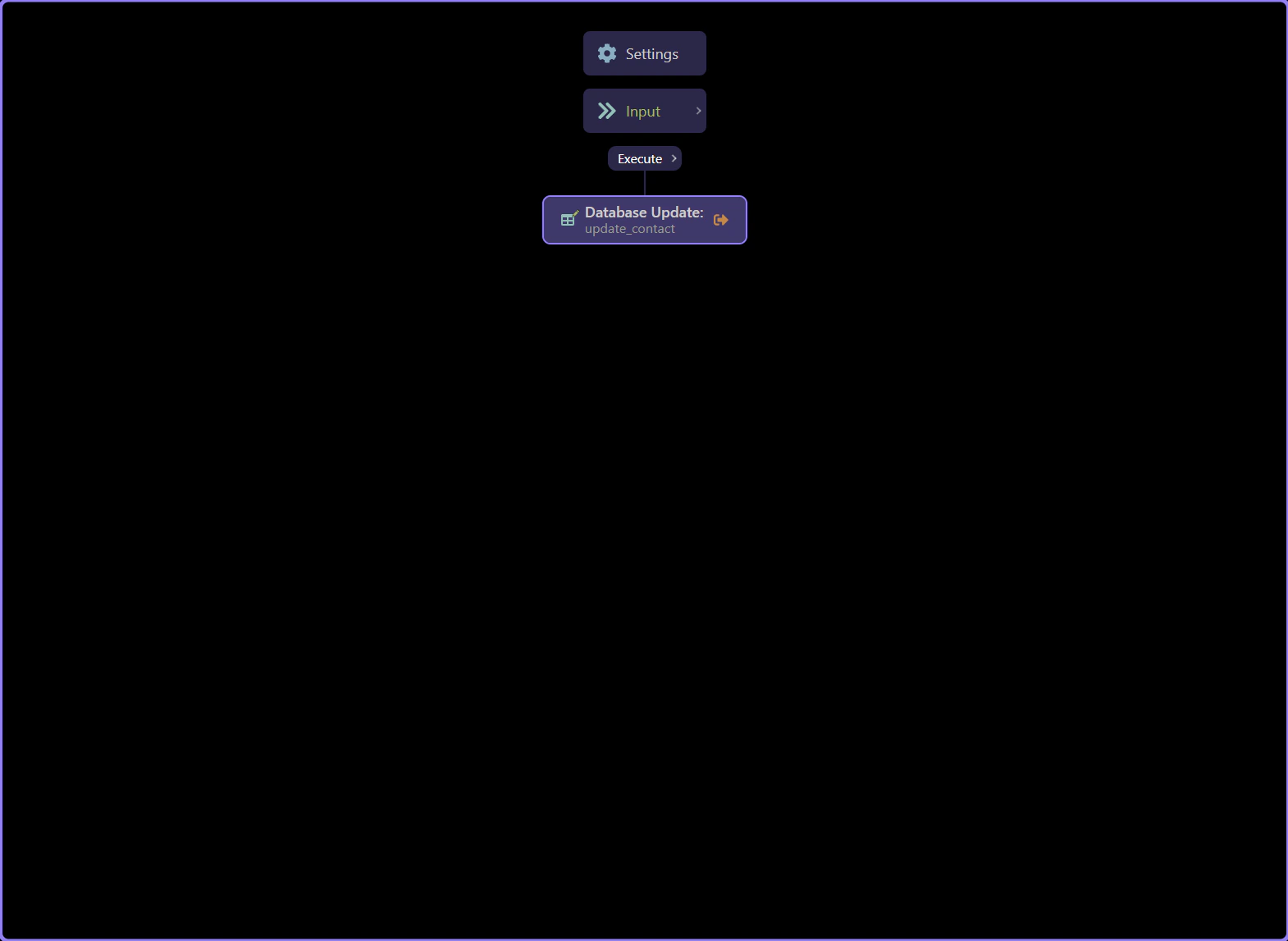
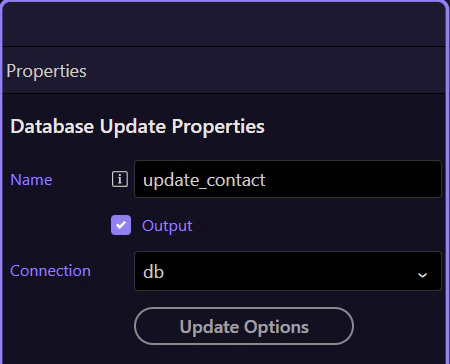
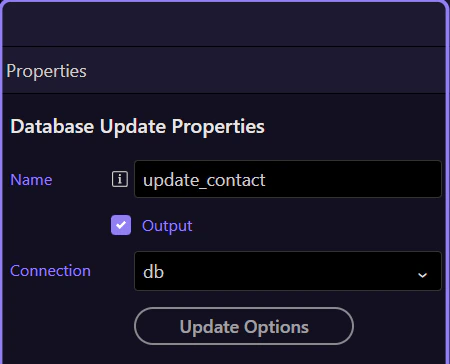
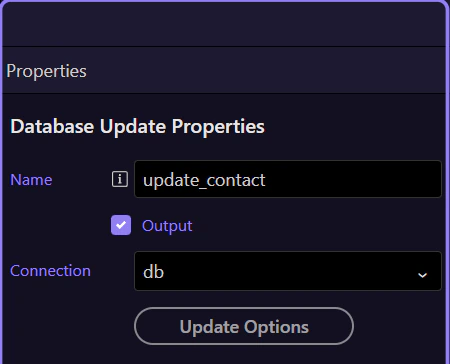
Section titled “Add Database Update and choose the table”Add Database Update, name it update_contact, and select the database connection and the contacts table (clients_contacts in Demo Projects HQ). Open its update options. Choose only the columns the form is allowed to change.
Map values from the validated inputs
Section titled “Map values from the validated inputs”Bind each editable column to its matching POST input. For example, first_name uses $_POST.first_name, and email uses $_POST.email. Use the picker so the expression comes from the action’s defined input scope.
| Column | Example input |
|---|---|
| first_name | {{$_POST.first_name}} |
| last_name | {{$_POST.last_name}} |
| {{$_POST.email}} |
Filter by the intended record
Section titled “Filter by the intended record”In the update conditions, set the table’s primary key id equal to $_POST.id. Check that this condition is present before testing. Add any ownership condition your authorization policy requires. An update without the intended condition can change more rows than the form is editing.
Connect the edit form
Section titled “Connect the edit form”Configure the page form as a Server Connect Form and select contacts/update. Include the current record ID as a submitted field. Restore the existing field values before editing, then show success or error feedback from the form’s request state.
Verify one changed record
Section titled “Verify one changed record”Save and test with a disposable record. Change one value, submit, then reload or query the record from the database. Check that the new value persists and the row count is unchanged. Test a missing ID and an unauthorized caller as well; both should be rejected before changing data.
Check your result
Section titled “Check your result”The chosen record contains the new values, the total row count is unchanged, and unrelated records retain their values.