Version Control with Git
With the version control options in Wappler you can create a Git repository for every Wappler project you wish to keep track on. Having a repository is great way to have a good backup of all your proj
Step 1
Section titled “Step 1”With the version control options in Wappler you can create a Git repository for every Wappler project you wish to keep track on. Having a repository is great way to have a good backup of all your project files and their changes.
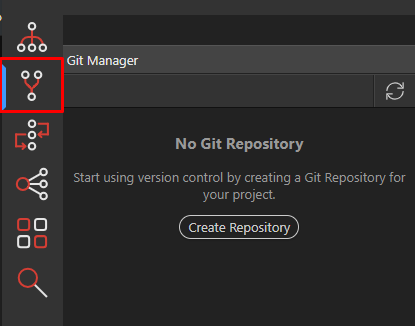
The Git Manager
Section titled “The Git Manager”The Git Manager panel is located as a second option in the left bar
Creating a New Local Repository
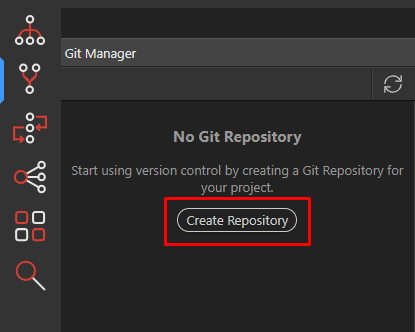
Section titled “Creating a New Local Repository”When you want to add a repository for your current project, just click on the “create Repository” button
Commiting files
Section titled “Commiting files”You will immediately see a list of files from your project to commit to the repository. Initially thisse will be just all files from your project:

Just enter a nice log message about what you are committing and select the files.
Section titled “Just enter a nice log message about what you are committing and select the files.”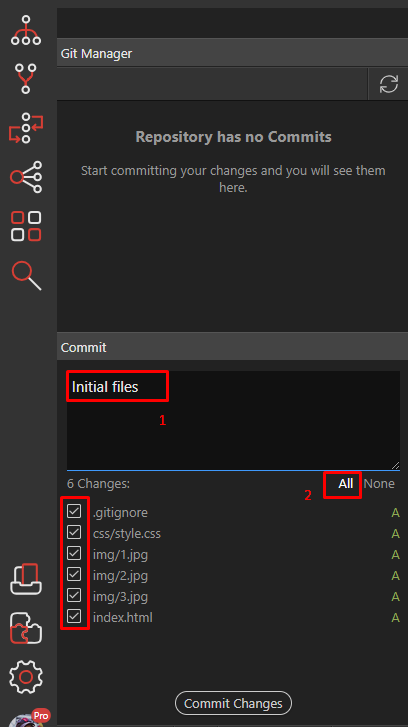
Step 6
Section titled “Step 6”Now you will see that we have a new history entry with the message you entered, and no more files are to be committed:
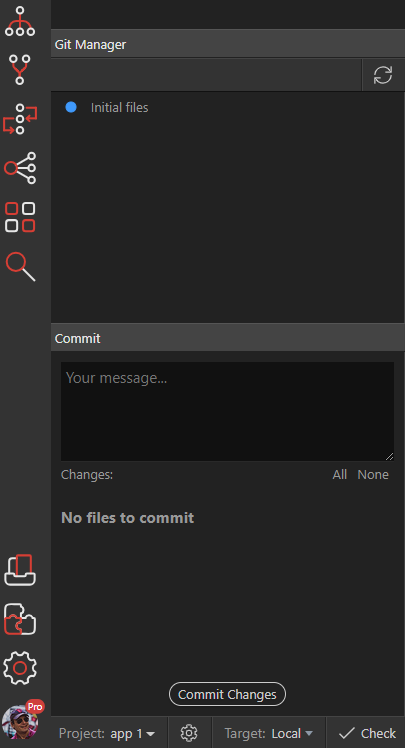
Adding new files
Section titled “Adding new files”Lets edit our main index.html and add something to it like the App Connect framework. After saving the file and refreshing the Git Manager, you will see that a bunch of new files have appeared and that the index.html is changed:
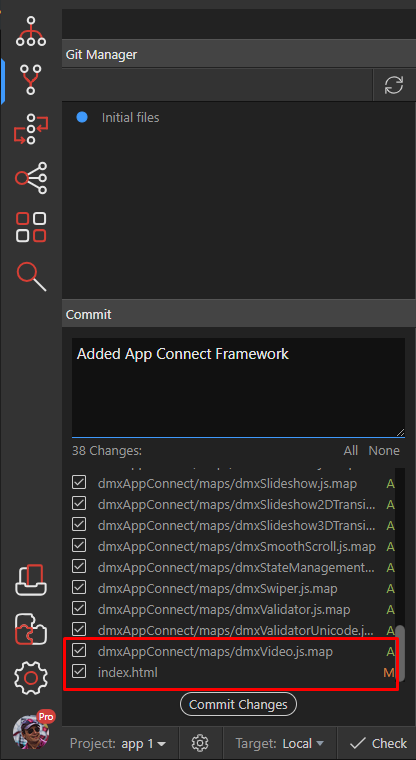
A - means new file is added M - means file is modified
Section titled “A - means new file is added M - means file is modified”A - means new file is added
M - means file is modified
So lets commit this
Review history
Section titled “Review history”After the commit you will see immediately that our history grows
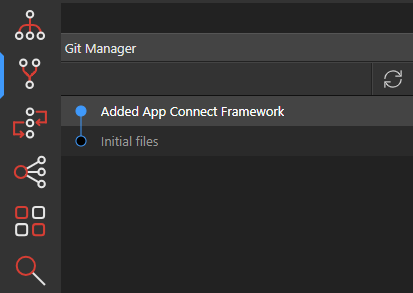
Step 11
Section titled “Step 11”Lets add some more, changes and commit them:
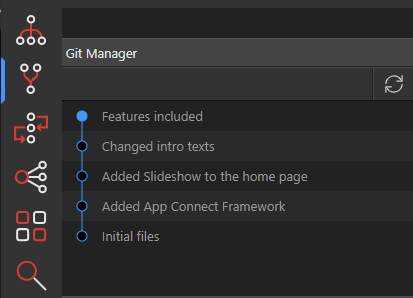
As you can see every commit is now logged with a nice message
Section titled “As you can see every commit is now logged with a nice message”Implementation
Section titled “Implementation”The repository is stored locally in your project folder under the .git sub folder
Integration with File Manager
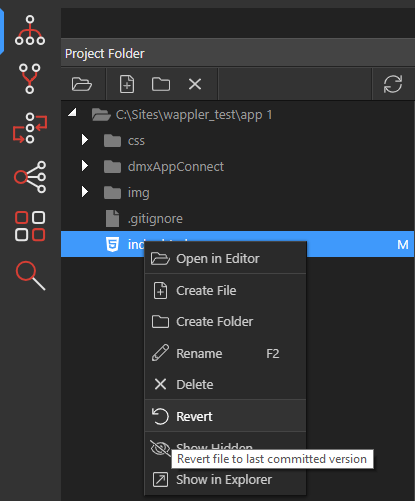
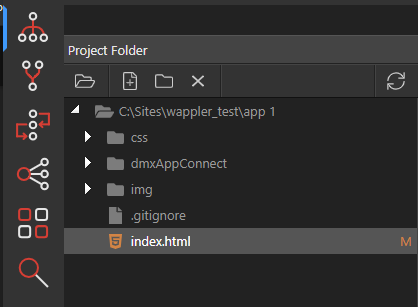
Section titled “Integration with File Manager”In the file manager you can also see changed files that aren’t committed yet into the repository.
Reverting files
Section titled “Reverting files”If you like to undo your file changes, to the last commit version, you can just revert the file: