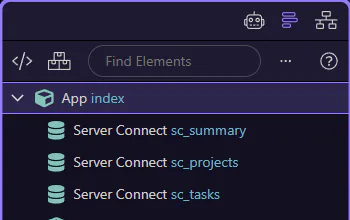
How To: Ask a question
Learn how to ask a question in the AI panel. Use this tour as a quick refresher.
Goal: Ask a question
Section titled “Goal: Ask a question”Ask mode is best for explanations and guidance without applying changes automatically. This step matters because Goal: Ask a question is part of the Page Panels area, and understanding that context makes the next action easier to repeat in your own project.
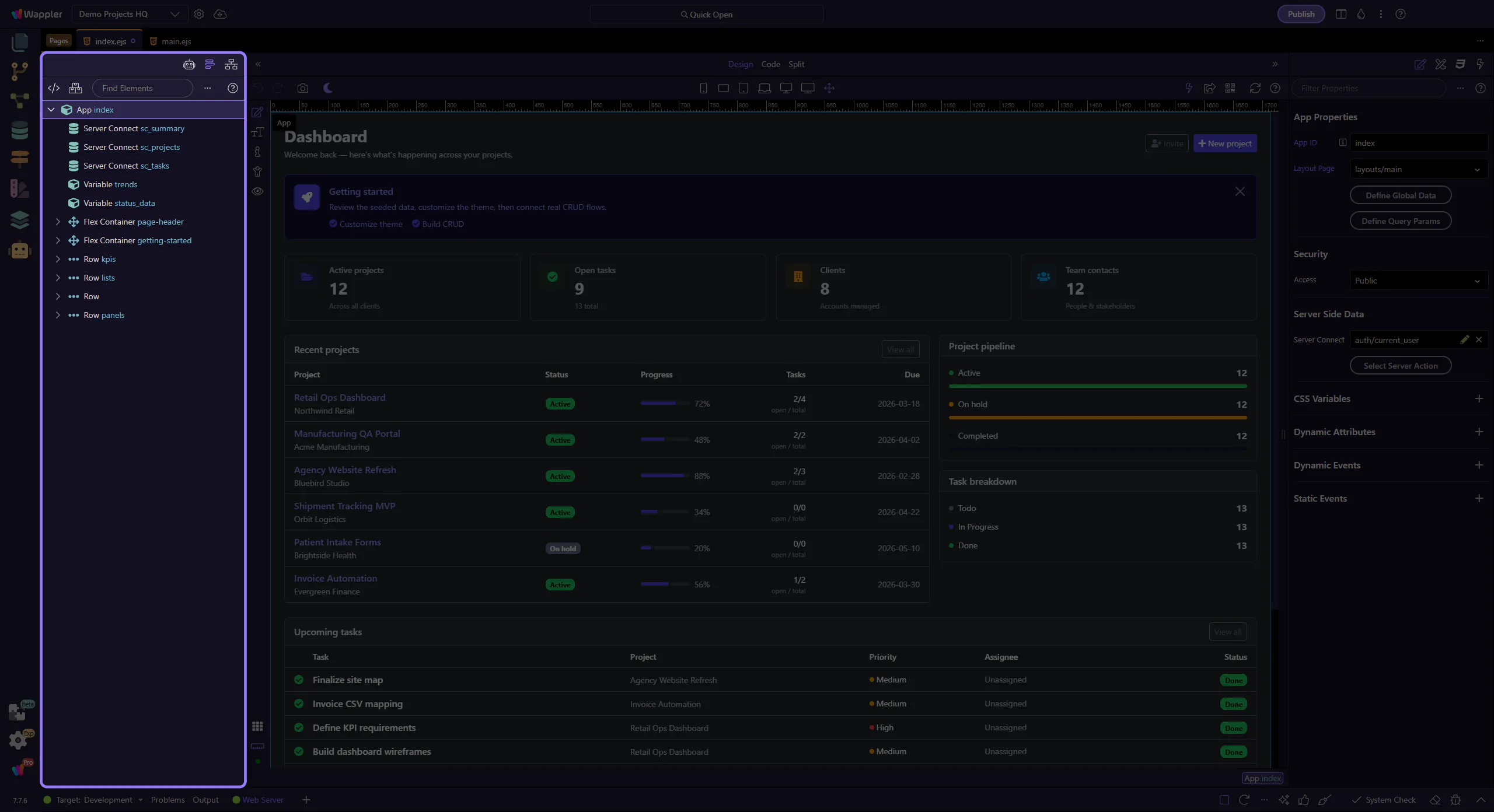
Set mode to Ask
Section titled “Set mode to Ask”Make sure the assistant is in Ask mode before you submit your question. This step matters because Set mode to Ask is part of the Page Panels area, and understanding that context makes the next action easier to repeat in your own project.
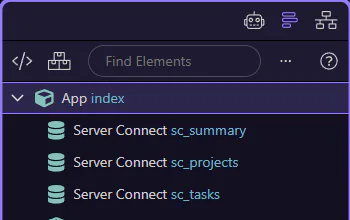
Write your question
Section titled “Write your question”Be specific and include relevant context (file, component, goal). This step matters because Write your question is part of the Page Panels area, and understanding that context makes the next action easier to repeat in your own project.
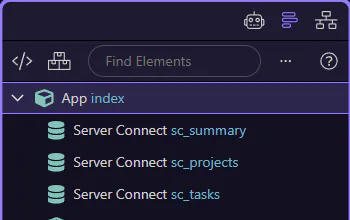
Refine the question or try a different model if needed. This step matters because Done is part of the Page Panels area, and understanding that context makes the next action easier to repeat in your own project.