Skip to content

How To: Use history

Learn how to use history in the AI panel. Use this tour as a quick refresher.

Goal: Use history

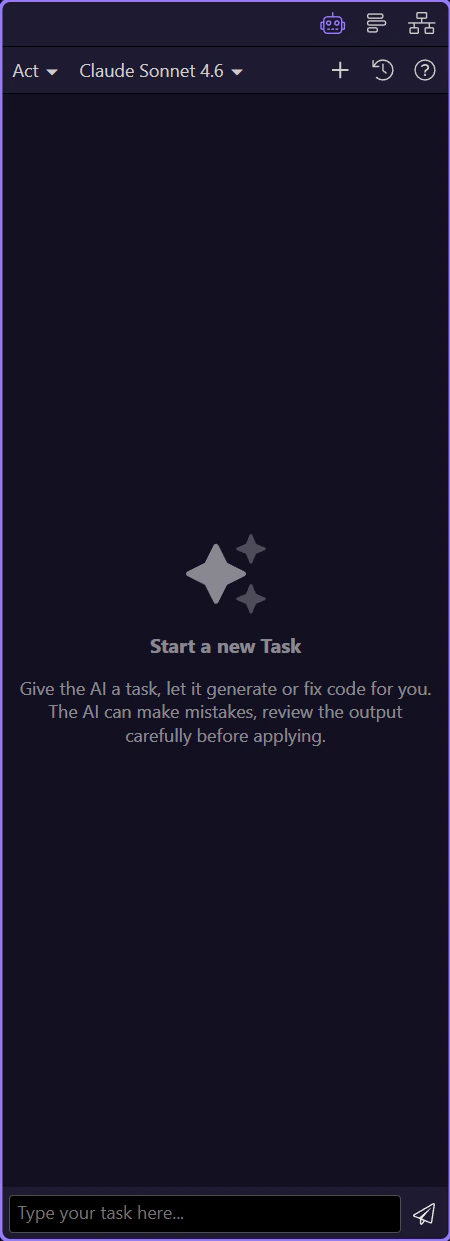
History helps you find previous prompts and responses. This step matters because Goal: Use history is part of the Page Panels area, and understanding that context makes the next action easier to repeat in your own project.
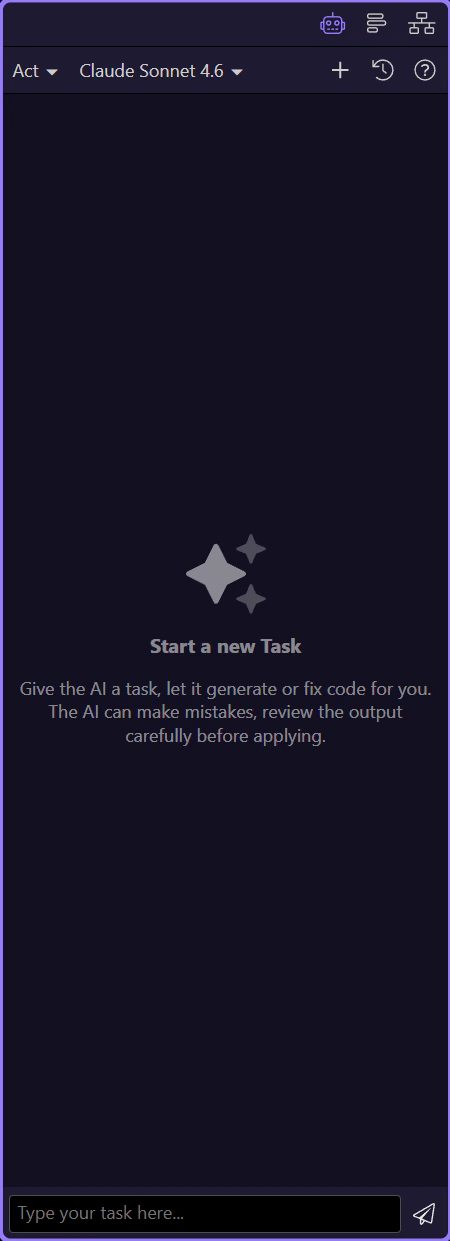
Toggle history

Open the history list to review earlier chats. This step matters because Toggle history is part of the Page Panels area, and understanding that context makes the next action easier to repeat in your own project.
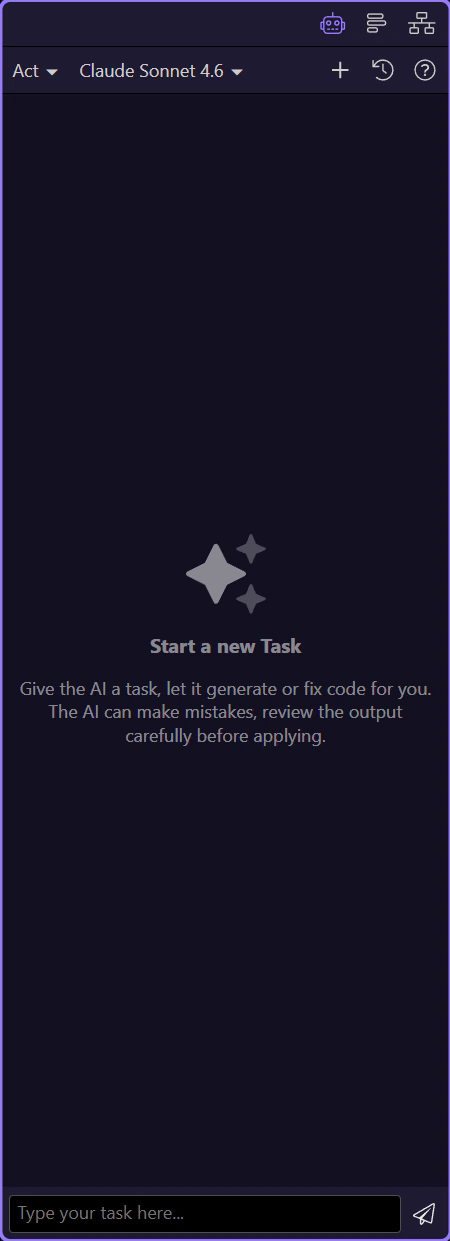
Reuse a previous prompt

Reuse a prompt when you want similar results on a new page. This step matters because Reuse a previous prompt is part of the Page Panels area, and understanding that context makes the next action easier to repeat in your own project.
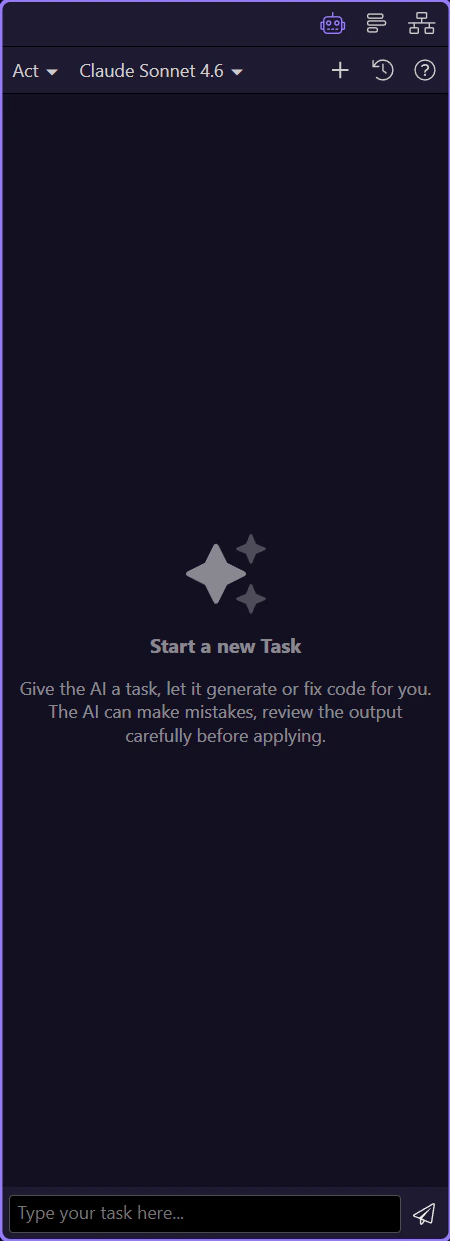
Done

Use New to start fresh when needed. This step matters because Done is part of the Page Panels area, and understanding that context makes the next action easier to repeat in your own project.