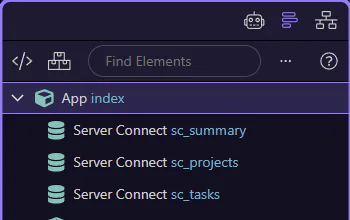
How To: Stop generation
Learn how to stop generation in the AI panel. Use this tour as a quick refresher.
Goal: Stop generation
Section titled “Goal: Stop generation”Stop cancels the current generation if it’s taking too long or going off-track. This step matters because Goal: Stop generation is part of the Page Panels area, and understanding that context makes the next action easier to repeat in your own project.
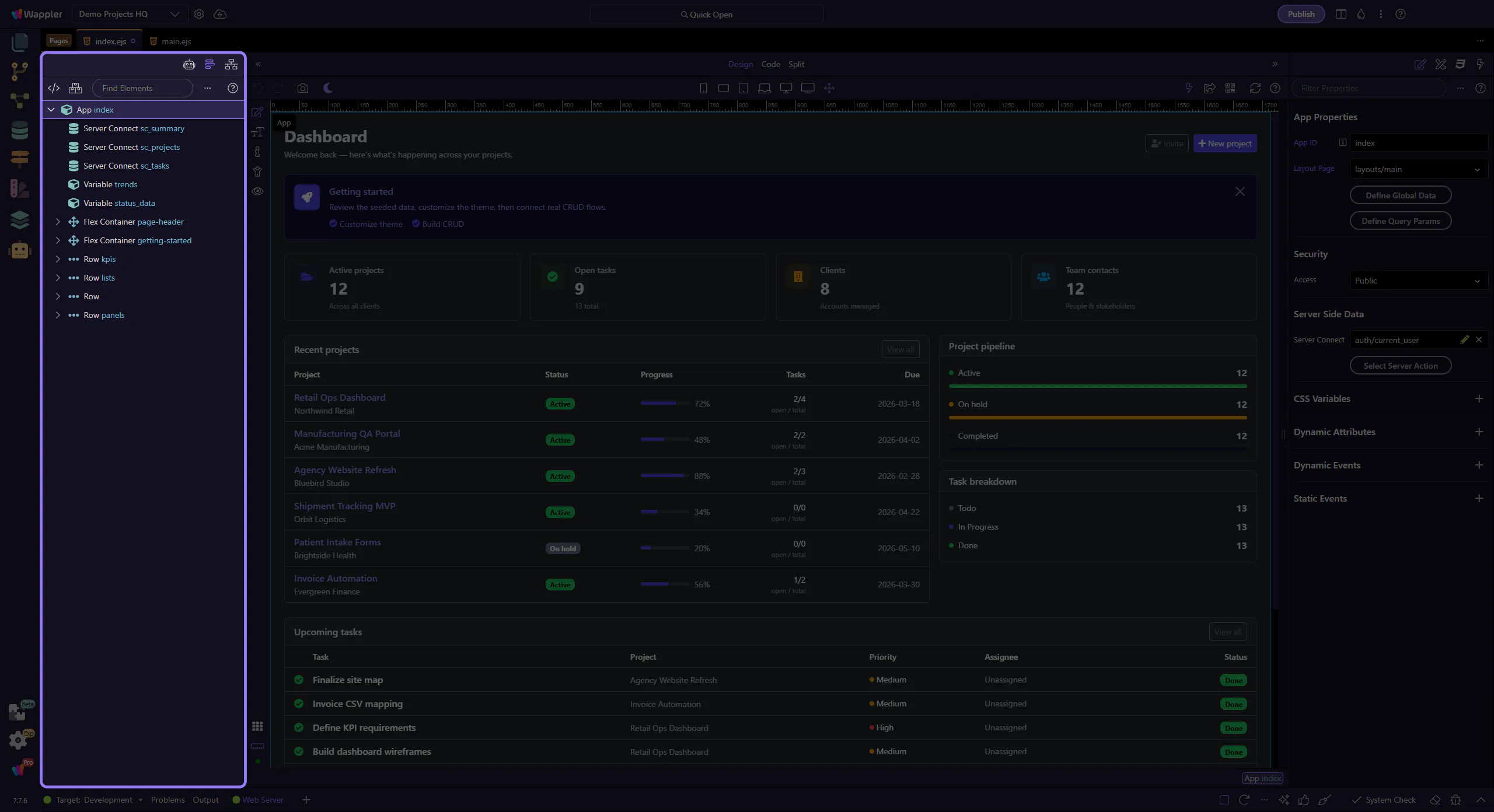
Use Stop
Section titled “Use Stop”Use Stop to cancel output, then adjust your prompt. This step matters because Use Stop is part of the Page Panels area, and understanding that context makes the next action easier to repeat in your own project.
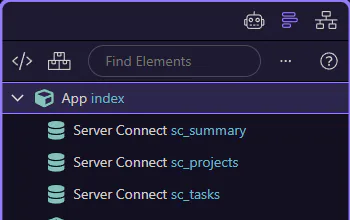
You can adjust the prompt and try again. This step matters because Done is part of the Page Panels area, and understanding that context makes the next action easier to repeat in your own project.