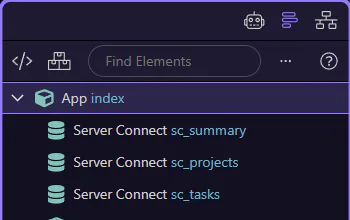
AI Panel Reference
AI panel reference for the HTML Editor: modes, toolbar controls, and common text actions.
Reference overview
Section titled “Reference overview”This reference walks through the AI panel controls and common workflow patterns. This step matters because Reference overview is part of the Page Panels area, and understanding that context makes the next action easier to repeat in your own project.
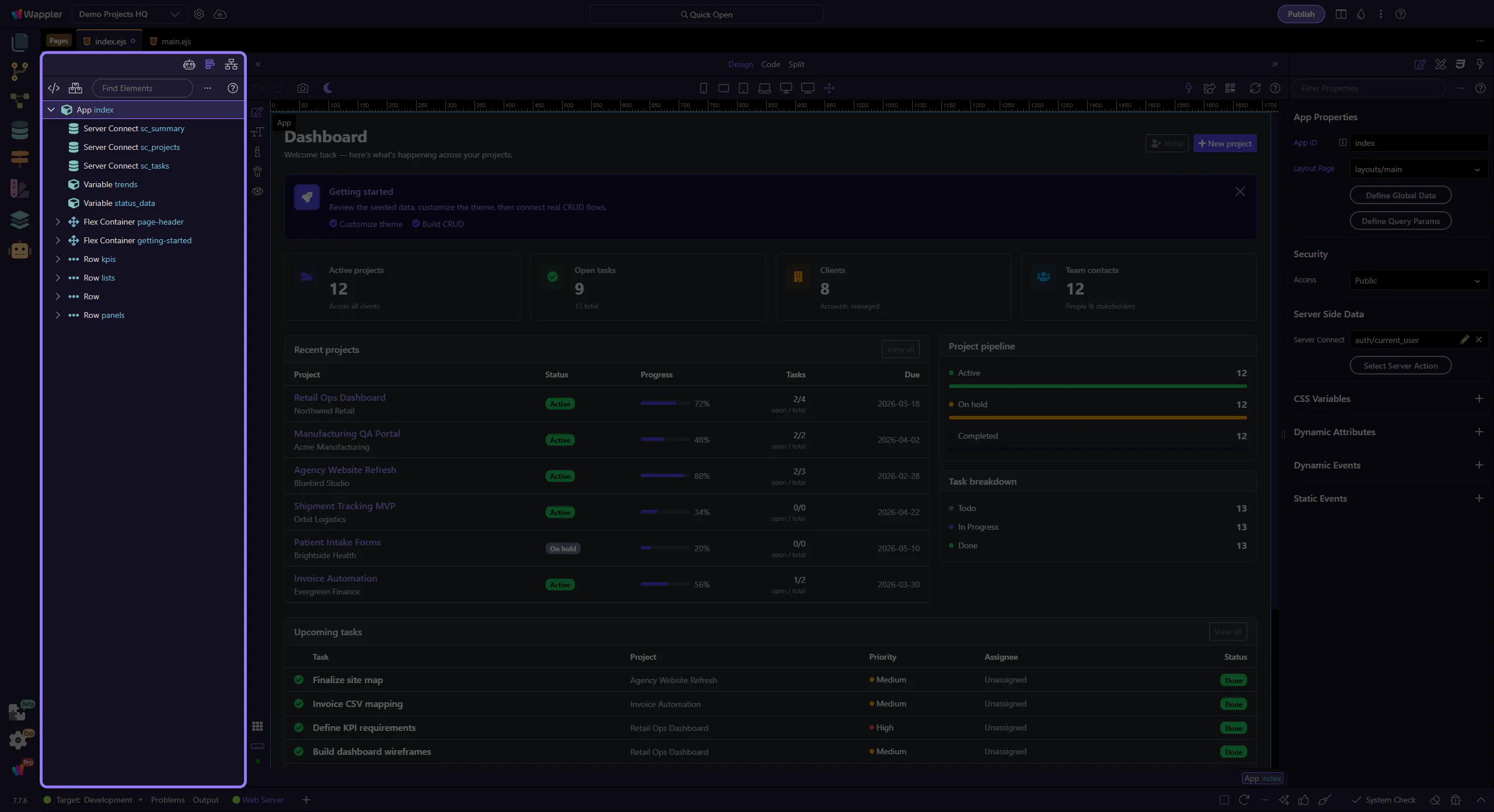
Toolbar
Section titled “Toolbar”Use the toolbar to change modes, start new chats, open history, and pick models. This step matters because Toolbar is part of the Page Panels area, and understanding that context makes the next action easier to repeat in your own project.
Text actions
Section titled “Text actions”Use text actions to copy, reuse, or refine content as you iterate. This step matters because Text actions is part of the Page Panels area, and understanding that context makes the next action easier to repeat in your own project.
Conversation
Section titled “Conversation”Use the conversation area to review results, copy content, and iterate. If you’re not seeing options yet, models may still be loading.