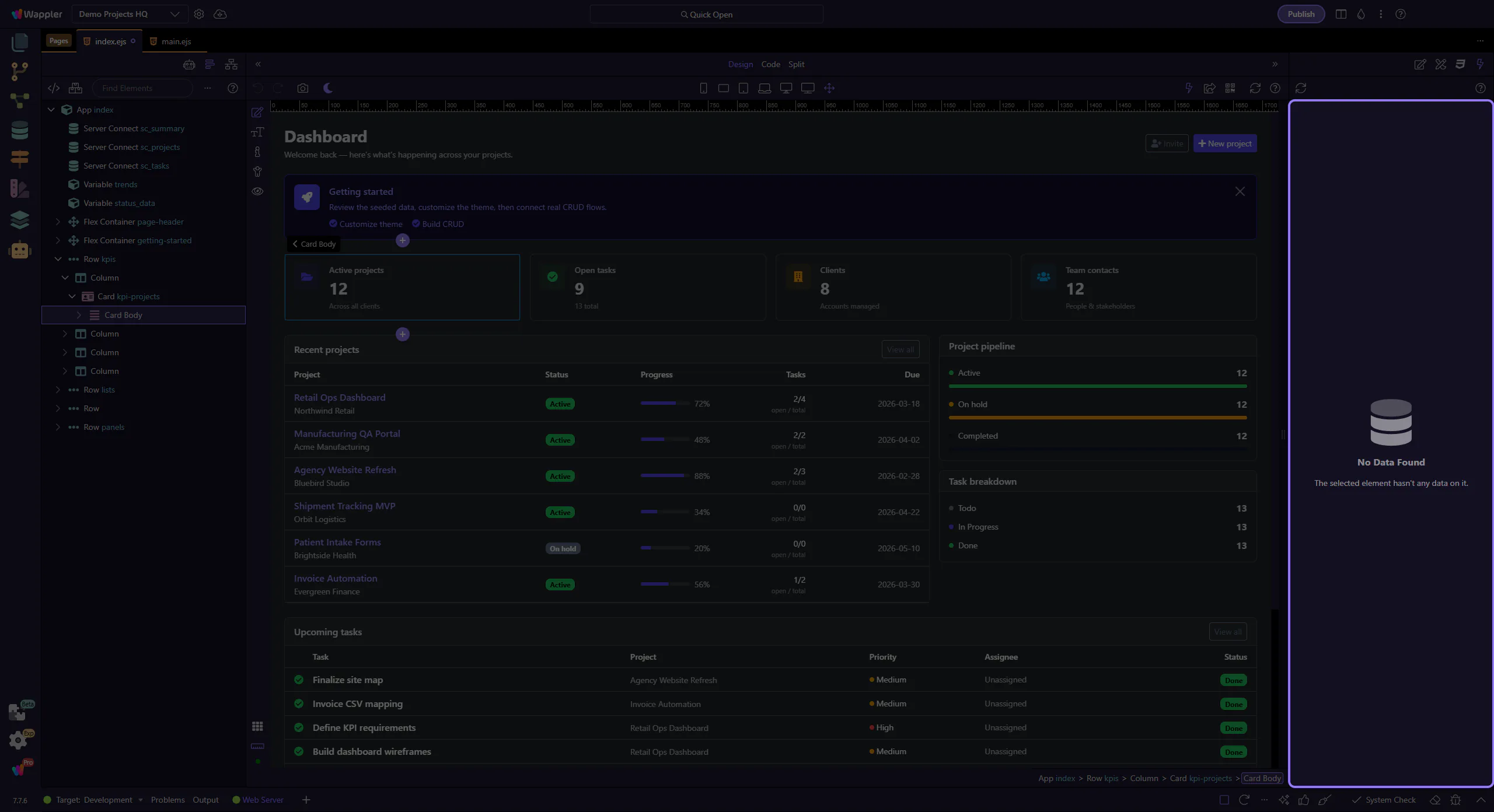
How To: Inspect values
Learn how to inspect values in the Data panel. Use this tour as a quick refresher.
Expand to a value
Section titled “Expand to a value”Inspecting values is how the Data Panel becomes a debugging tool instead of a tree of labels. This how-to begins with the right place to expand data, then frames how to confirm current values, understand scope, and spot problems in bindings while the page is running.
Use the value
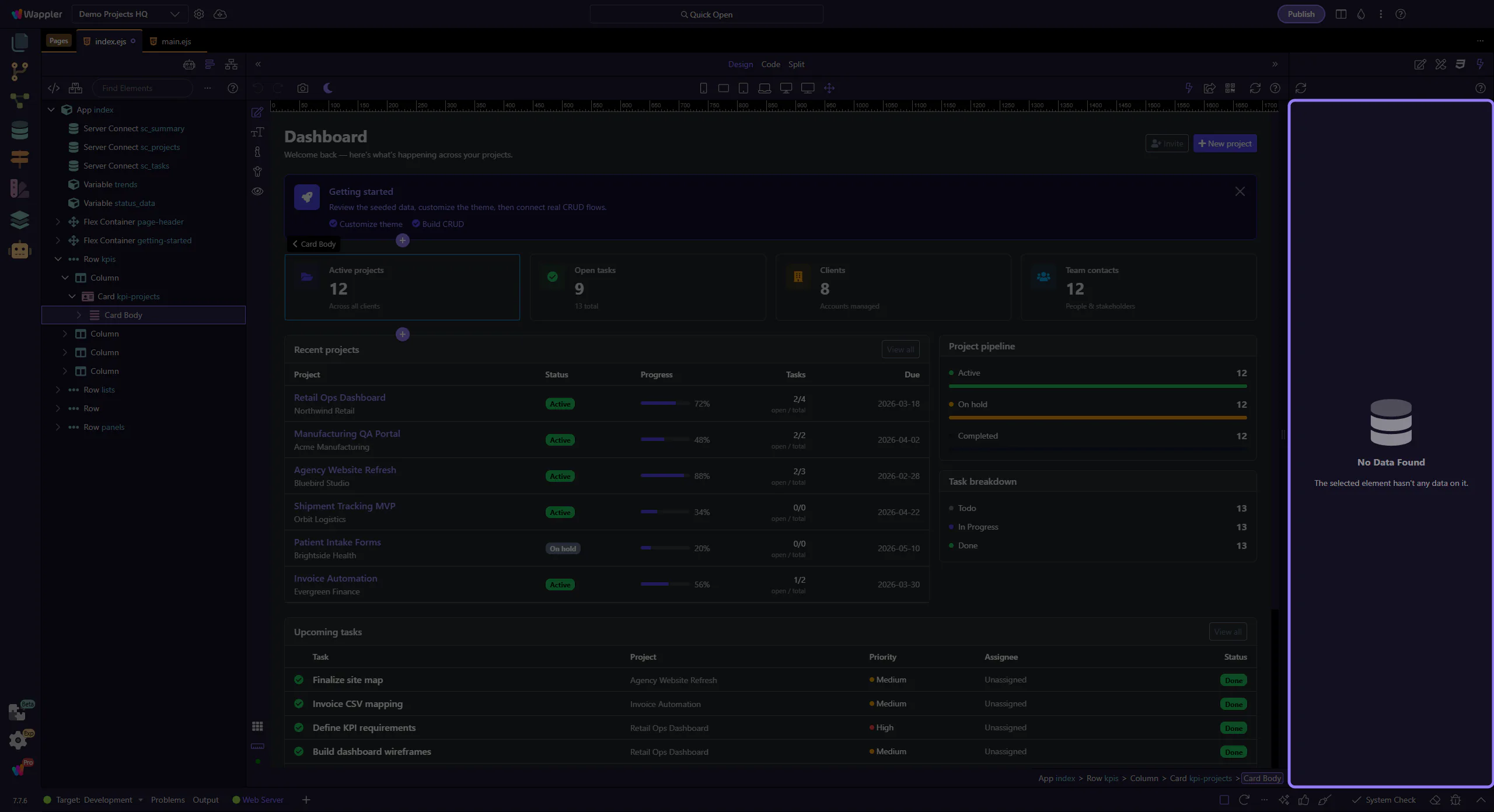
Section titled “Use the value”Copy values or use them for bindings/conditions.