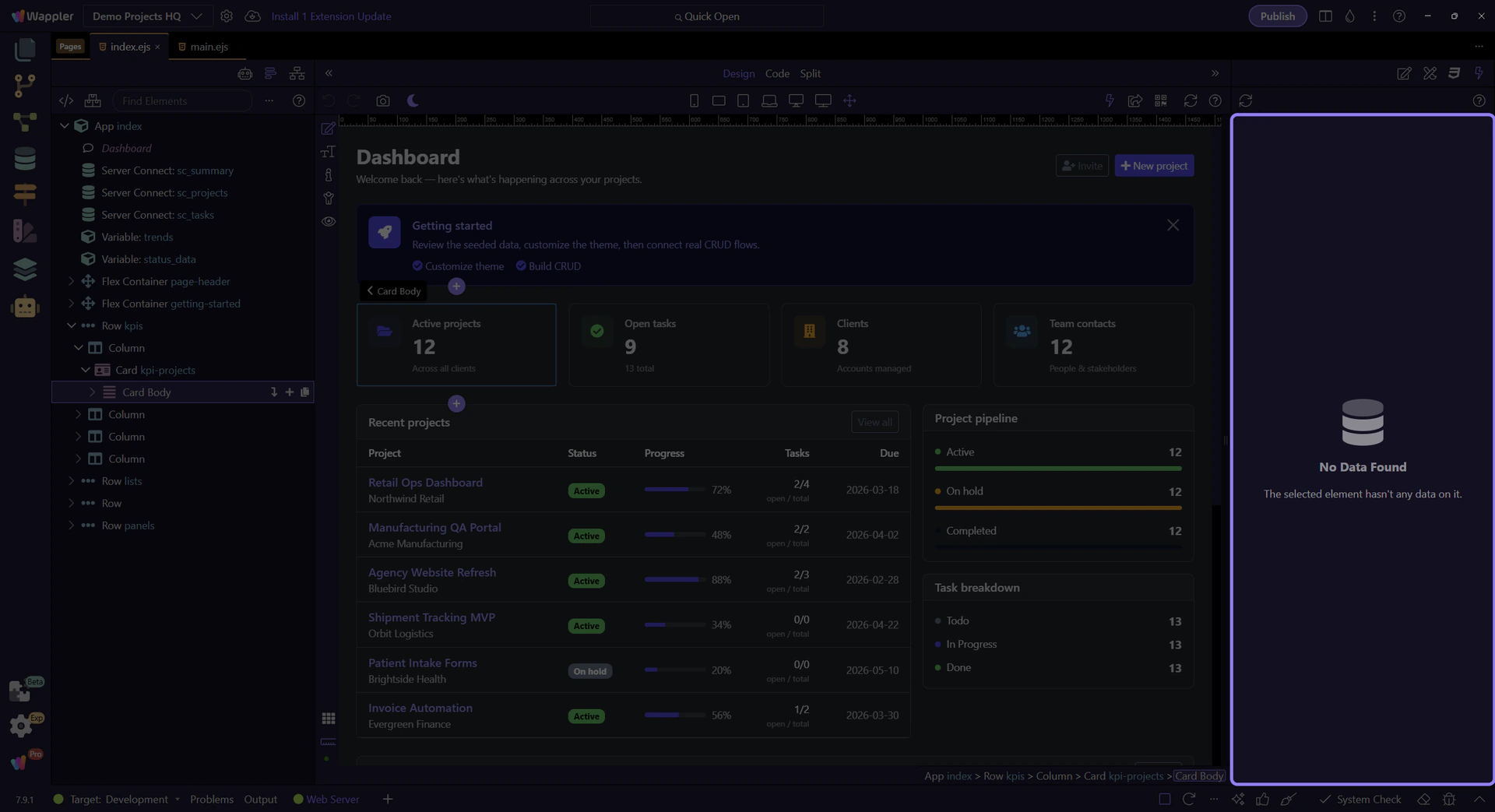
How To: Select an element to inspect data
Learn how to select an element to inspect data in the Data panel.
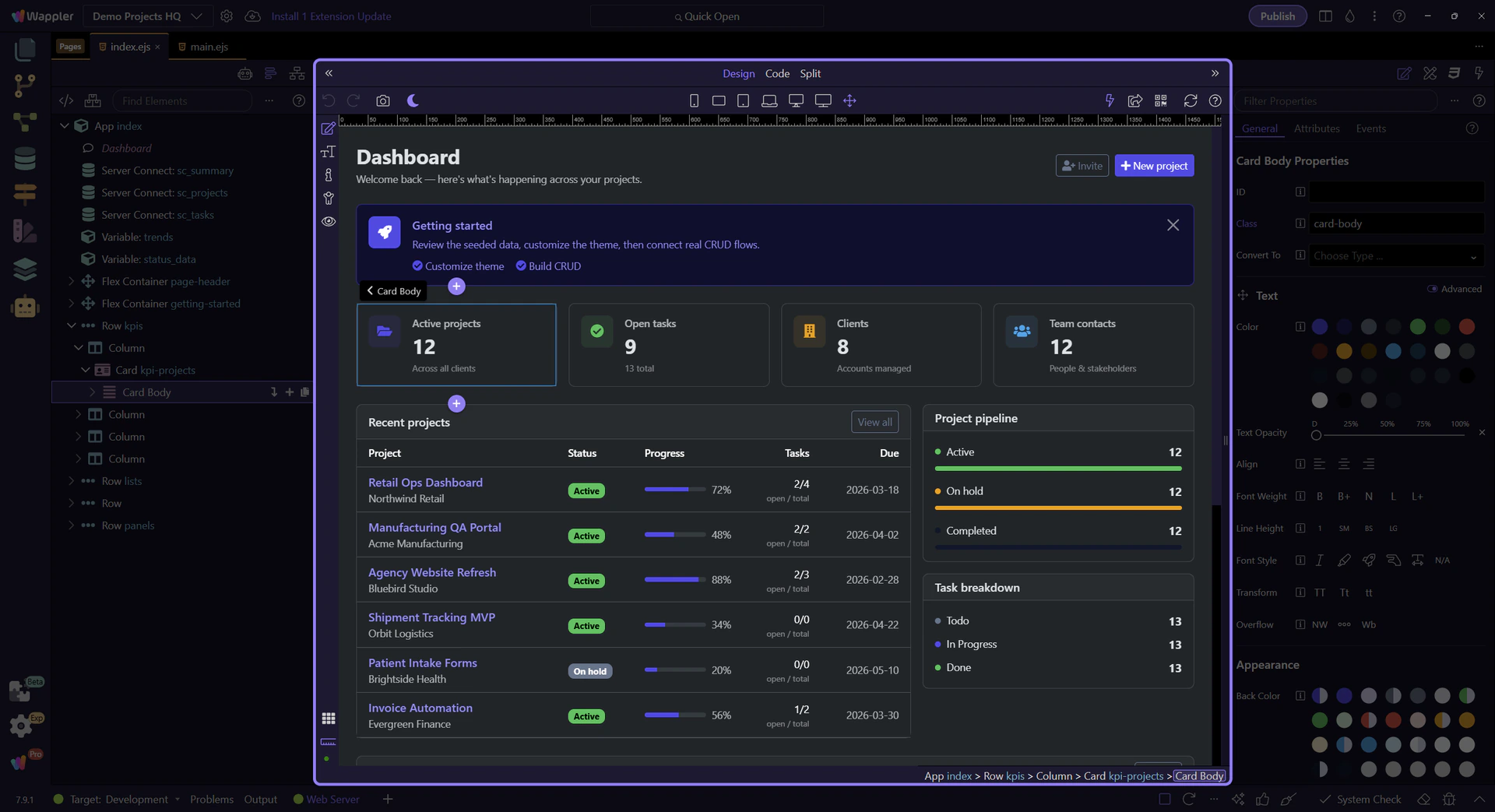
Select an element
Section titled “Select an element”Selecting the right element or node is what turns the Data Panel from a broad overview into a precise inspection tool. This how-to places that action in context and shows how it helps you connect a specific part of the page to the data it is currently using.
Inspect
Section titled “Inspect”Open the Data panel to see datasets for the new selection.