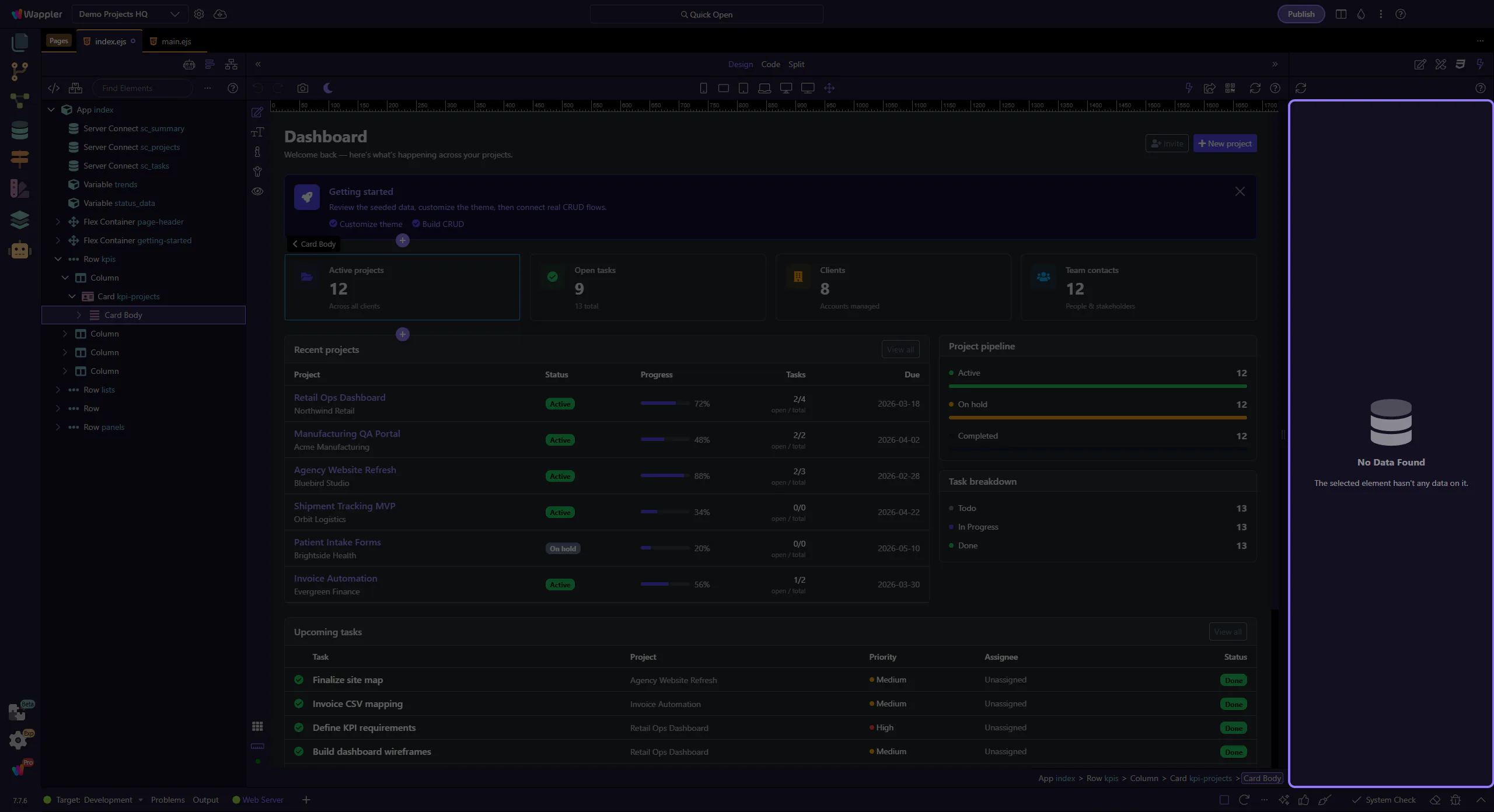
How To: Refresh data
Learn how to refresh data in the Data panel. Use this tour as a quick refresher.
Refresh
Section titled “Refresh”Refreshing the Data Panel is useful when the current values no longer match what you expect after an interaction. This short how-to shows where the refresh action lives and why it is the fastest way to confirm whether the data source changed or the panel is showing stale state.
Verify
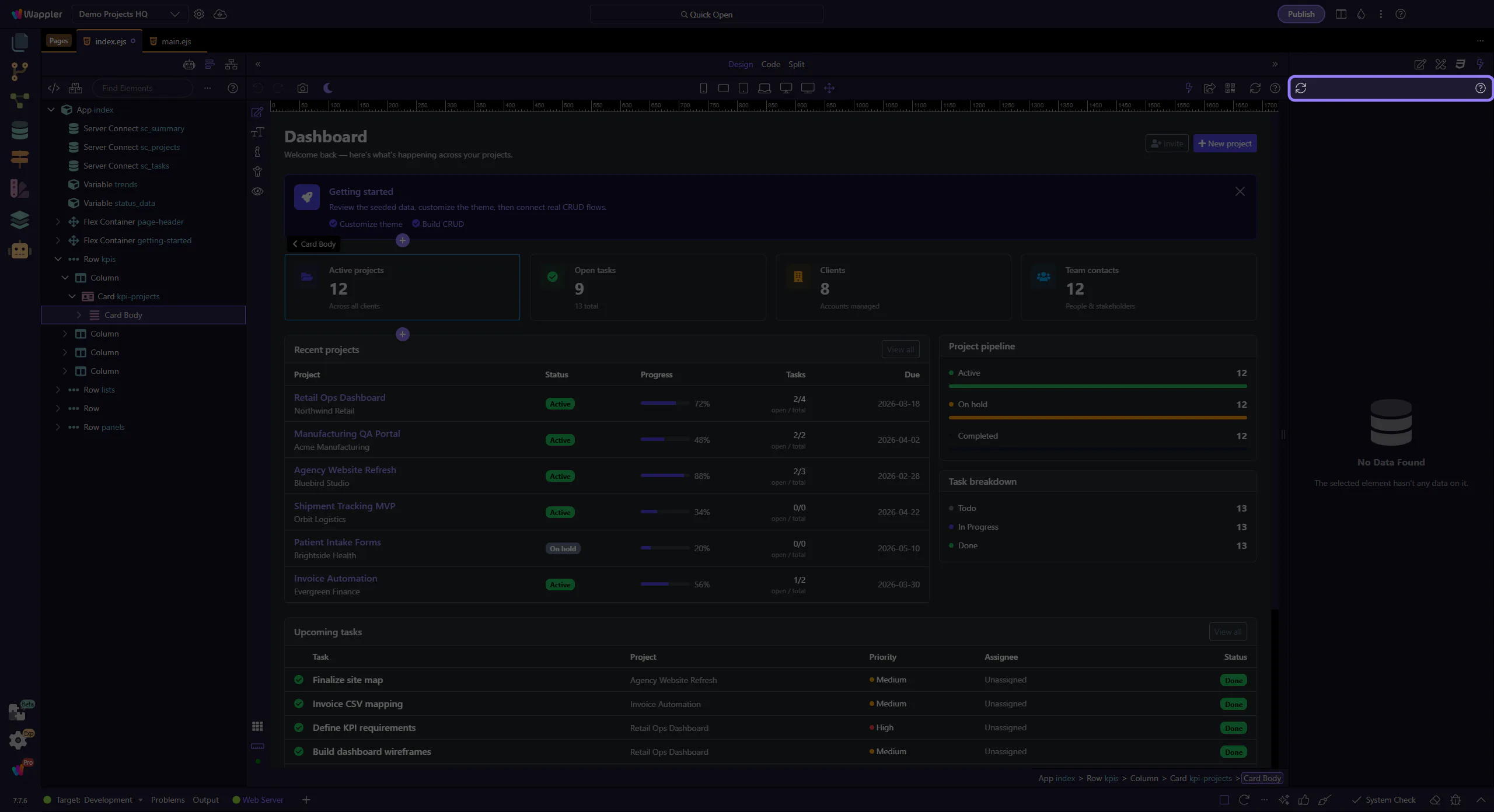
Section titled “Verify”The Data panel updates to reflect the latest state.