How To: Edit a property
Learn how to edit a property in the Design panel. Use this tour as a quick refresher.
Select an element
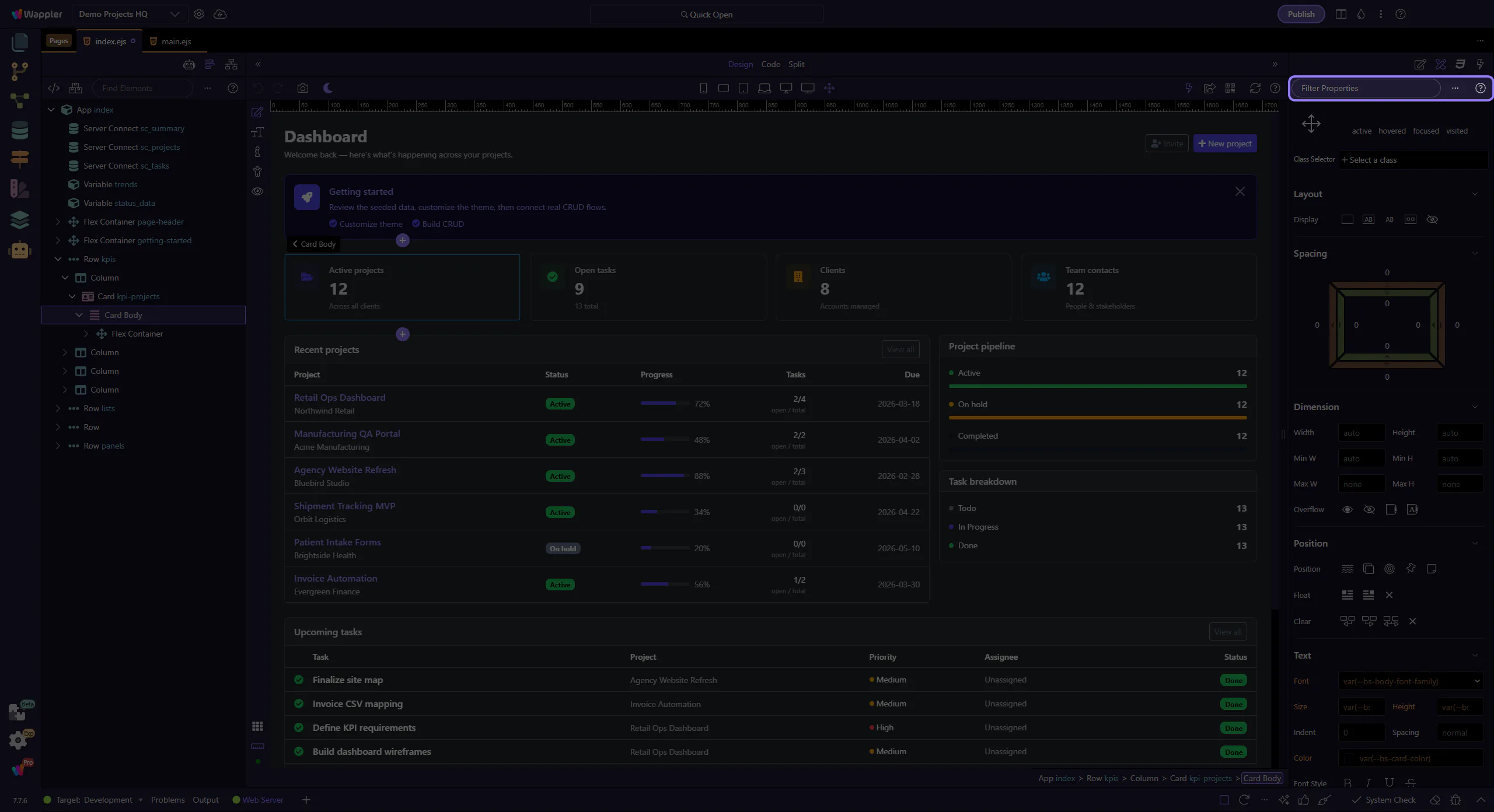
Section titled “Select an element”Editing a property is easier when you first recognize the panel as the place where visual choices become structured settings. This how-to begins by locating the Design Panel in context, then shows how a single property edit influences the selected element in the page workflow.
Change a value
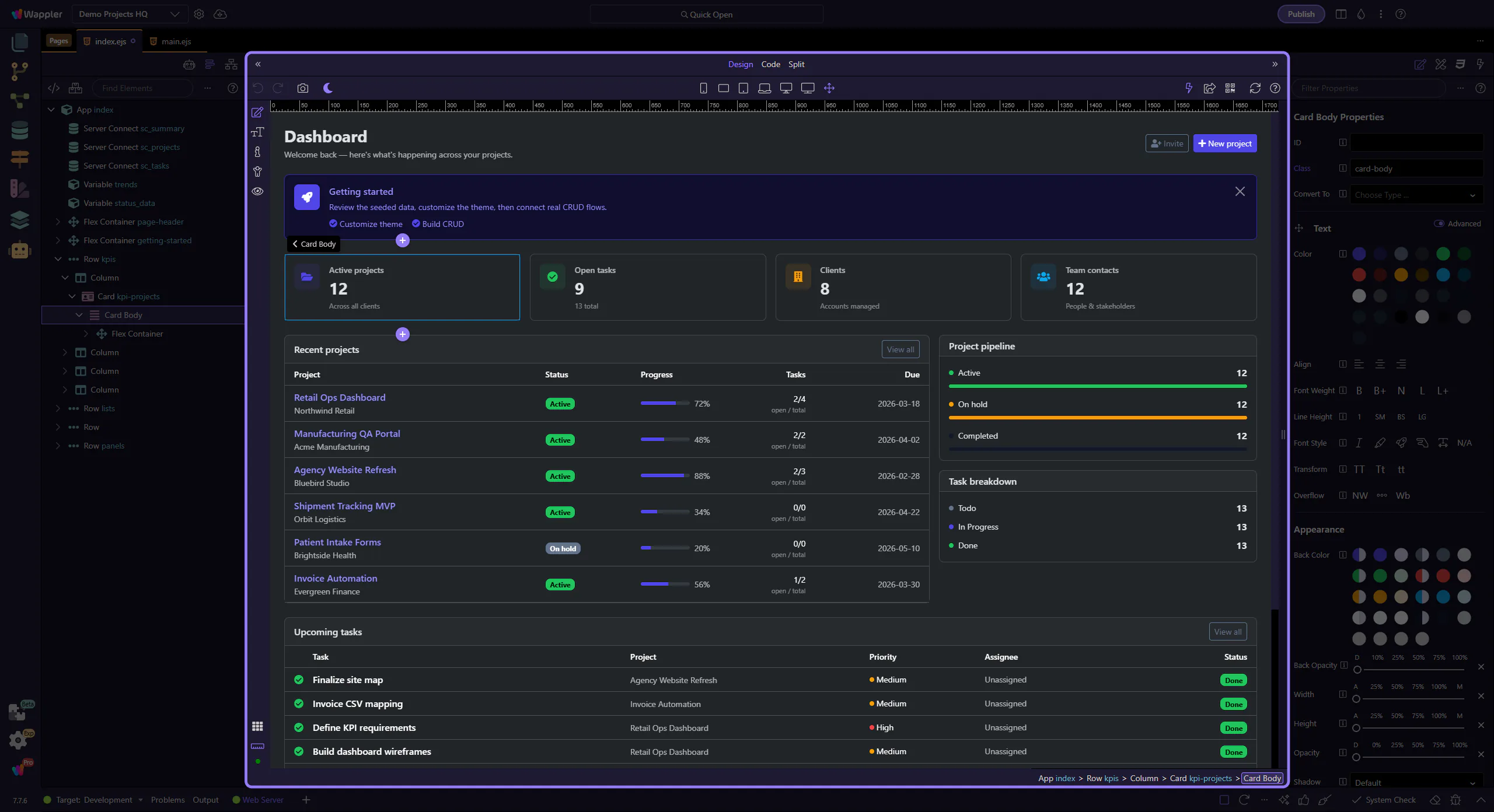
Section titled “Change a value”Edit a property in the Design panel and verify the result.