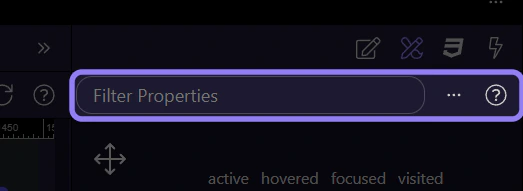
How To: Filter properties
Learn how to filter properties in the Design panel. Use this tour as a quick refresher.
Filter
Section titled “Filter”Filtering the Design Panel matters once the available controls become too noisy to scan by eye. This how-to starts with the filter field itself, then explains how narrowing the list helps you reach the right property faster when you already know the kind of change you want.
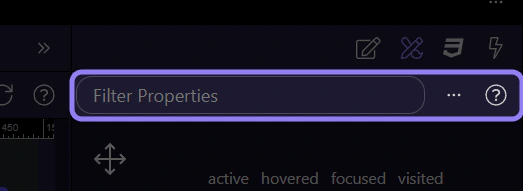
Filtered results
Section titled “Filtered results”Only matching controls remain visible in the panel.