How To: Use a pseudo-state
Learn how to use a pseudo-state in the Design panel. Use this tour as a quick refresher.
Choose a state
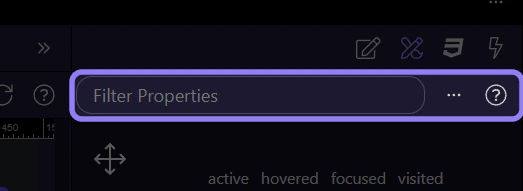
Section titled “Choose a state”State controls matter because many design changes only make sense in a specific interaction or responsive condition. This how-to starts by locating the state control in context, then shows why changing state is the key to previewing hover, active, or alternate visual conditions safely.
Edit within the state
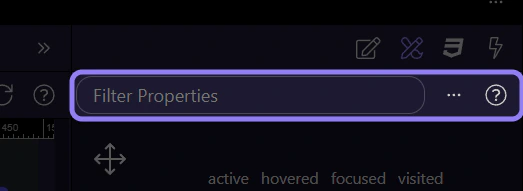
Section titled “Edit within the state”Changes apply to the selected state and help you fine-tune interactions.