
How To: Refresh the panel
Learn how to refresh the panel in the Design panel. Use this tour as a quick refresher.
Refresh
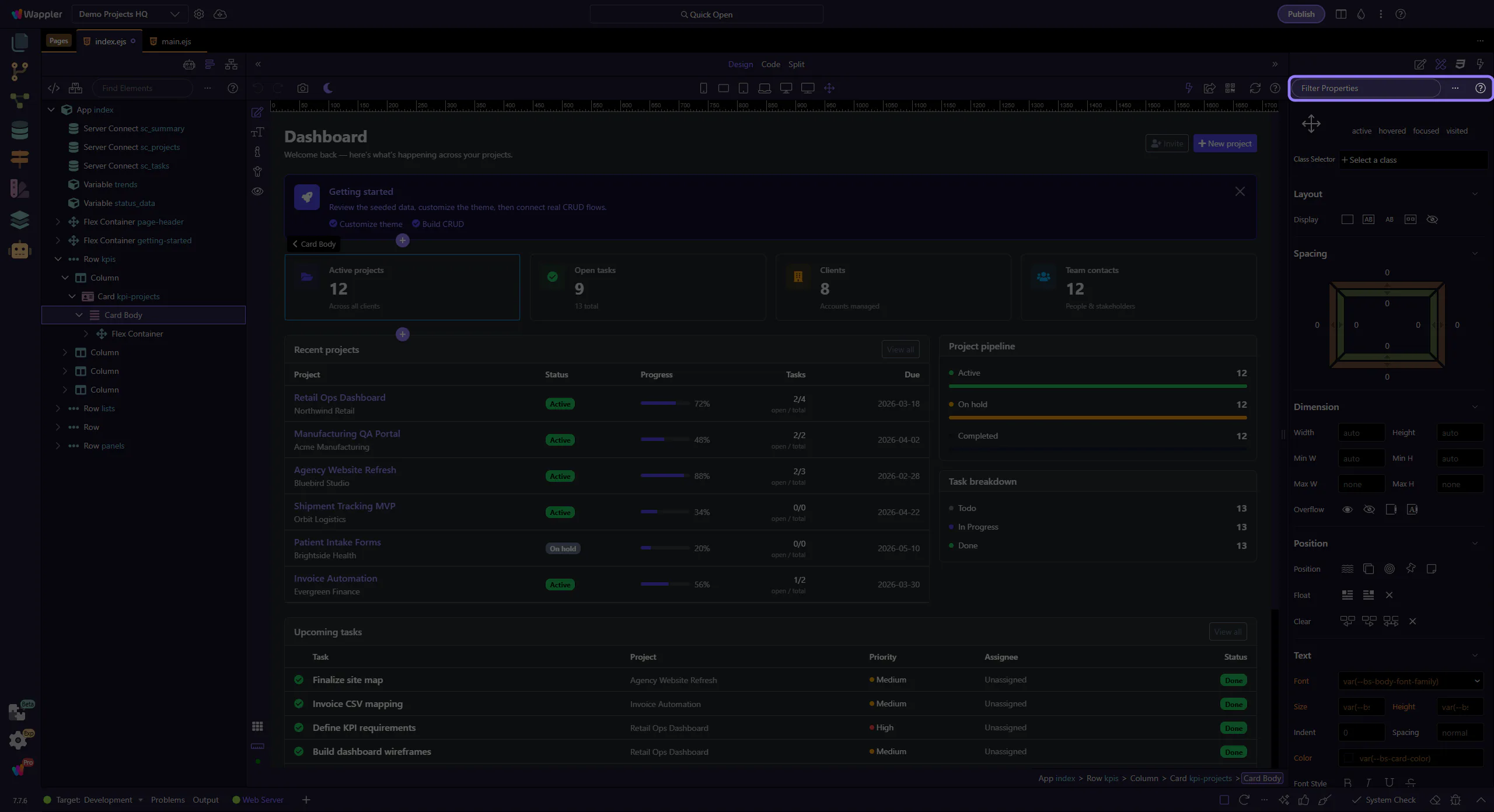
Section titled “Refresh”Refreshing the Design Panel is useful when the current property list no longer matches the element or state you expect. This how-to shows where the refresh action lives and why it helps you re-synchronize the panel before you keep editing the selected element.
Verify
Section titled “Verify”The panel re-evaluates its controls for the current selection. This step matters because Verify is part of Selection Panels Design Toolbar, and understanding that context makes the next action easier to repeat in your own project.
