
How To: Switch the selector
Learn how to switch the selector in the Design panel. Use this tour as a quick refresher.
Choose a selector
Section titled “Choose a selector”The selector helper becomes valuable when you need to understand exactly which rule or target you are editing. This how-to begins in the Design Panel context, then explains how choosing the correct selector changes the scope of your edits and avoids unintended styling drift.
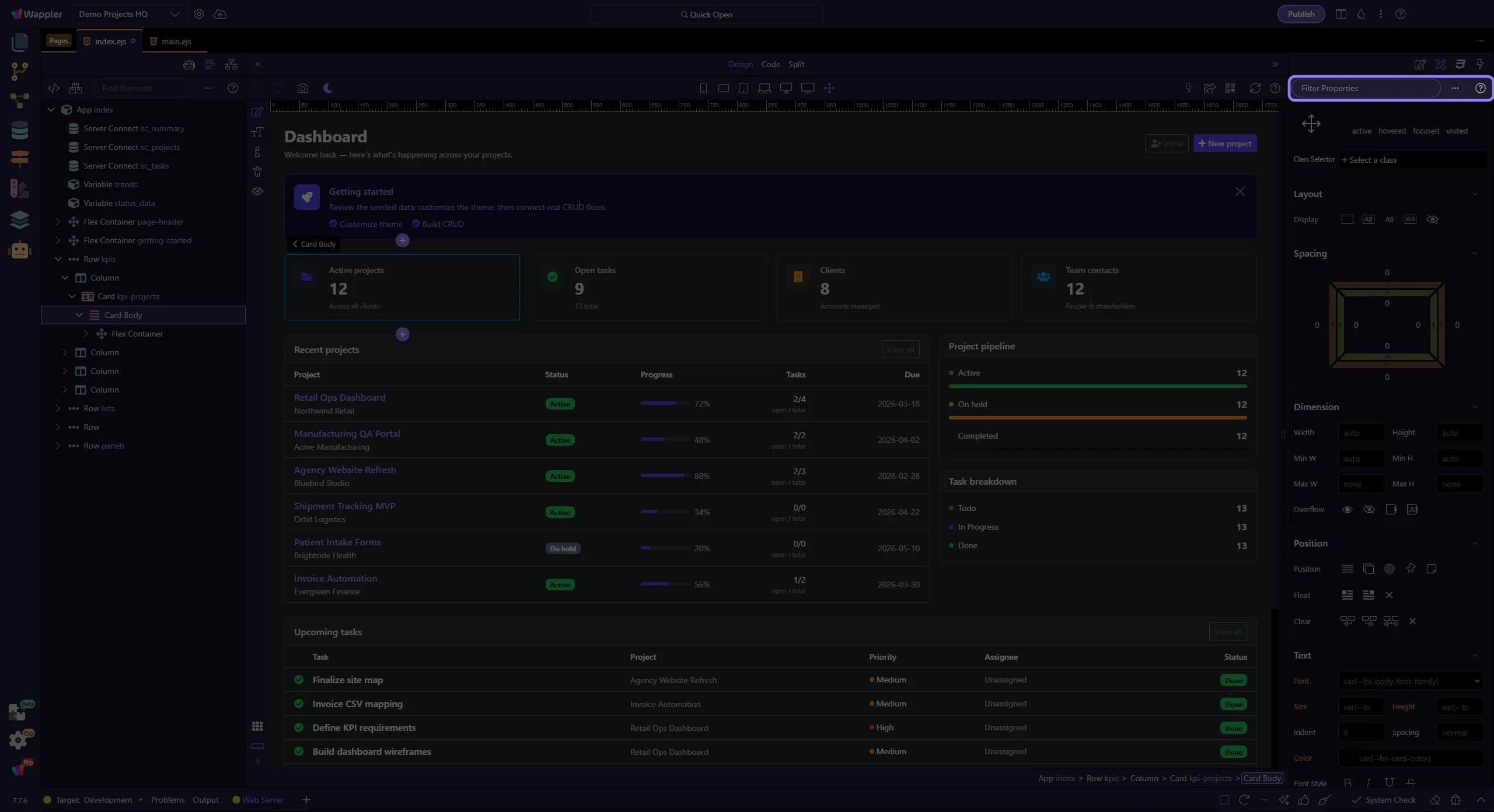
Edit the chosen selector
Section titled “Edit the chosen selector”Update values and verify the results in Design View. This step matters because Edit the chosen selector is part of Selection Panels Design Toolbar, and understanding that context makes the next action easier to repeat in your own project.
