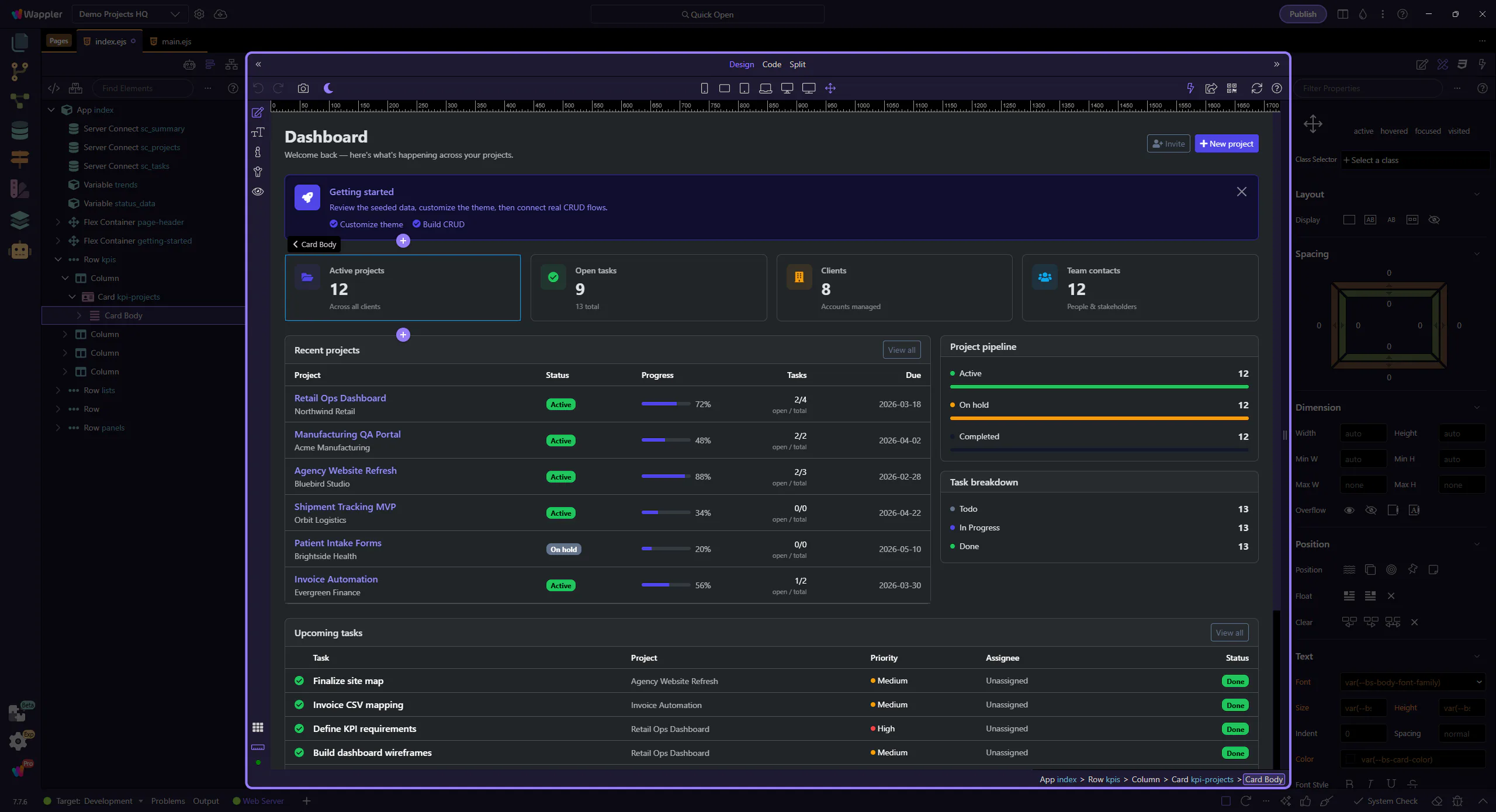
Adjust layout
Learn how to adjust layout in the Selection panels. Use this tour as a quick refresher.
Open Design
Section titled “Open Design”Layout adjustments become easier when you begin from the selection surfaces that expose the right controls in context. This how-to starts there, then shows how selecting the right element and opening the correct panel keeps layout changes intentional instead of trial and error.
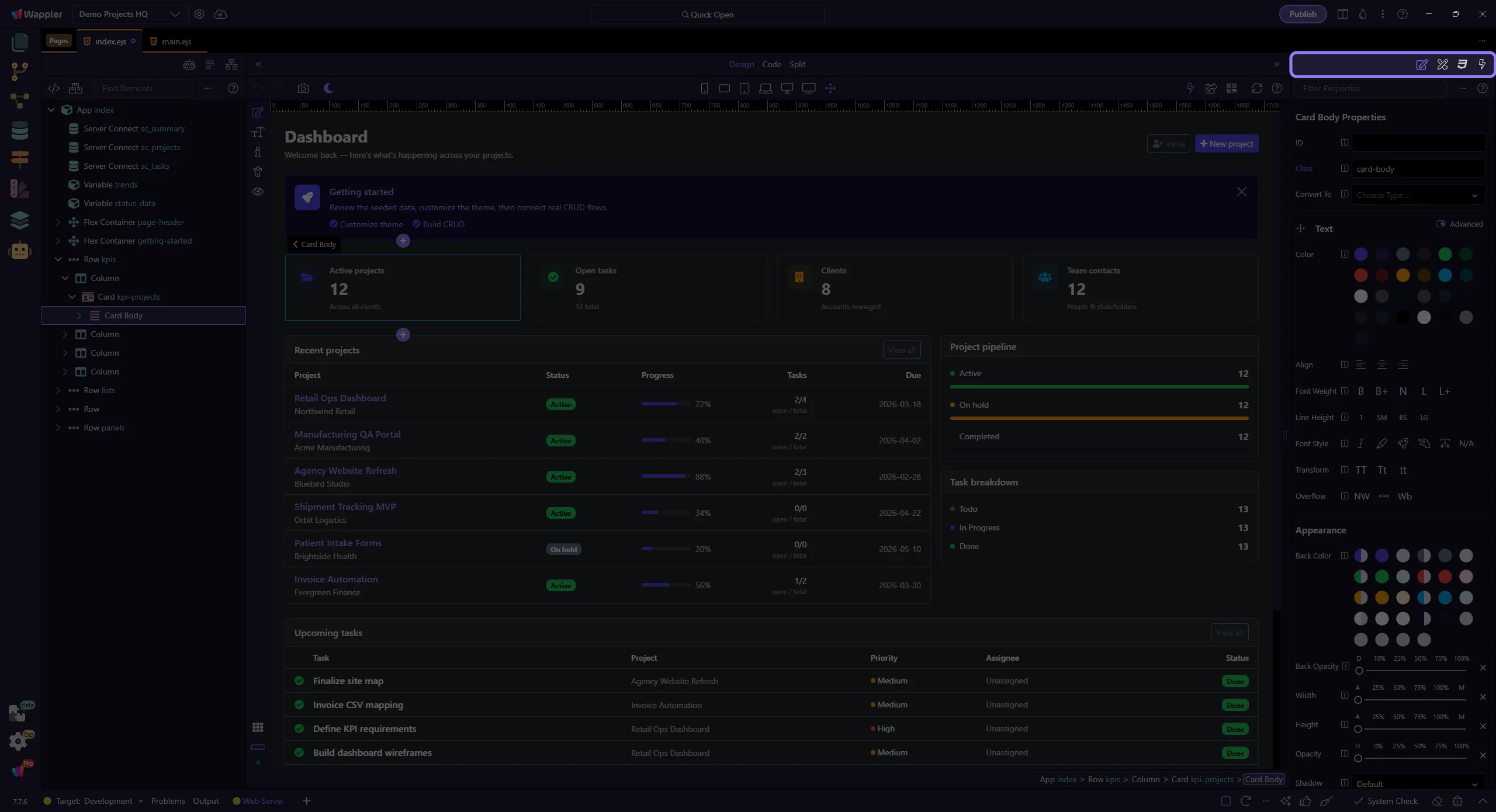
Adjust layout controls
Section titled “Adjust layout controls”Use the Design panel controls to tweak layout-related settings for the selected element.
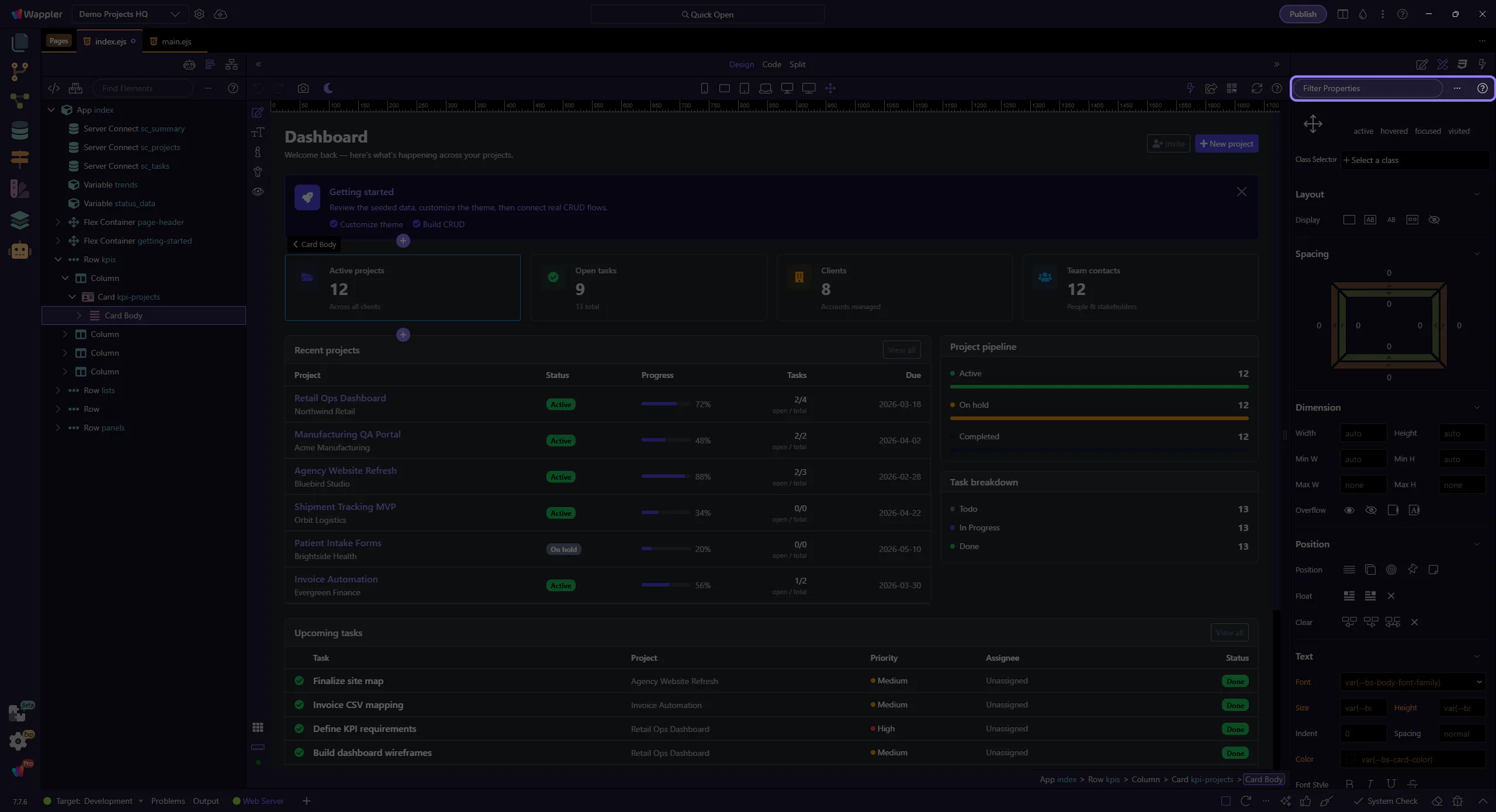
Verify in the editor
Section titled “Verify in the editor”Check the result on the selected element in the editor.