Inspect data
Learn how to inspect data in the Selection panels. Use this tour as a quick refresher.
Open Data
Section titled “Open Data”Inspecting data from a selected element works best when you understand the handoff between the page surface and the data tools. This how-to begins with that opening move, then shows how selection gives the Data Panel the context it needs for meaningful inspection.
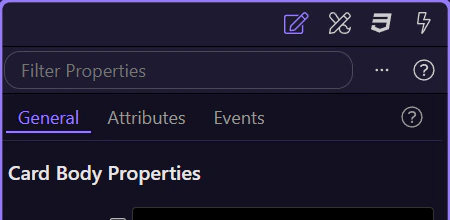
Explore datasets
Section titled “Explore datasets”Browse datasets and values available for the selected element.

Verify scope
Section titled “Verify scope”Confirm you are inspecting the correct data for the current selection.