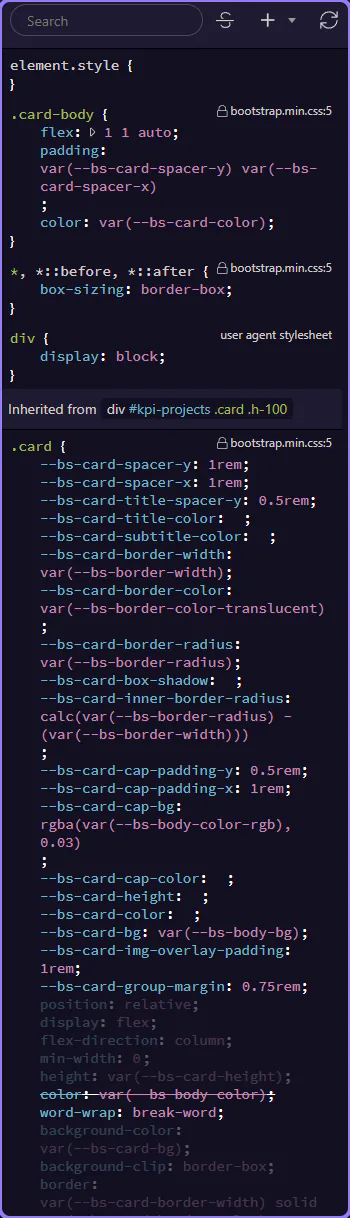
Apply classes
Learn how to apply classes in the Selection panels. Use this tour as a quick refresher.
Open Styles
Section titled “Open Styles”Applying classes is safer when you start from the selection workflow that makes the target element explicit. This how-to begins with that panel context, then explains how class changes fit into everyday page editing without losing track of which element you are styling.
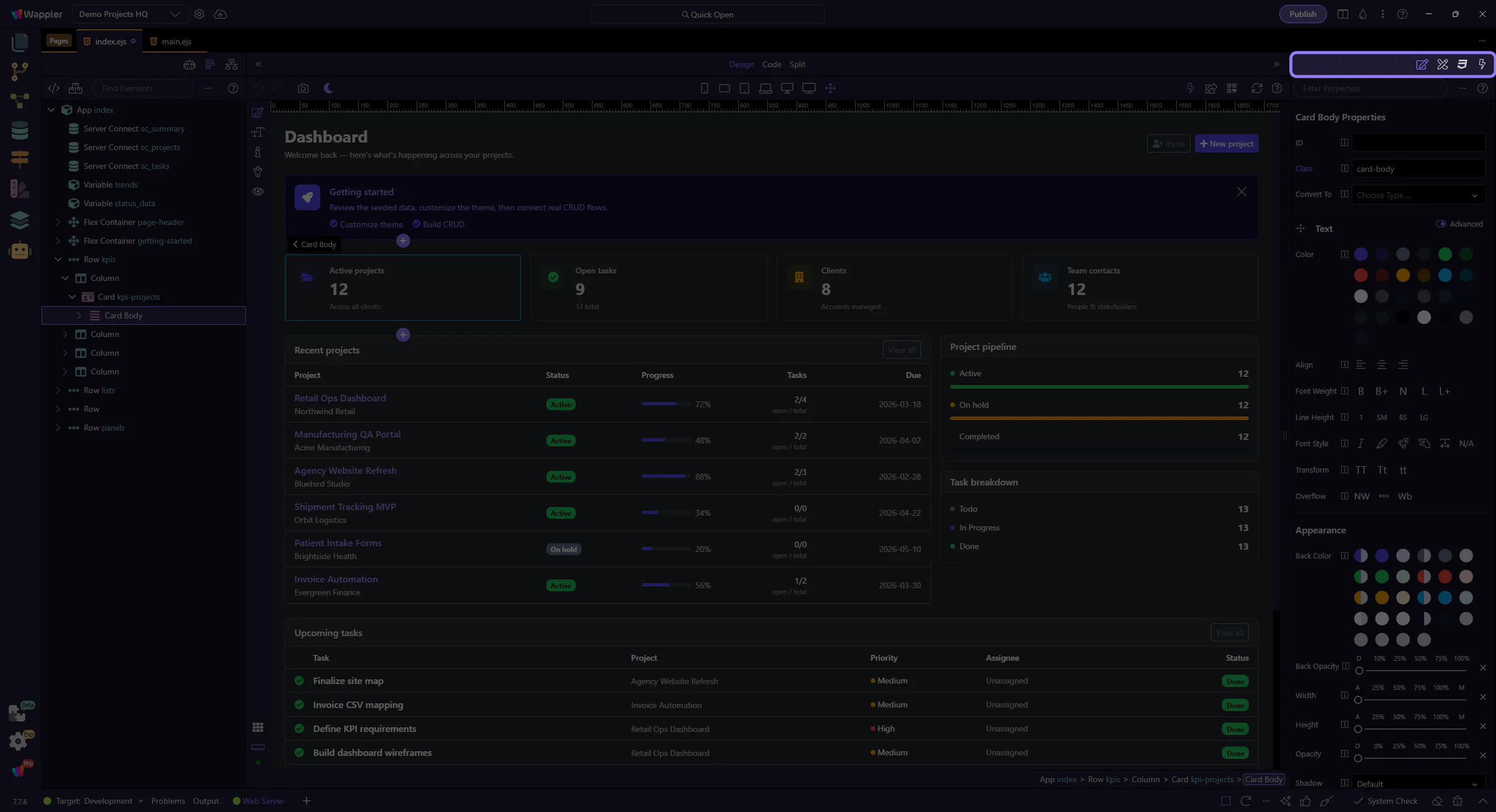
Add a class
Section titled “Add a class”Add one or more classes to the selected element.
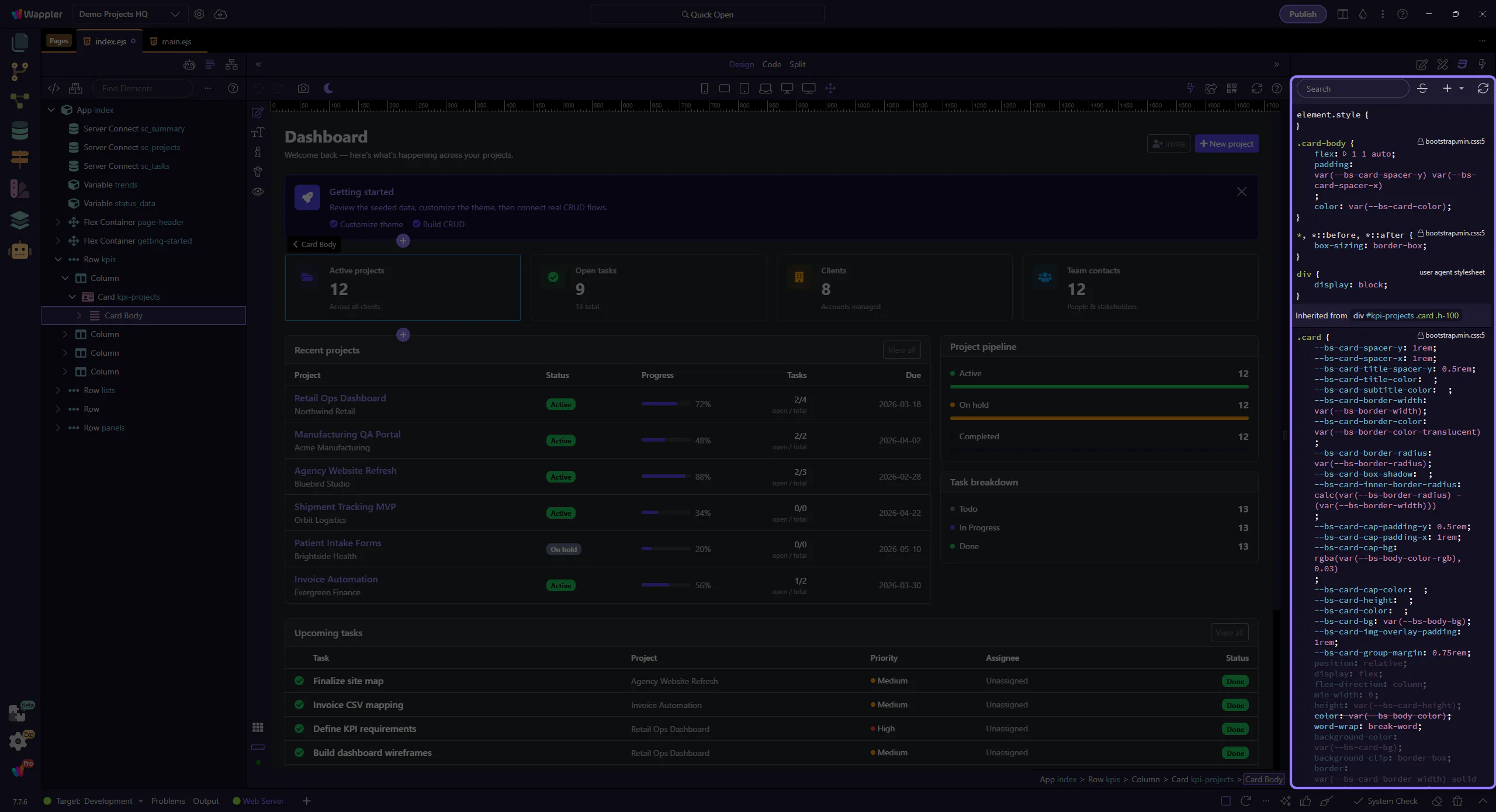
Override styles
Section titled “Override styles”Create overrides to customize styles without leaving the editor. This step matters because Override styles is part of the Styles panel, and understanding that context makes the next action easier to repeat in your own project.