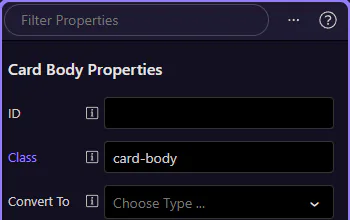
Bind a property
Learn how to bind a property in the Selection panels. Use this tour as a quick refresher.
Properties tab
Section titled “Properties tab”Property binding makes more sense when you first see where selection and data-aware editing meet. This how-to starts from that context, then explains why opening the right panel is the key step before you connect an element property to dynamic data.

Choose a property
Section titled “Choose a property”Find the property you want to bind for the selected element.
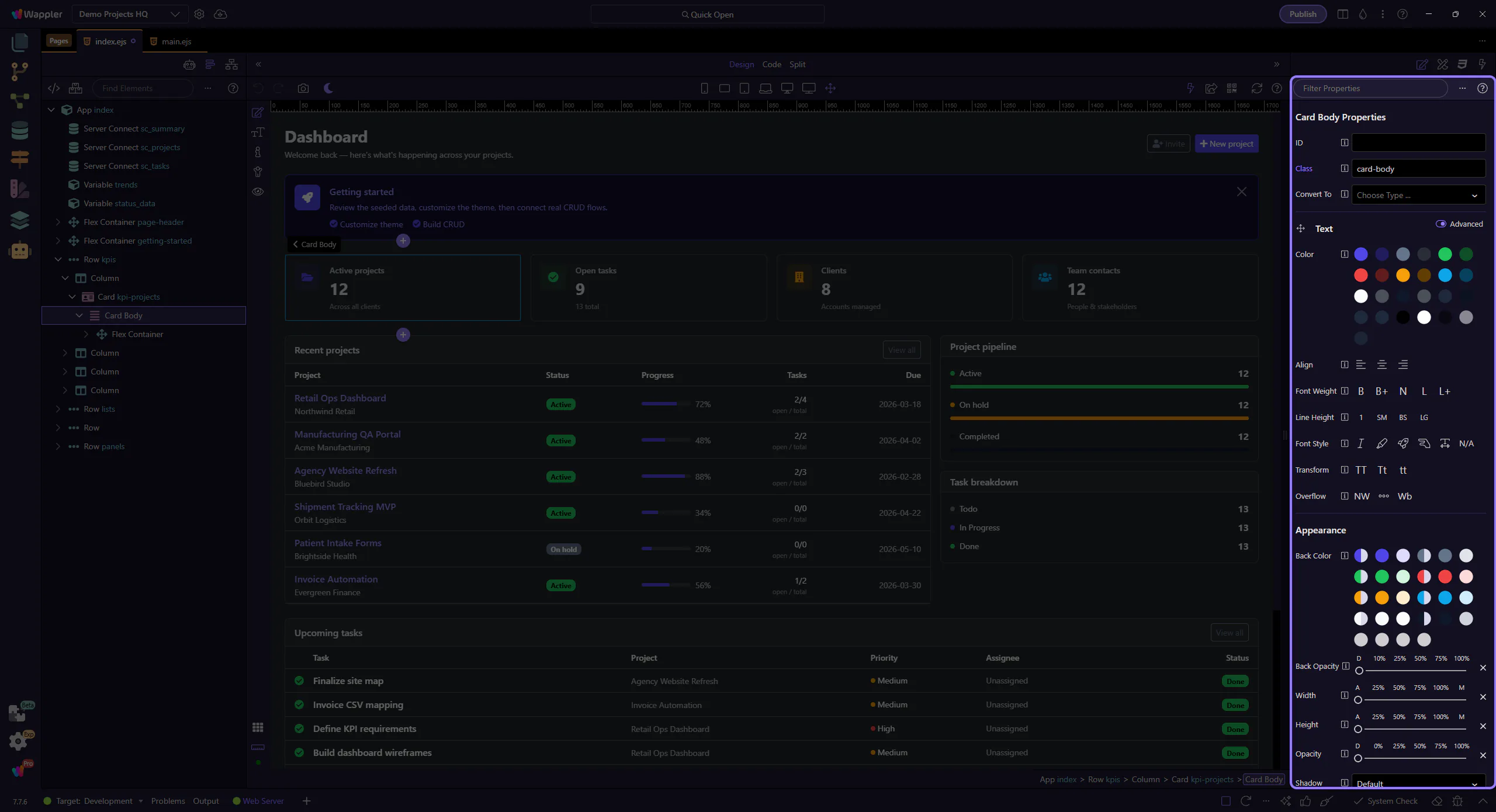
Pick a dynamic value
Section titled “Pick a dynamic value”Use a dynamic data value so it updates automatically. This step matters because Pick a dynamic value is part of the Properties panel, and understanding that context makes the next action easier to repeat in your own project.