
Auth layouts and login pages
Use Demo Projects HQ to see why login pages use a different layout from the main app shell.
Auth pages often need a different shell
Section titled “Auth pages often need a different shell”Login-style pages usually need a tighter frame than the main app. Demo Projects HQ shows that split clearly with a dedicated auth layout and a separate routed login page.
Start by comparing shells and pages
Section titled “Start by comparing shells and pages”This topic only makes sense if you separate the shell from the routed page itself. Pages Manager gives you both views in one place: layouts in their folder, then the actual login page at the Pages root.
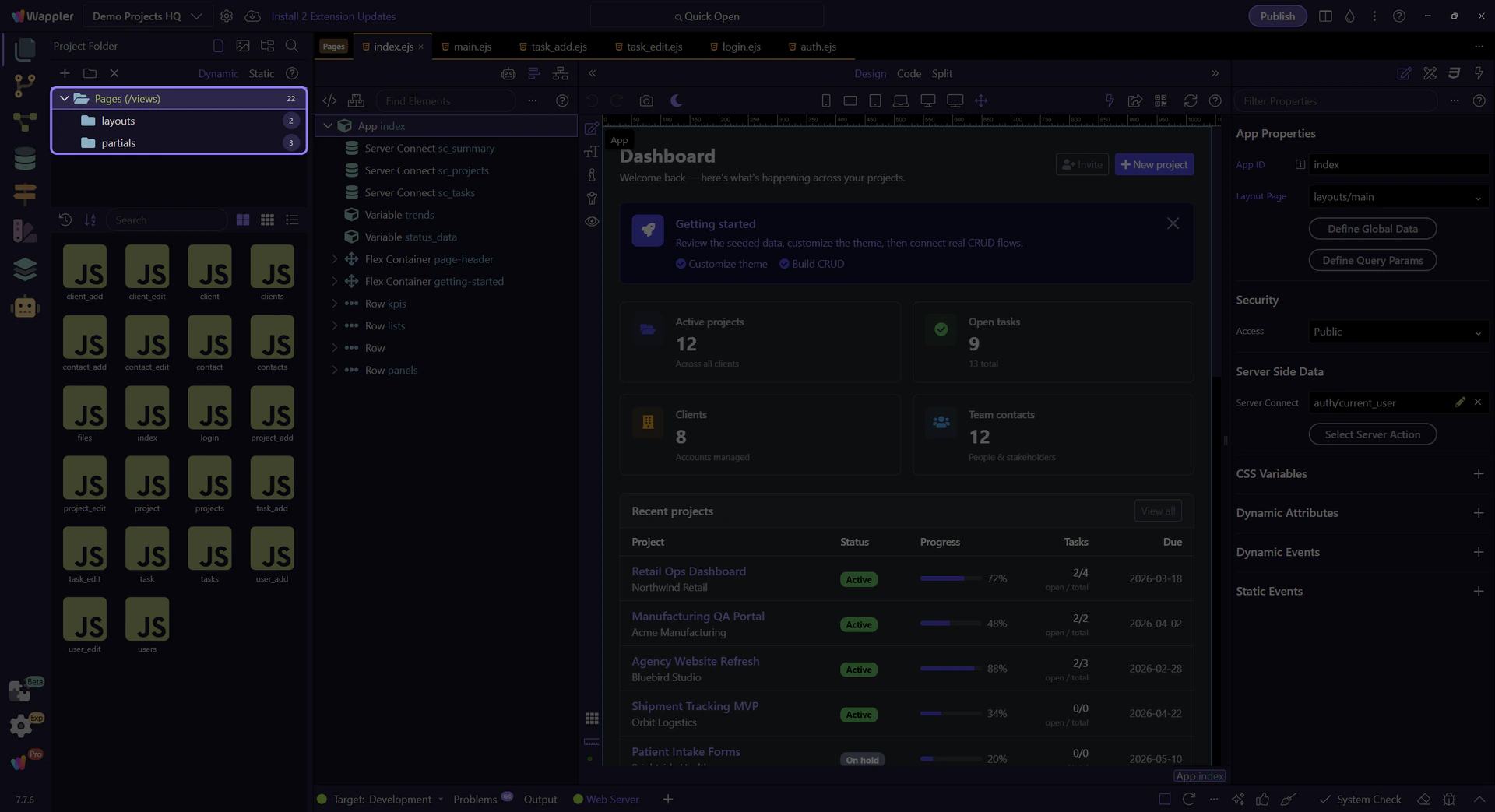
The layouts folder exposes auth shells
Section titled “The layouts folder exposes auth shells”Start in layouts so you can inspect the dedicated auth shell before jumping into the login page that uses it. This makes the relationship between wrapper and destination explicit.

auth.ejs keeps access pages focused
Section titled “auth.ejs keeps access pages focused”auth.ejs is the reusable shell for access-related pages. Its job is to provide just enough framing for login and similar screens without carrying the whole signed-in application experience.
Return to the Pages root
Section titled “Return to the Pages root”After inspecting the shell, go back to the real Pages root so the login destination page becomes visible. That shift is the core mental model: shell first, destination second.

login.ejs is the routed destination
Section titled “login.ejs is the routed destination”login.ejs is the actual routed page users visit. It owns the login form and action wiring, while the auth layout supplies the wrapper around it.

Handoff into login.ejs
Section titled “Handoff into login.ejs”Opening login.ejs is the right handoff into the login walkthrough. From there, the form wiring, submit action, and shared security provider all become visible in context.

Conclusion
Section titled “Conclusion”The maintainable auth pattern is a dedicated shell plus a dedicated login destination page. That keeps access flows focused while still making the login form and security wiring easy to inspect in the editor.