
Layout pages and shared shells
Use Demo Projects HQ to understand layout pages, shared shells, and the content slot that routed pages fill.
Layout pages hold the shared frame
Section titled “Layout pages hold the shared frame”In Demo Projects HQ, layout pages are the reusable shell above individual screens. They carry the persistent frame, then leave a content slot for the routed page that belongs inside it.
Start from the Pages tree
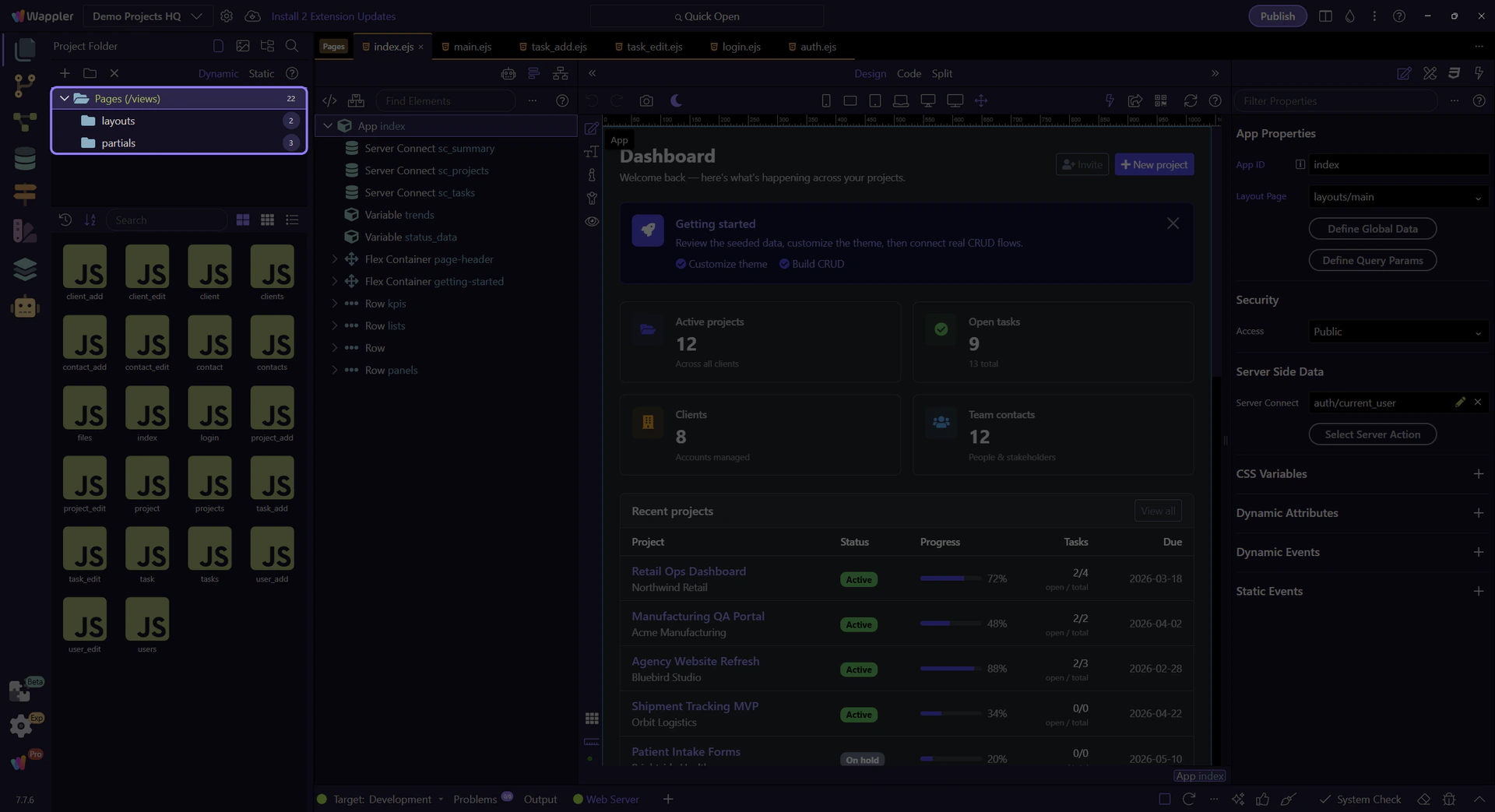
Section titled “Start from the Pages tree”Pages Manager separates structure from editing. The tree on the left decides which folder you are reading, so it is the fastest way to understand whether you are looking at shared layouts or regular routed pages.
Anchor yourself in the Pages root
Section titled “Anchor yourself in the Pages root”Start from the real Pages (views) root so the story begins at the top of the project page structure. From there, the layouts folder reads as a special-purpose branch instead of just another random directory.

The layouts folder reveals shared shells
Section titled “The layouts folder reveals shared shells”The layouts folder is where Demo Projects HQ keeps the reusable shells. Selecting it filters the template list so you can compare the shared frame files directly.

main.ejs is the authenticated app shell
Section titled “main.ejs is the authenticated app shell”main.ejs is the broad application frame. It is the layout that carries navigation and the shared structure for the main signed-in experience, then leaves the page body to the routed content file.
auth.ejs is the focused access shell
Section titled “auth.ejs is the focused access shell”auth.ejs exists because not every route should inherit the full application frame. Login-style screens usually need a smaller, quieter wrapper so the user can complete a focused access task first.
Handoff into main.ejs
Section titled “Handoff into main.ejs”Opening the real main.ejs layout is the practical handoff from page organization into editing. That next view lets you inspect the shared shell and the dmx-view content slot that routed pages fill.
Conclusion
Section titled “Conclusion”Layouts make more sense when you treat them as reusable shells, not destination pages. From here, opening the real layout in the HTML Editor is the right next step because that is where the shared structure and content slot become visible.