
Pages Reference
Reference tour for Pages: Pages Manager UI, the HTML Editor entry points, and how page-building flows connect to layout and design tools.
Introduction
Section titled “Introduction”Treat this reference tour as a quick orientation to the Pages area rather than a list of labels to memorize. It shows where page-related actions live, how the area fits into everyday editing, and what to revisit later when you need to add, organize, or inspect project pages.
Pages Manager Role
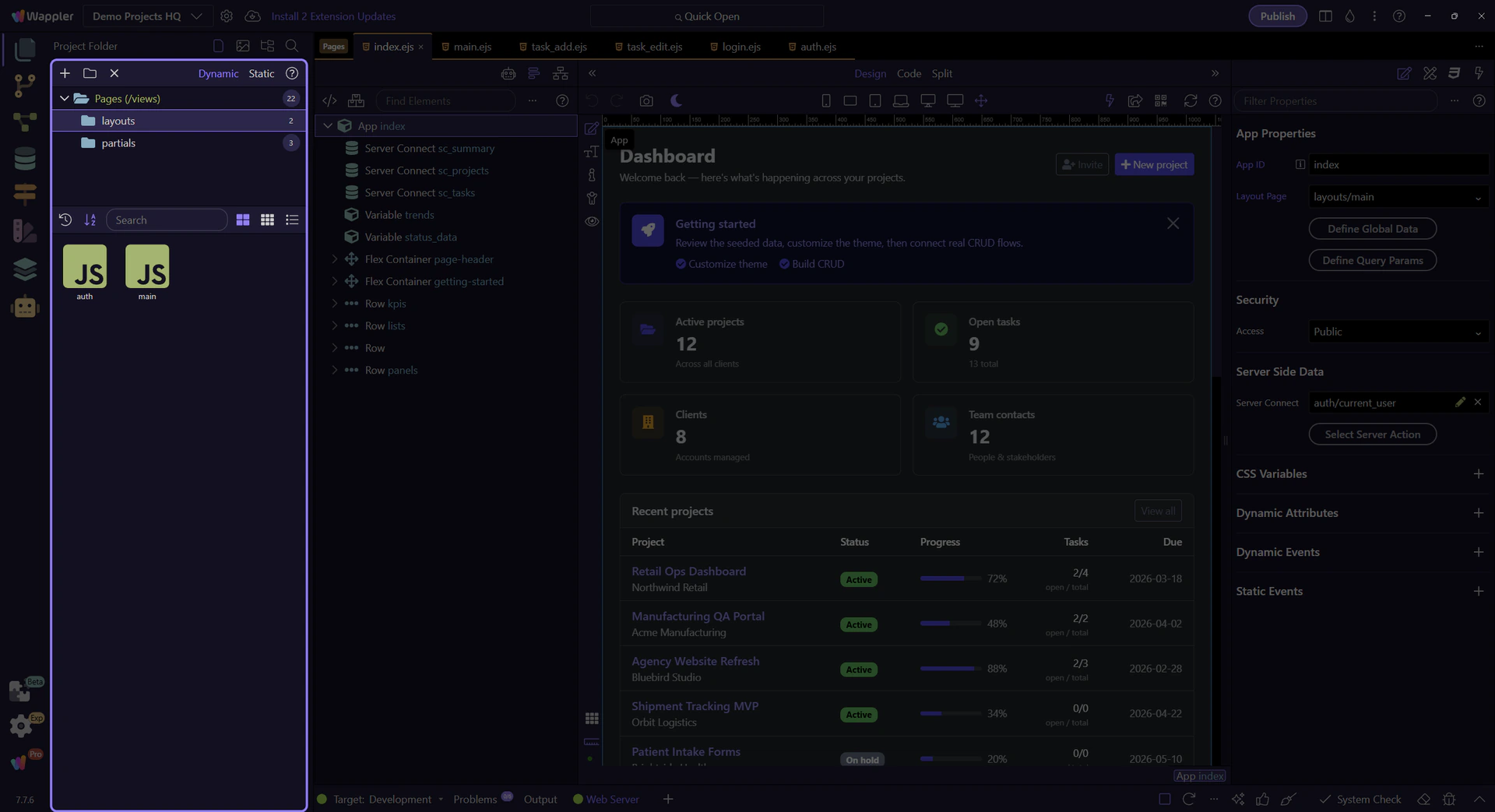
Section titled “Pages Manager Role”Pages Manager is the real reference point for page selection, page creation, and page organization. In Demo Projects HQ, it shows the live folder tree and page listing that determine which page or layout you are actually about to open.
Pages tree reference
Section titled “Pages tree reference”Keep the full Pages tree in view first. The next steps stay inside this live Pages Manager surface while the tour selects the real Pages root, moves into the layouts folder, and then points at a real layout tile from Demo Projects HQ.
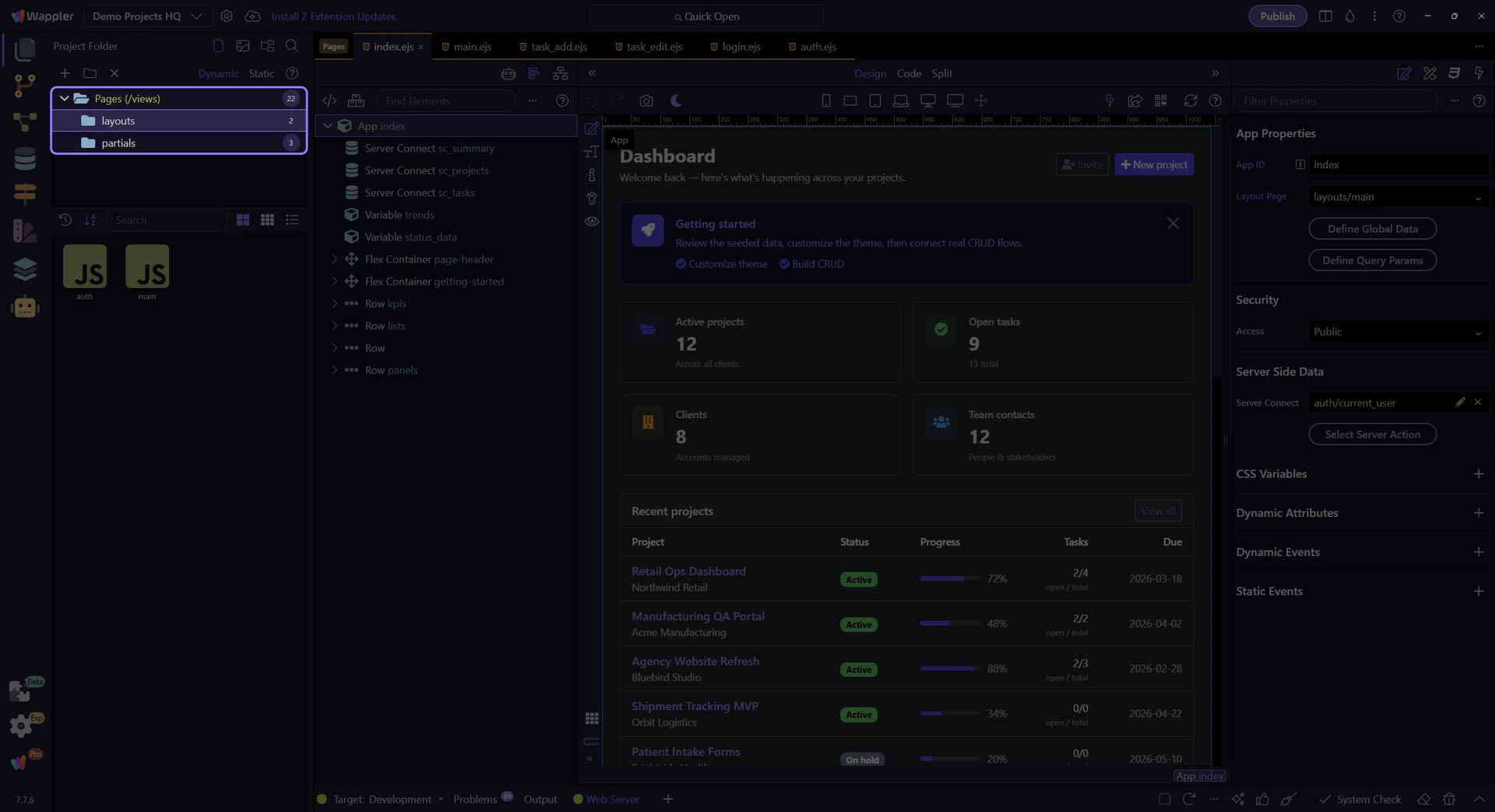
Pages root selection
Section titled “Pages root selection”This step selects the real Pages (views) root node so the rest of the reference tour stays grounded in the actual Demo Projects HQ page structure.

Real layouts folder selection
Section titled “Real layouts folder selection”This step selects the real layouts folder so the reference tour can discuss folder-level actions from the actual Demo Projects HQ tree node.

Real layouts folder context
Section titled “Real layouts folder context”This step opens the real context menu on the already-selected layouts folder. That makes page-management actions concrete: folder operations such as Rename, Delete, Upload, and Show in Explorer are attached to the actual tree node you selected.

HTML Editor Role
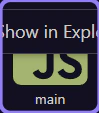
Section titled “HTML Editor Role”The HTML Editor is the real destination for actual page editing. This step points at the live main.ejs layout tile from Demo Projects HQ, which is the handoff point from page management into layout and structure work.
Follow-Up Families
Section titled “Follow-Up Families”Bootstrap and App Connect are common next families because page building often moves from structure into styling and then into dynamic behavior.
Next steps
Section titled “Next steps”Continue with the Pages hub for guided entry points, or move into Pages Manager, HTML Editor, Bootstrap, or App Connect for deeper detail.