
Route-aware content pages
Use Demo Projects HQ page tiles to see the list, detail, and form pages that routing targets.
Content pages are the routed destinations
Section titled “Content pages are the routed destinations”Once a layout is chosen, the routed content page becomes the screen-specific destination. Demo Projects HQ makes that easy to read because its list, detail, and form pages are all visible as real page tiles.
Use the tree to separate page roles
Section titled “Use the tree to separate page roles”The Pages tree is the quickest way to tell whether you are looking at shared layouts or the actual routed screens users visit. For route-aware work, the interesting files live at the Pages root rather than inside layouts.
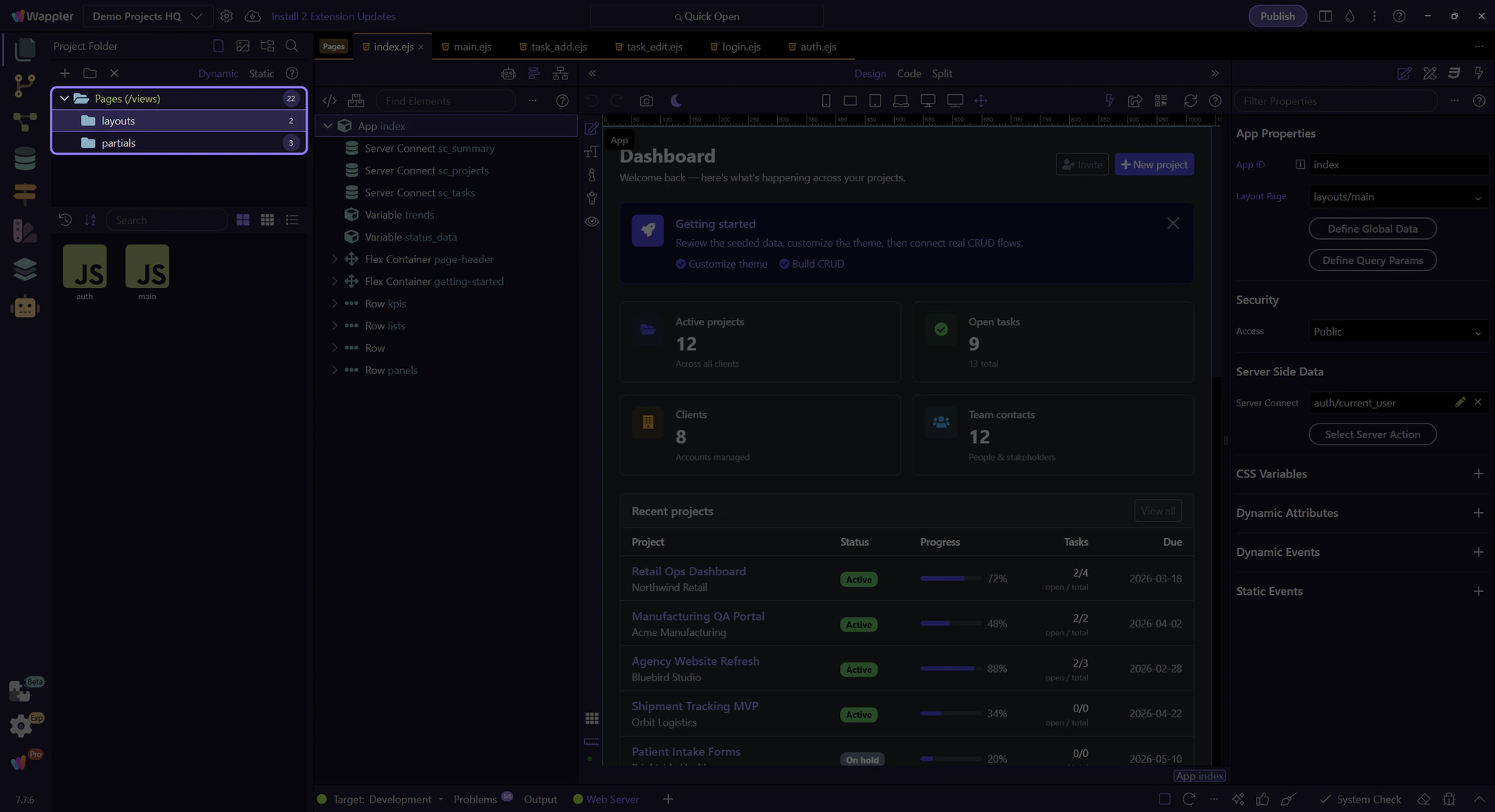
The Pages root exposes routed screens
Section titled “The Pages root exposes routed screens”Selecting the real Pages root exposes the content page tiles that map to meaningful routes in Demo Projects HQ. That makes the list, detail, and form patterns visible as concrete files instead of documentation vocabulary.

projects.ejs is the collection page
Section titled “projects.ejs is the collection page”projects.ejs is the list-style destination. This is the page pattern you open when a route needs to summarize many records and give the user a starting point for navigation.

project.ejs is the detail page
Section titled “project.ejs is the detail page”project.ejs is the detail-style destination. It exists for a route that identifies one specific record, which is why detail pages usually depend on route parameters or record context.

project_add.ejs is the task page
Section titled “project_add.ejs is the task page”project_add.ejs is the task-oriented page pattern. It turns navigation into a concrete user job like adding a record, which is why form pages deserve their own route instead of being hidden inside a list screen.

Conclusion
Section titled “Conclusion”After the page roles are clear, the next question is how URLs choose between them. That is the routing layer’s job.