
General Usage
Typical Pages path: organize pages, open the right file, and continue building in the HTML Editor.
Introduction
Section titled “Introduction”A typical Pages path is straightforward: choose the right page, open it, then keep working in the editor that matches the job instead of treating every page task as the same kind of work.
Start with Page Management
Section titled “Start with Page Management”Use Pages Manager to stay oriented in the project and pick the correct file. In Demo Projects HQ, that starts with the live tree and page list so you can see exactly which folder and tile you are about to work from.
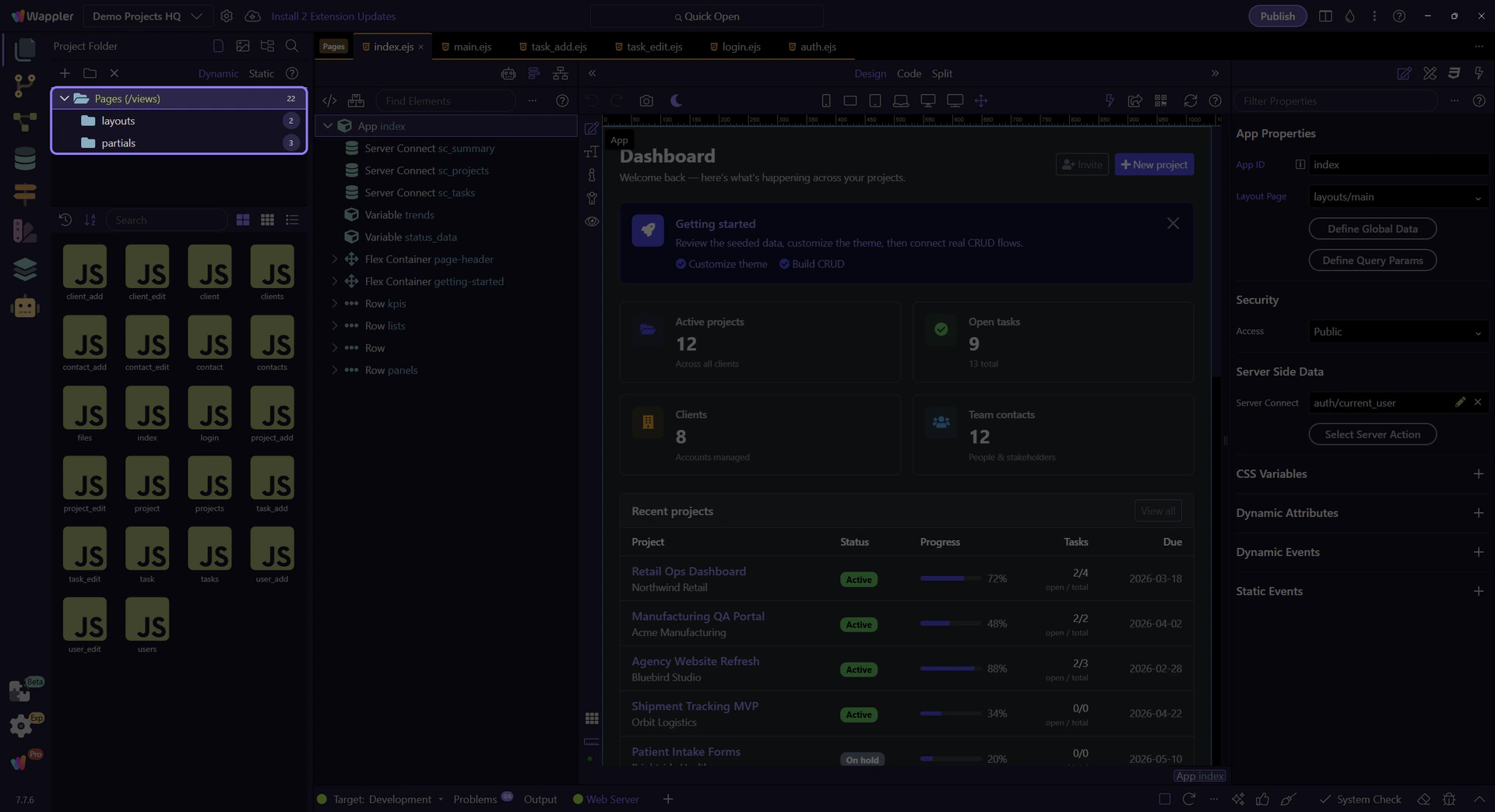
Pages root selection
Section titled “Pages root selection”This step selects the real Pages (views) root node so the tour starts from the actual Demo Projects HQ page structure instead of a generic description.

layouts folder selection
Section titled “layouts folder selection”This step selects the real layouts folder so the page list on the right reflects a concrete folder choice. That is the practical Pages habit: choose the correct folder first, then choose the actual page or layout item from its listing.

Move into Editing
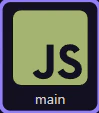
Section titled “Move into Editing”Once the right folder is selected, the next move is to open the actual page or layout tile you want. This step points at the live main.ejs layout tile from Demo Projects HQ and uses it as the concrete handoff into the HTML Editor.
Continue into Specialized Topics
Section titled “Continue into Specialized Topics”After the page is open, the next decision depends on the job: layout and components, styling, or dynamic data binding. That is why Pages is a bridge family, not the final end point for every lesson.
Workflow Finish
Section titled “Workflow Finish”The practical Pages habit is to separate finding a page from building a page. That keeps the workflow easy to understand and makes the rest of the manual feel more logical.