Using the Publish Manager
Task router for publish work: verify the target, run a safe publish, inspect feedback, and choose the right next guide.
Publish Recipes
Choose a Publish Task
Use this menu when you already know the deployment job you need to do next. Start with the safe publish workflow if you are about to deploy, use the reference when you need the panel surface explained, or return to the broader onboarding path when you are still preparing the project for first publish.
Publish Manager Reference
Reference tour for the Publish Manager: deployment targets, publishing controls, output reading, and troubleshooting deployment feedback.
Introduction
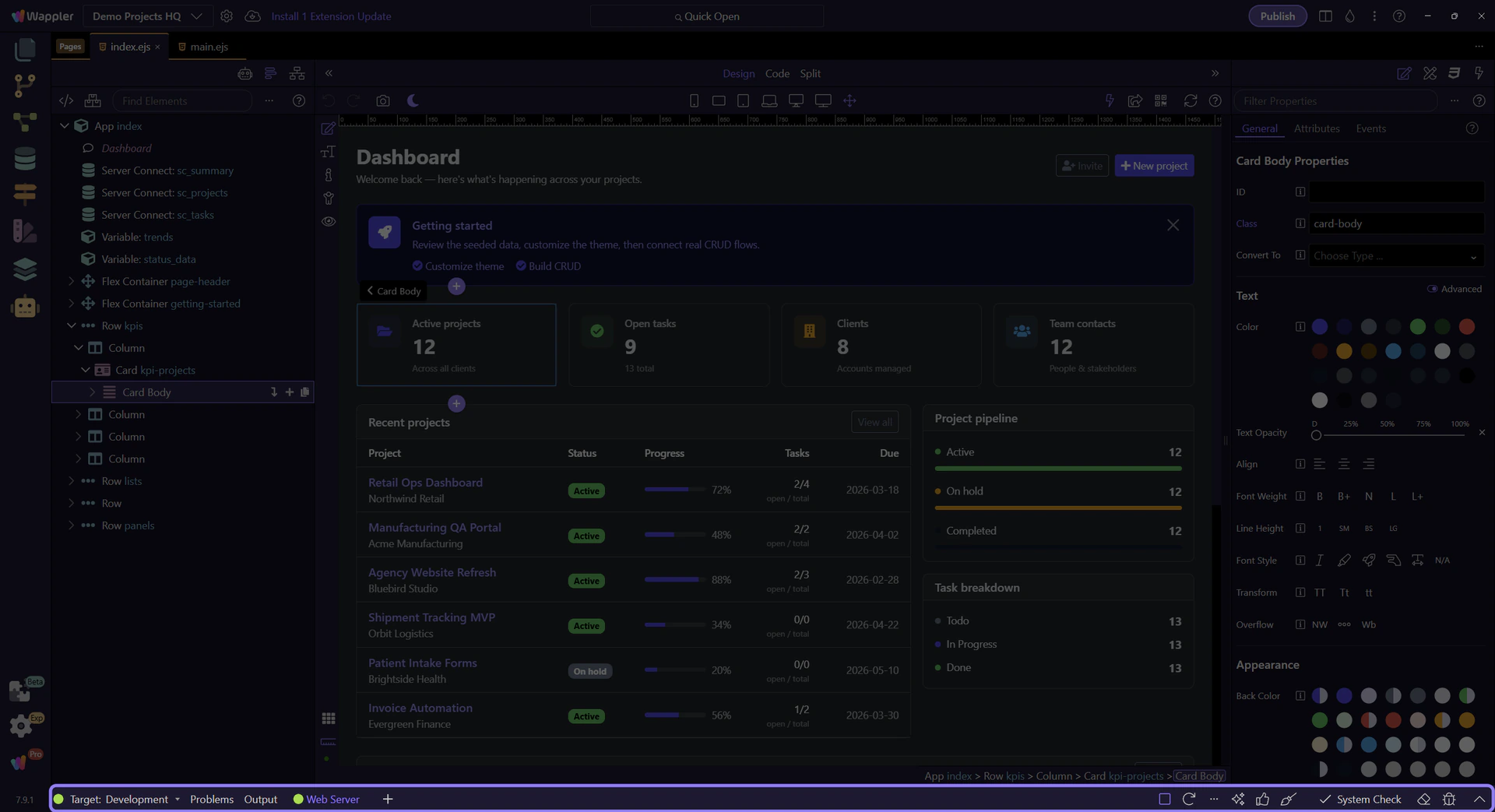
Publish Manager is where deployment settings turn into a repeatable release workflow. This reference tour points out the main areas you use when selecting targets, reviewing publish options, and checking what will be uploaded, so later deployment steps feel deliberate instead of risky.
Manager Root
The manager root is the right place to orient yourself before and after a publish. It is the frame that connects the target context with the feedback that follows.
Target-Aware Work
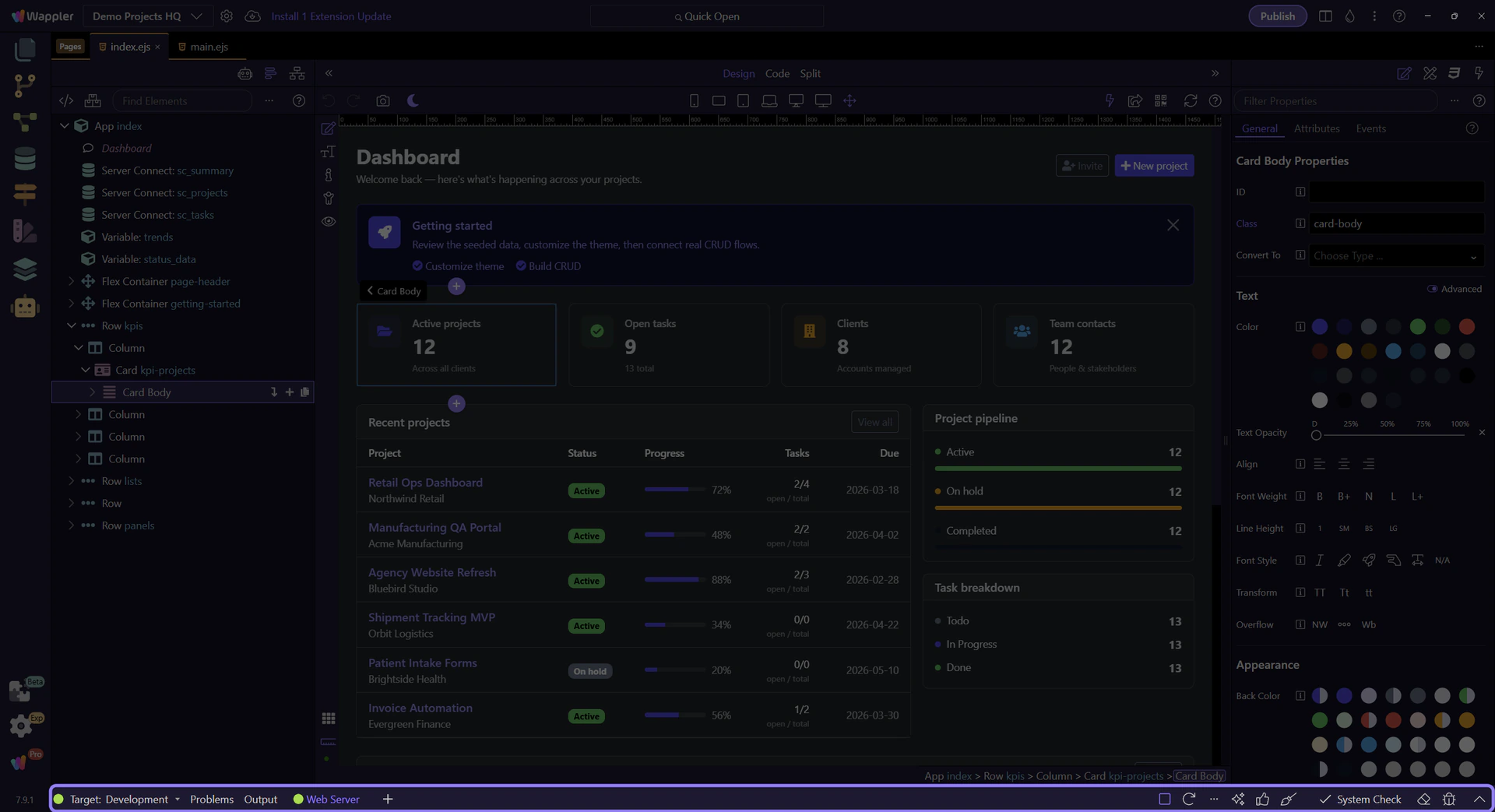
Publish work is target-aware by design. The reference mindset is simple: always interpret publish results in relation to the active target you meant to use.
Feedback Loop
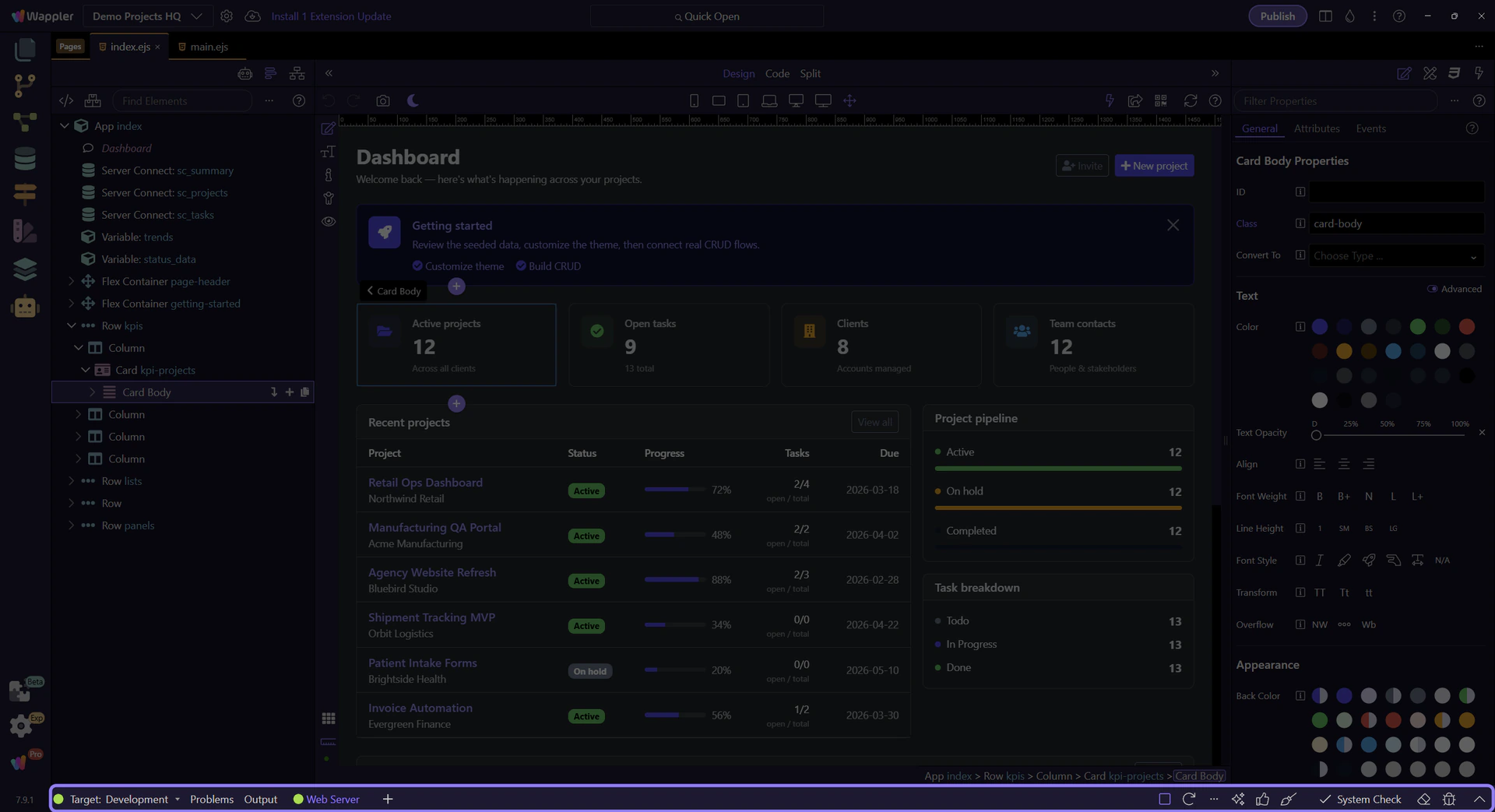
Output and Problems together form the publish feedback loop: one tells you what happened, the other helps you narrow what to inspect next.
Next steps
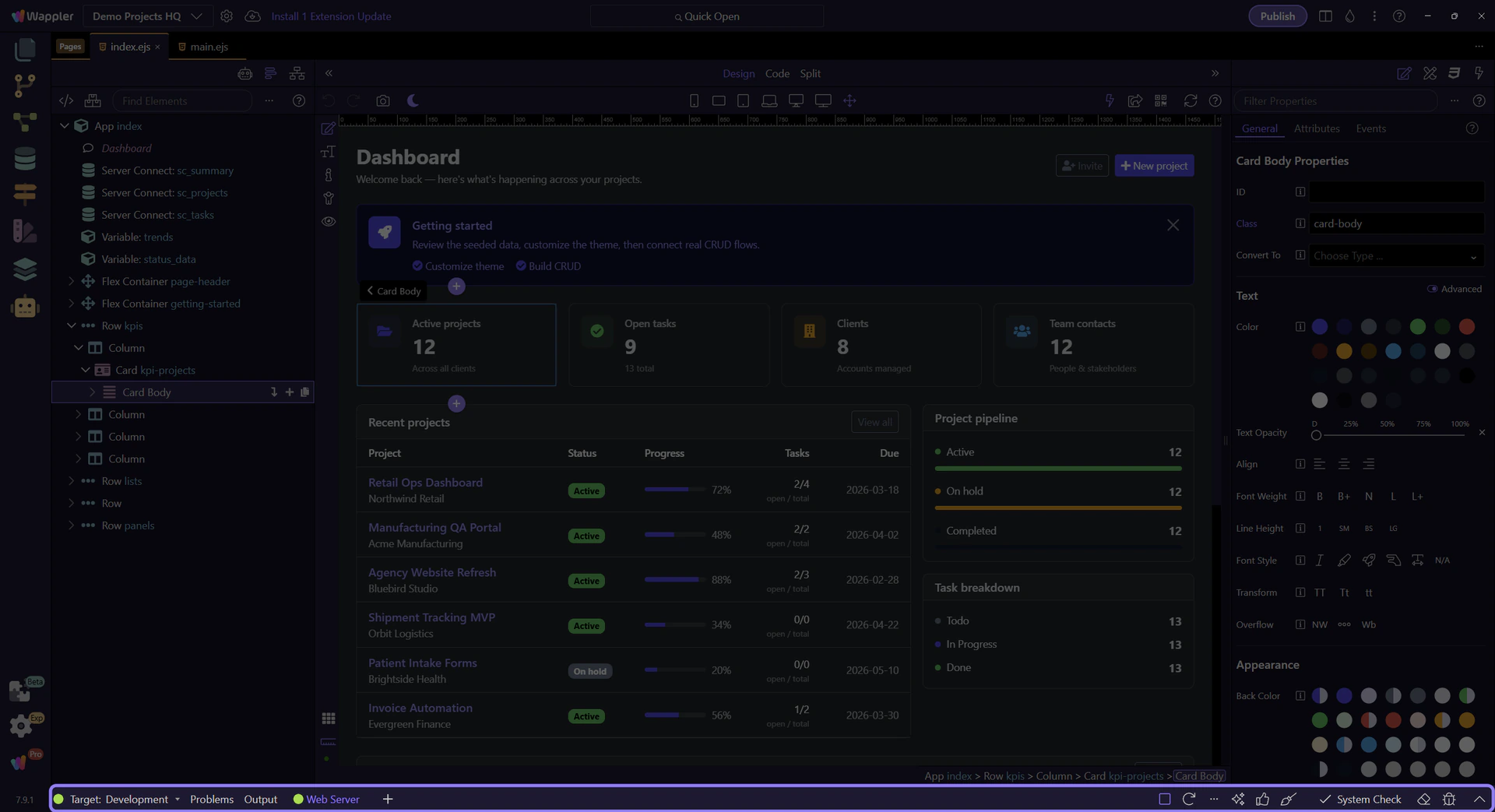
Continue with the Publish Manager hub for guided entry points, or use General Usage and Recipes when you want applied advice.
Publish Safely
Confirm the target, run the publish, and read feedback before retrying or fixing anything.
Publish Manager: Basic Workflow
A typical publish workflow in Wappler is: confirm the active target, run the publish, then read the feedback before deciding whether you need to retry, fix configuration, or change code.

Confirm the Target First
Before you publish, make sure you are looking at the intended target context. The cost of checking first is tiny compared with publishing to the wrong place.

Run, Then Read the Feedback
Publishing is not just a button click. Treat the feedback as part of the workflow: wait for the result, read what happened, and only then decide what to do next.

Use Problems to Triage
When publish feedback points at missing settings, files, or target issues, let Problems narrow the next action. It helps you move from broad failure output to the most actionable fix path.

Workflow Finish
The publish habit to build is disciplined sequence: target first, action second, diagnosis third. That keeps deployment work calm and repeatable.

Publish Manager
Browse Publish Manager tours: quick overview, general usage, recipes, and reference.
Publish and Deployment
Use this hub when you are ready to deploy or inspect publish output. Start with the quick overview for the panel map, use Publish Safely for the repeatable workflow, or open recipes and reference when you already know the job.

Publish Manager: Quick Overview
A short orientation to Publish Manager so you can confirm the active target and read publish feedback with confidence.
Publish Manager Overview
Publish Manager is the execution area for publish and target-side actions. Use it to confirm where you are publishing, run the action, and read the feedback that comes back from the target.
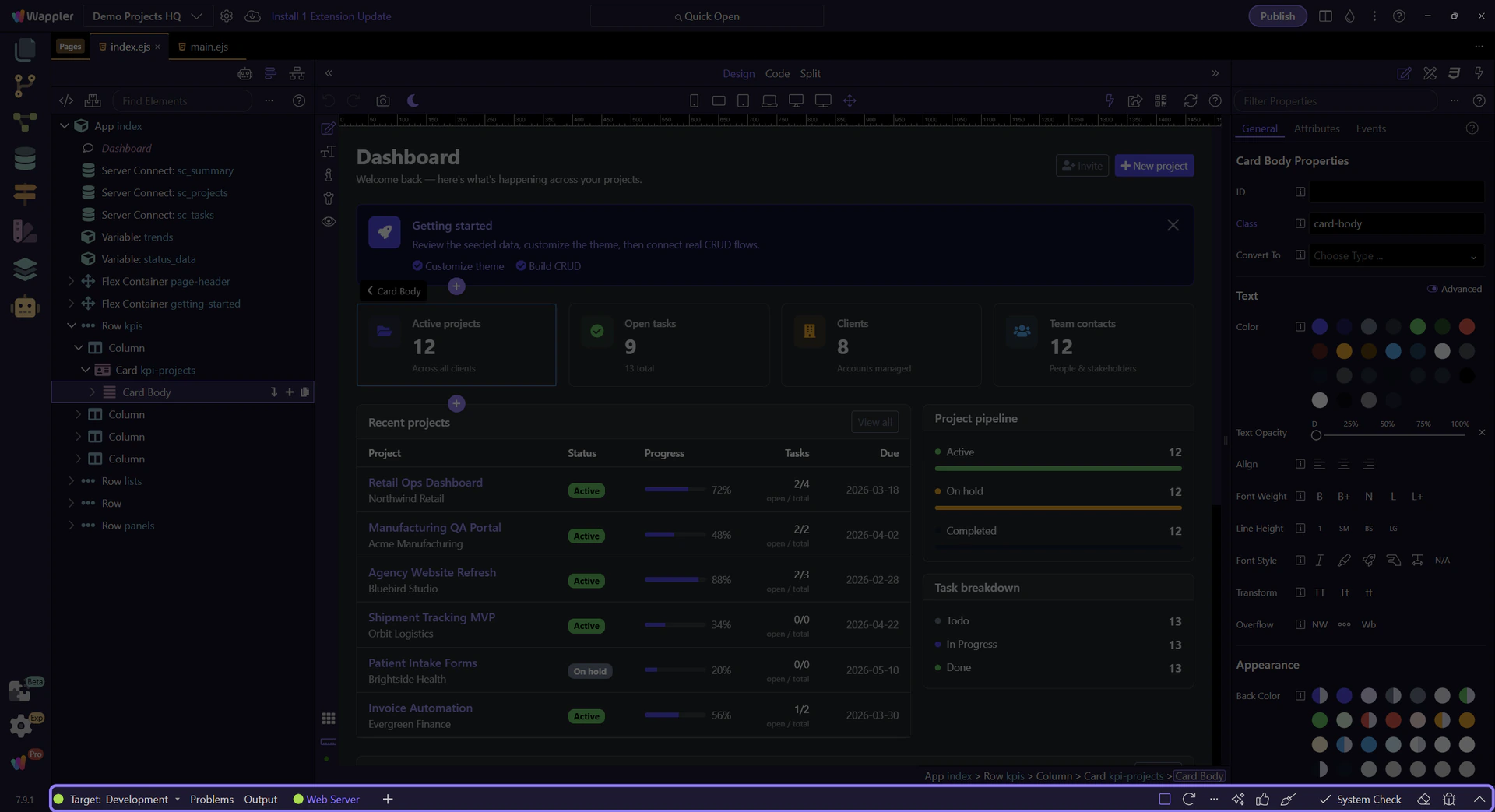
Active Target
Publishing in Wappler is target-aware. Use this manager to confirm which target is active before you push anything, so you know where the action will run.
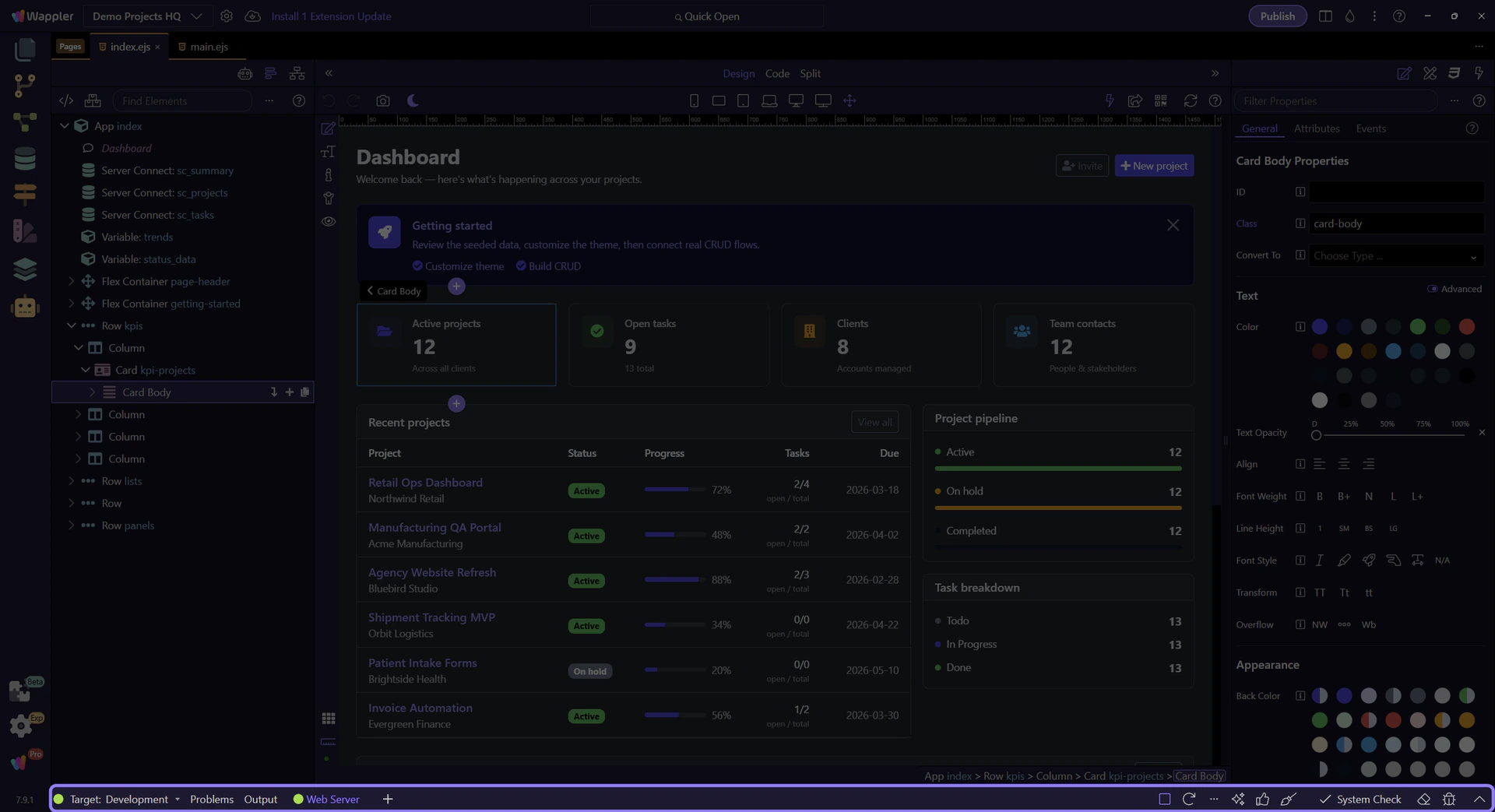
Output
This manager is also where publish and target-side commands report progress. When a publish succeeds or fails, read the output here before changing anything else.
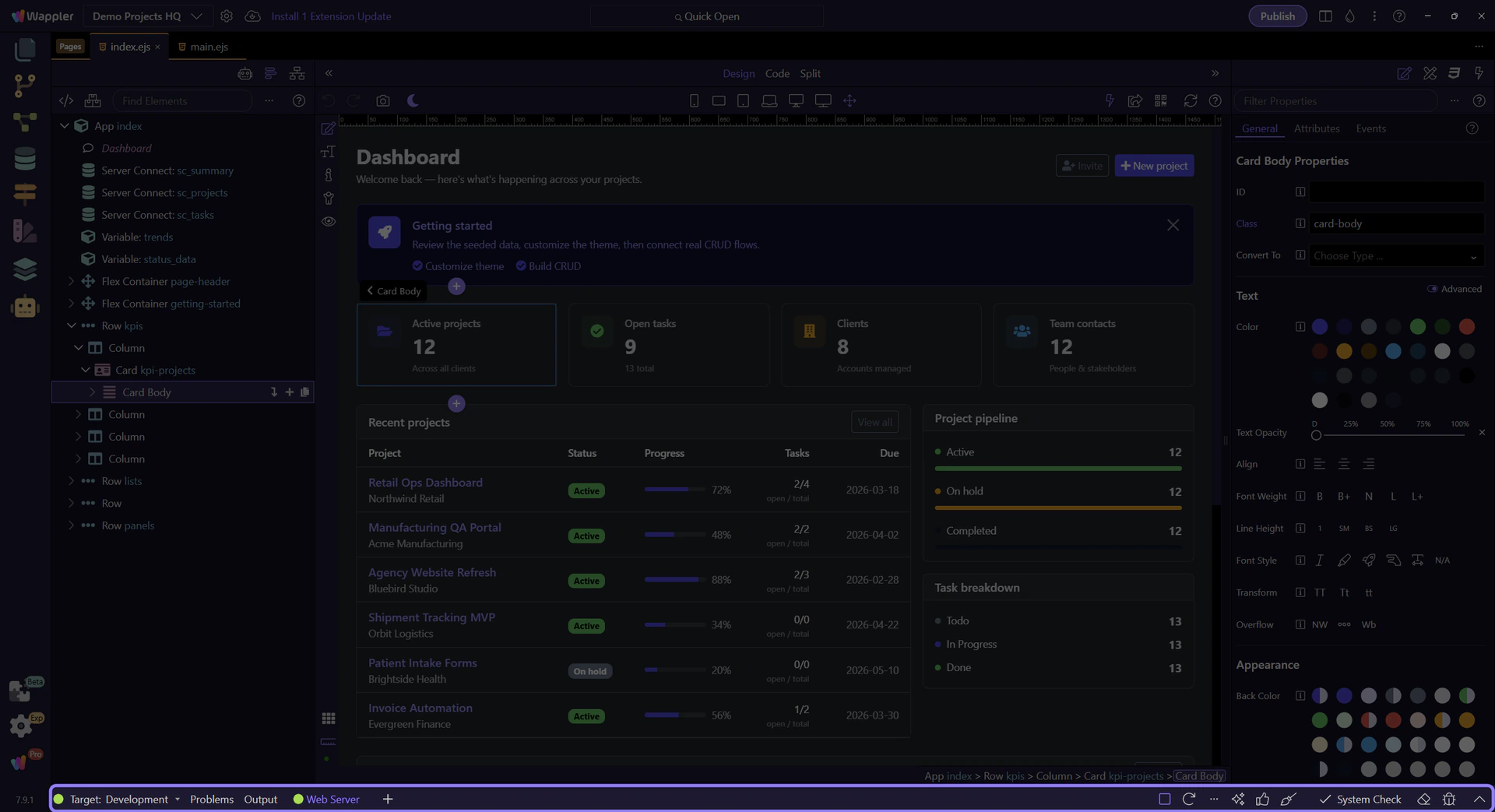
Problems
When publish or target checks surface actionable issues, Problems helps turn raw command feedback into the exact file or setting you need to inspect next.
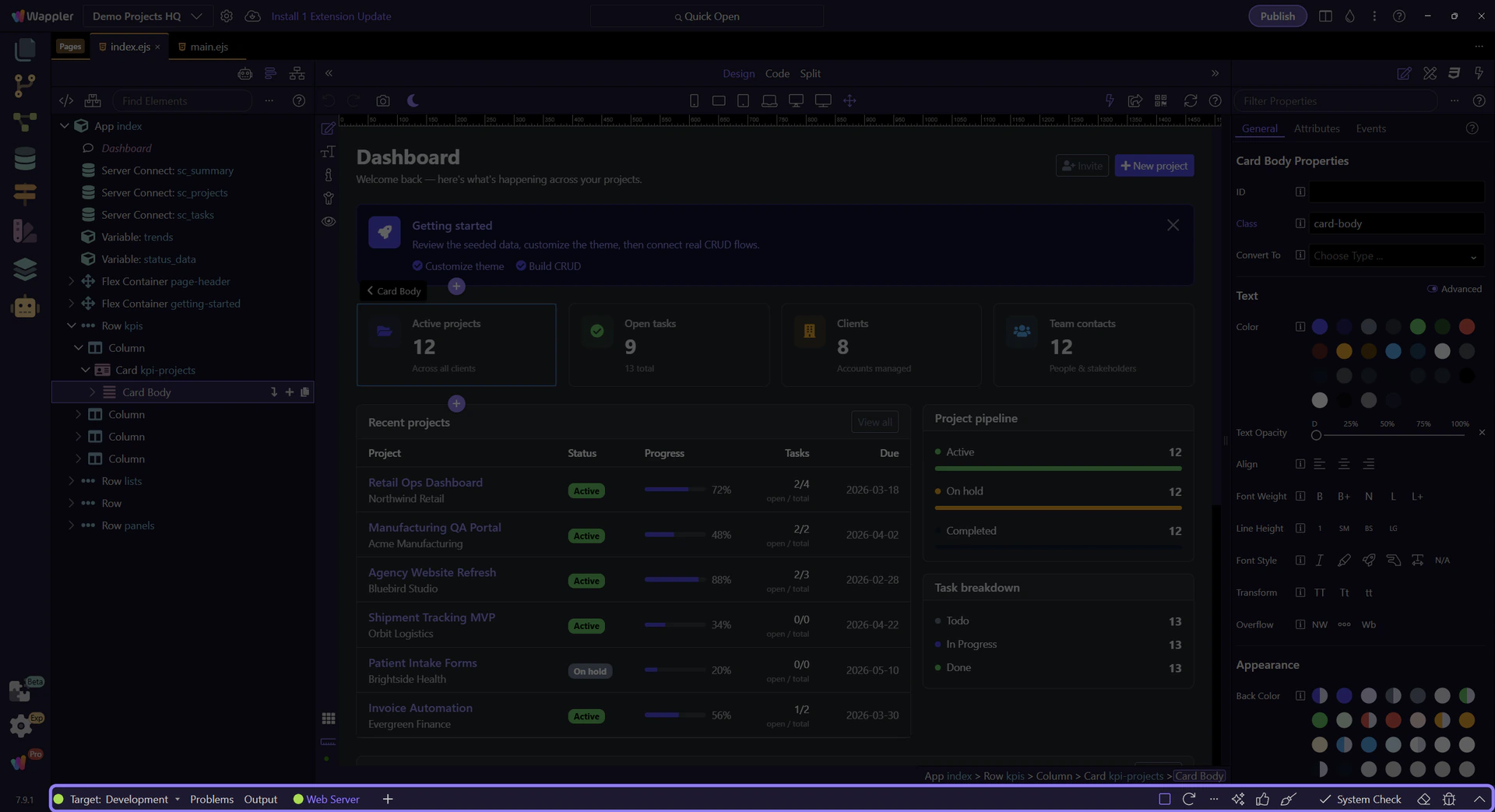
Conclusion
The beginner takeaway is simple: pick the right target, publish from here, and read Output or Problems before changing code blindly. When you are ready, return to the stage guide or browse the full Publish Manager family.