No Results State
Show an honest no-results state so filtered or empty datasets explain themselves instead of making the page feel broken.
Introduction
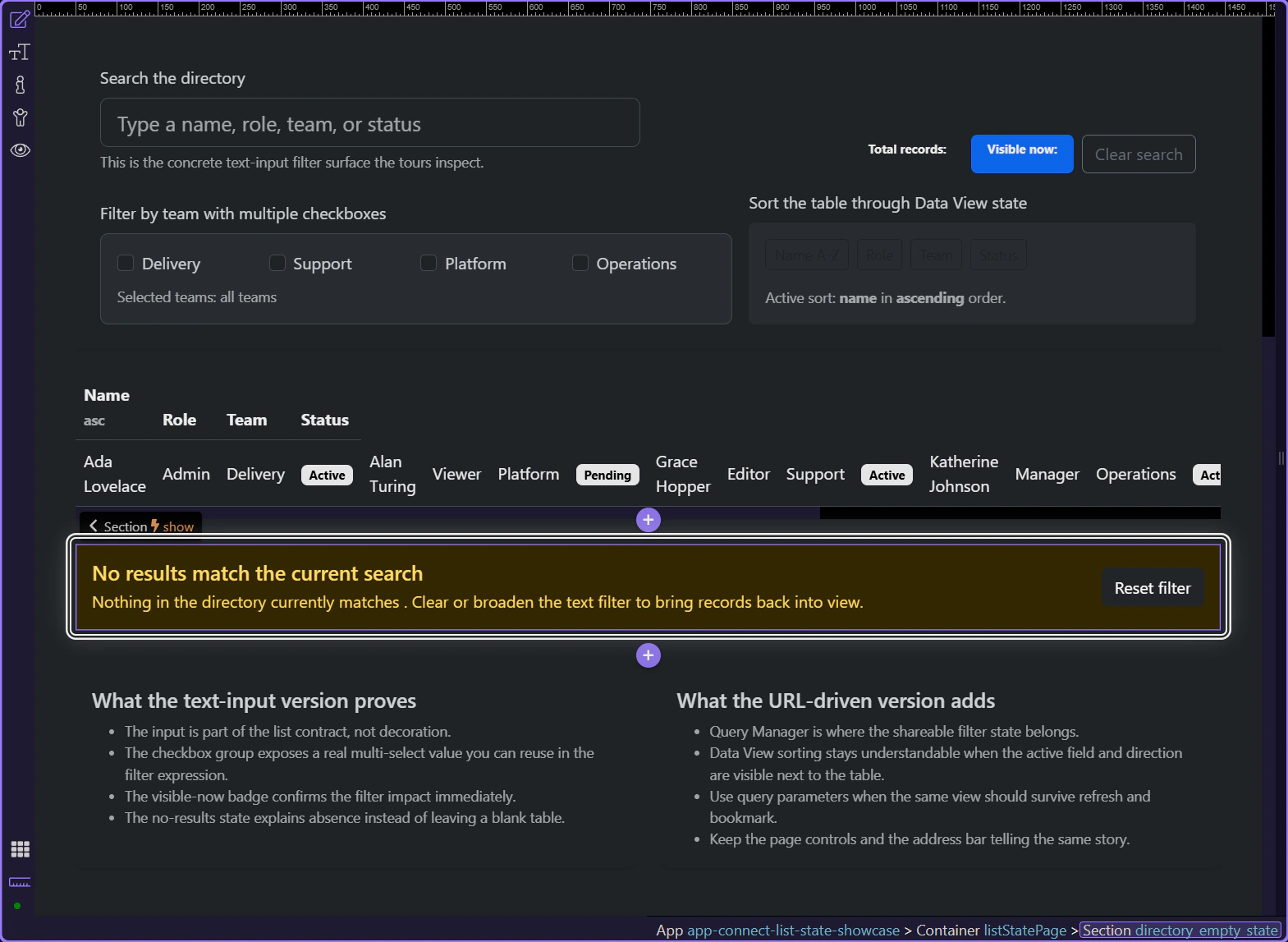
Section titled “Introduction”This tour opens a filtered directory page so you can inspect a no-results state as part of the real list workflow, not as filler added after the table was finished. The point is to keep the empty view honest about what happened and clear about what the user can do next.
The empty-state message belongs next to the list it explains
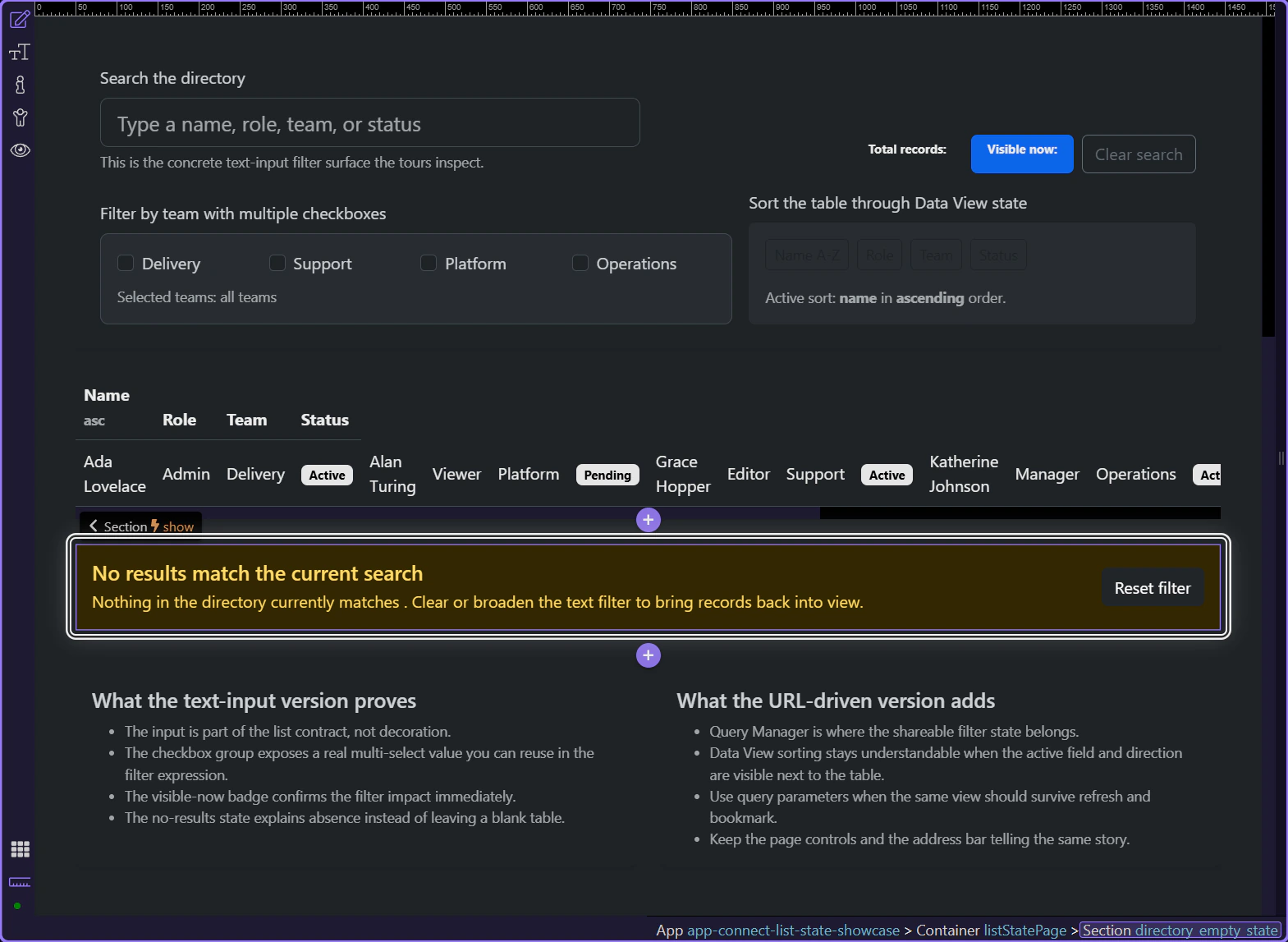
Section titled “The empty-state message belongs next to the list it explains”This layout makes the rule visible: the no-results state lives in the same results area as the table and counts. That keeps the empty view connected to the current list instead of feeling like a disconnected warning somewhere else on the page.
The empty state should be driven by the real filtered result count
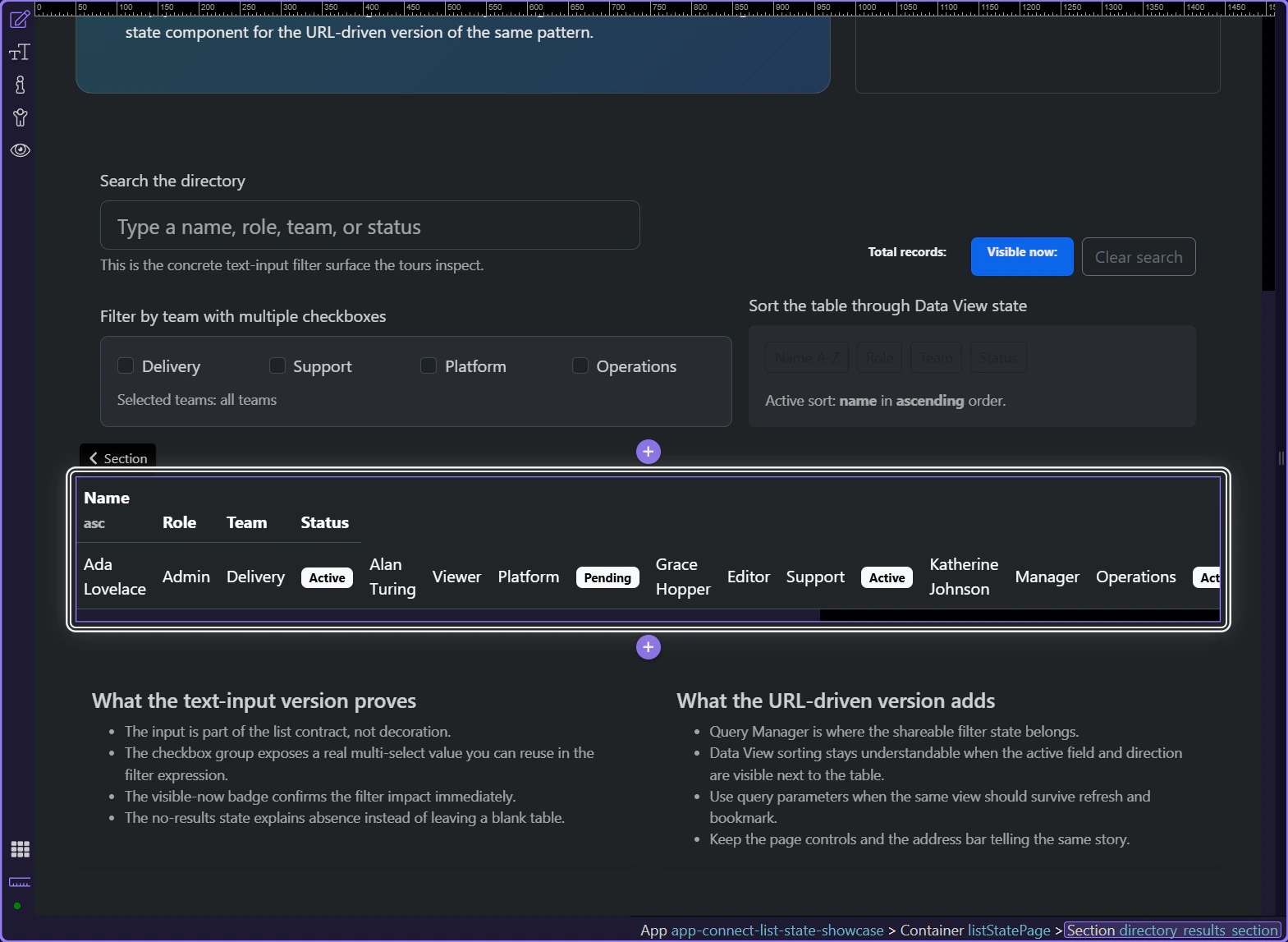
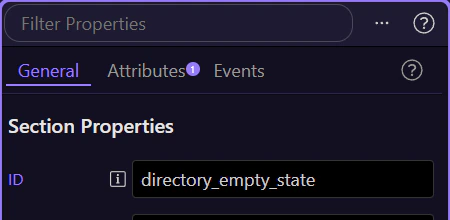
Section titled “The empty state should be driven by the real filtered result count”When the empty-state section is selected in Structure, the key implementation choice becomes concrete: it is shown conditionally from the filtered view state, not hard-coded as a static paragraph. That is what keeps the message honest when the same page can be filled or empty depending on the current filter.
Working in Wappler
Section titled “Working in Wappler”Once the visibility rule is correct, the next decision is whether the empty state actually helps the user recover.
The message should explain the current cause, not just say the page is empty
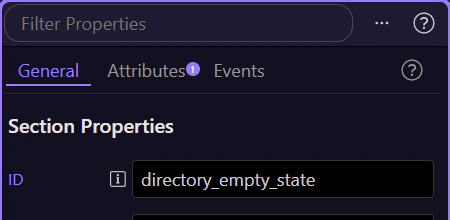
Section titled “The message should explain the current cause, not just say the page is empty”This empty-state section references the current search text so the user can see why the list disappeared. That is the practical Wappler pattern: connect the message to the active narrowing condition whenever that makes the cause clearer.
A reset action turns the empty state into a recovery path
Section titled “A reset action turns the empty state into a recovery path”The reset button matters because a good no-results state does more than describe absence. It gives the user a direct way back to a broader result set without making them hunt for which control caused the problem.
Conclusion
Section titled “Conclusion”You now have the practical Wappler pattern for no-results messaging: keep it near the list, drive it from the real filtered state, explain the cause, and offer a reset path.
Continue into nearby list-state patterns
Section titled “Continue into nearby list-state patterns”Continue into total counts or URL-driven filtering when you want the list state to explain itself even more clearly, or return to Core components for the wider App Connect data toolkit.