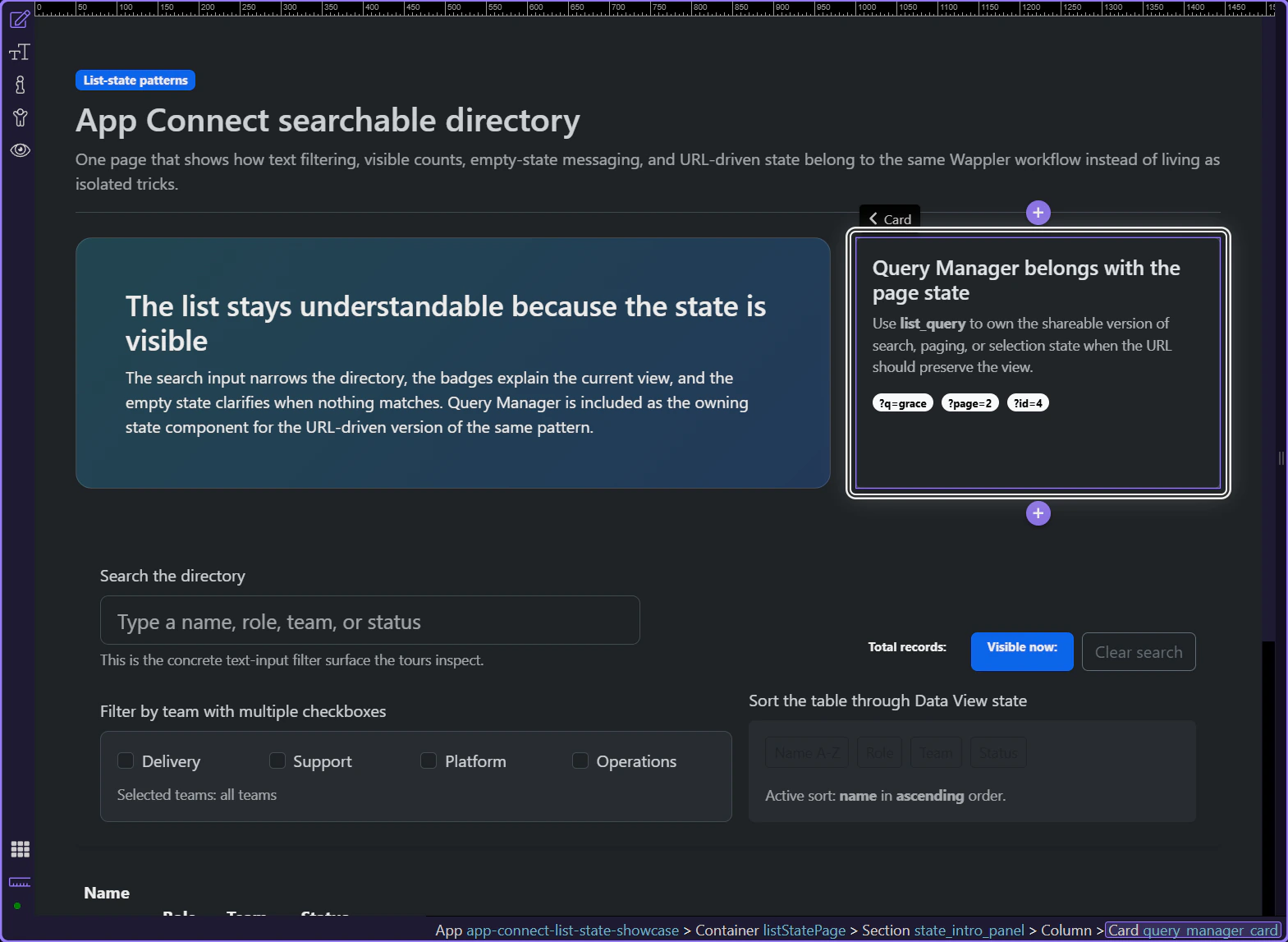
Filter Query with a URL Parameter
Use URL-driven filtering when the current view should survive reloads, bookmarks, and shared links without custom JavaScript.
Introduction
This tour opens the same directory page, but the focus shifts from local filtering to shareable page state. Query Manager is the Wappler surface that owns URL-driven state when search, paging, or selected records should survive reloads, bookmarks, and copied links.
Query Manager is the component that owns the URL version of the page state
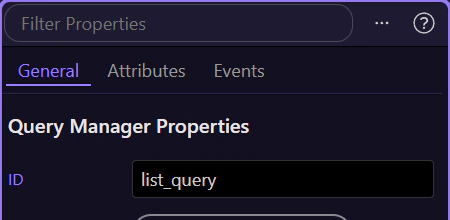
When Query Manager is selected in Structure, the important mental shift becomes concrete: filters are no longer just local UI values. They become part of the page contract, managed from one component that can read and write the query string deliberately.
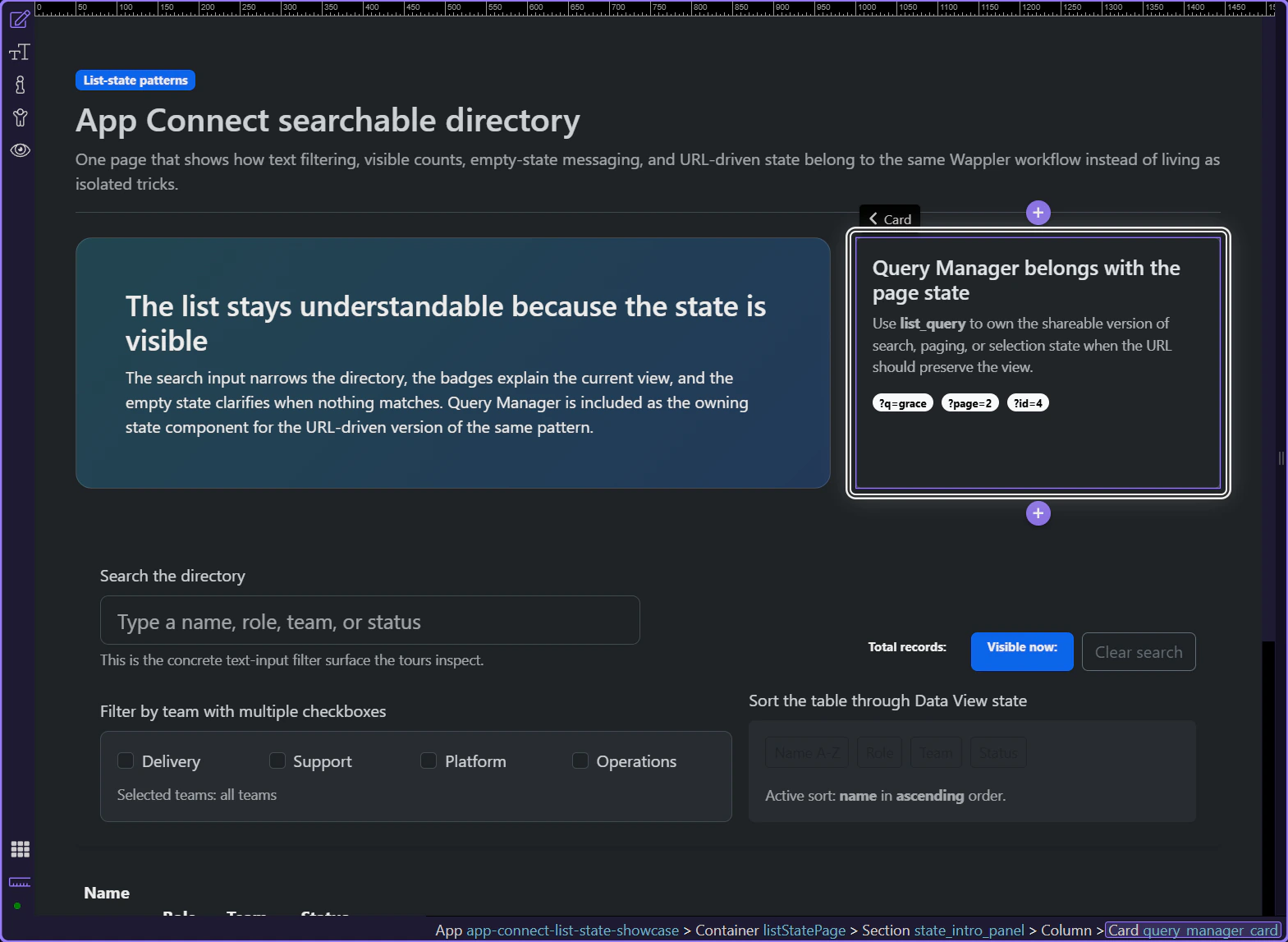
The page should show what kind of URL state belongs here
This card explains the practical role of Query Manager on a real page: parameters like q, page, and id are useful because they describe a reproducible view, not because the URL needs more noise.
Working in Wappler
Once Query Manager owns the URL state, the rest of the page still has to stay readable and predictable.
Keep local text filtering and URL-driven filtering as deliberate choices
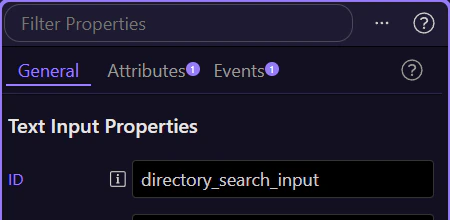
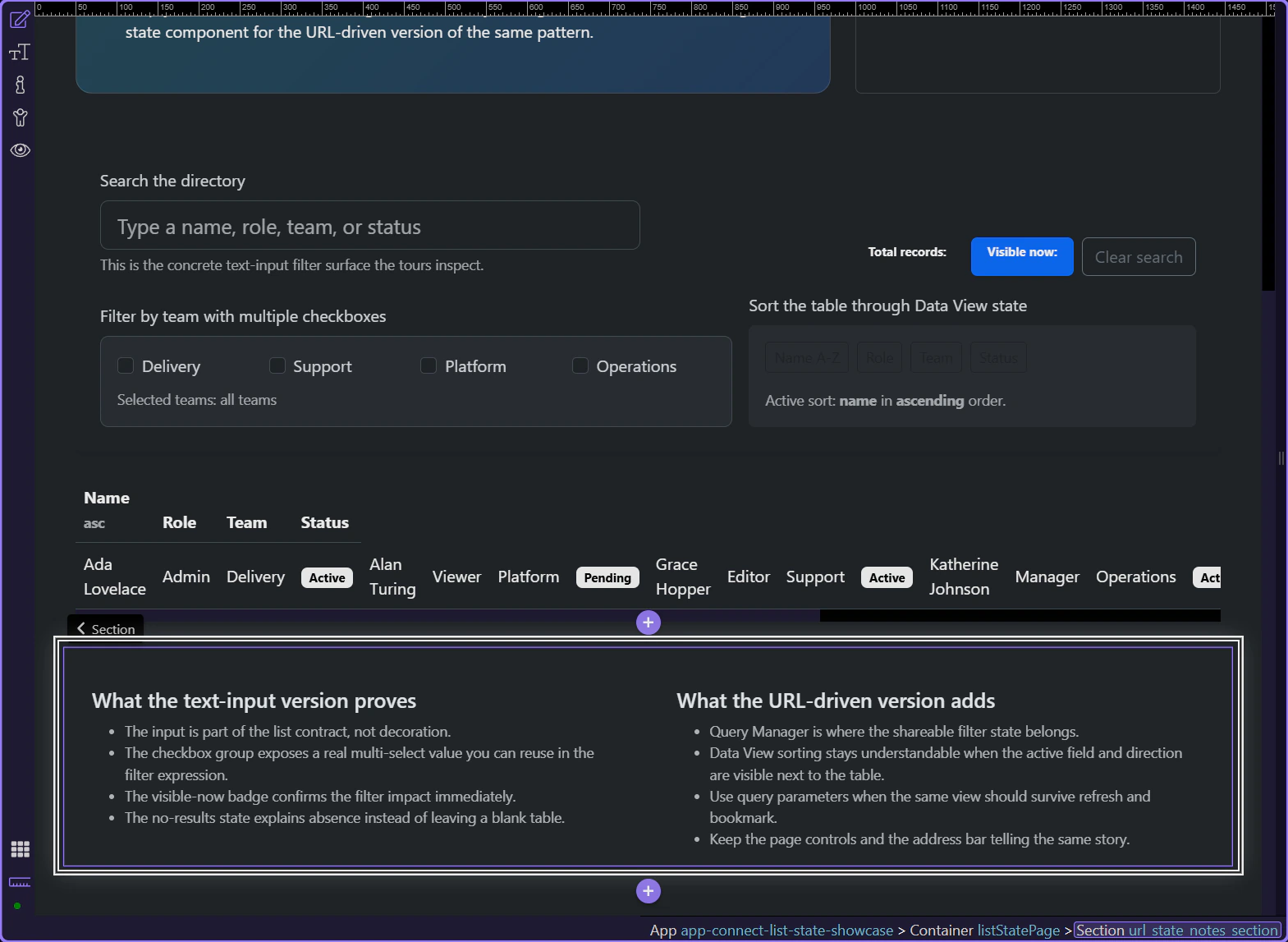
This search input is a good comparison point. A local filter is enough when the narrowed view does not need to survive refresh or be shared. Query Manager is the upgrade path when the same search, page, or selected record should come back through the address bar.
The visible list still needs badges and empty states that match the URL state
URL-driven state only helps when the list surface still explains itself. The count badges and the empty state are what make the URL-readable state understandable after a reload or a shared link opens the same view.
Conclusion
You now have the practical Wappler role for Query Manager: use it when the filter or selection belongs in a reproducible URL, and keep the list UI honest so the address bar and the page tell the same story.
Continue into nearby list-state patterns
Continue into no-results messaging or total counts when you want the URL-driven view to explain itself better, or return to Core components for the broader App Connect data toolkit.