Show Total Record Count
Surface total counts where they help users understand result size, progress, and filter impact without cluttering the page.
Introduction
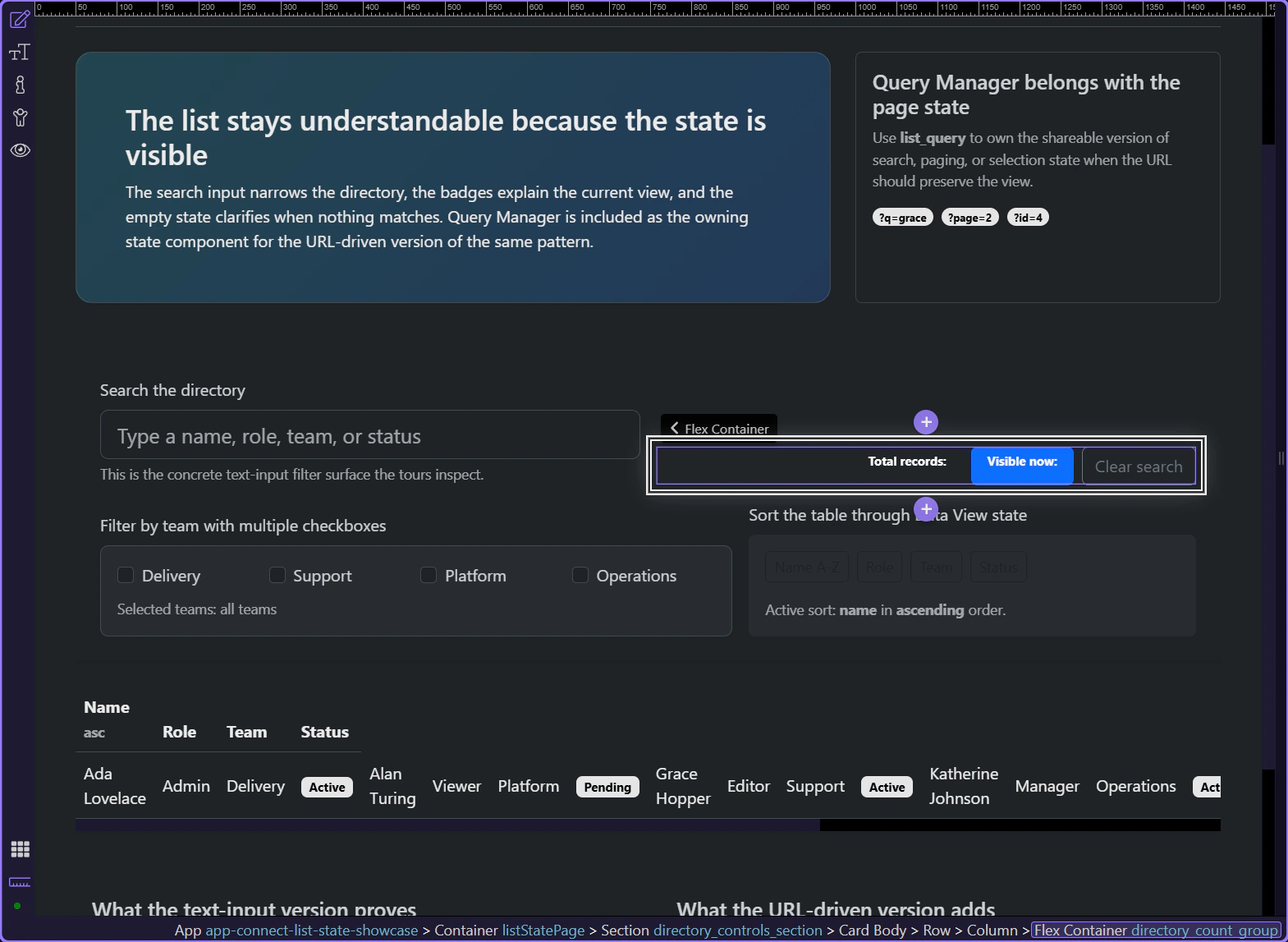
This tour opens a concrete list page so you can inspect record counts where they actually help users: beside the current filter and right above the rows they explain. The goal is to distinguish total records from the visible filtered result instead of spraying one ambiguous number across the page.
The count labels need to tell users exactly what the number means
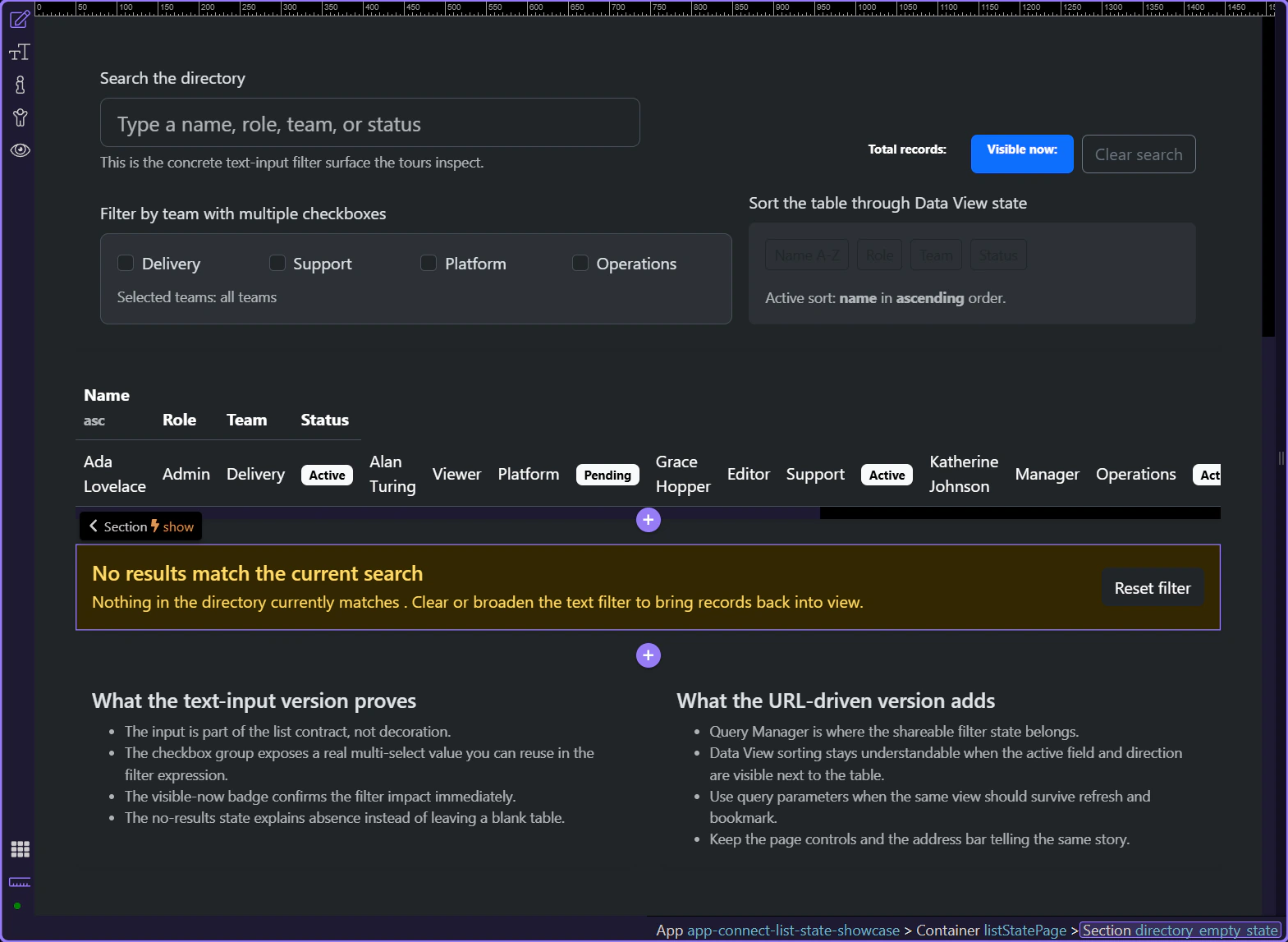
These two badges work because they do different jobs clearly: one shows the total directory size, and the other shows how many records are visible after the current filter. That distinction is what makes counts useful instead of decorative.
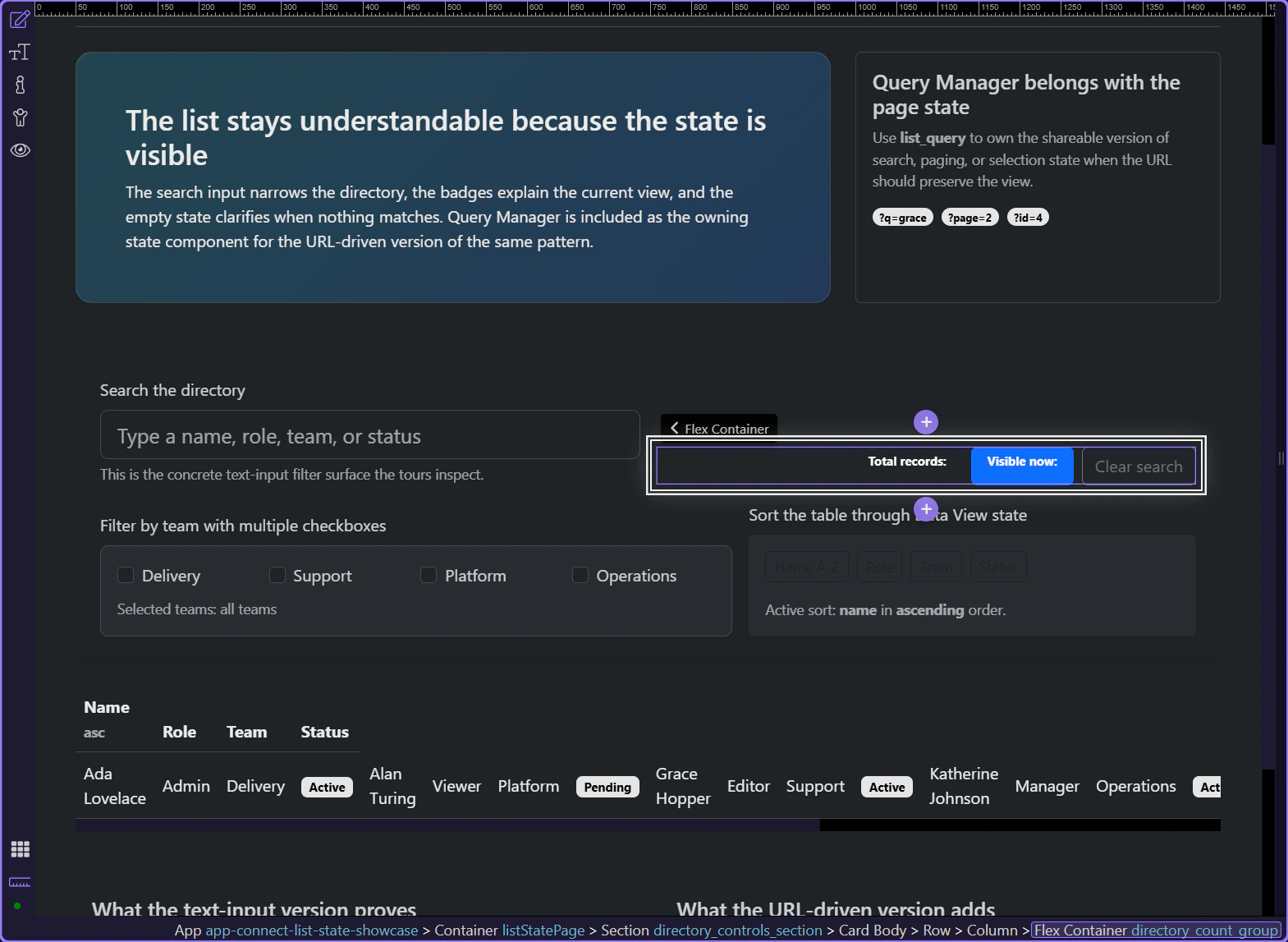
Counts are strongest when they live next to the list they describe
Keeping the badges in the same control area as the search input and results table makes the numbers immediately interpretable. Users do not have to scan the page to work out which dataset the count belongs to.
Working in Wappler
Once the labels are clear, the next implementation question is which component owns the filtered count.
The filtered count should come from the derived view, not the raw source
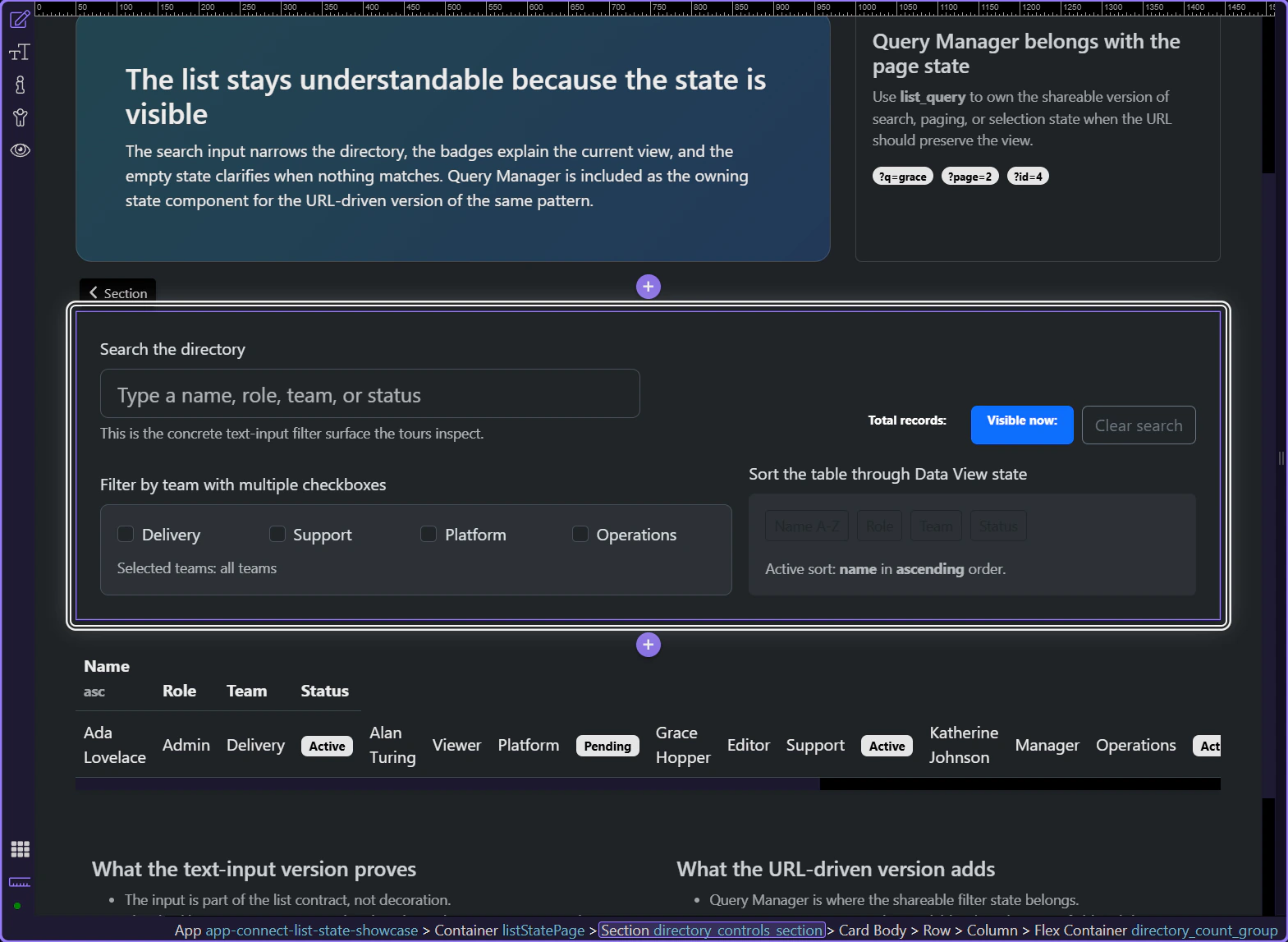
When the Data View is selected, the architecture becomes concrete: the total count belongs to the original source data, while the visible-now count belongs to the filtered Data View. Keeping those roles separate is what prevents misleading numbers when the list is narrowed.
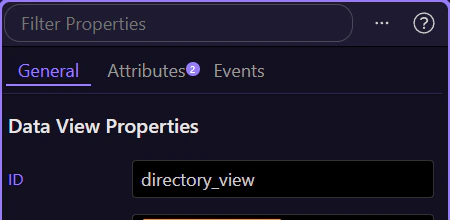
Counts get even clearer when they work alongside the empty state
On this page, the count badges and the no-results state reinforce each other. Users can see the visible result shrink, and when it reaches zero the page explains why the table is empty instead of making the count feel contradictory.
Conclusion
You now have the practical Wappler rule for record counts: label them honestly, keep them close to the list, and derive the filtered count from the view that the user is actually reading.
Continue into adjacent list-state patterns
Continue into no-results messaging or URL-driven filtering when you want the list state to stay explainable across emptier or shareable views, or return to Core components for the broader App Connect data toolkit.