
Description lists
Use Bootstrap description lists for key/value layouts, with responsive alignment helpers.
Description list container
Section titled “Description list container”Description lists pair terms (dt) with definitions (dd)—ideal for metadata blocks and compact summaries. Let’s review the container options first.
Description list example
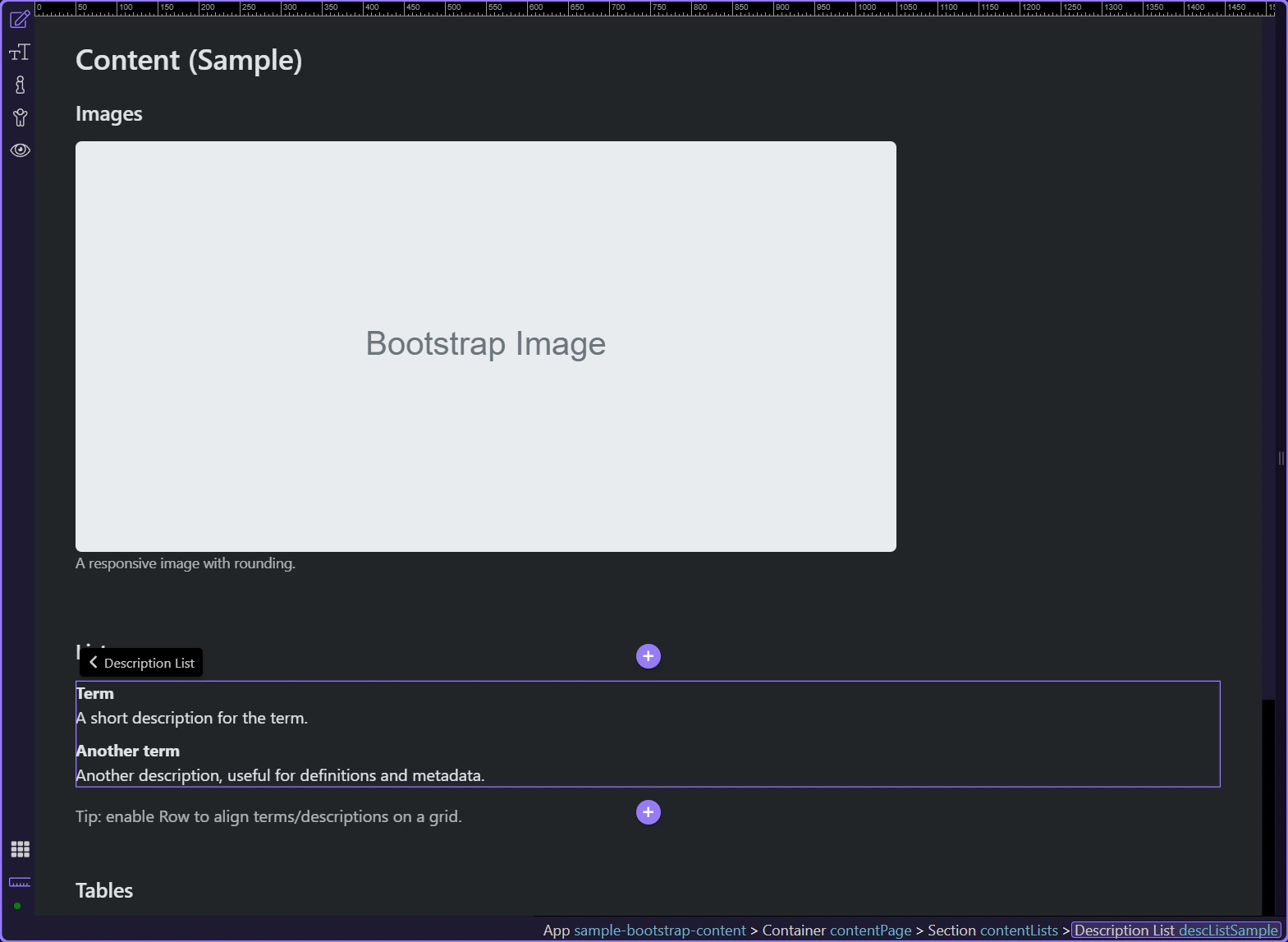
Section titled “Description list example”This description list example shows how Bootstrap can present paired labels and values in a way that is easier to scan than a plain paragraph. It is useful for metadata, profile details, and admin summaries where the relationship between each term and its value should stay visually obvious.
Row layout
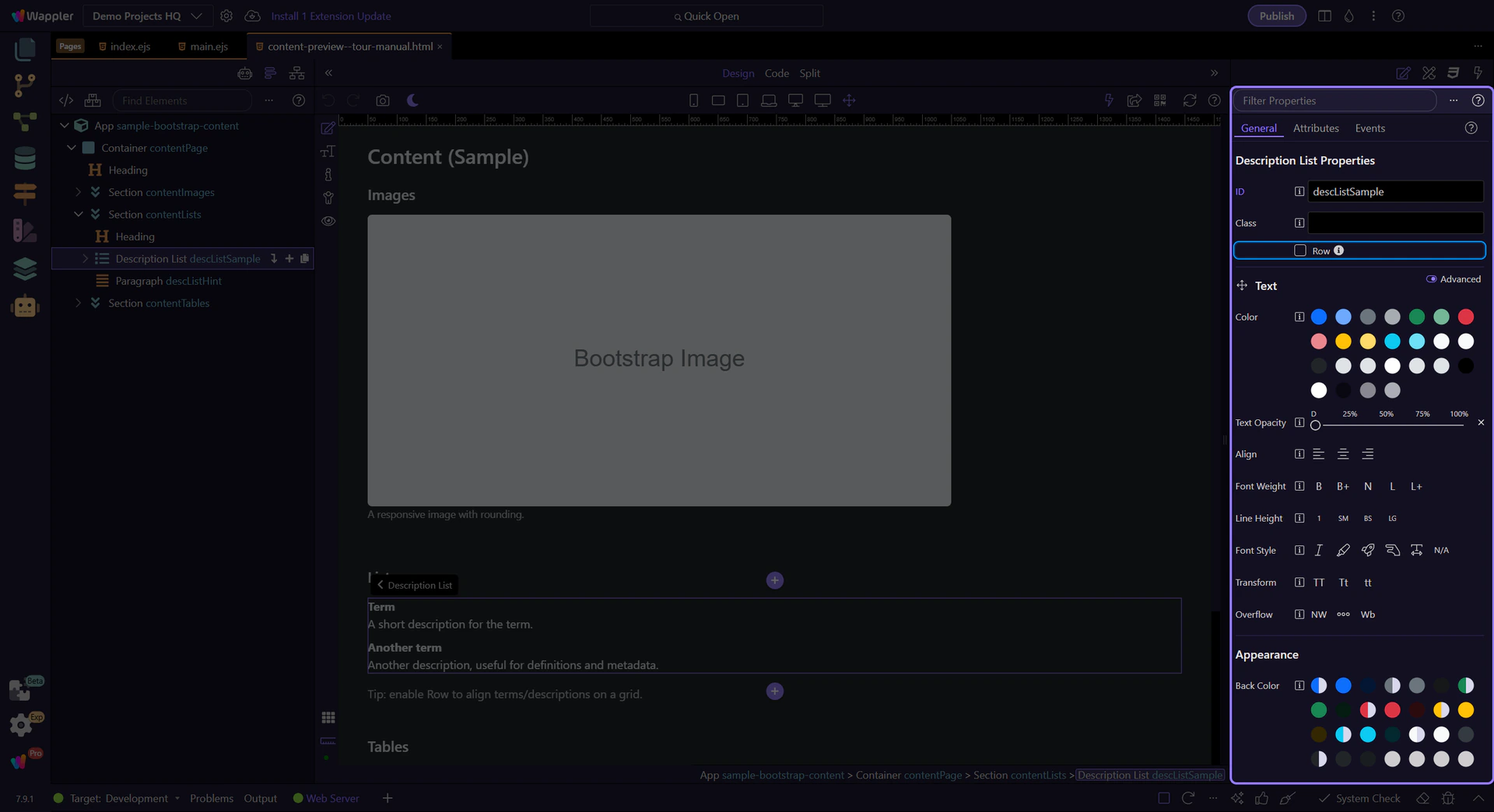
Section titled “Row layout”Enable Row to align terms and descriptions using Bootstrap’s grid.
Edit terms and descriptions
Section titled “Edit terms and descriptions”Each row is made of a term (dt) and a description (dd). Let’s look at how you edit each one.
Term (dt)
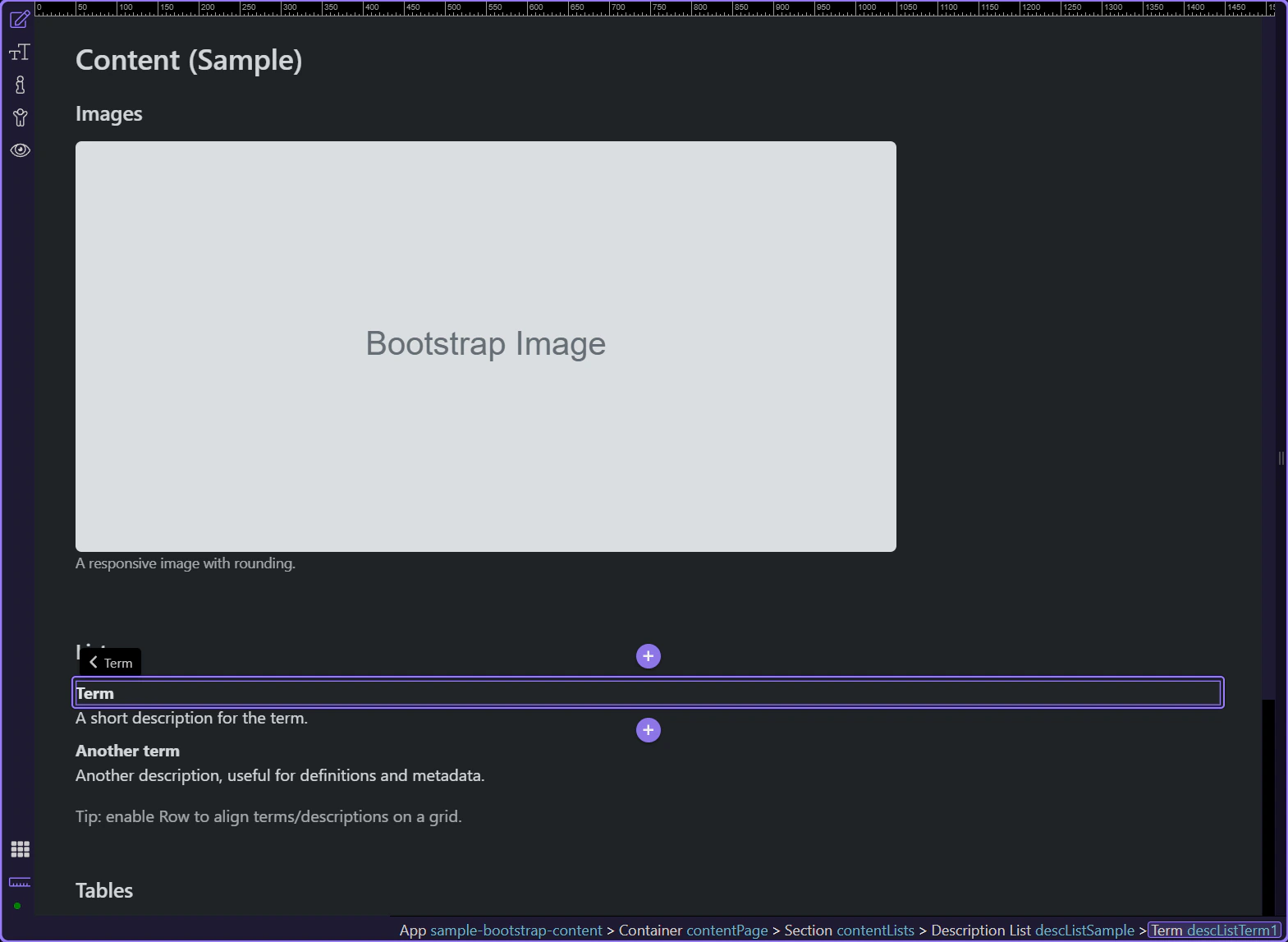
Section titled “Term (dt)”Terms (dt) are the labels—short and scannable.
Term text
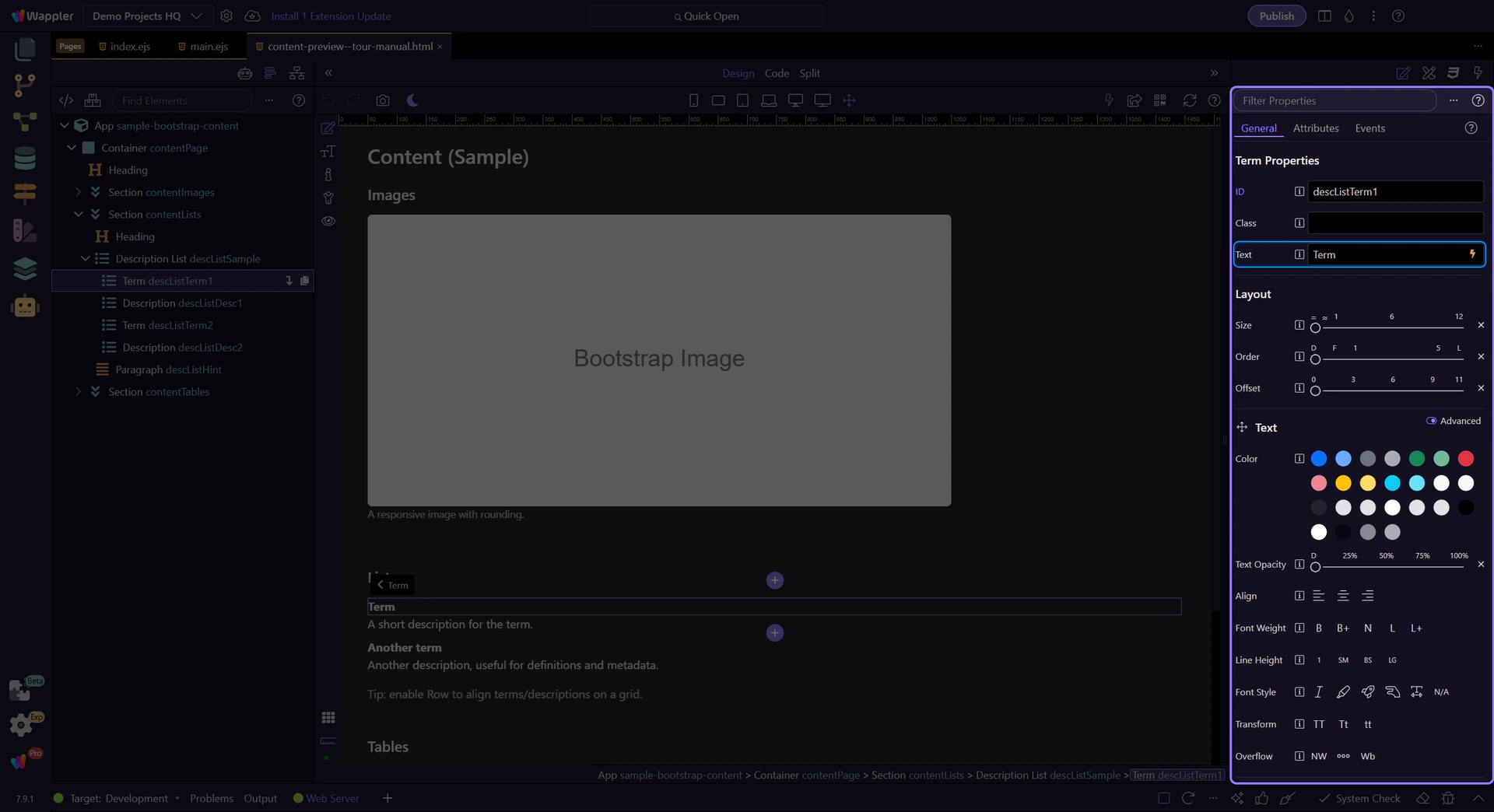
Section titled “Term text”Edit the Text field to change the term content.
Description (dd)
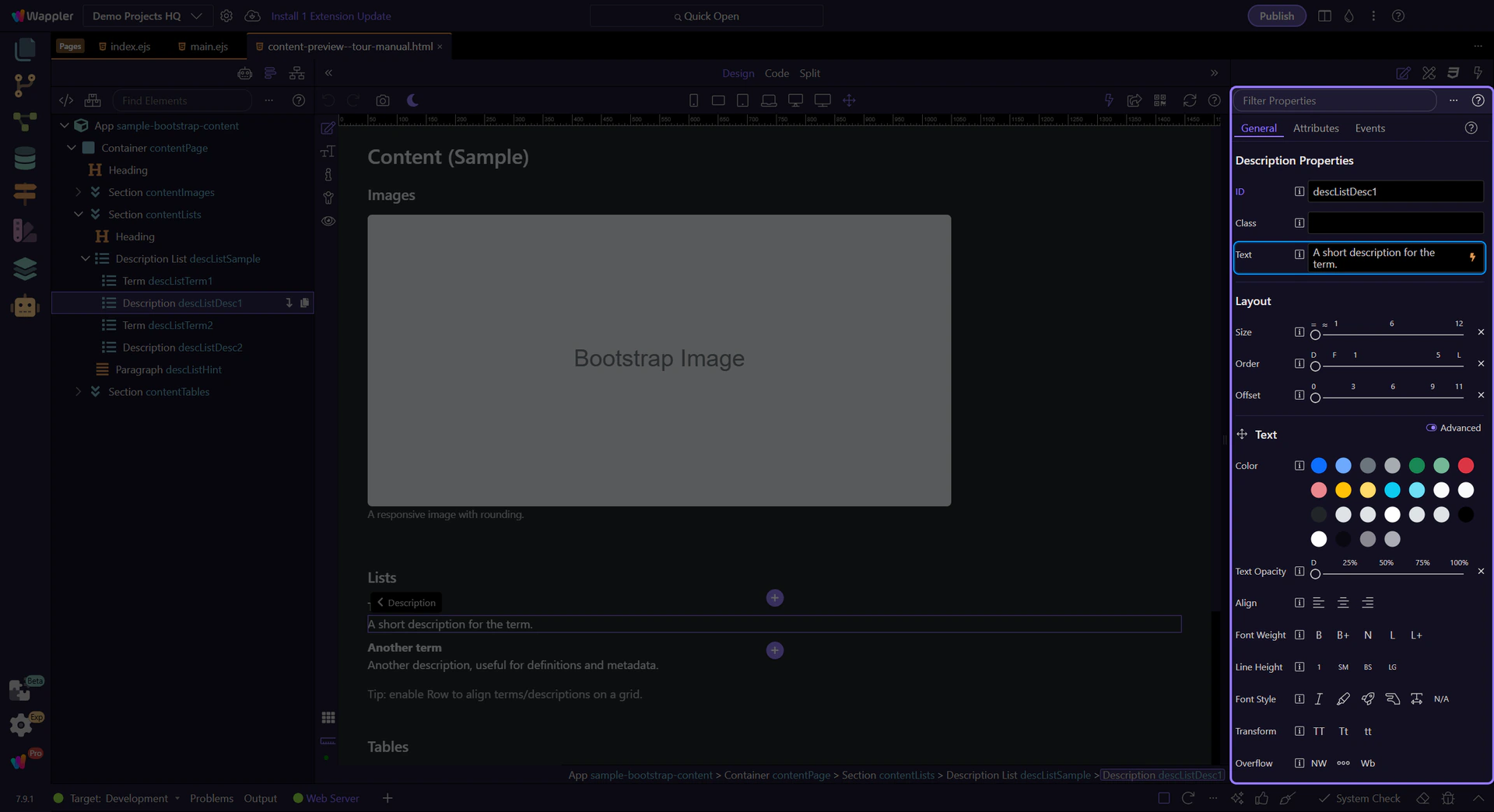
Section titled “Description (dd)”Descriptions (dd) hold the value text and can be longer if needed.
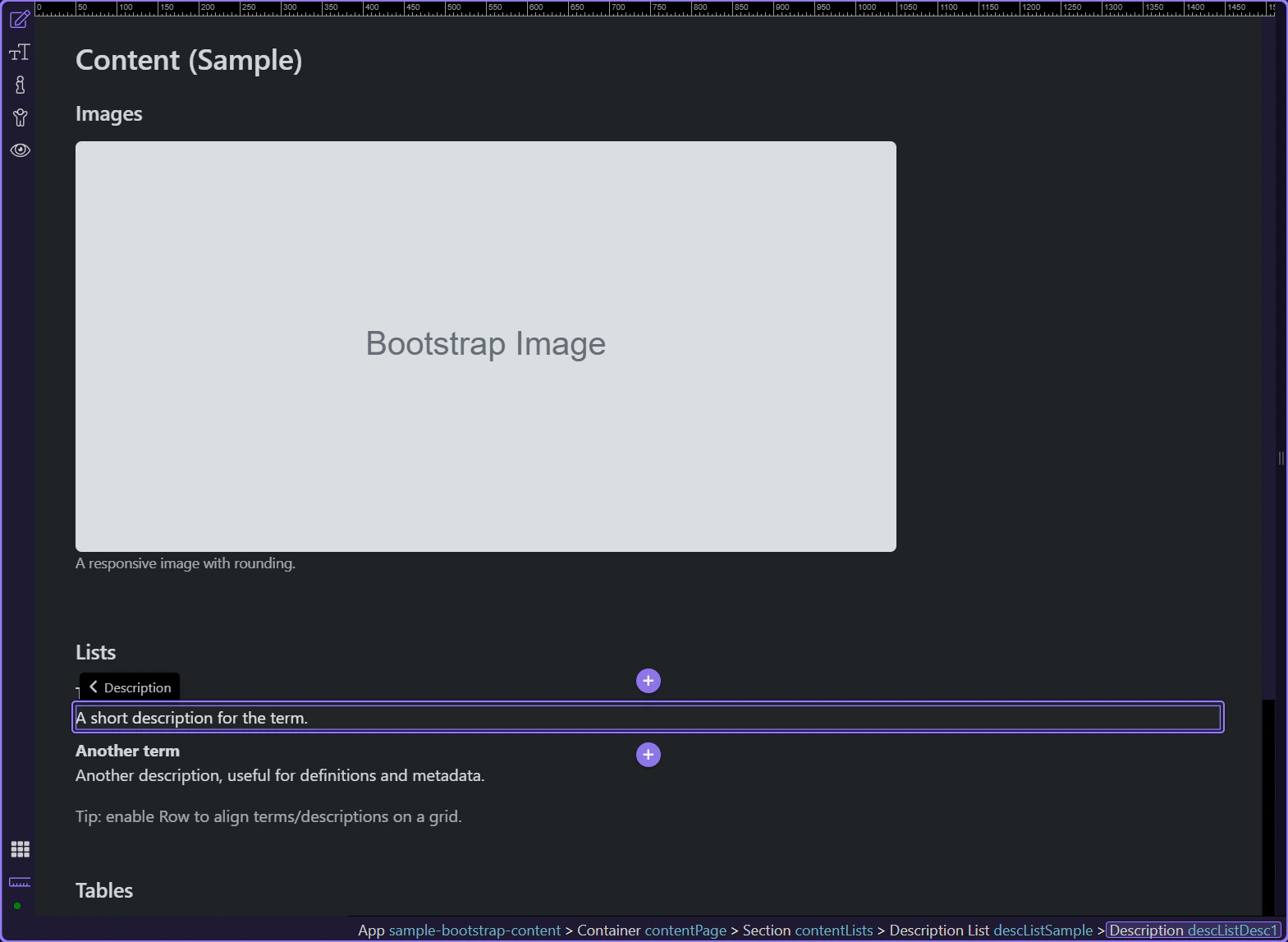
Description text
Section titled “Description text”Edit the Text field to change the description content.
Next steps
Section titled “Next steps”Continue with other Content topics or return to the Content menu.