
Use App Structure to audit
Select representative components and note any outdated classes/utilities you see in Properties.
Migrate from Bootstrap 4 to 5: review key differences, update components, and follow a safe migration order.
We’ll start from a small set of representative components so you can practice auditing Structure and Properties for Bootstrap 4 → 5 changes.
A representative set of components is loaded so we can focus on class and utility changes.
tip: Use this as a safe sandbox to practice identifying markup and class changes.
This tour is about auditing and updating: select components in Structure, then use Properties to replace outdated utilities/classes.
tip: Start with one representative page, apply your fixes/patterns, then repeat across the rest of your project.
Migrating from Bootstrap 4 to 5 usually means reviewing components, utilities, and class changes across pages.
Start with the migration mindset before you touch any individual component setting. Moving from Bootstrap 4 to 5 is easier when you think in terms of renamed classes, changed dependencies, and behavior differences, because that mental model helps you predict which parts of a page need the closest review.
important: Plan for a review pass: some class names/utilities changed and some components changed behavior. Don’t assume “it compiles” means it’s visually correct.
Common Bootstrap 4 → 5 updates include:
tip: If a JS component stops working after migration, check the bundle include and the data-bs-* attributes first.
Open key pages and select components in Structure to verify they still render and can be configured via Properties.
Start from the App Root, then inspect child components for outdated markup and utilities.
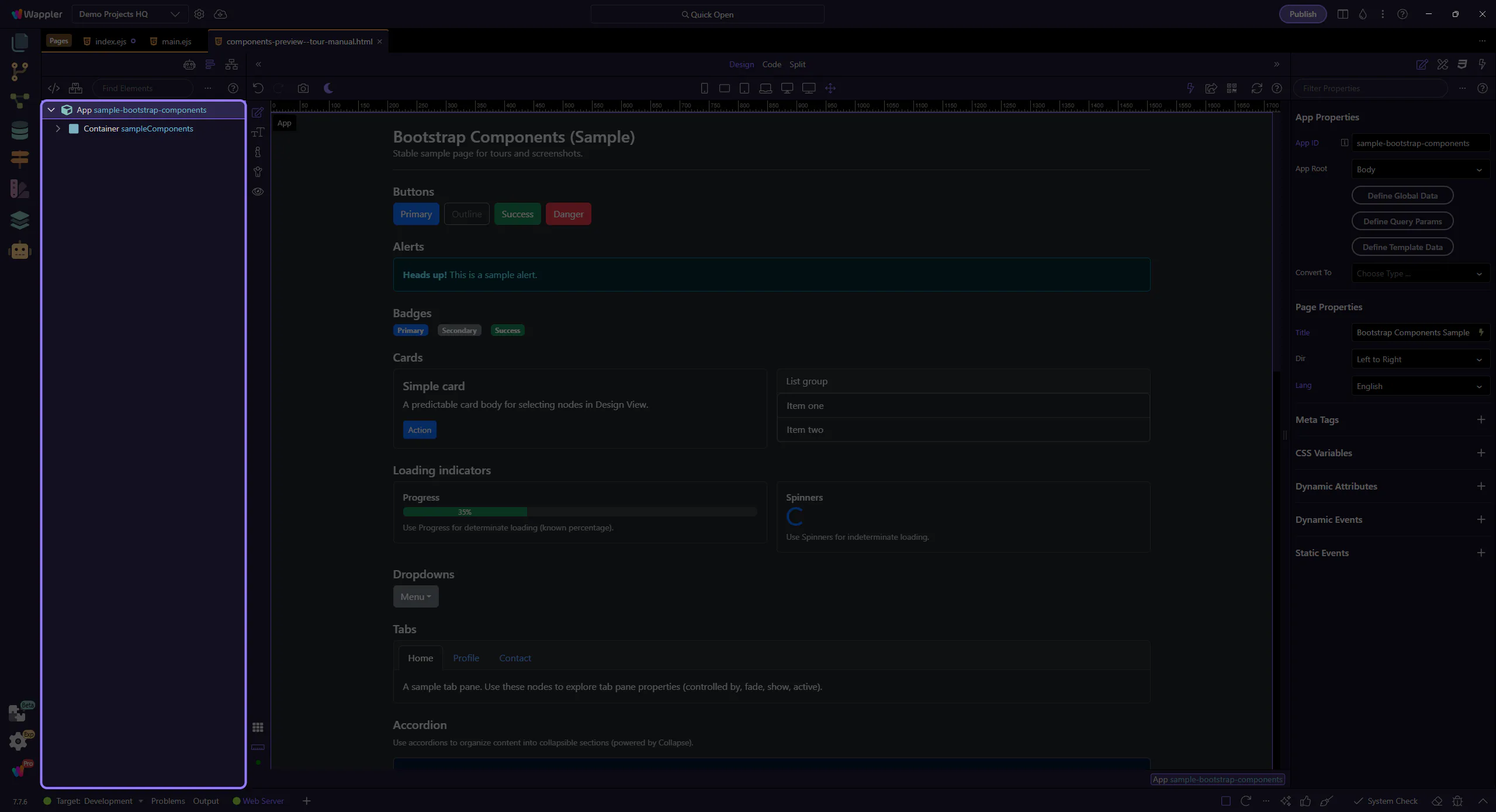
A real component under the App Root (Button, Navbar, Card, Form, etc.) is the right scope for auditing so the Properties panel shows the correct controls.
important: Don’t inspect Properties with the App Root selected—always select the component you’re auditing.
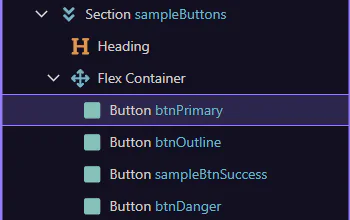
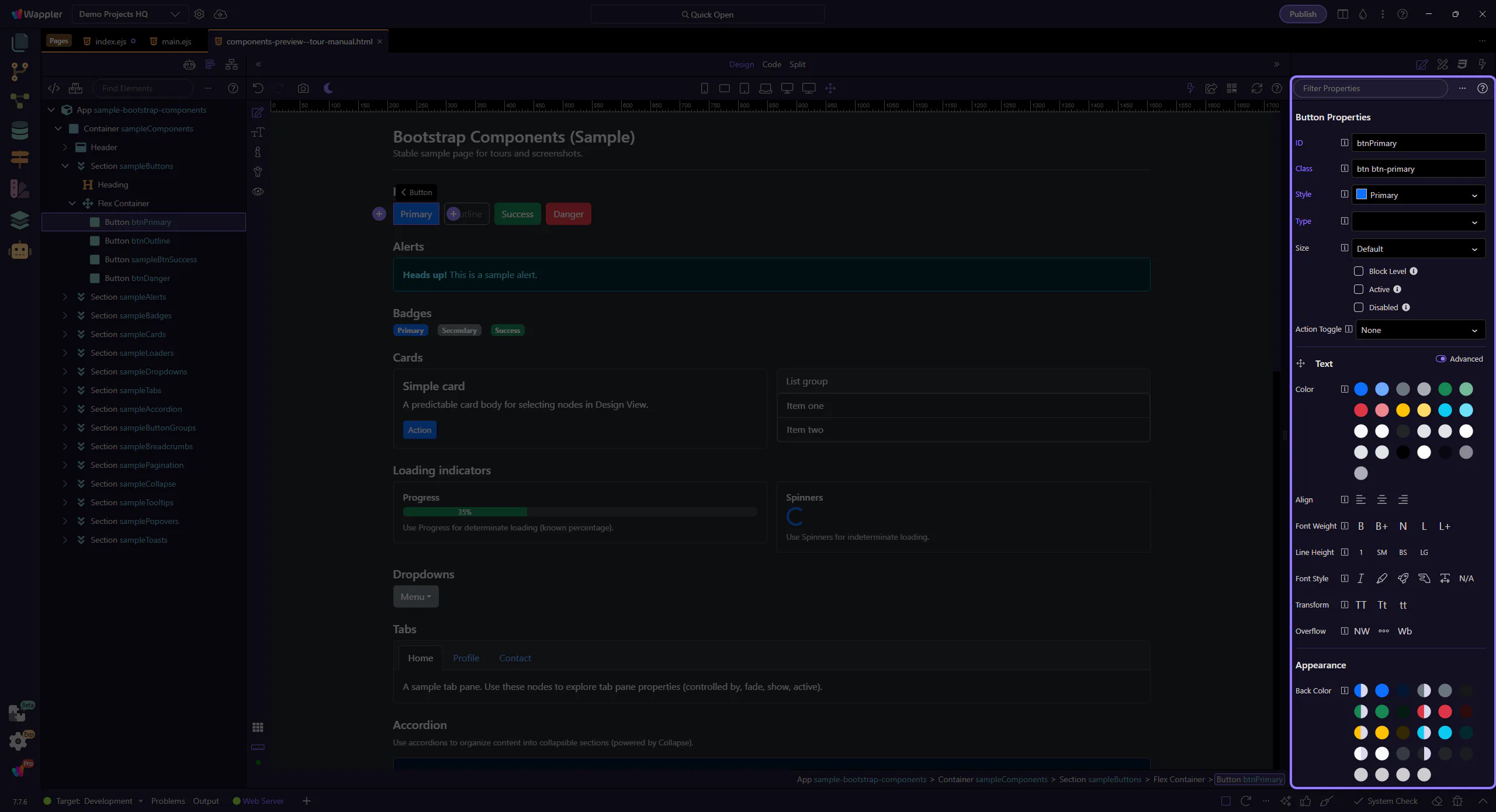
With a component selected, inspect its classes/utilities and replace outdated Bootstrap 4 patterns with Bootstrap 5 equivalents.
tip: Prefer fixing via Properties (variants/utilities) rather than hand-editing class strings—this keeps your UI consistent and maintainable.
Bootstrap 4 → 5 migration is a review process. Inspect pages and components, update utilities/classes, and verify behavior (especially for JS components like Modals and Offcanvas).
Use this order to keep changes isolated and testable as you migrate.
Jump into a focused tour for the area you’re reviewing, or return to the Bootstrap tours index.