
Live rule context
See which selectors and declarations currently apply to the selected element.
Use the CSS panel to inspect, create, and organize project styles without losing sight of where the real CSS lives.
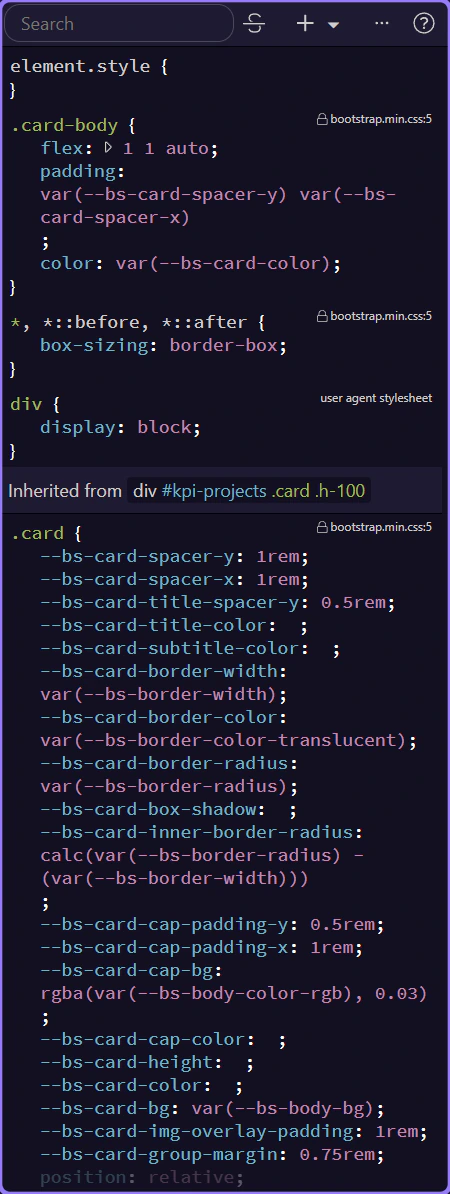
This highlighted panel is the real CSS work surface inside Wappler. Use it to inspect the classes and rules affecting the current selection, then decide whether you should edit an existing rule, create a reusable class, or jump to the source stylesheet. The panel helps you work with real CSS rather than hiding styling in editor-only state.
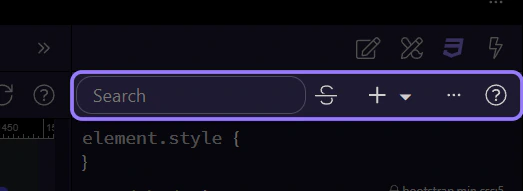
This toolbar is the concrete control strip for CSS work in Wappler. Use it to search what the panel is showing, reveal rule-management actions, and move from the selected element toward the selector that should own the change. When the topic is UI coverage, this is one of the exact surfaces users need to recognize instead of hearing only general styling advice.
TIP: If a style tweak is going to repeat, stop and turn it into a reusable class instead of stacking one-off overrides.
This body area shows the CSS rules and values attached to the current selection. Stay here long enough to confirm whether a class already exists, whether a value is overloaded, and whether the right next move is to edit here, insert a rule, or jump to source.