Starter Pages
Use Pages Manager to create layout, content, partial, and full pages from the new Bootstrap 5 starter catalog.
Starter pages begin in Pages Manager
Section titled “Starter pages begin in Pages Manager”Starter blocks become practical when you can reach them at page-creation time. Pages Manager is where that handoff happens: choose the folder, choose the page type, then choose a starter that matches the job instead of beginning from a blank file.
What you’ll learn
Section titled “What you’ll learn”You’ll use the real Create Page flow, inspect the Page Properties dialog, and see where page type and starter choice meet.
Start from the pages root
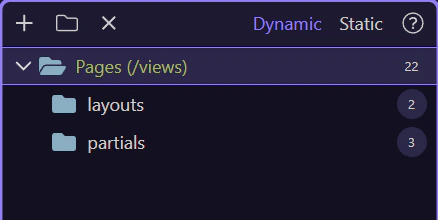
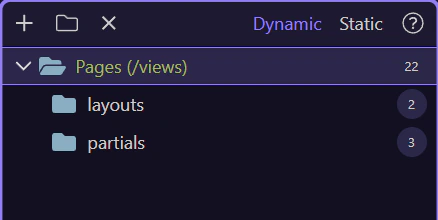
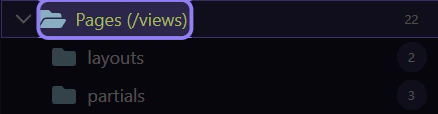
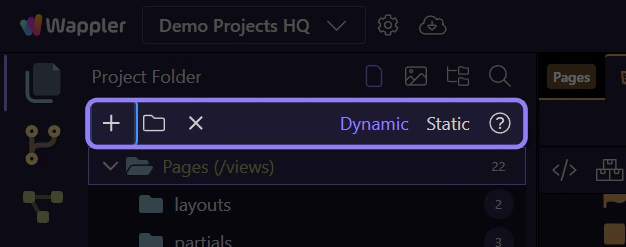
Section titled “Start from the pages root”Selecting the real Pages root makes the upcoming Create Page action concrete. In your own project, you would start from whichever folder should own the new route or view.
Open the Page Properties dialog
Section titled “Open the Page Properties dialog”The Create Page action is where layout pages, content pages, full pages, partials, and starters come together. This is the decision point that shapes what Wappler generates for you.
Create Page
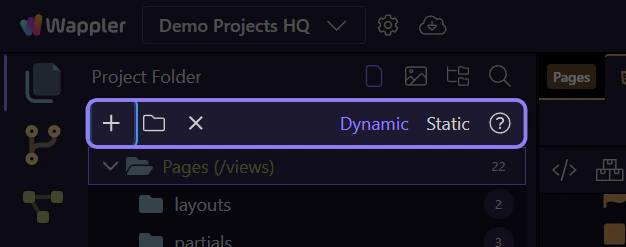
Section titled “Create Page”This toolbar action opens the real Page Properties dialog for the selected folder. Think of it as the entry point to naming, typing, and starter selection.
Page Properties opening flow
Section titled “Page Properties opening flow”Use Next here to open the real dialog, so the following steps can point at the live page-type, layout, and starter controls instead of describing them in theory.
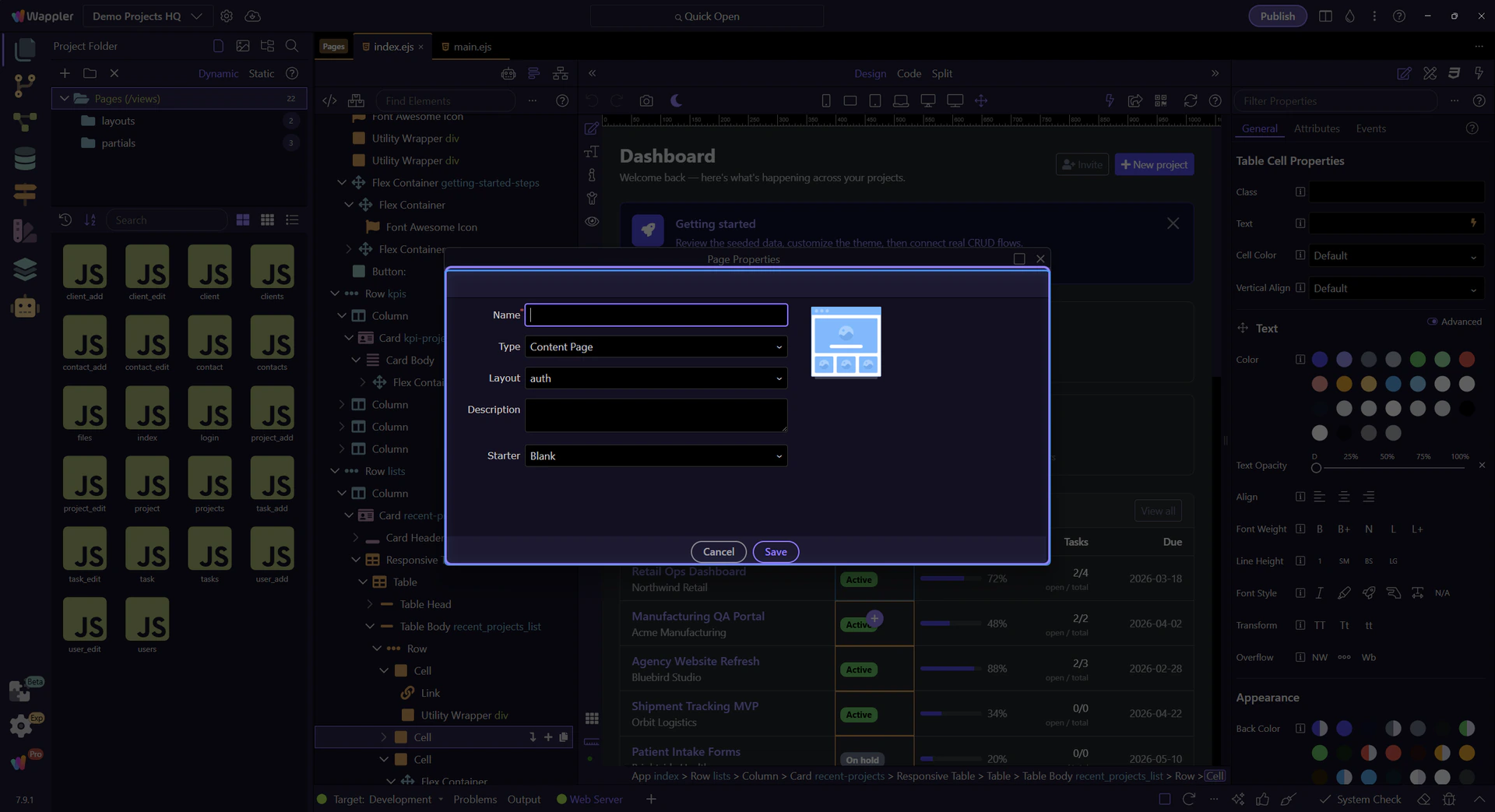
Page Properties dialog
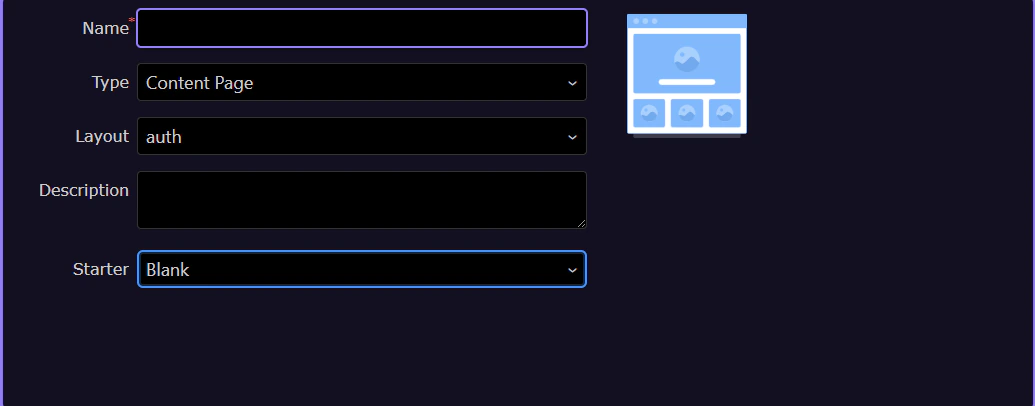
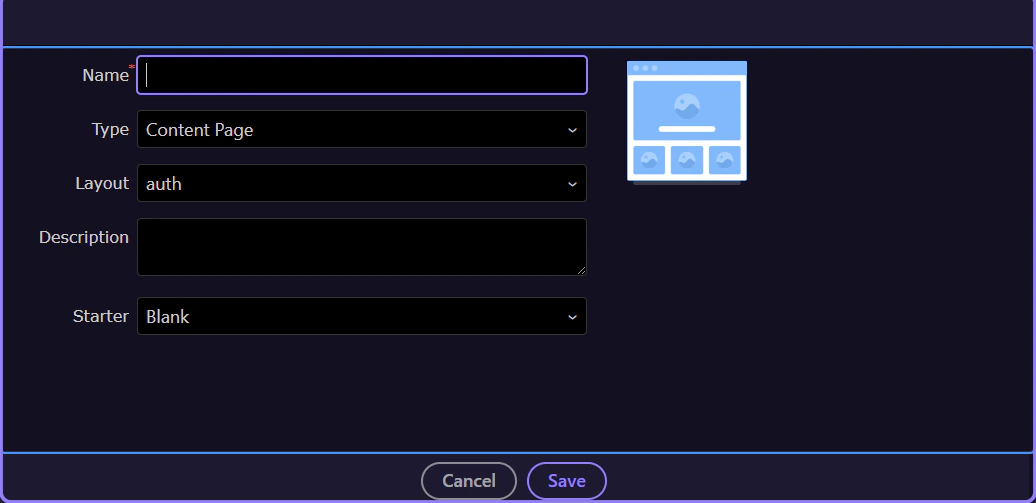
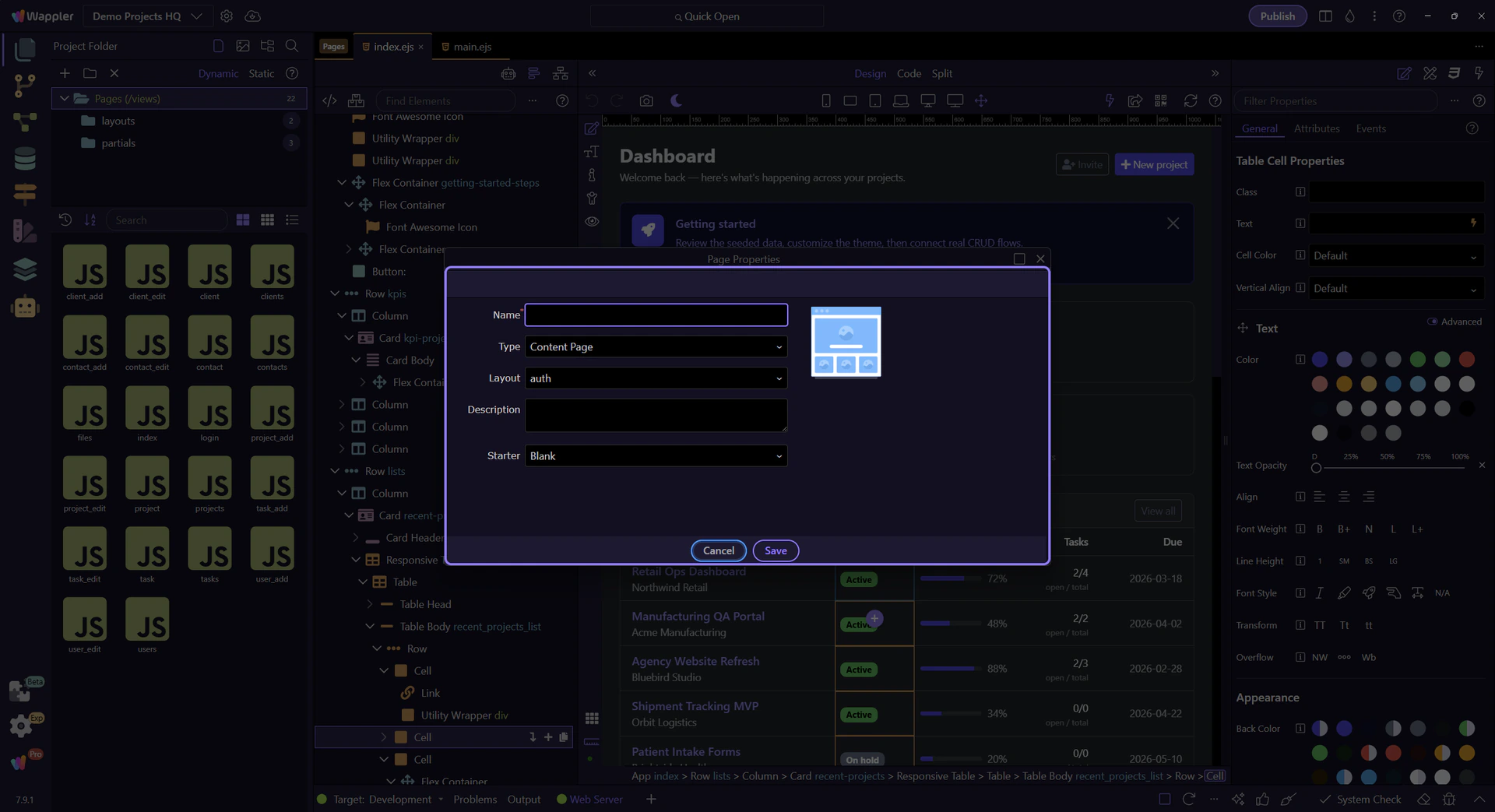
Section titled “Page Properties dialog”This dialog is the real control surface for page creation. Name decides the file, Type decides the page role in the project, and Starter decides the initial composition when a starter is available for that role.
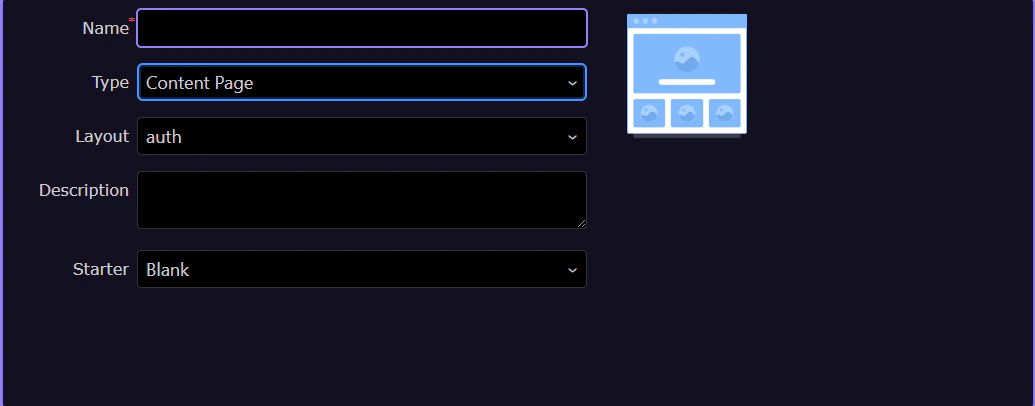
Page Type
Section titled “Page Type”Use Type to choose whether you are creating a regular content page, a layout page, a partial, or a full page. That choice matters because it changes both project placement and which starter choices make sense.
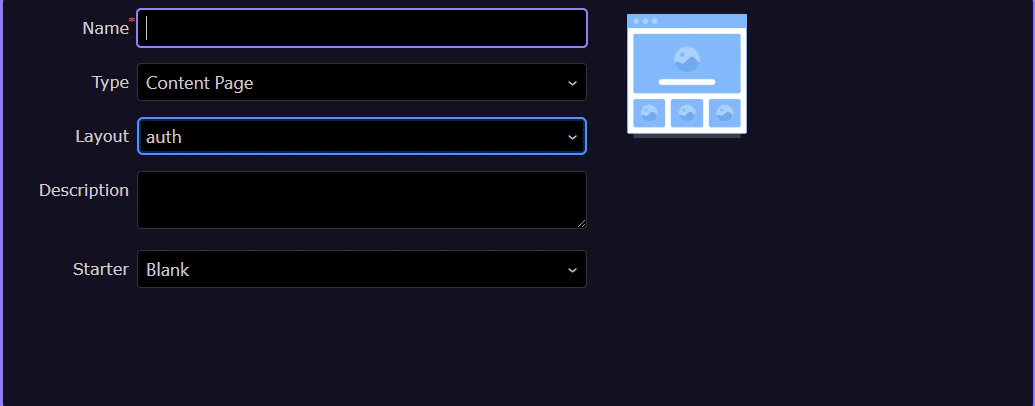
Layout linkage
Section titled “Layout linkage”For content pages, Layout lets you attach the new page to an existing layout. This is where starter-backed content pages can still plug into the larger shell of your project.
Starter
Section titled “Starter”Starter is where the Bootstrap 5 starter catalog enters the page flow. Instead of creating an empty page and assembling sections afterward, you can start from a purpose-built layout or block composition immediately.
Type and Starter work together
Section titled “Type and Starter work together”The important mental model is not “starter versus manual build” but “starter plus the right page role.” Layout, content, full, and partial pages each have different responsibilities, so Wappler keeps the starter choices aligned with that responsibility.
Close the dialog for now
Section titled “Close the dialog for now”This tour only needs to show the flow, so it closes the dialog before returning to the broader starter journey. When you use it for real, the next step is naming the page and saving it.
From page starters to editing
Section titled “From page starters to editing”Starter pages are the bridge between Pages Manager and the Bootstrap editing tours. After the page exists, you continue in the HTML Editor and refine the inserted semantic structure there.
Continue from Pages Manager
Section titled “Continue from Pages Manager”Go next to the starter-block showcase if you want to study the kinds of sections a starter can create, or go back to the semantic tours if you want to customize the generated structure more deliberately.