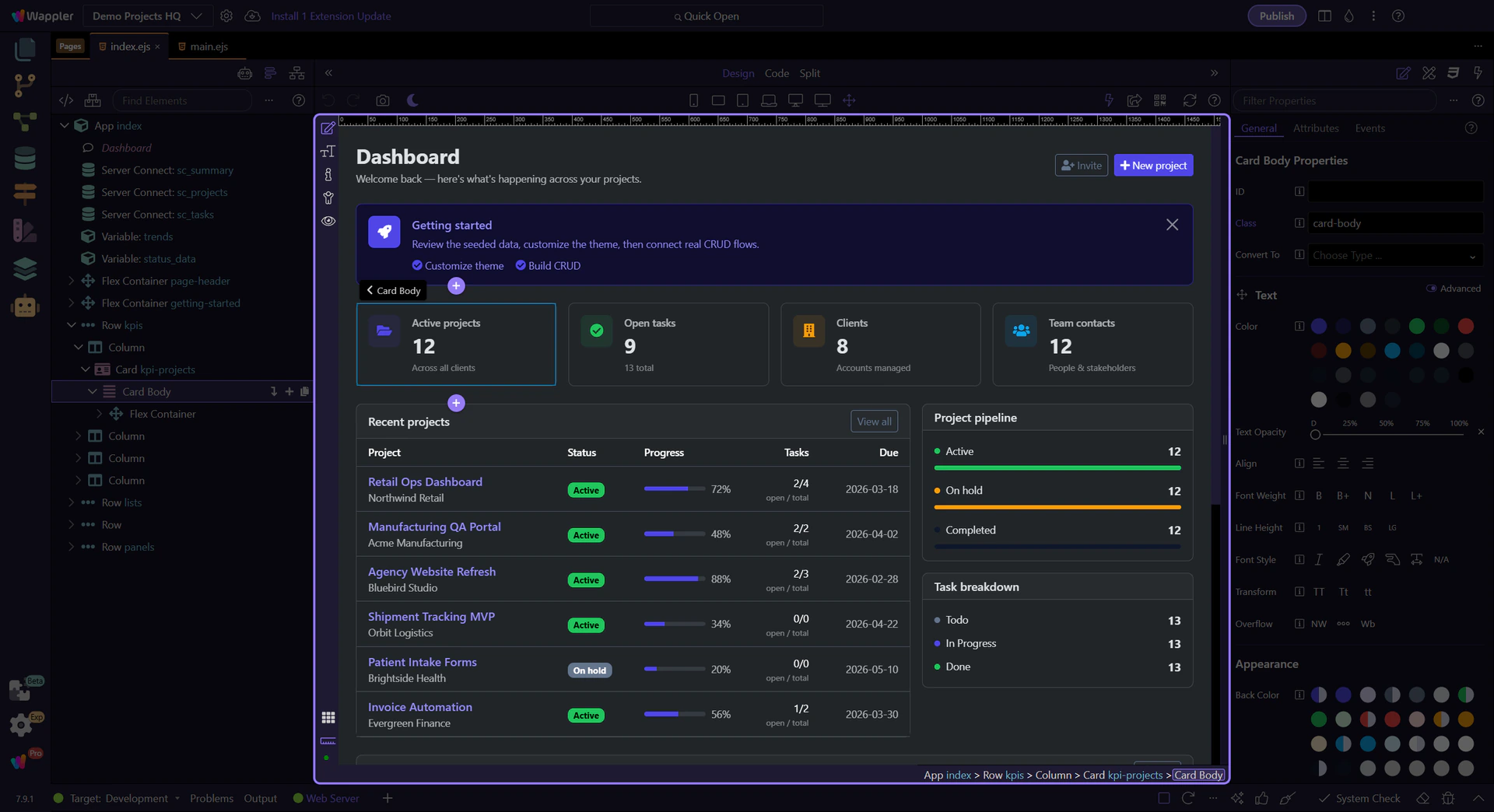
Insert a component
Learn how to insert a component in the HTML Editor. Use this tour as a quick refresher.
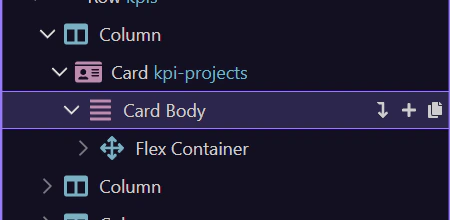
Structure panel
Section titled “Structure panel”Inserting a component is easier when you first understand where structure and insertion meet in the HTML Editor. This how-to begins in that shared context, then shows how Wappler guides you from selecting the right location to placing the new component where it belongs.
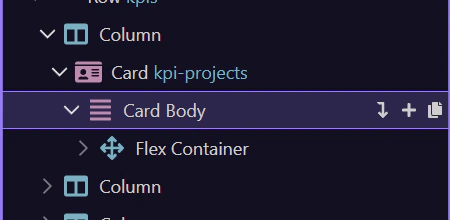
Insertion point
Section titled “Insertion point”We’ll select body as the insertion point.
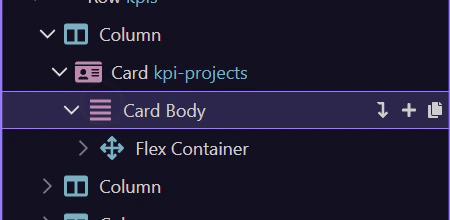
Context menu
Section titled “Context menu”We’ll open the Structure context menu for the selected element.
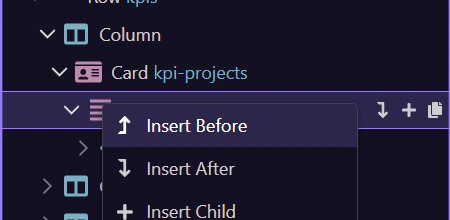
Components picker
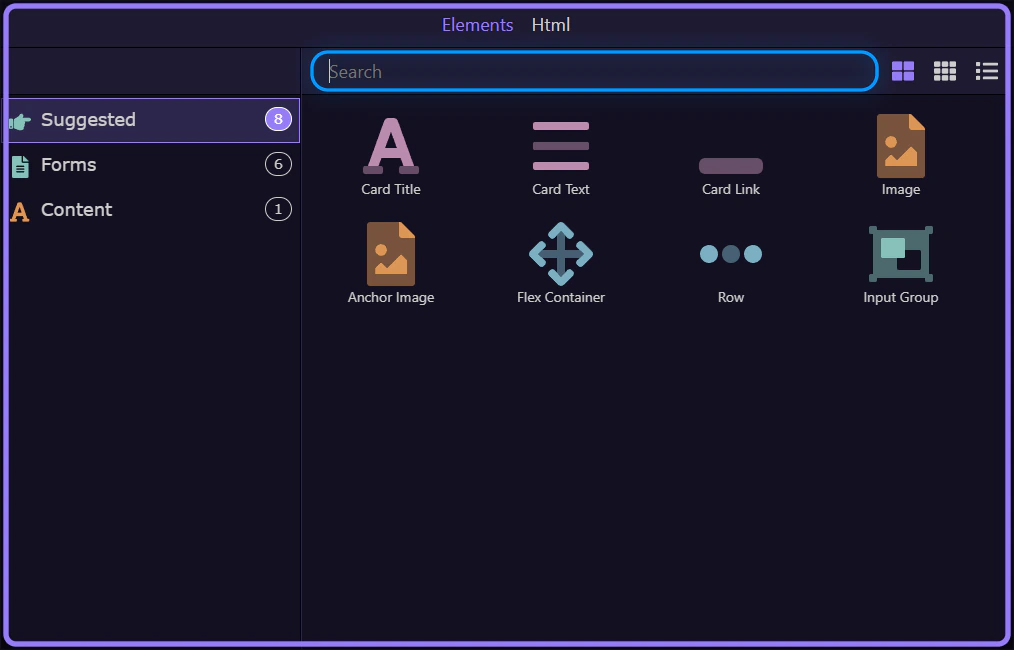
Section titled “Components picker”We’ll use Insert Child to open the Components picker.
Search components
Section titled “Search components”Use search to quickly find the component you want to insert.
Insert and confirm
Section titled “Insert and confirm”Pick a component and confirm it appears on the page.