Git Manager: Recovery and Undo
Guide to recovering uncommitted work, commit history, tags, and conflicts safely in Git Manager.
Recovery starts with choosing the least destructive tool
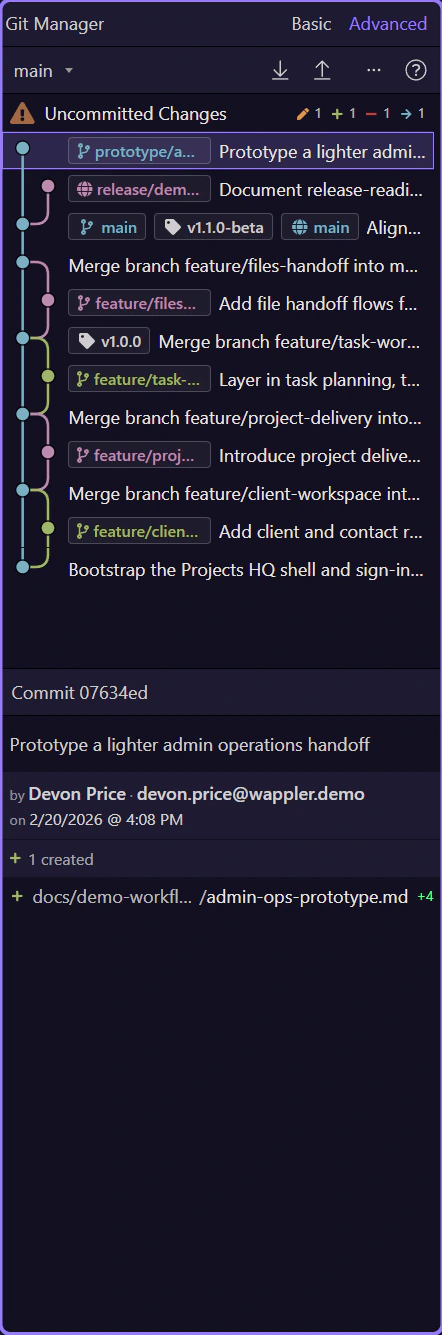
Section titled “Recovery starts with choosing the least destructive tool”Think of recovery as choosing the smallest reliable restore operation. In Git Manager, history, tags, and file-level actions give you several ways to go back to a previous point without panicking: restore one file, undo a commit safely, inspect an older checkpoint, or return to a named tag before a demo or release. The right tool depends on how much of the past state you actually need back.

Fix uncommitted files before you rewrite history
Section titled “Fix uncommitted files before you rewrite history”For current working-tree changes, start with file-level actions: show changes, discard a file, discard all, or resolve conflicted files using mine or theirs. Those tools keep the repair as small as possible and avoid turning a simple file mistake into a branch-wide history operation.
Revert is the safest shared-history repair
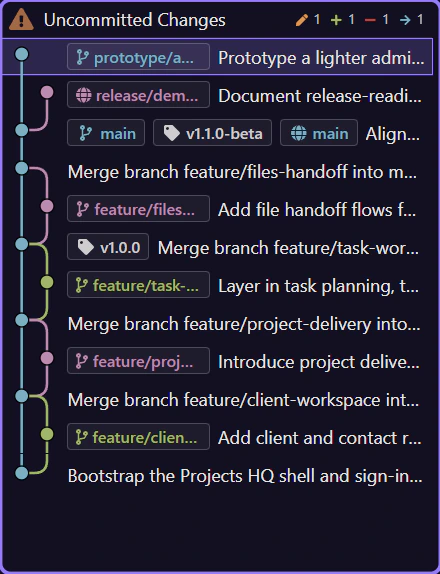
Section titled “Revert is the safest shared-history repair”Revert this commit creates a new commit that undoes an earlier one. That is usually the safest path once the original commit may already be shared with teammates or remotes, because it preserves the audit trail instead of moving pointers behind everyone’s back.
Checkout and reset are stronger time-travel tools
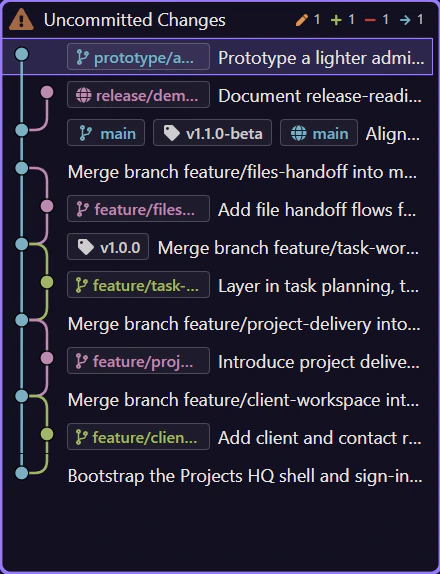
Section titled “Checkout and reset are stronger time-travel tools”Advanced mode adds Checkout this commit and Reset to this commit. Checkout lets you inspect an older state directly. Reset actually moves the branch pointer and can keep or discard local changes, so it is more powerful and more dangerous than revert.
You can recover one file without rolling back the whole branch
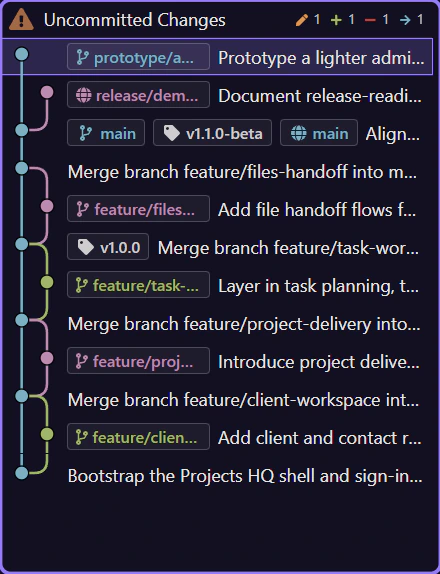
Section titled “You can recover one file without rolling back the whole branch”Within commit details, file-level actions let you diff a file, compare against HEAD, or check out only that file from a chosen commit. That is often the cleanest recovery path when one asset or one script needs to be restored but the rest of the branch should stay where it is.
Tags are a lightweight safety net
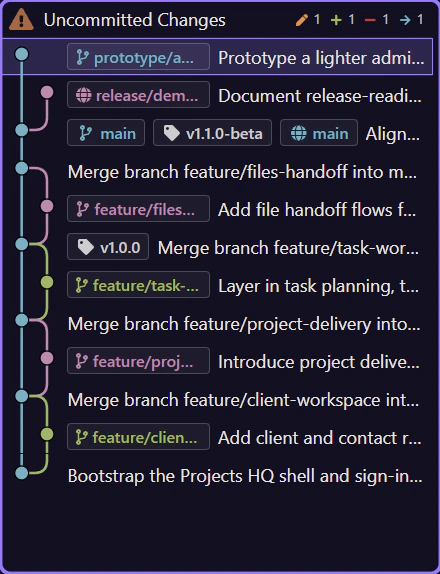
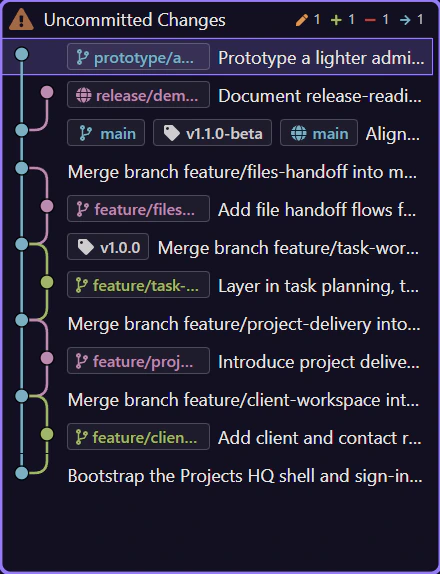
Section titled “Tags are a lightweight safety net”Create tags at meaningful commits before releases, demos, migrations, or risky refactors. Those tags act like named restore points, so you do not have to remember a commit hash or scroll history later when you need to get back to the exact state that was known-good.
Continue with the related Git guide
Section titled “Continue with the related Git guide”Recovery is easiest to use well when you also understand the history model and the branch model behind the repository state.