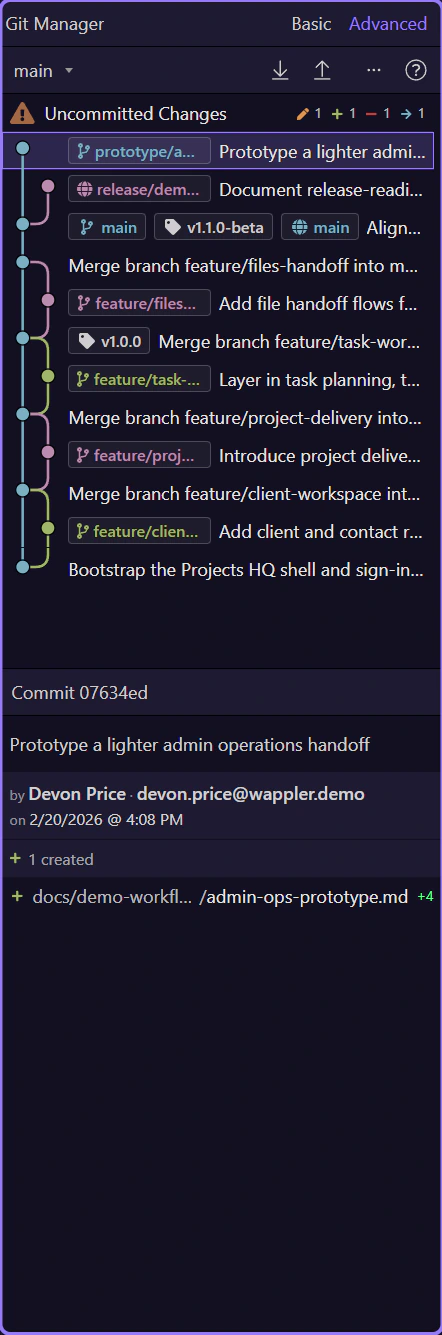
Git Manager: Daily Workflow
Use the experimental Git Manager for the normal daily loop: review changes, prepare a commit, switch safely, and sync when your local history is ready.
Daily workflow starts with the repository you already have
Section titled “Daily workflow starts with the repository you already have”In the new Git Manager, the normal day does not start with a blank commit box. It starts with repository state: what changed, which branch you are on, whether a remote is configured, and whether the working tree is clean enough to switch or sync safely.
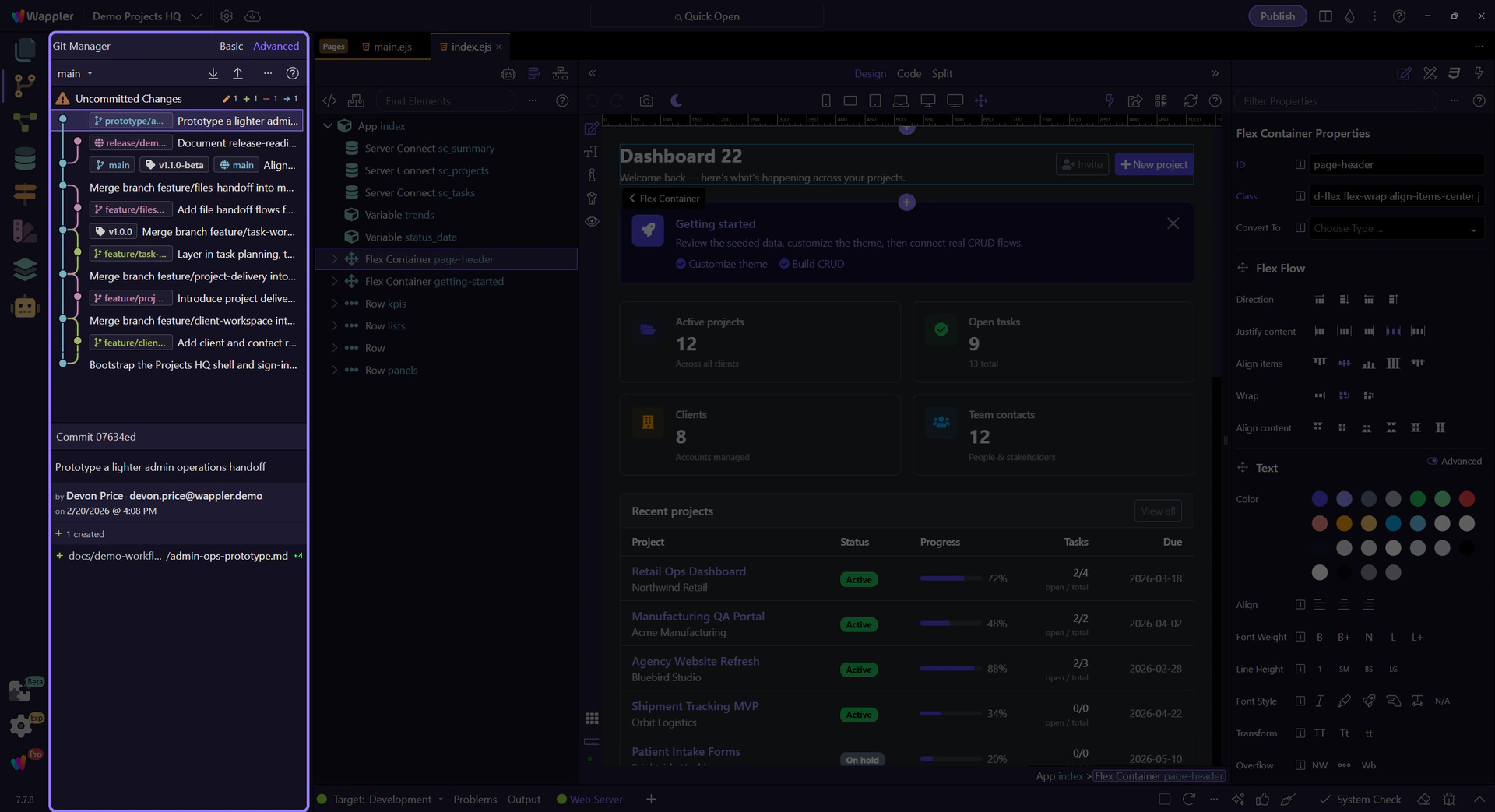
Review uncommitted changes first
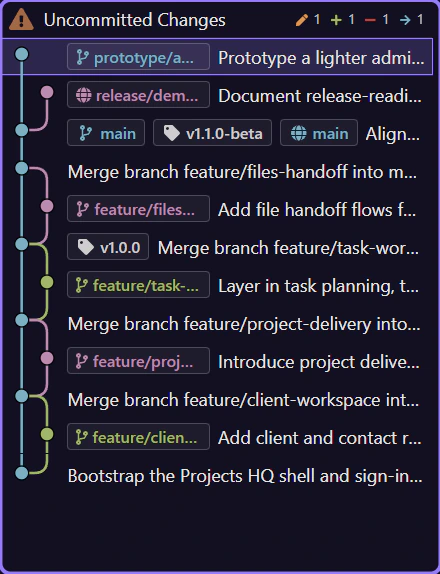
Section titled “Review uncommitted changes first”Start by selecting the Uncommitted Changes row at the top of the list. That immediately grounds the session in the files you changed today, because the lower workspace shows the current modified, deleted, renamed, and untracked files before you think about older commits or remote sync.
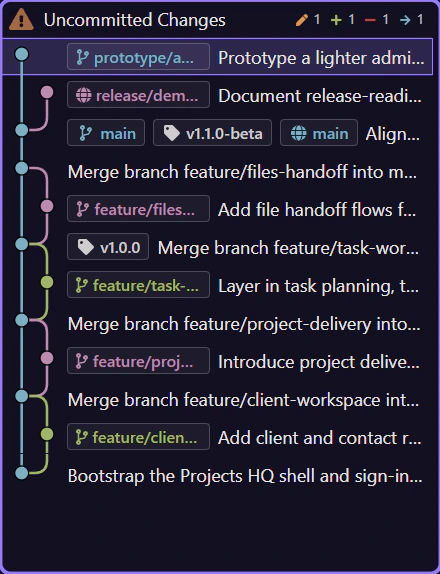
Use the detail workspace to shape the next commit
Section titled “Use the detail workspace to shape the next commit”With Uncommitted Changes selected, use the detail workspace below to shape the next commit. Review the current file list, stage or unstage selectively, discard what does not belong, and keep only the files that tell one coherent story together.
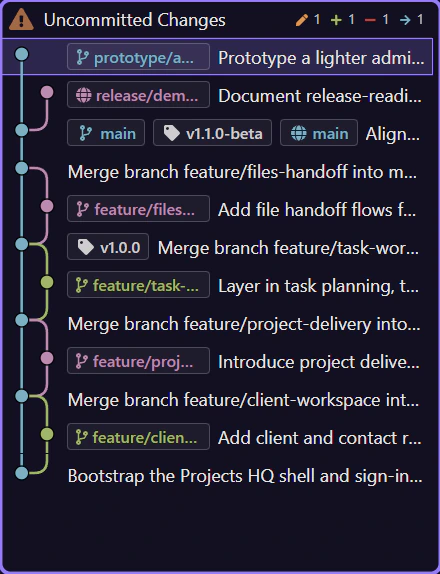
Commit messages are part of the workflow, not an afterthought
Section titled “Commit messages are part of the workflow, not an afterthought”The commit workspace includes the message box, the Commit Changes action, and optional AI-assisted message generation when the Copilot chat provider is enabled. Use that help to summarize the change, not to hide an unfocused commit.
History should confirm the commit you just made
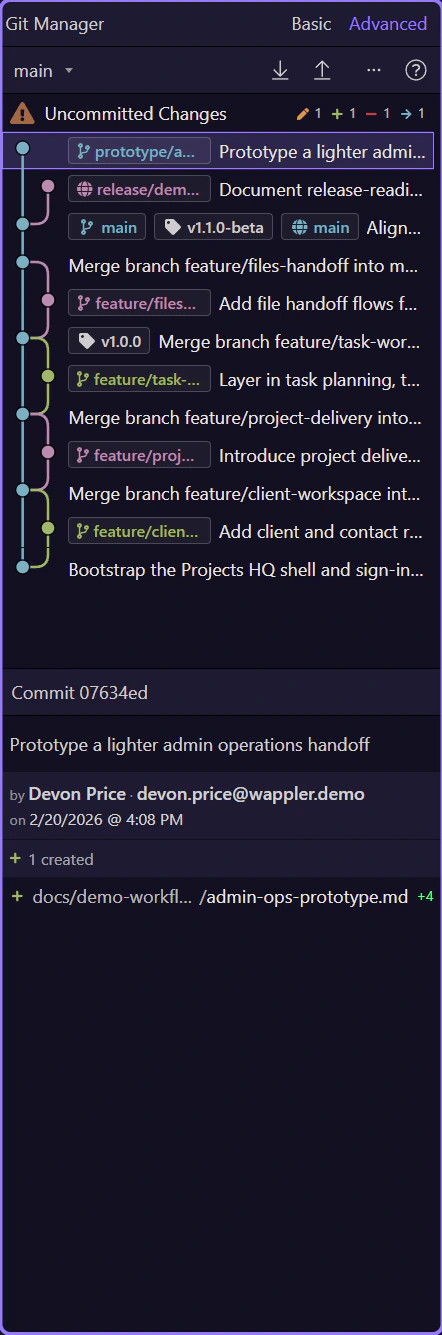
Section titled “History should confirm the commit you just made”After you commit, click the new commit row in history and read it back in context. The manager should now show that commit’s message and changed files in the detail workspace, which lets you verify that the commit says what you meant and contains only the files you intended to publish.
Switch branches or sync only when the local state is ready
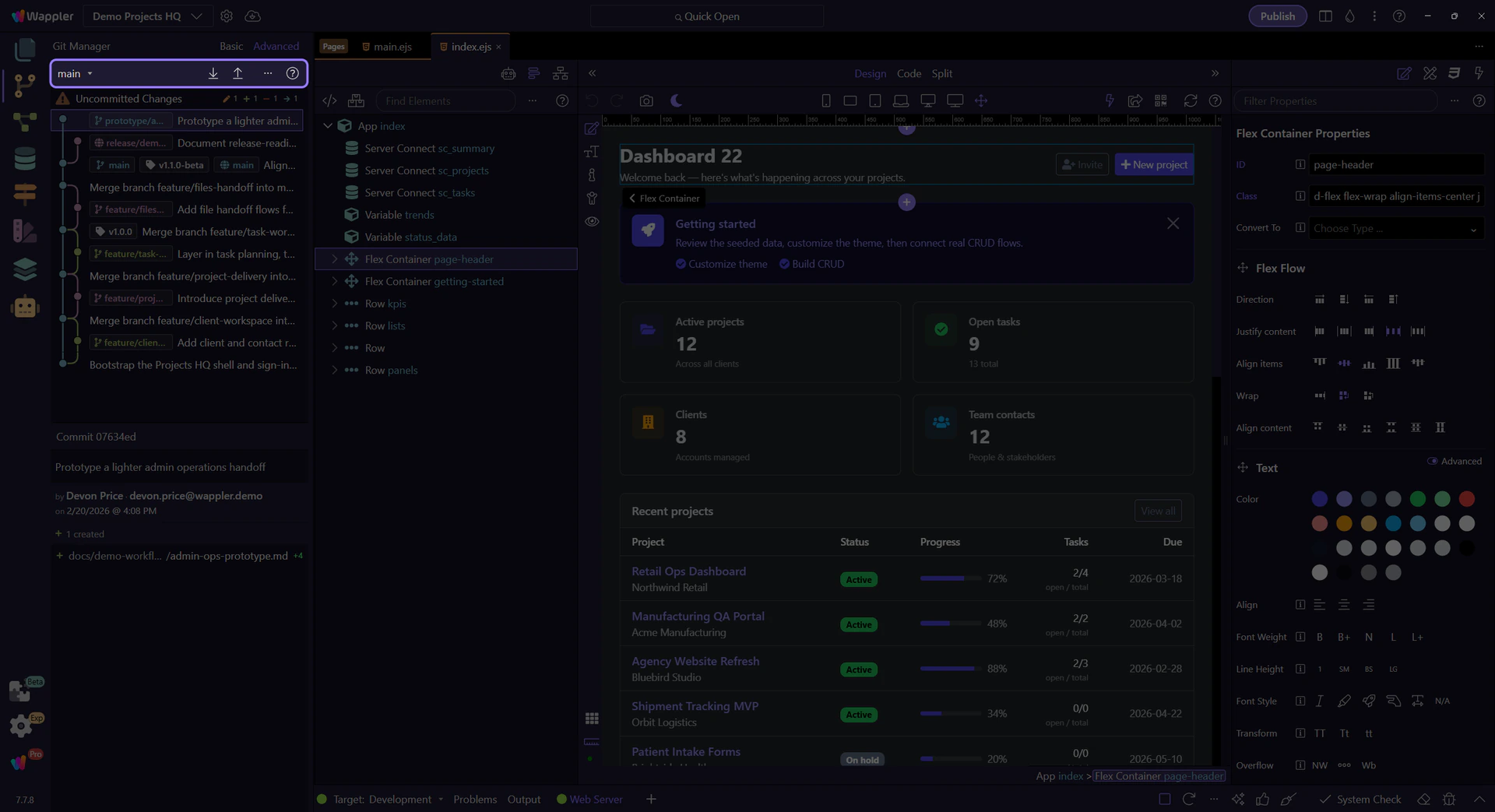
Section titled “Switch branches or sync only when the local state is ready”Branch switching and remote sync are downstream decisions. A practical daily order is: review the uncommitted row, shape the file set, commit locally, pull if you need the latest remote state, then push once your branch is clean and your local history is ready to share. Git Manager reflects those transitions in the toolbar instead of pretending every repository state is equally safe to operate on.
Continue with the next workflow you need
Section titled “Continue with the next workflow you need”Once the daily loop is clear, go deeper into the area that usually slows teams down: history interpretation, branches, or remotes.