Git Manager: Working Styles
Use Git Manager in simple solo backup mode or team feature-branch mode, and understand the lightweight Git flow behind each approach.
Git can be a restore map or a team timeline
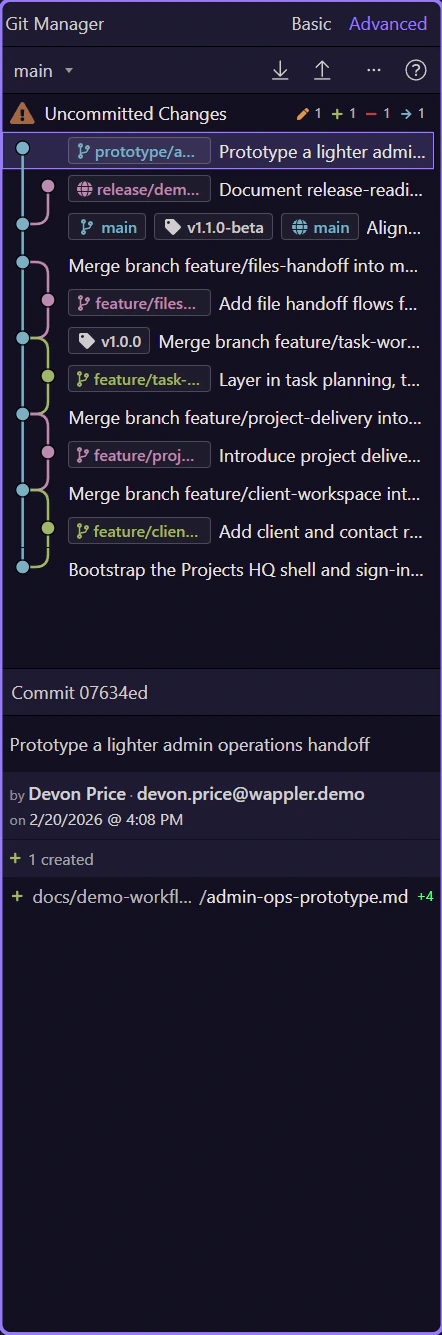
Section titled “Git can be a restore map or a team timeline”Keep the first mental model simple. Git records checkpoints and relationships between them. If you work alone, those checkpoints behave like restore points and off-machine backup when you push to a remote. If you work in a team, the same history also shows who changed what, on which branch, and what still needs to be merged.
Solo work can stay very simple
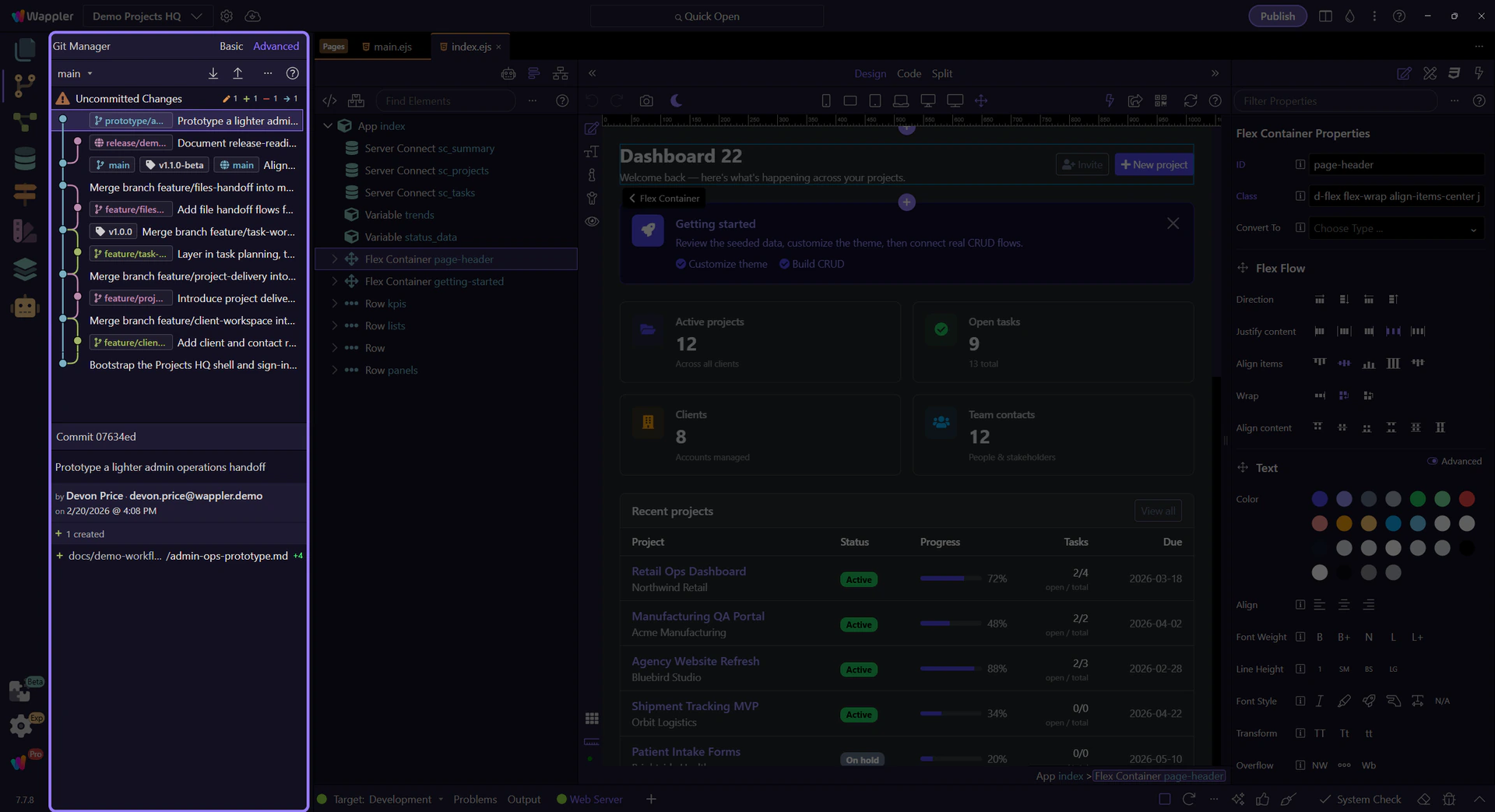
Section titled “Solo work can stay very simple”A solo workflow does not need a heavy branching strategy. Select the Uncommitted Changes row, shape a small checkpoint, commit locally, and push to a remote when you want off-machine backup. That gives you a clean chain of restore points without turning every edit into process overhead.
Commits and tags become your restore points
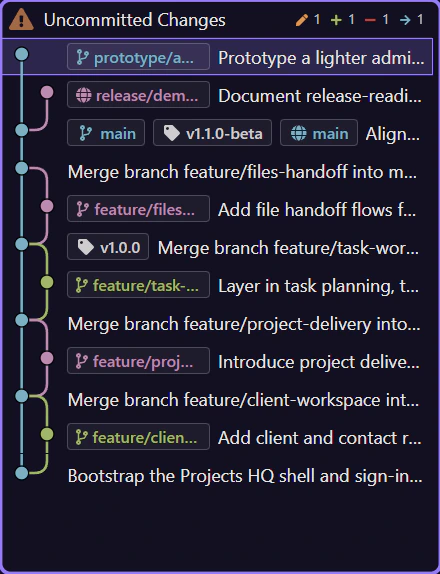
Section titled “Commits and tags become your restore points”When you need to go back, click an earlier commit and inspect the files it changed. Use file checkout when you want one file back, revert when you want a safe undo commit, checkout when you want to inspect an older state, and tags when you want named checkpoints such as demo-ready or before-refactor. History becomes a practical backup catalog, not just a log.
Advanced view explains branch relationships, not just more details
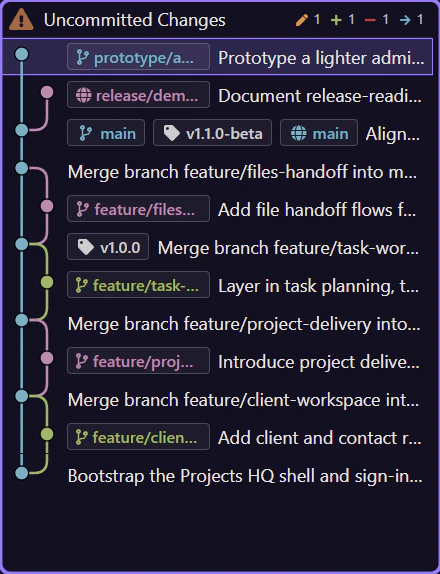
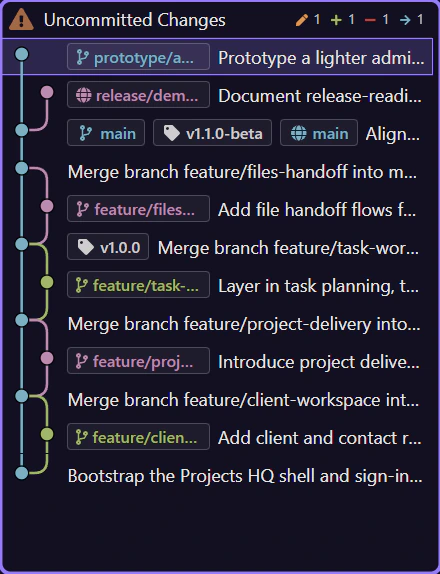
Section titled “Advanced view explains branch relationships, not just more details”Use Basic view when you only need today’s checkpoint flow. Switch to Advanced view when you need the background behind the repository: graph lines, branch refs, remote refs, tags, and the commit context needed to understand where a feature branch diverged and what is safe to merge. It is the same repository, just a more explanatory reading of it.
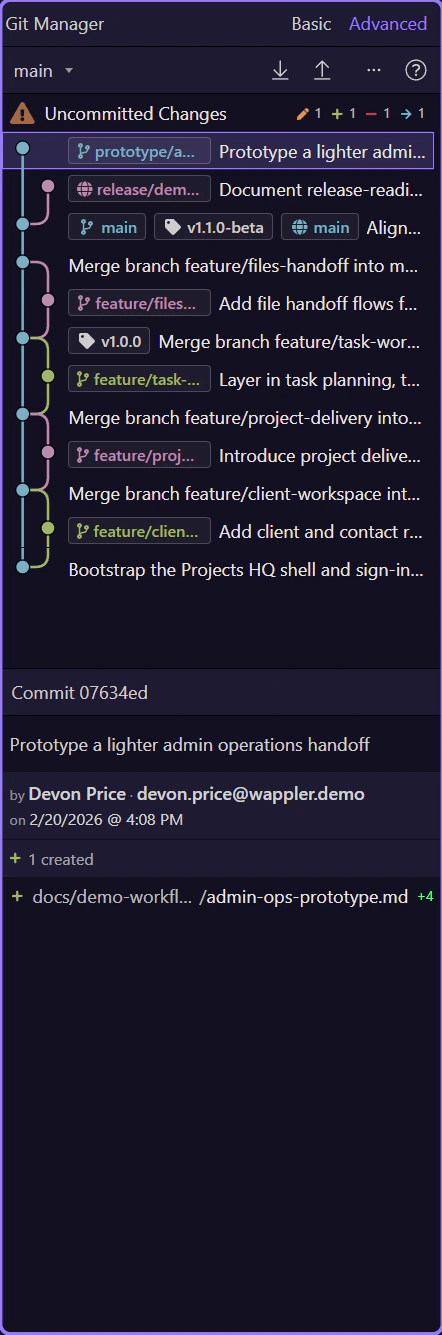
Team work usually stays simple with feature branches
Section titled “Team work usually stays simple with feature branches”A practical team flow is: start from main, create one branch per feature or fix, commit related work on that branch, push it to the shared remote, and merge it back only when the feature is ready. That keeps unfinished work away from the main line while still letting every teammate publish progress and recover their work from the same remote repository.
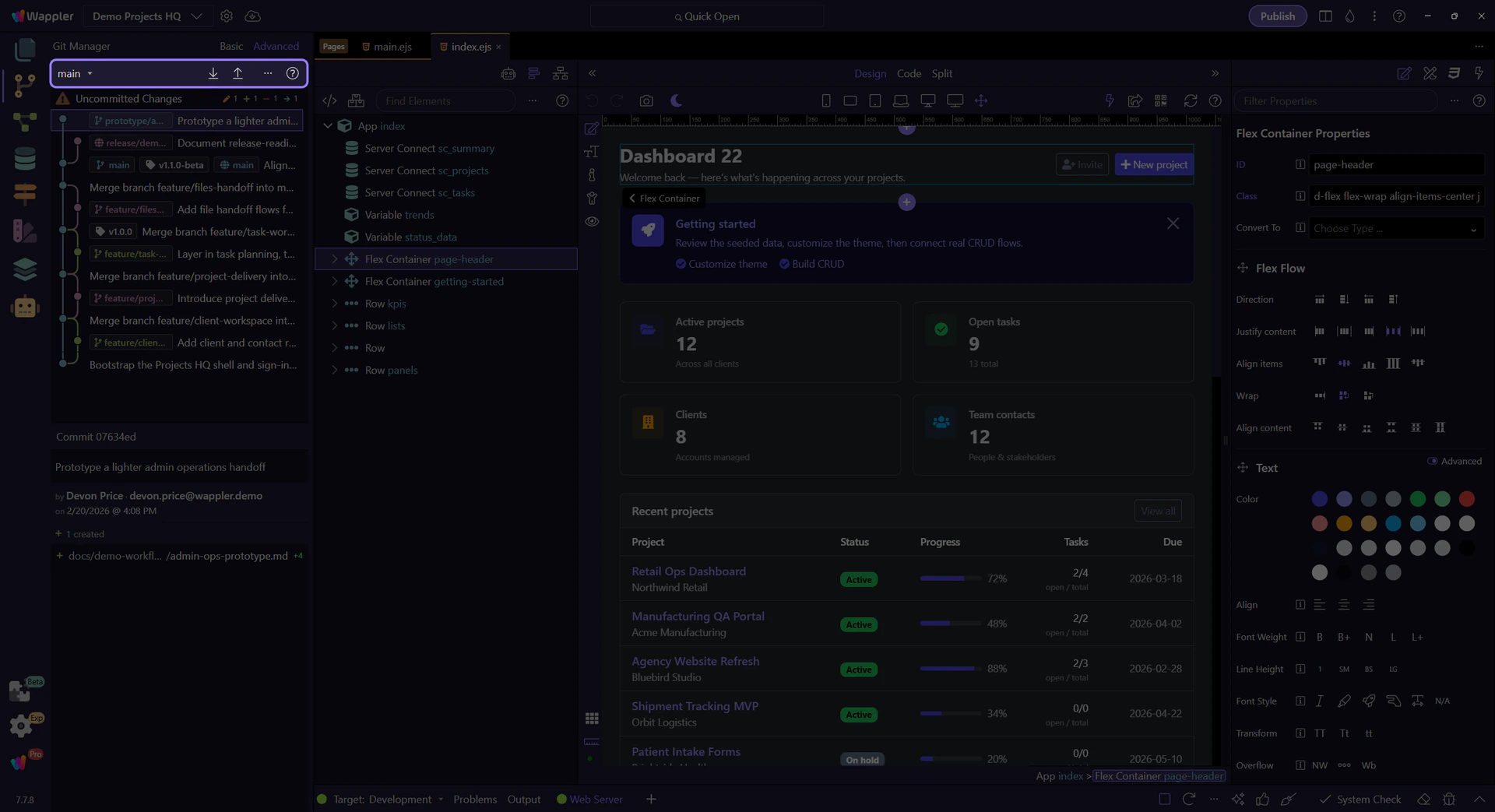
The shared remote is both collaboration point and backup
Section titled “The shared remote is both collaboration point and backup”When several people use the same remote, it serves two jobs at once. It is the shared source of truth for branch history, and it is also the place where each person’s local commits stop being tied to one machine. Pull to catch up with the current shared state, then push your branch so the team can review, merge, or continue from the same repository.

Merge when the feature is coherent, not half-built
Section titled “Merge when the feature is coherent, not half-built”When a branch tells one coherent story, switch to the target branch, inspect the feature branch in Advanced view, and merge it. If conflicts appear, resolve them file by file and then continue the merge. This keeps the main branch stable while still giving every feature a visible path from first commit to finished merge.
Choose the flow that matches your project
Section titled “Choose the flow that matches your project”Use the solo checkpoint flow when Git is mainly your safety net and remote backup. Use the feature-branch flow when several people share one remote or when you need unfinished work to stay isolated until it is ready. The manager supports both styles; the difference is how much branch structure you need to make the history readable and safe.