Introducing Wappler Wallet
Intro The Wappler Wallet functionality allows you to add money to your account , which can be used for future purchases and upcoming invoices. Using Wappler Wallet You can add money once and not worry
The Wappler Wallet functionality allows you to add money to your account, which can be used for future purchases and upcoming invoices.
Using Wappler Wallet
Section titled “Using Wappler Wallet”You can add money once and not worry about future automatic payments with your card(s). This way you can also prepay for multiple invoices.
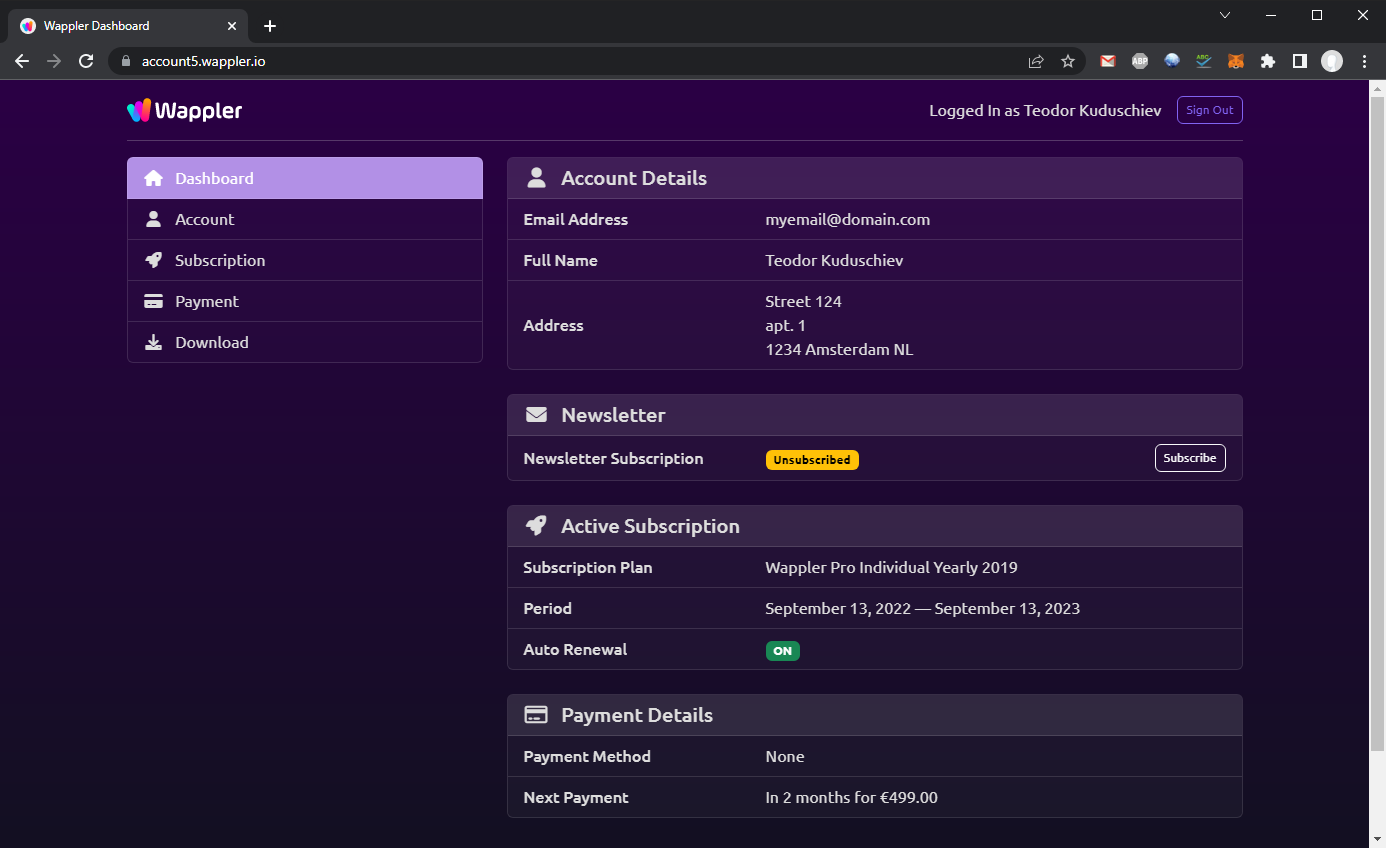
Navigate to your Wappler Account: https://account5.wappler.io/
Select Payments:
Section titled “Select Payments:”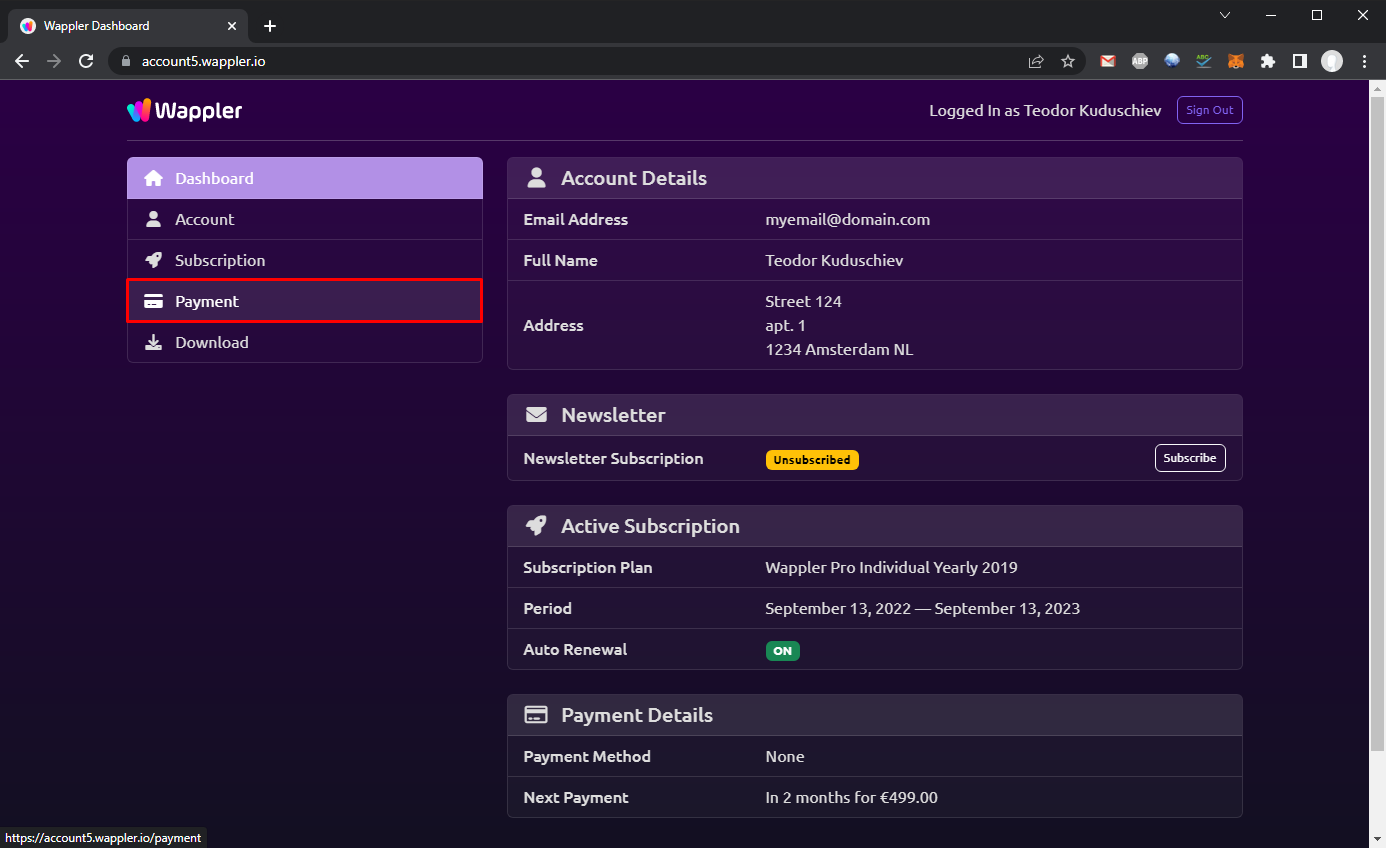
And then click Add Money:
Section titled “And then click Add Money:”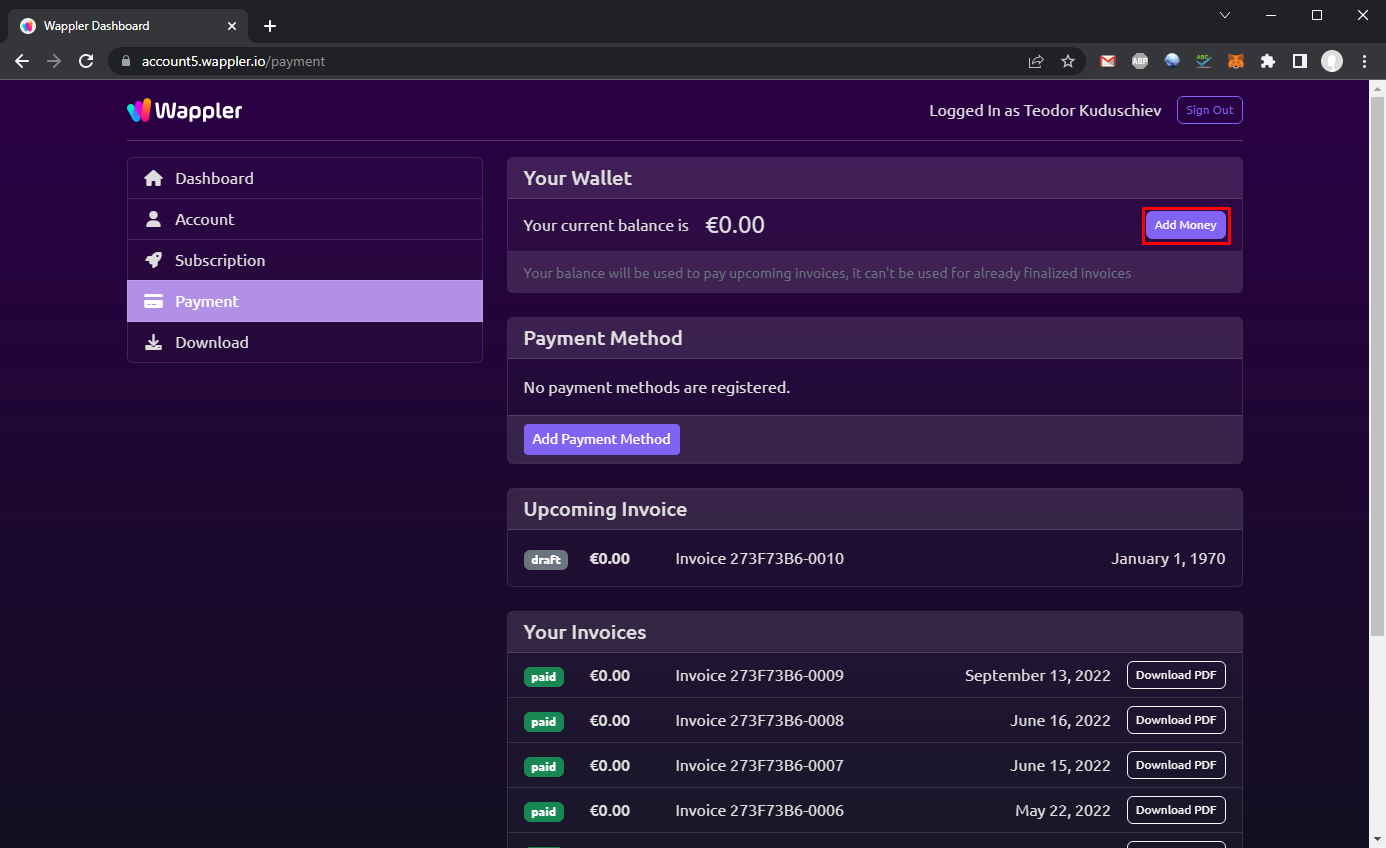
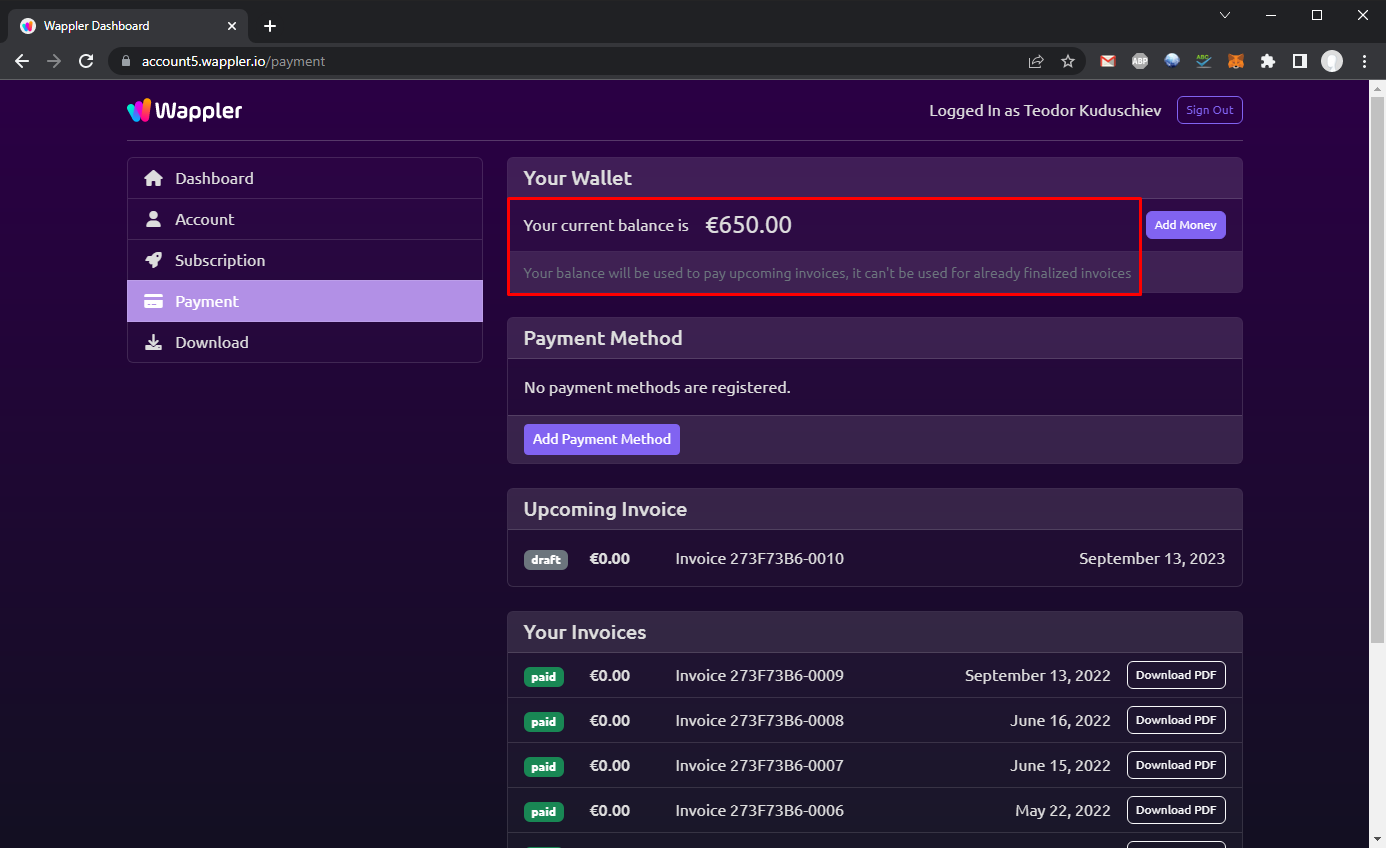
You can see your current balance:
Section titled “You can see your current balance:”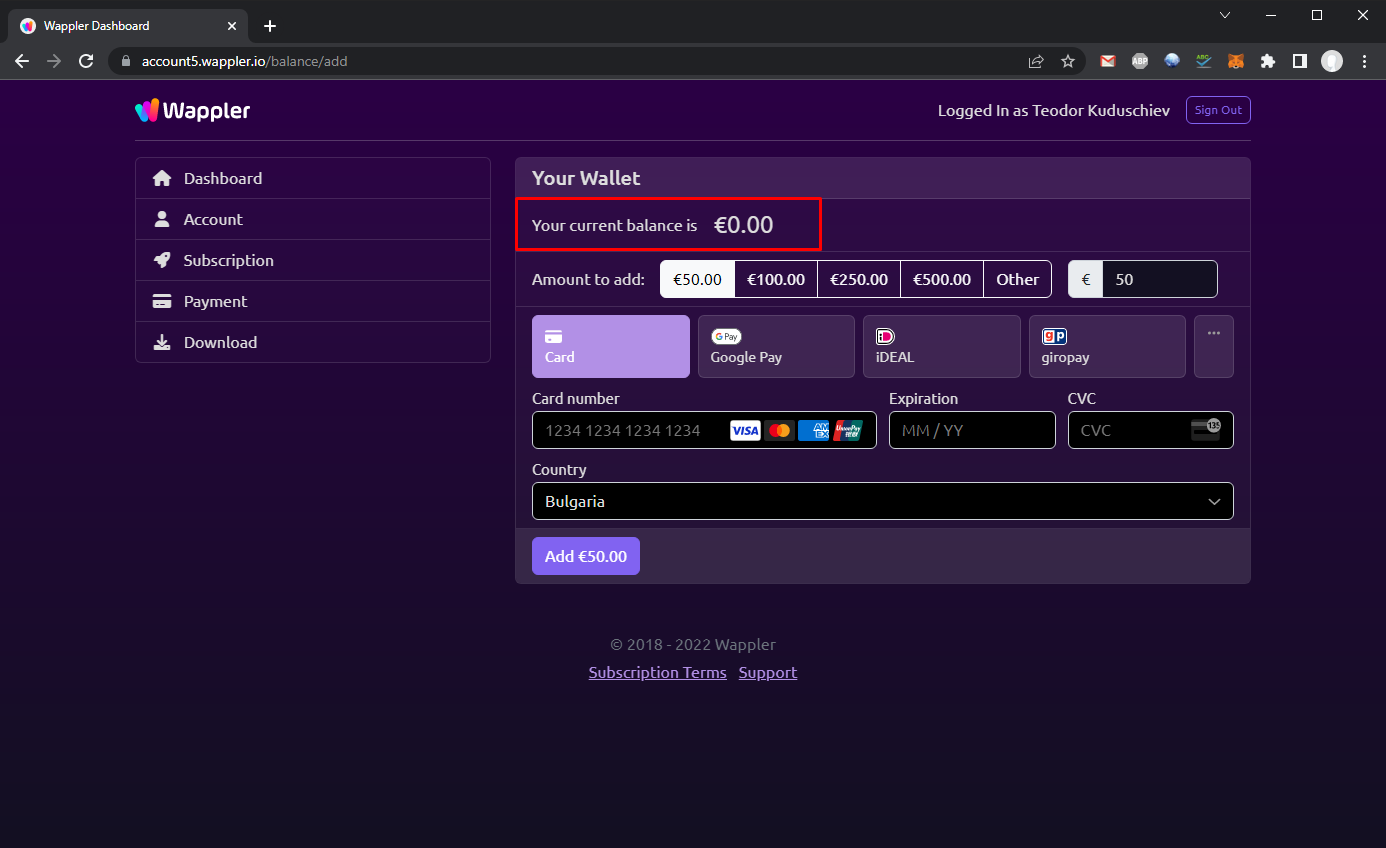
And you can select the amount to add:
Section titled “And you can select the amount to add:”
You can also select one of the available payment methods - from credit/debit card to Ali Pay and Klarna:
Section titled “You can also select one of the available payment methods - from credit/debit card to Ali Pay and Klarna:”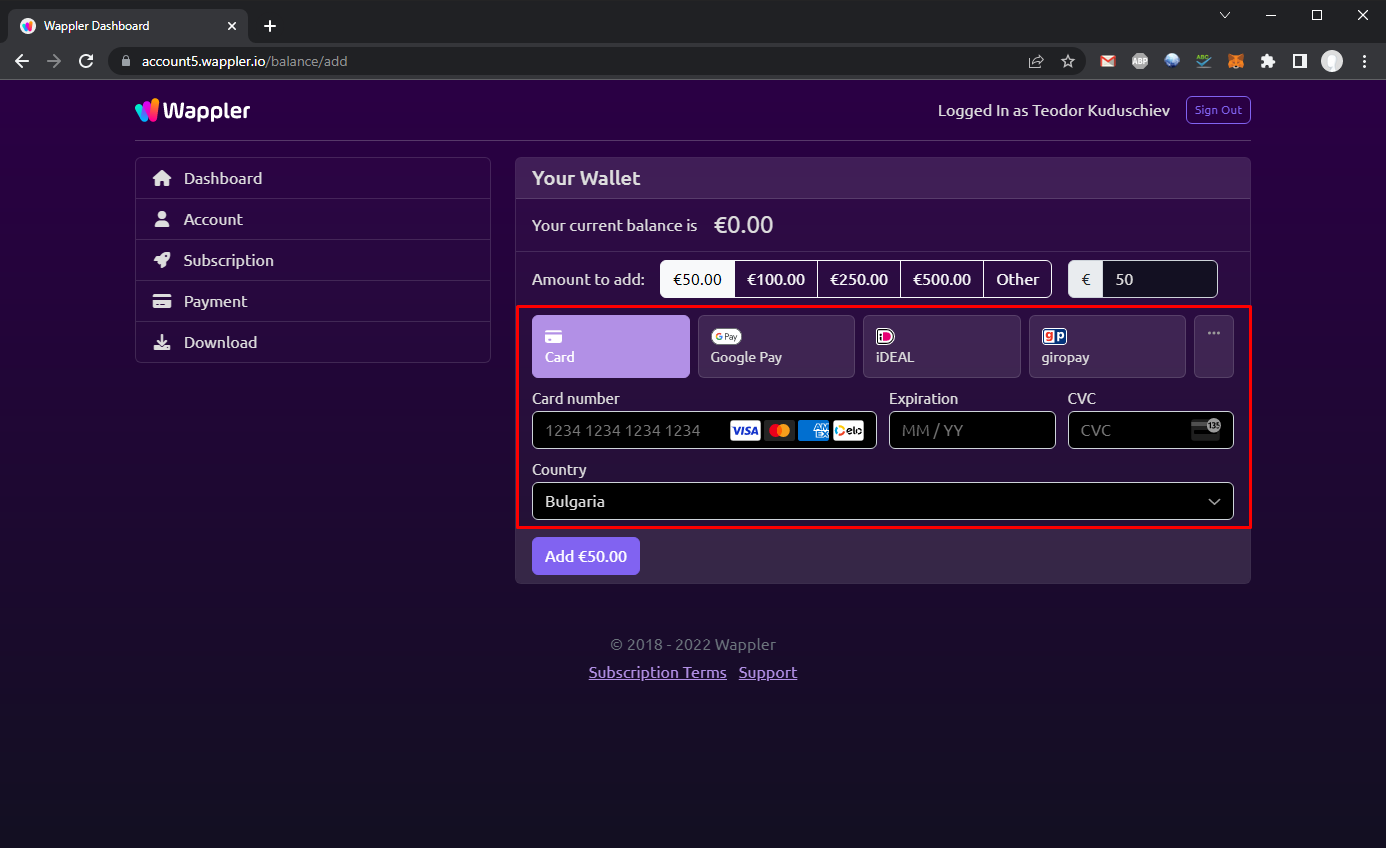
Enter your payment method details and the amount you want to add to your wallet, then click the Add button:
Section titled “Enter your payment method details and the amount you want to add to your wallet, then click the Add button:”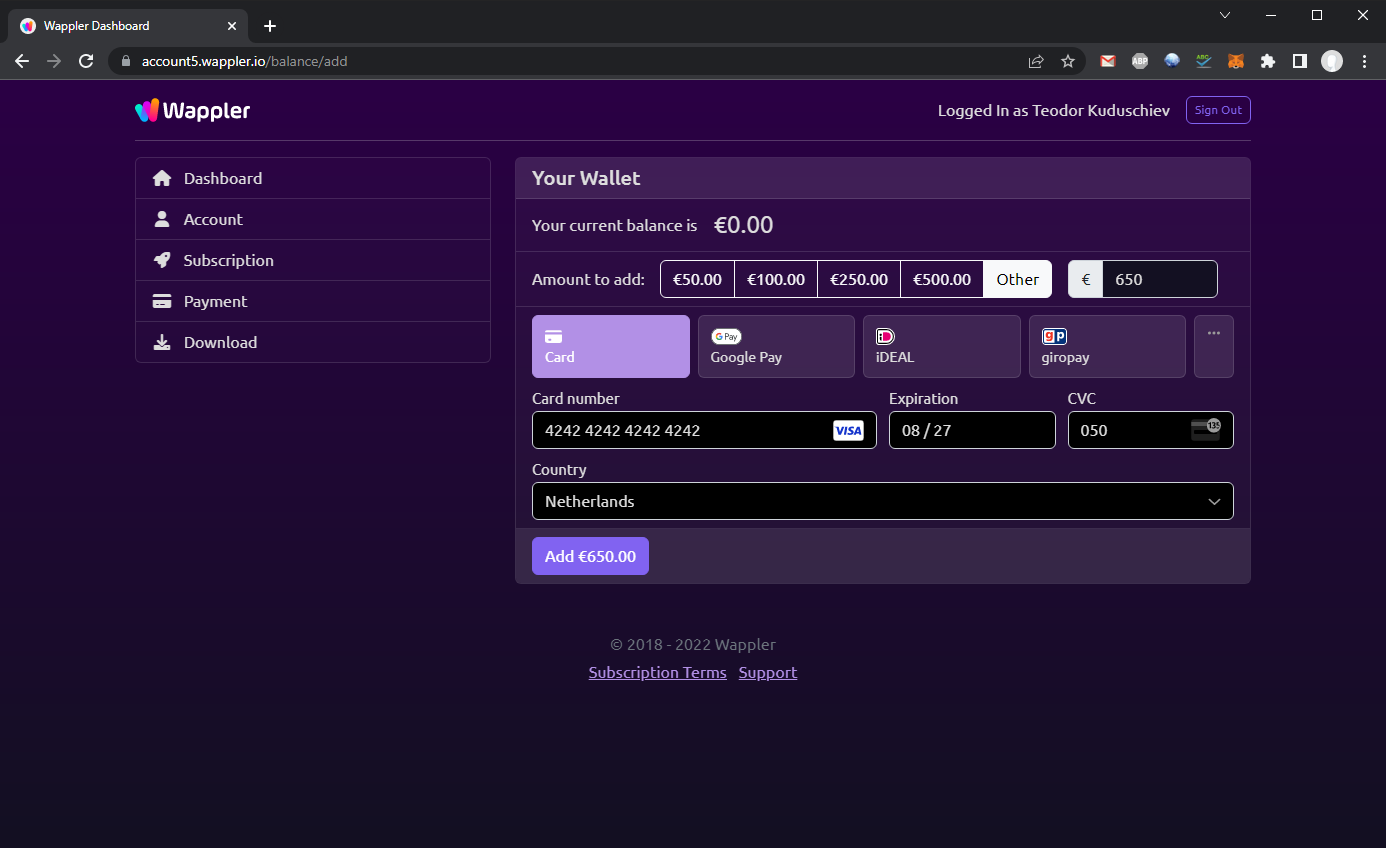
You'll see a successful purchase message:
Section titled “You'll see a successful purchase message:”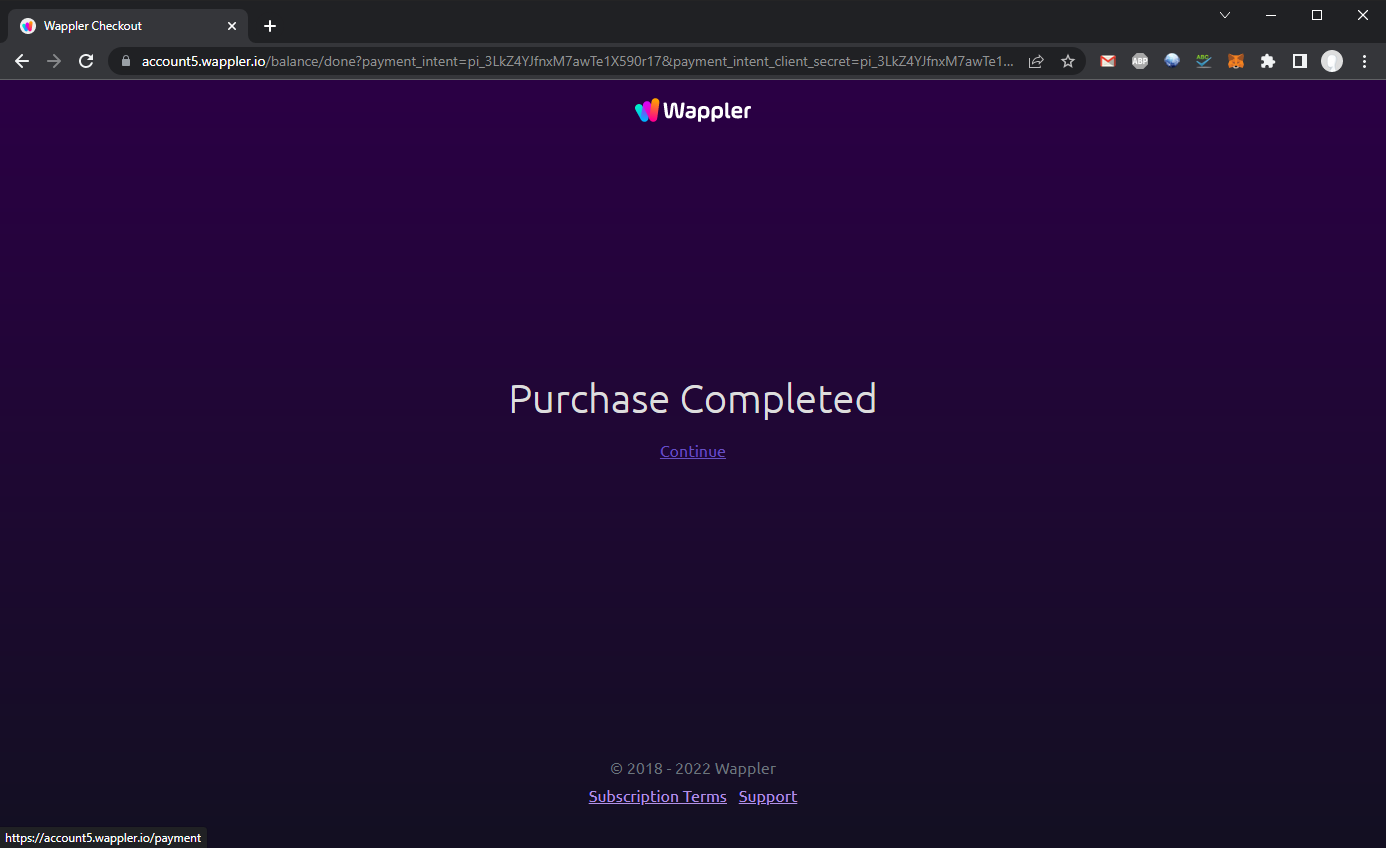
And you can then see the available Wallet balance, which will be used to pay your upcoming invoices:
Section titled “And you can then see the available Wallet balance, which will be used to pay your upcoming invoices:”