Switching between Projects
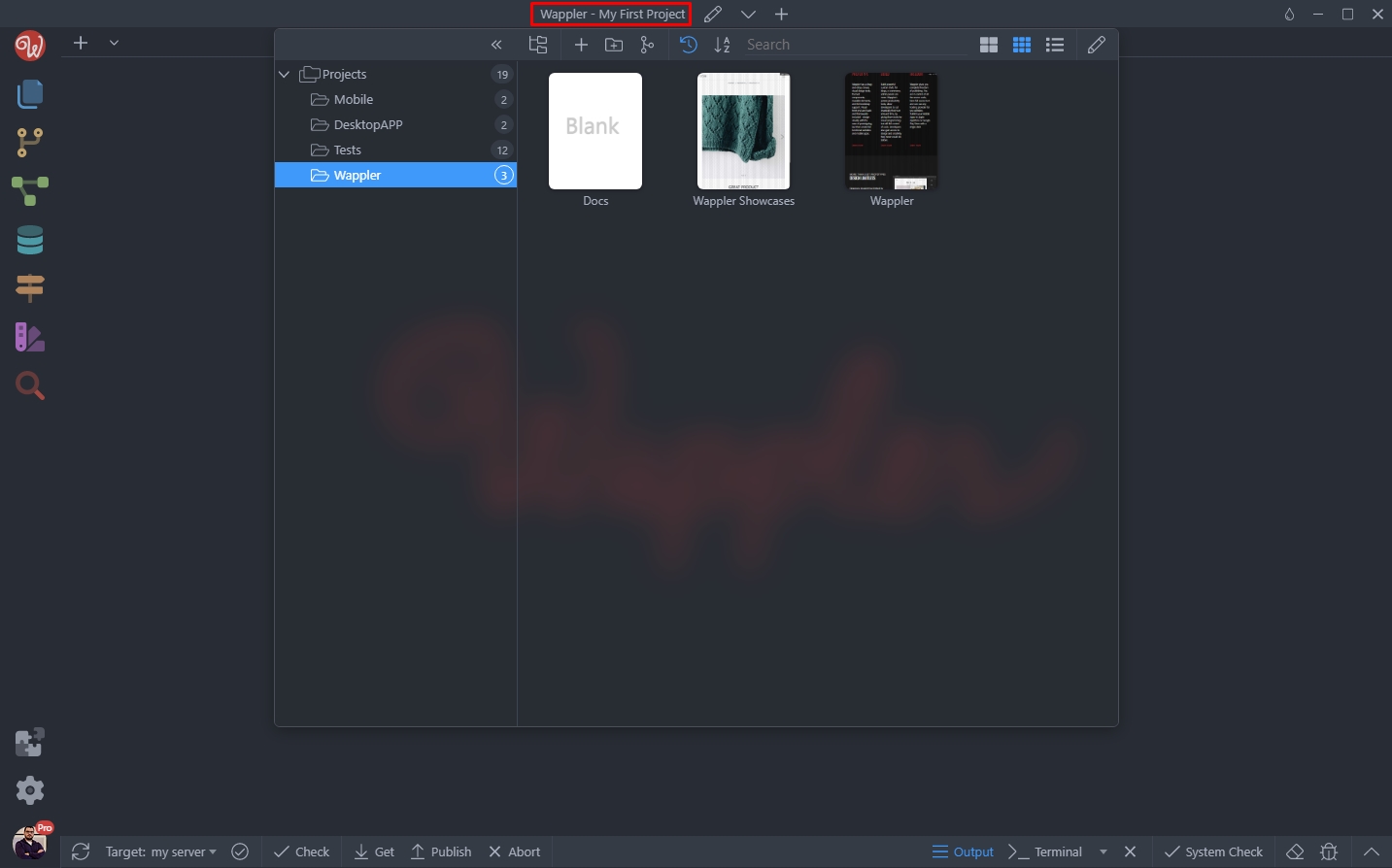
Once you are working with multiple projects within Wappler you may have the need to quickly switch from one project to another. Just click the project name at the top of Wappler window and the project
Just click the project name at the top of Wappler window and the projects list will appear:
Section titled “Just click the project name at the top of Wappler window and the projects list will appear:”Once you are working with multiple projects within Wappler you may have the need to quickly switch from one project to another.
Just click the project name at the top of Wappler window and the projects list will appear: