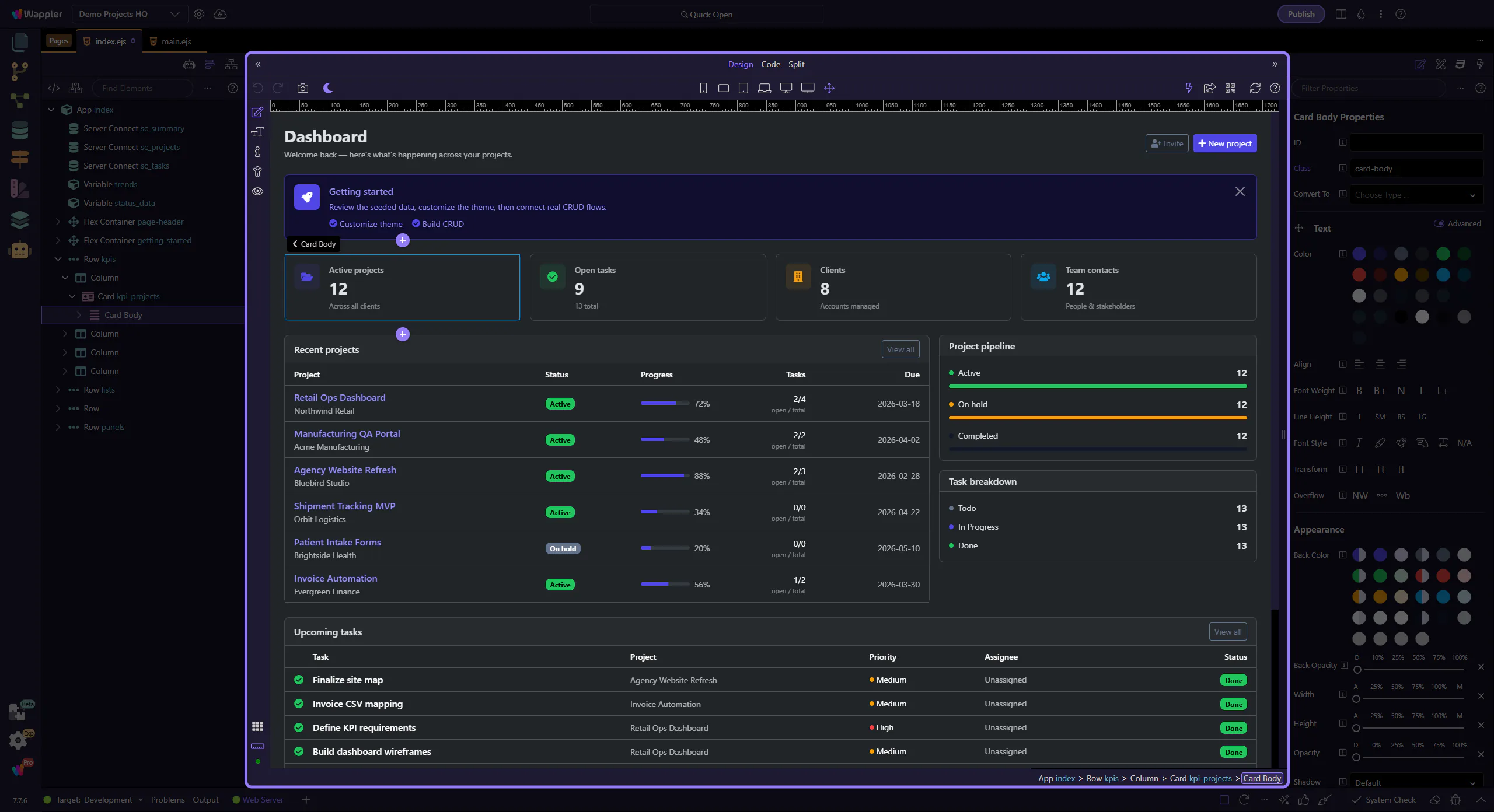
Design + Code Overview
Explore HTML Editor Design Code: key areas and how they work together.
Design + Code
Section titled “Design + Code”The Design and Code relationship is easier to learn when you treat it as one workflow viewed from two angles. This overview shows how the visual canvas and underlying markup support each other, and why understanding that handoff makes later editing decisions more deliberate.
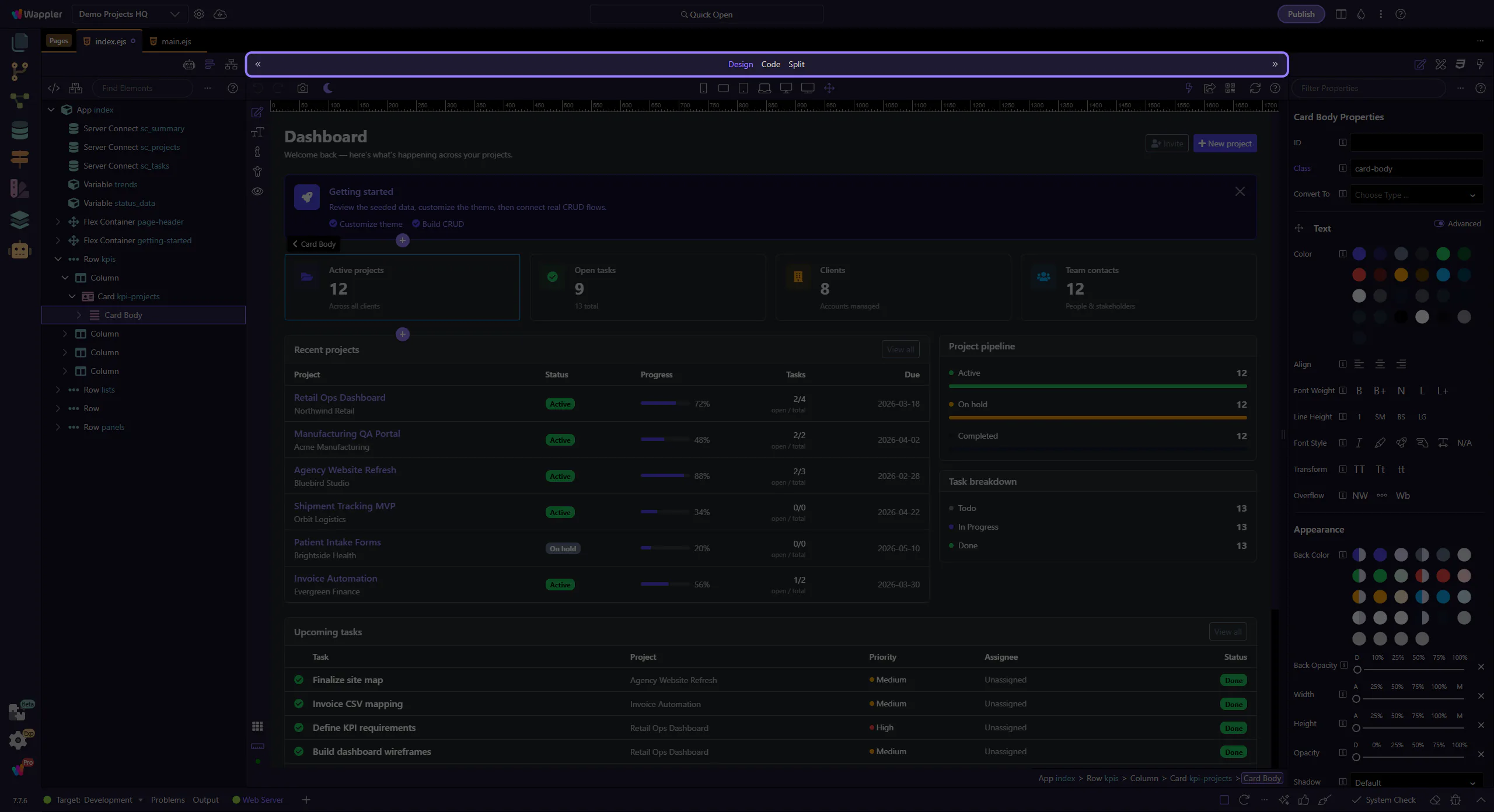
Switch views
Section titled “Switch views”Use the toolbar to switch between Design, Code, and Split views.
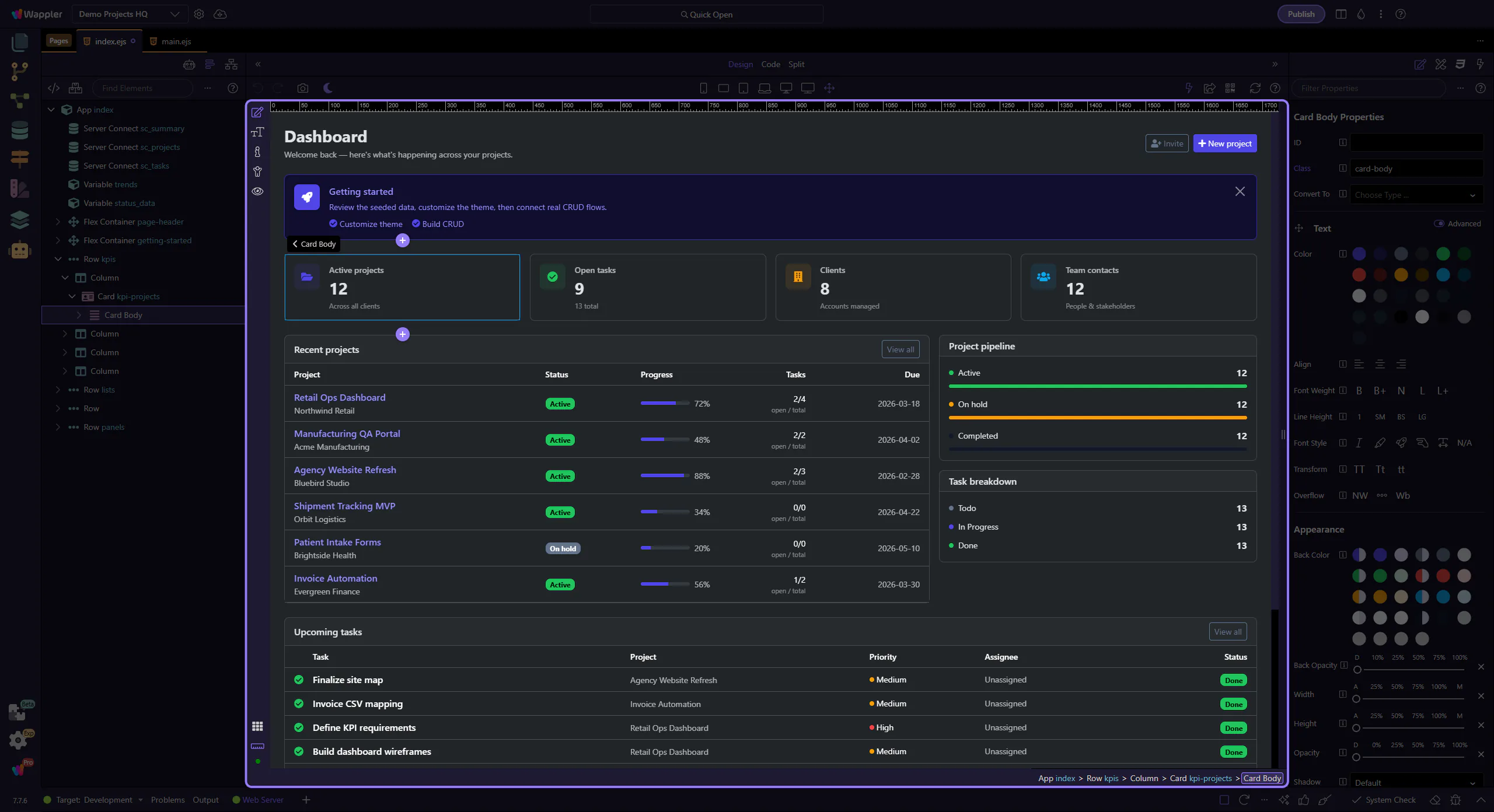
Design View
Section titled “Design View”Design View renders the page so you can select and edit elements visually.
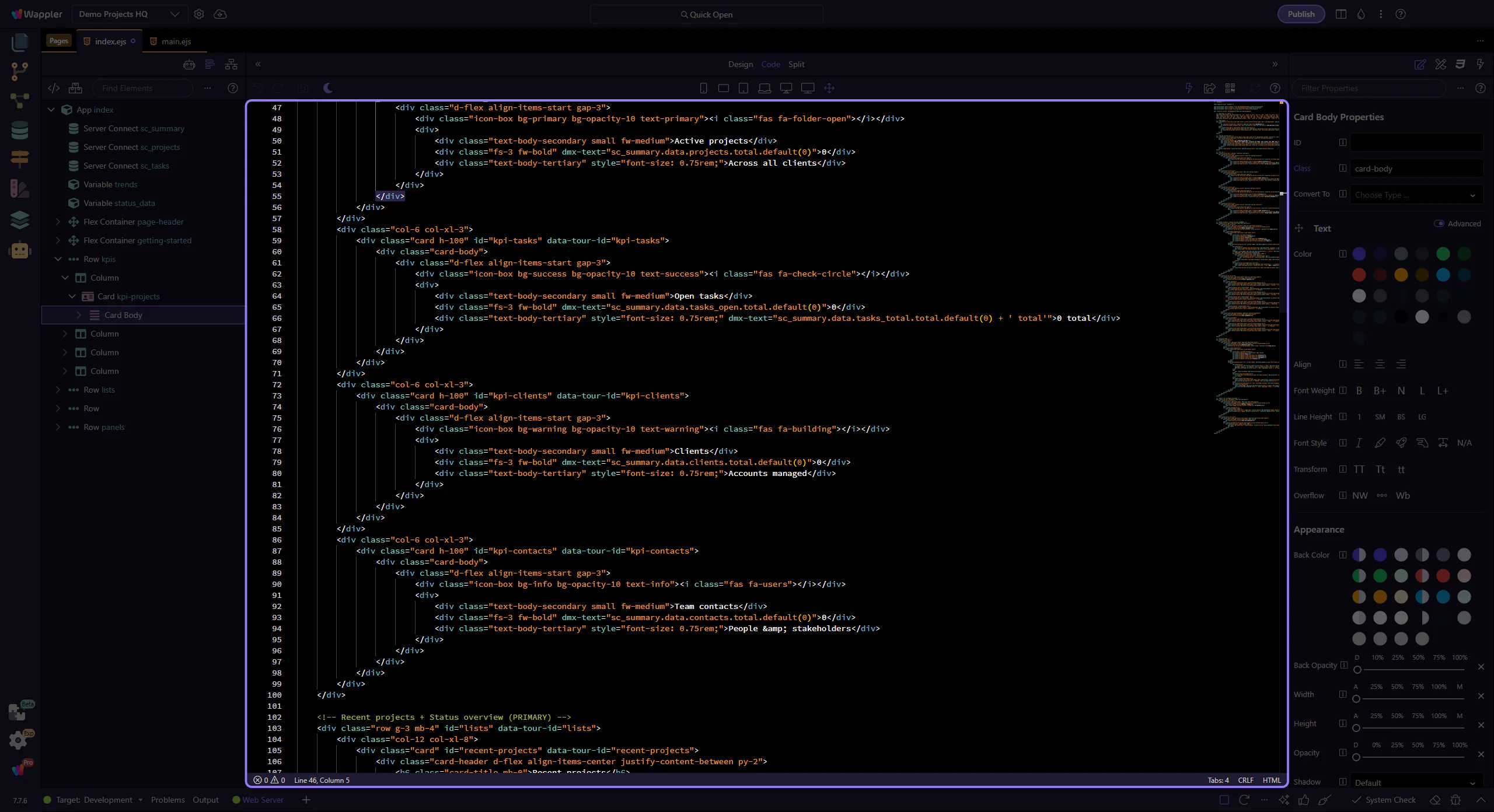
Code View
Section titled “Code View”Code View lets you edit markup with full code tooling.