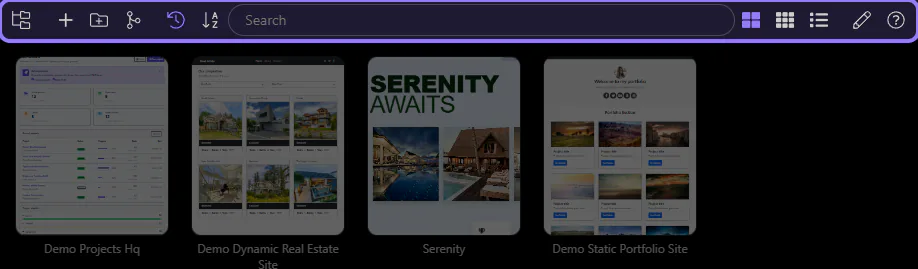
General Usage
Everyday Project Manager workflow: open and switch projects, manage recent items, and keep projects organized.
Recent Projects
Section titled “Recent Projects”Use the projects list as your day-to-day launchpad. This is where you reopen recent work, switch to another project, and keep your current apps within reach.
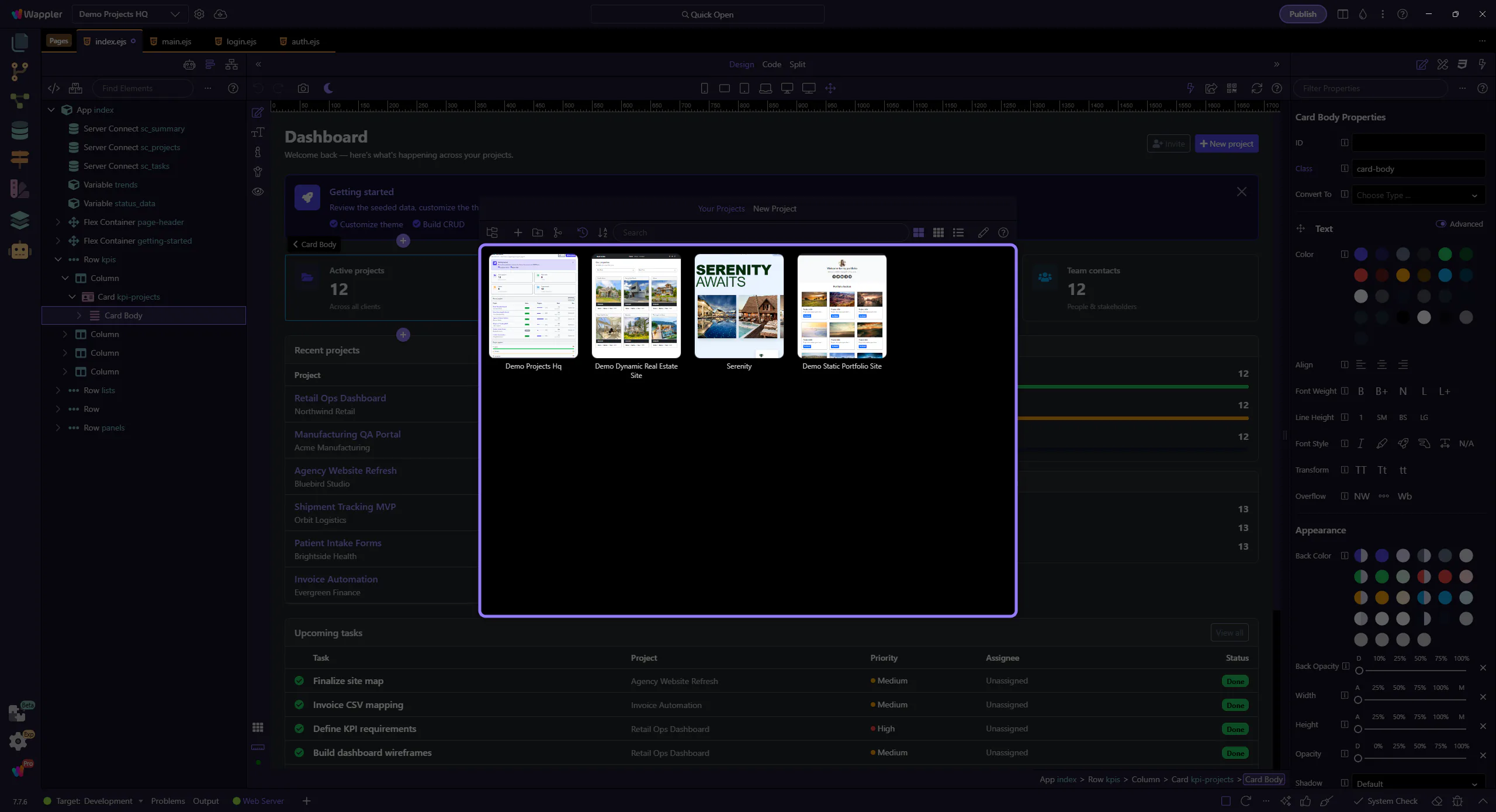
Open Or Switch Projects
Section titled “Open Or Switch Projects”Select a project from the project list when you want to jump back into work or move to another app. This screen is for choosing what to work on next, not editing the project itself.
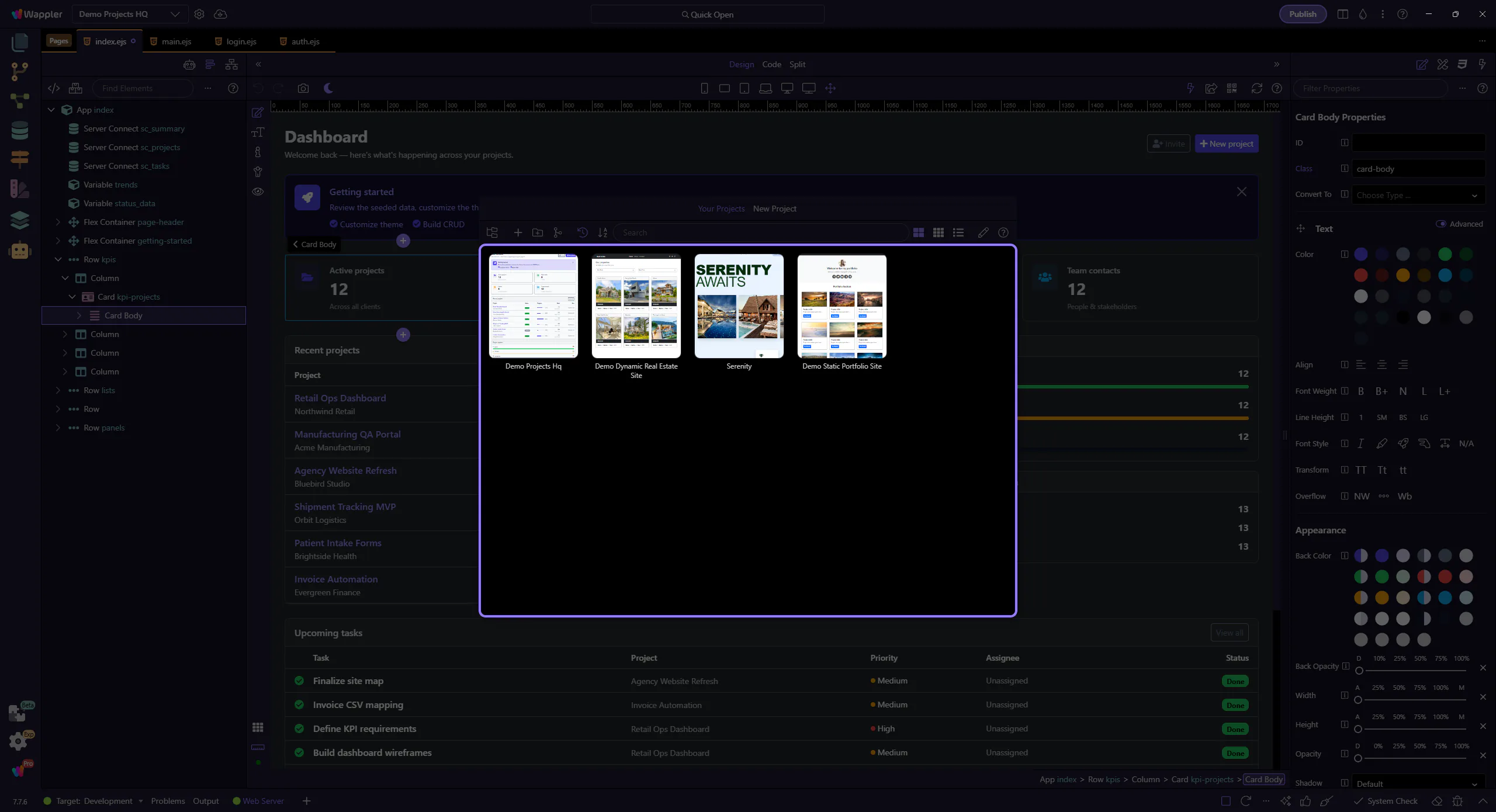
Search And Manage
Section titled “Search And Manage”Use the toolbar to search the project list, change how projects are shown, and turn on management actions when you need to clean up or reorganize recent entries.